Skip to content

Mohrhuhn

Finding my way
  • Joined

  • Last visited

Everything posted by Mohrhuhn

  1. The P450 version is not compatible with VW and SEAT (FEC not supported)! With 'More-Incredible-Bash (M.I.B.)' you can integrate an 'Audi(Skoda)_Lifetime_FEC with ExceptionList'! Then the installation will continue to work with 'SEAT or VW'!
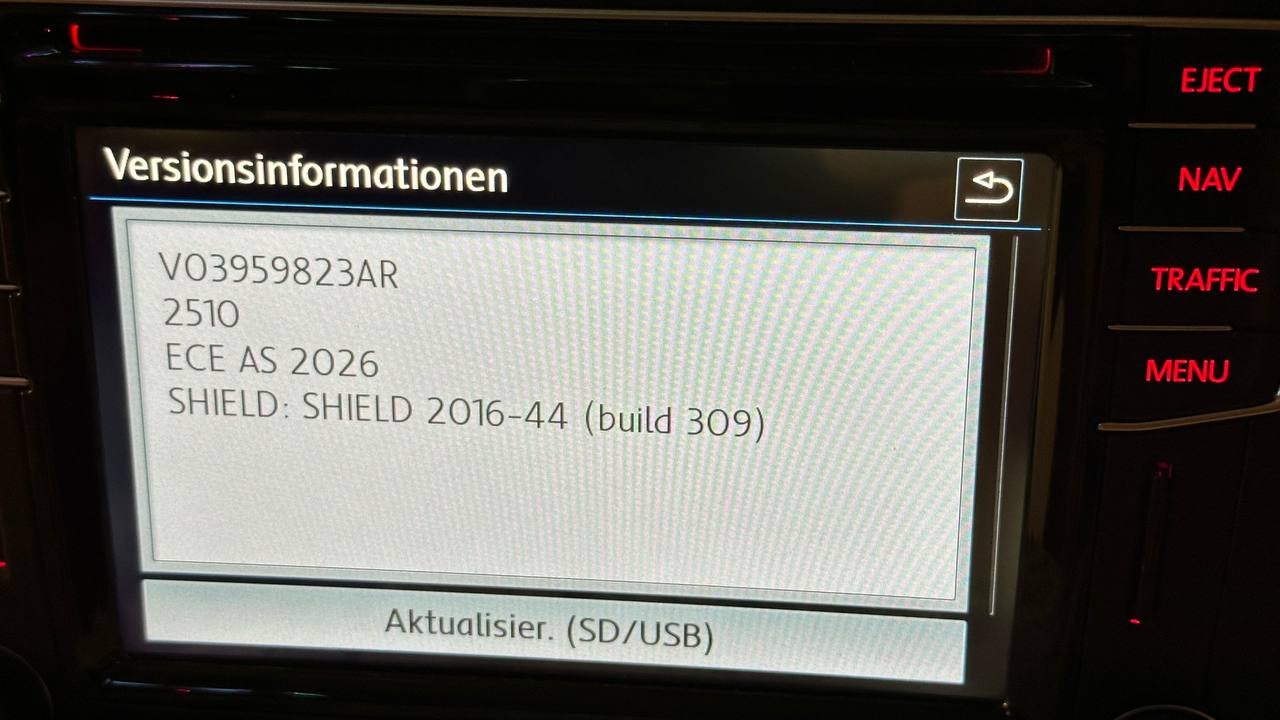
  2. The user 'ixtra' has once again shared information about current maps in German forums! MIB2 HIGH - P450 https://updateportalmaps.blob.core.windows.net/maps/HIGH2_P450_EU_202625.zip
  3. @EnZi Your Unit Unit - 5E0035020 - is a MIB1. So it"s not compatible with P410 either. The last compatible maps are P350!
  4. The user @ixtra believes in a mistake by Skoda. The data of the card manufacturers is handed over several months in advance. At the beginning of last week, he noticed that the data had been processed. Here, the file names were constantly changed. Since Friday, only one file has been changed. Hence the release of @ixtra. However, he believes that the data will be renamed to "*202545.zip" in the fall.
  5. The link has already been corrected by @ixtra. I have also tested it and it works on my MIB2! https://infotainment-cdn.skoda-auto.com/base/maps/STD2_2510_EU_AS_202525.zip
  6. New information from @ixtra More info here: New maps MIB2-Standard v.2510 in www.ateca-forum.de https://www.ateca-forum.de/index.php?thread/1945-navi-ohne-plus-daten-und-update/&postID=306002#post306002
  7. New information from @ixtra More info here: New maps MIB2-Standard v.2410 in www.ateca-forum.de https://www.ateca-forum.de/index.php?thread/1945-navi-ohne-plus-daten-und-update/&postID=304254#post304254
  8. Information comes from @ixtra in seat-leon.de More info here: New maps MIB2-Std v. 2310 in seat-leon.de

Important Information

Welcome to BRISKODA. Please note the following important links Terms of Use. We have a comprehensive Privacy Policy. We have placed cookies on your device to help make this website better. You can adjust your cookie settings, otherwise we'll assume you're okay to continue.

Account

Navigation

Configure browser push notifications

Chrome (Android)
  1. Tap the lock icon next to the address bar.
  2. Tap Permissions → Notifications.
  3. Adjust your preference.
Chrome (Desktop)
  1. Click the padlock icon in the address bar.
  2. Select Site settings.
  3. Find Notifications and adjust your preference.