paddyjoneill
Finding my way
-
Joined
-
Last visited
Everything posted by paddyjoneill
-
I got the camera installed today. Wasn't too bad most annoying bit was the lack of room behind the head unit. Is there anyway to adjust the lines? I'm not sure if it's because I've got an estate but the lines appear off a fair bit. Still better than no camera but would be nice if it was lined up.
-
Ok that makes sense. Thanks!
-
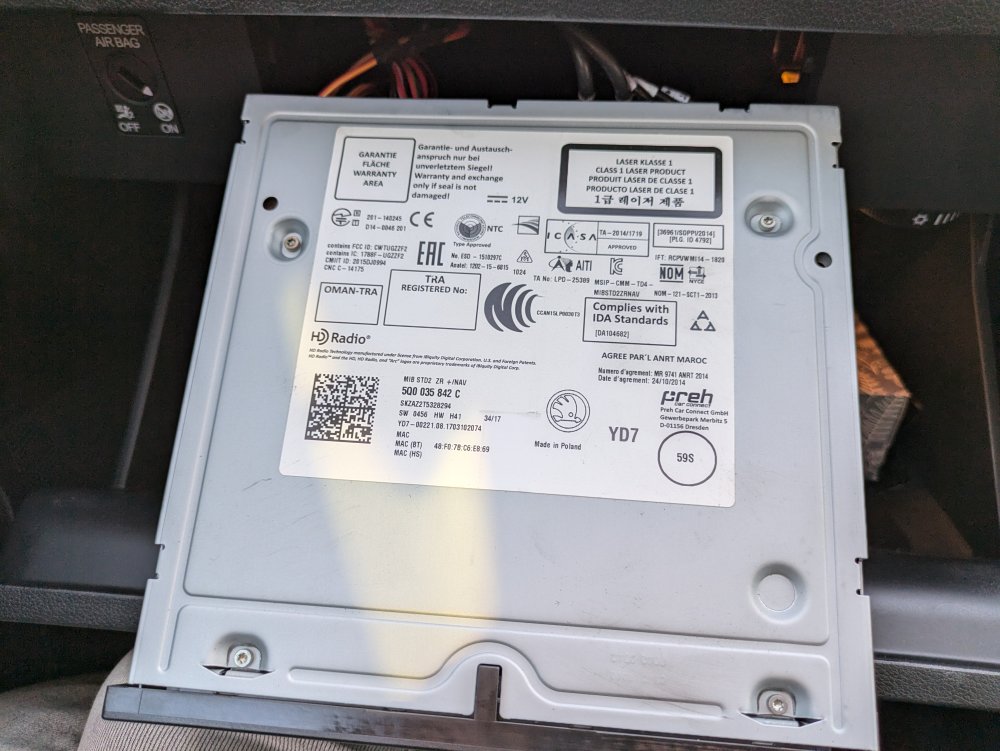
The camera arrived and I tested it and it works. Just got to run the cable now 🙌 The head unit says Nav on it. Any ideas if I can add maps? It has 1 SD slot on the front and as mentioned previously no Nav button.
-
Yeah this is all I need
-
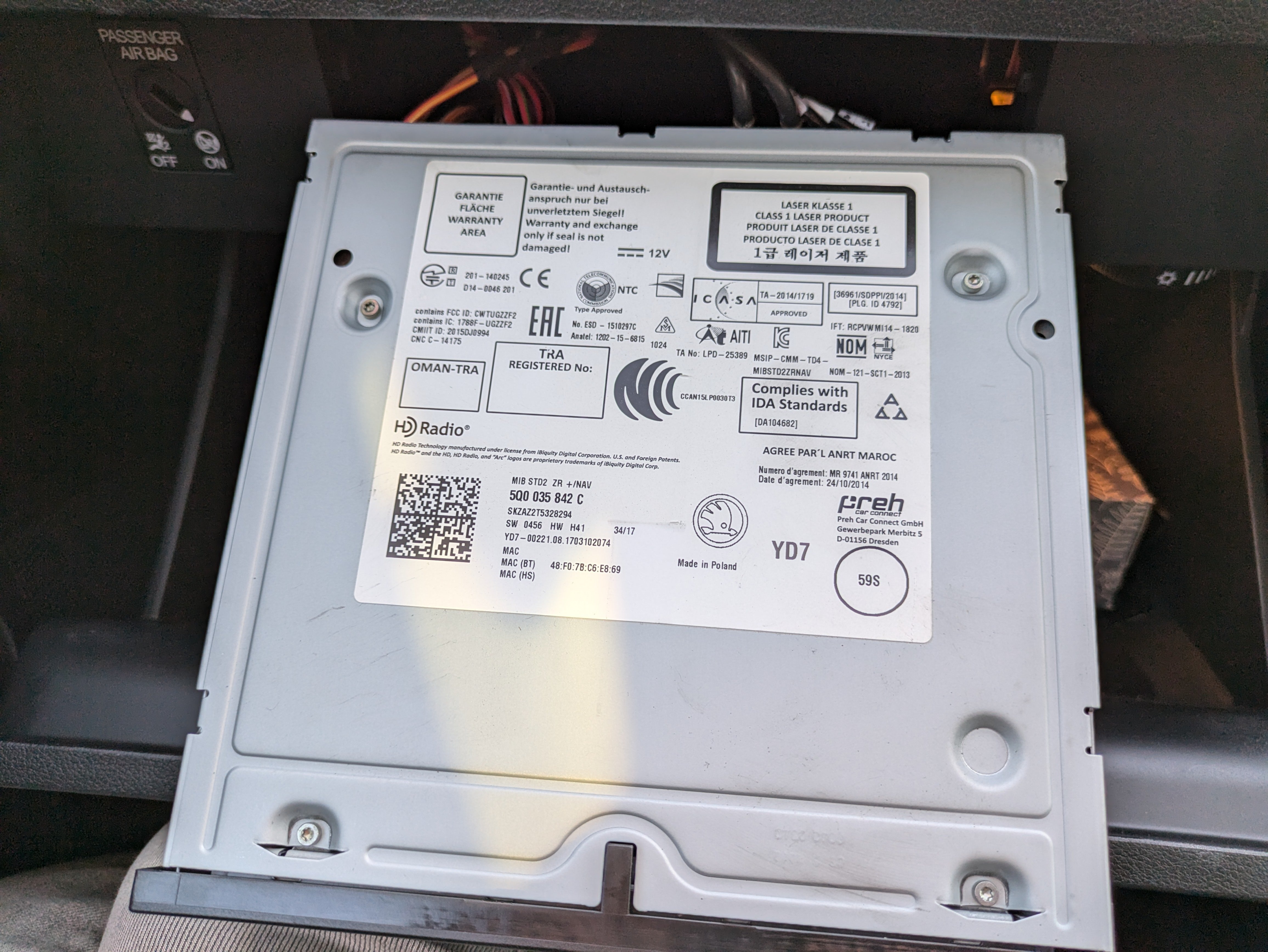
Thanks for the replies. I don't have a Nav button. Thanks for the link, I'll have a measure later and see which one I need. I've ordered some removal tools for the head unit so I'll be able to get a picture of that soon.
-
Hello, I've just joined the Skoda gang with a 2017 Octavia SE Estate. From the head unit info I have a 5Q0035842C. I'm struggling to find the information I need on the forum so apologies if this has been asked before. I would like to know a few things: Can I add maps to this unit so I don't have to do it through my phone? Can a reversing camera be added to this unit? If so what kind of reversing camera do I need (links appreciated) Thanks in advance!