Alonso011
New here
-
Joined
-
Last visited
-
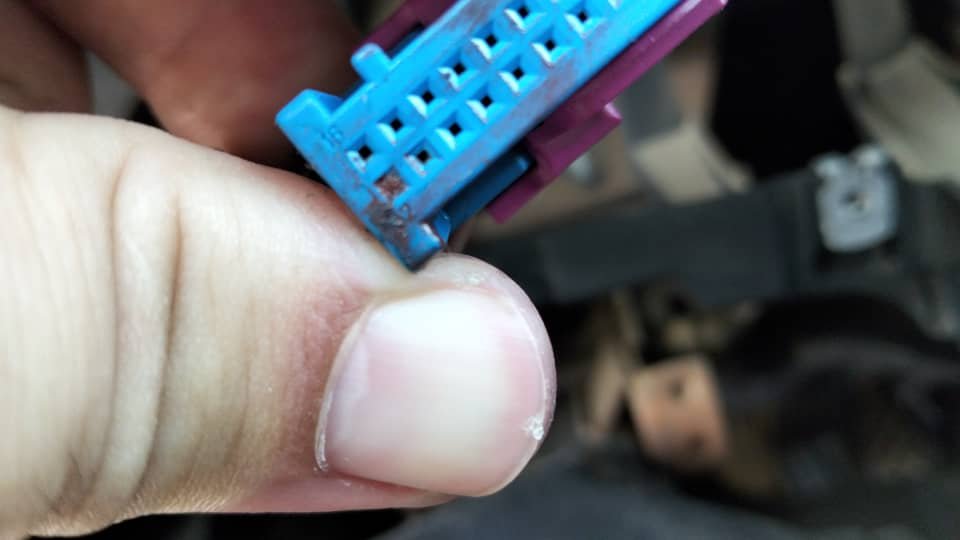
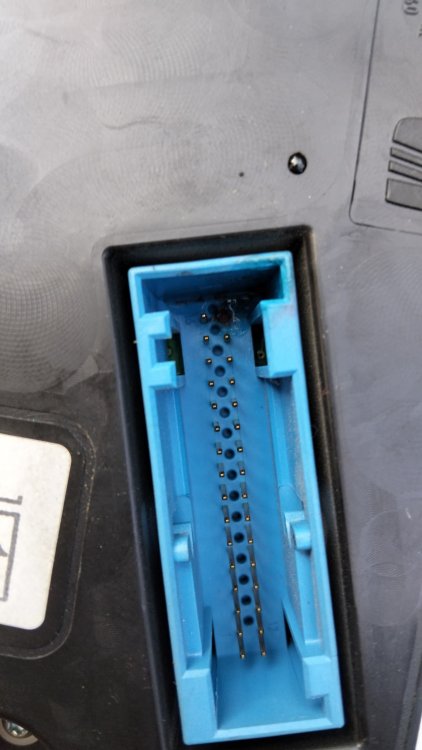
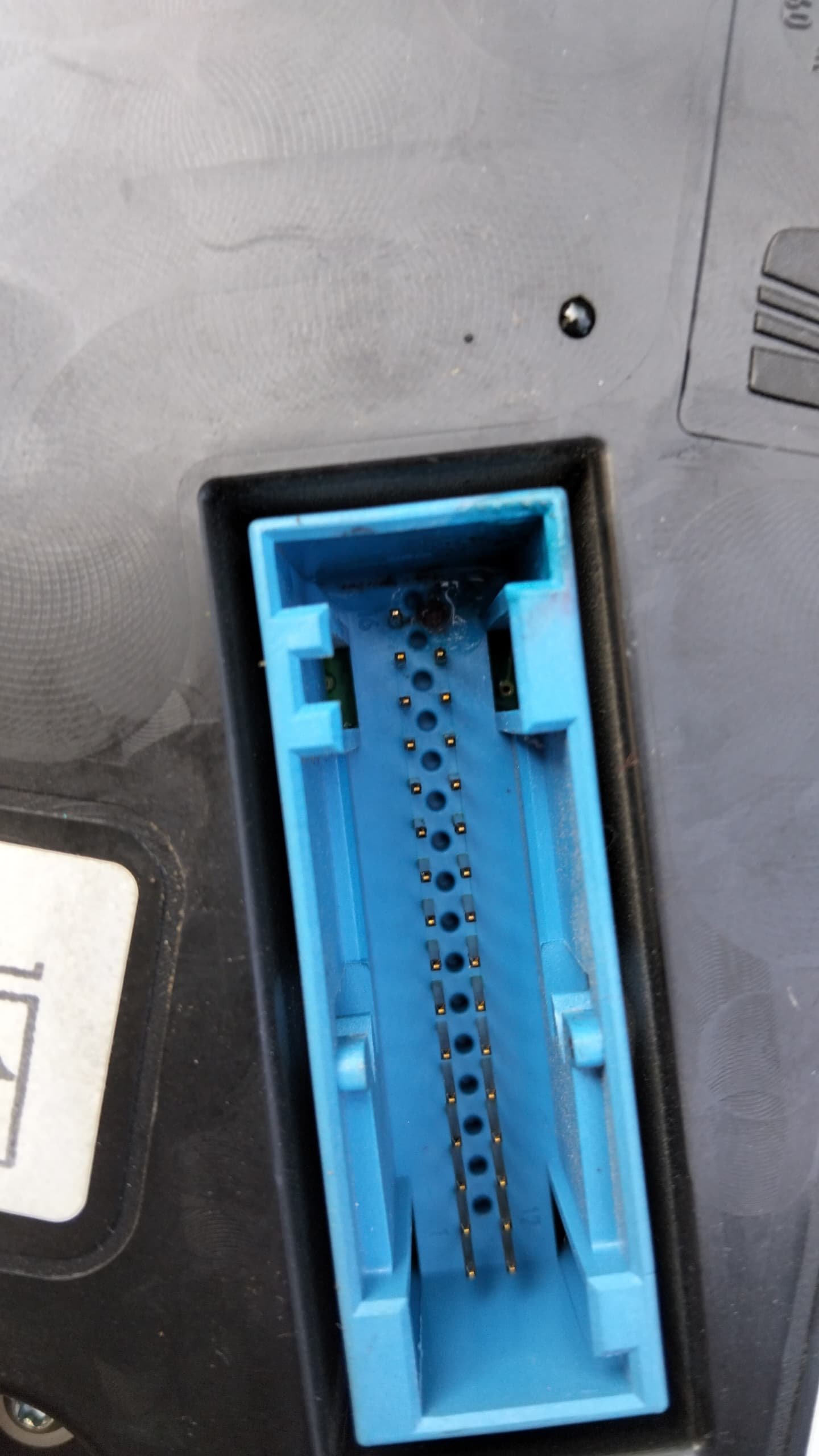
Sorry for the late reply , however i have found the issue, the melted pin in the socket has caused the Antistart to not connect , so all i had to do is take the dashboard and fix that last pin by manually soldering a new pin and problem was completely solved. in case anyone has an issue ihope this reply helps
-
After further investigation i found out the instrument panel plug burned out. So i guess that solves it for mow . Time to find out what caused it
-
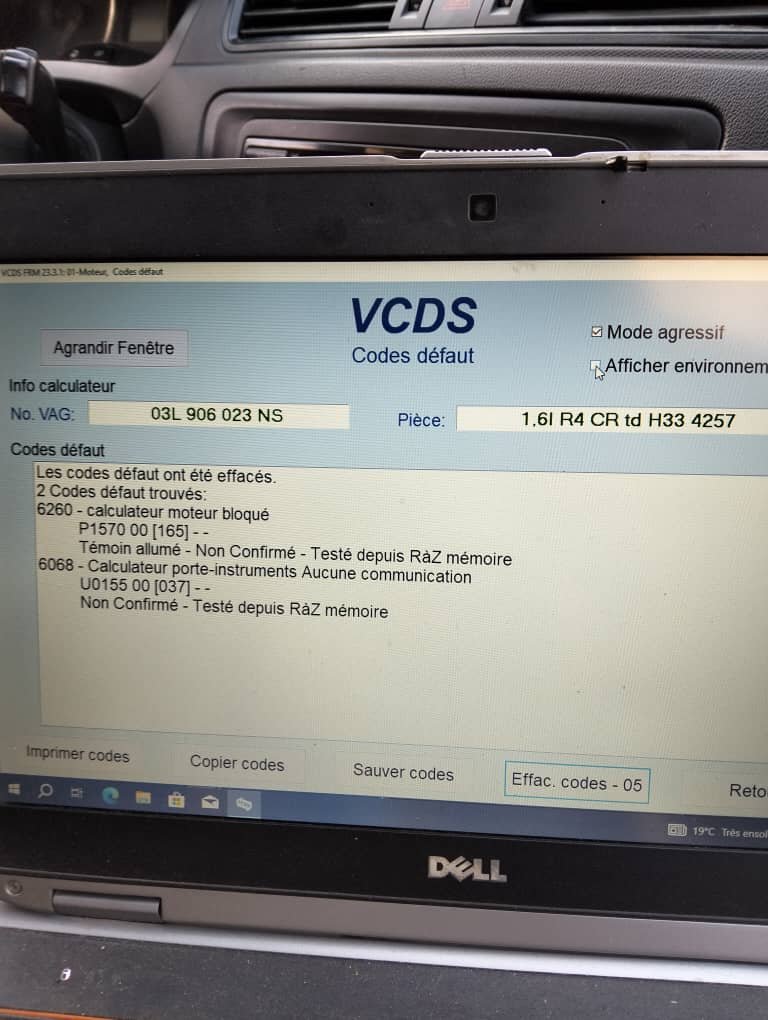
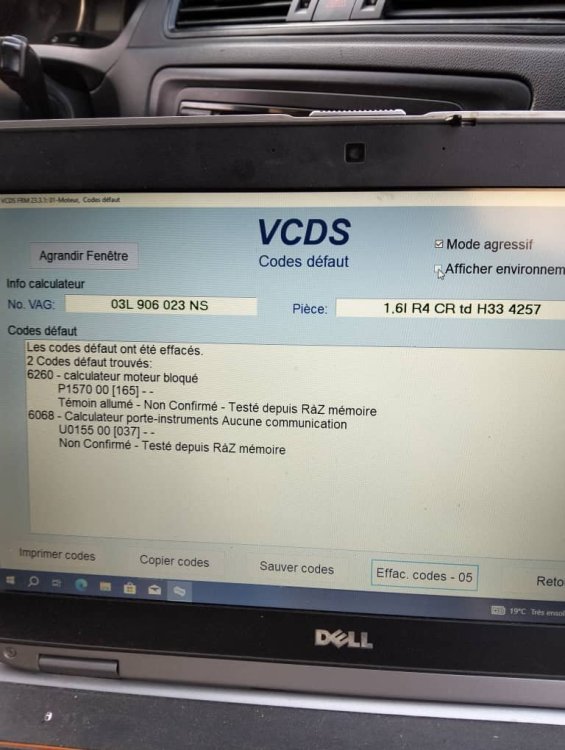
Hello everyone , first time i ever post here so here is my problem. Have skoda rapid 2013 diesel engine , went work with it at morning all good . on evening i try to to start it , the dash board wont light up and car starts and dies instantly . Info's i have : 1-Tried both keys the problem remains (dash board dead, engine starts and stalls immediatly ) . keys open and close car with no issues / all lights work fine . 2-checked all relays fuses , inside and outside , checked their conductivity , checked the readings , checked their supports . 3-checked the battery , put both cables together , checked the earth cable . 4-looked for any damaged cable etc . All the above has been done and all is in perfect condition no problem what so ever . after scanning it this is what i have as result . its in french however 1- first code is E183 says : cabin monitoring control / 008 implausible signal 2-Second one is P1570 00[173] engine calculator(computer ) blocked . 3- U0155 00[037] instrument holder calculator no communication . Right now am at loss what it might be . I thought about the " anti start module" behind the dashboard . If any of u had such an issue i would love to be enlightened to how to fix it . Right now am at loss of ideas . Thx
.thumb.jpeg.8f2f6ab84ff9dfdf51984cc98fb13650.jpeg)
.thumb.jpeg.8d373fca1f47fbf37cb82faccfa526d9.jpeg)

.jpeg.7884568e1275bfa3ed7183502ac54821.jpeg)
.jpeg.28903543fb421c68e95149c276fc41b0.jpeg)