clemento
New here
-
Joined
-
Last visited
-
The only explanation I have is that your Kamiq is newer than 2020 and thus has already a more updated software system which supports newer iOS. Or who knows... Glad you have no issues, though, I can't tell you how much I don't feel like doing manual updates and possibly bricking the whole car, eheh.
-
Wireless connection or wired? I'm talking specifically about wireless. What iOS are you running?
-
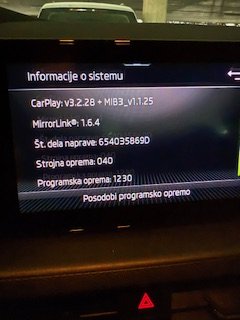
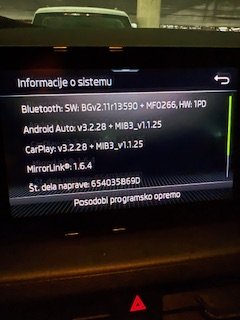
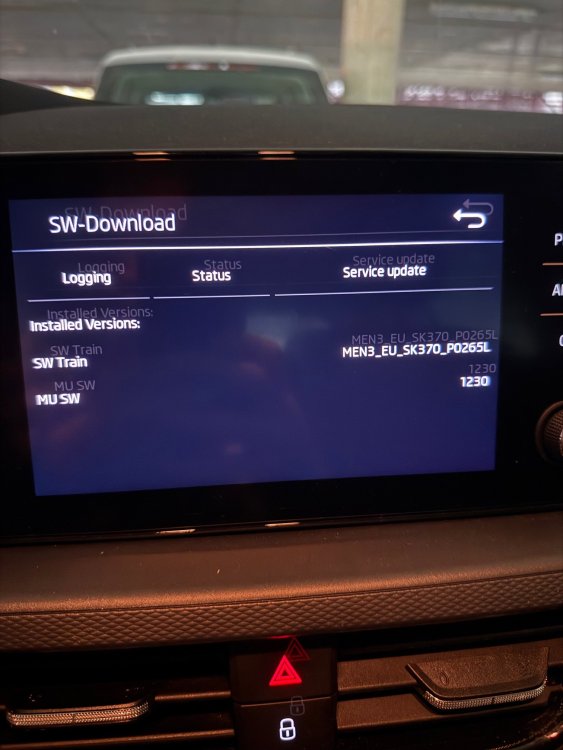
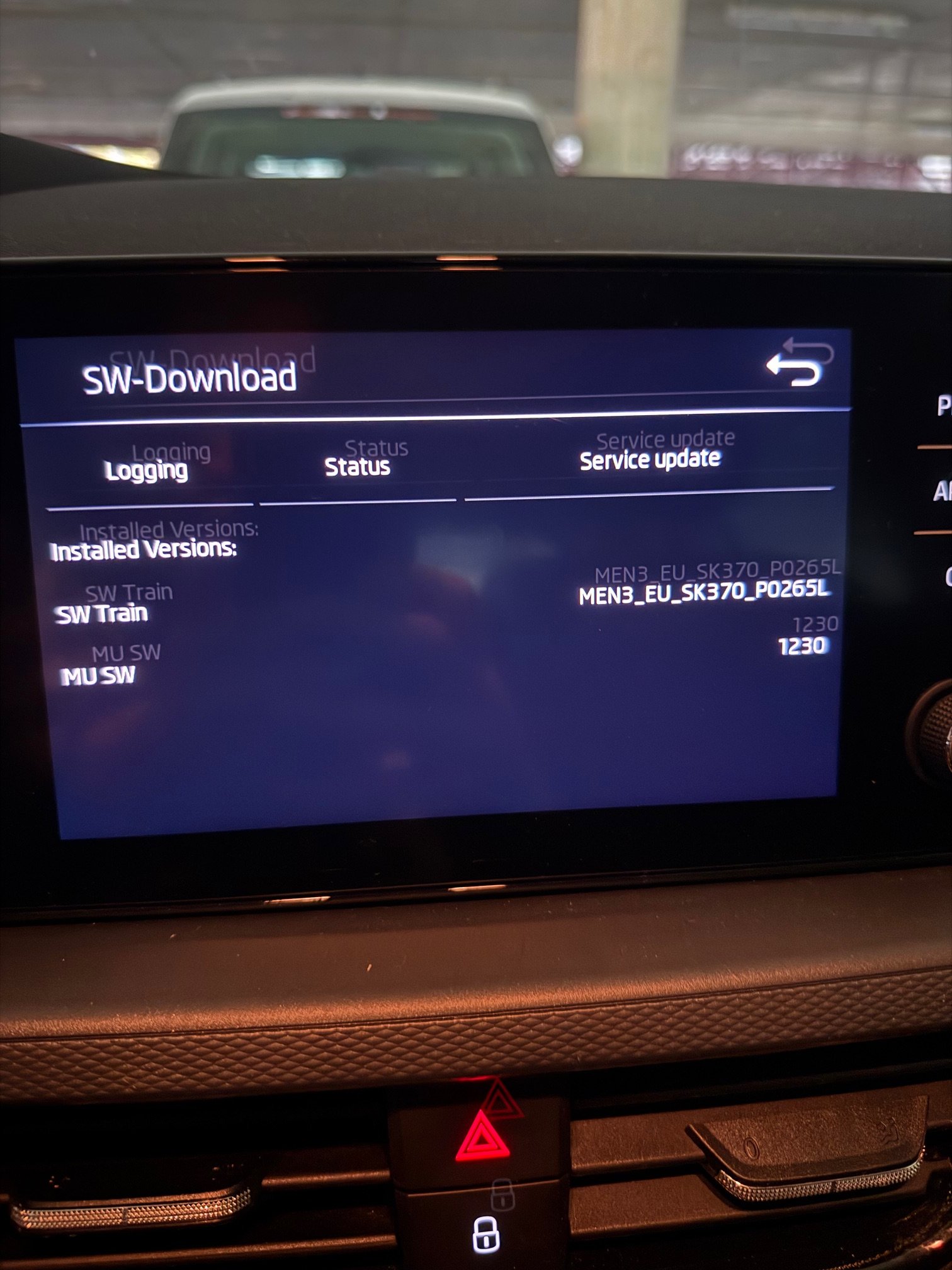
Greetings everyone. I must admit, I am very baffled by the process of software update on my 2020 Kamiq. It's because I see some people being able to update their Skoda software simply via the menu, however, I cannot. When I click "Check for updates" it instantly returns "No updates found" without even going online to check it. So if it has to be done manually via an USB stick, why is there even an option in there. Before going down the rabbit hole of attempting to do the update manually, I shall ask for advice, or rather, explain why I want to do it in case my reasoning is flawed. I purchased the car in May this year. The previous owner said he was able to use his iPhone wirelessly with Carplay, however, his wife with Android could not, she needed to be connected via cable. At the time I also had an Android phone, however, I just switched to a new iPhone and I noticed that I can connect only via cable. And not only that. Every time my phone connects to the car I get a notification on the phone saying "Accessory not supported". All of this leads me to believe that perhaps the software is too outdated to be used with the newest version of the iOS and that I should update it to fix it. Is my reasoning valid? If so, I would appreciate any tips on how to attempt the update. In attachment there's information of my current software.