scala2020
New here
-
Joined
-
Last visited
-
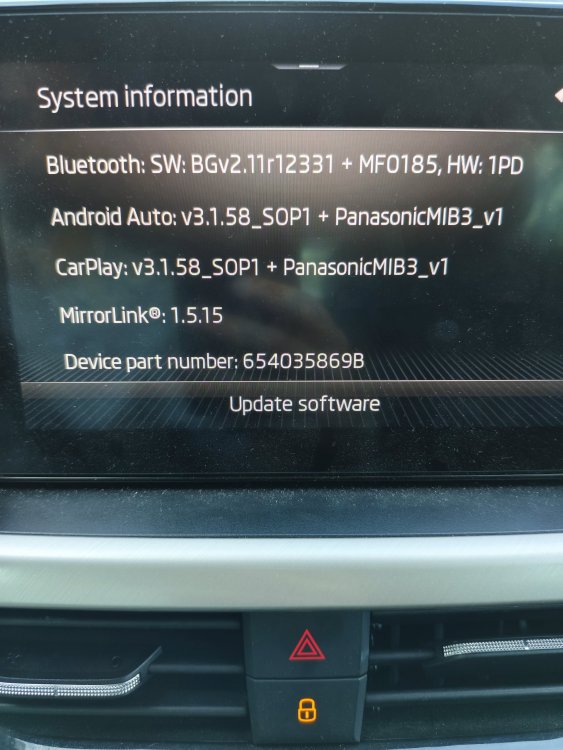
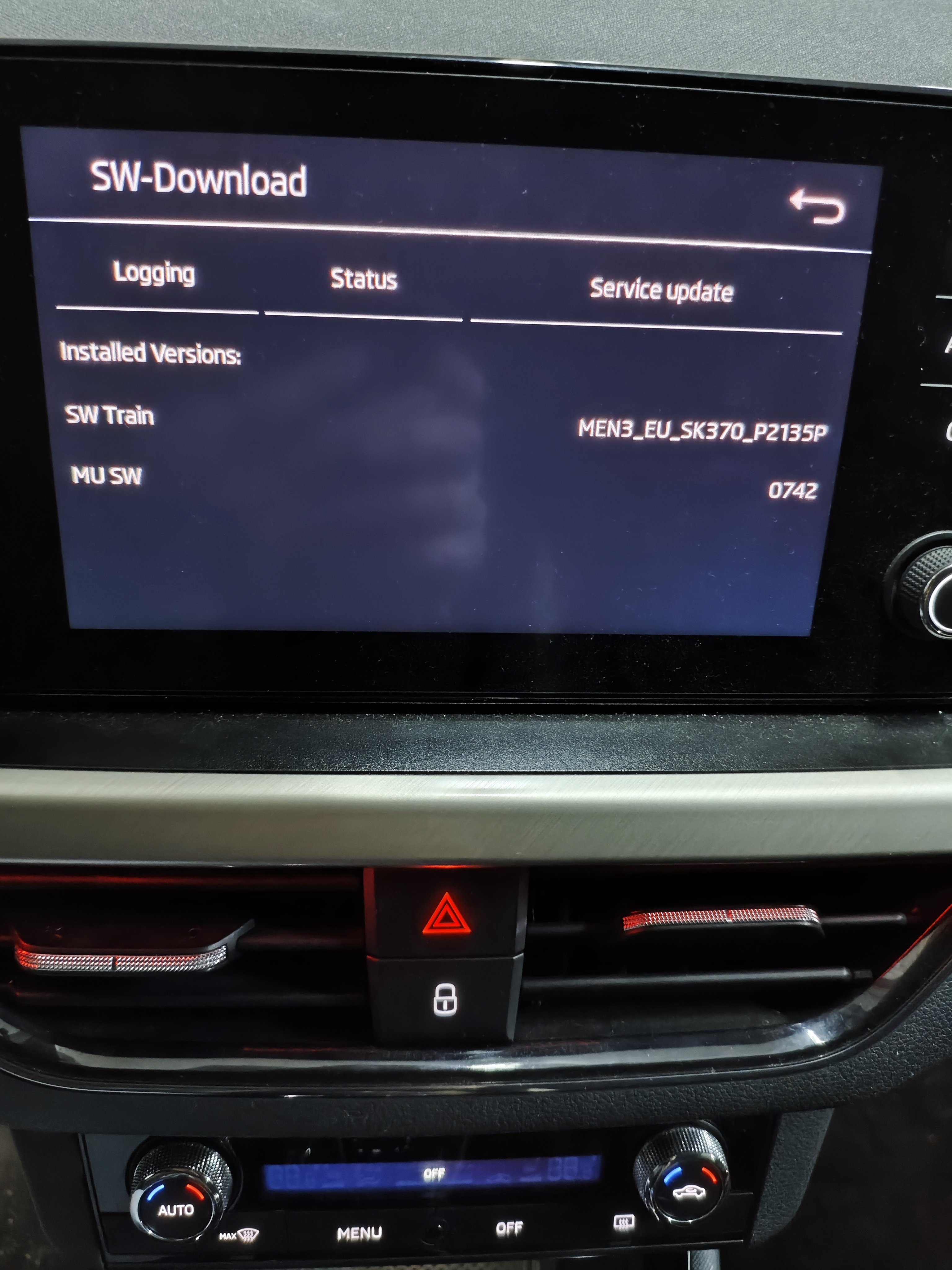
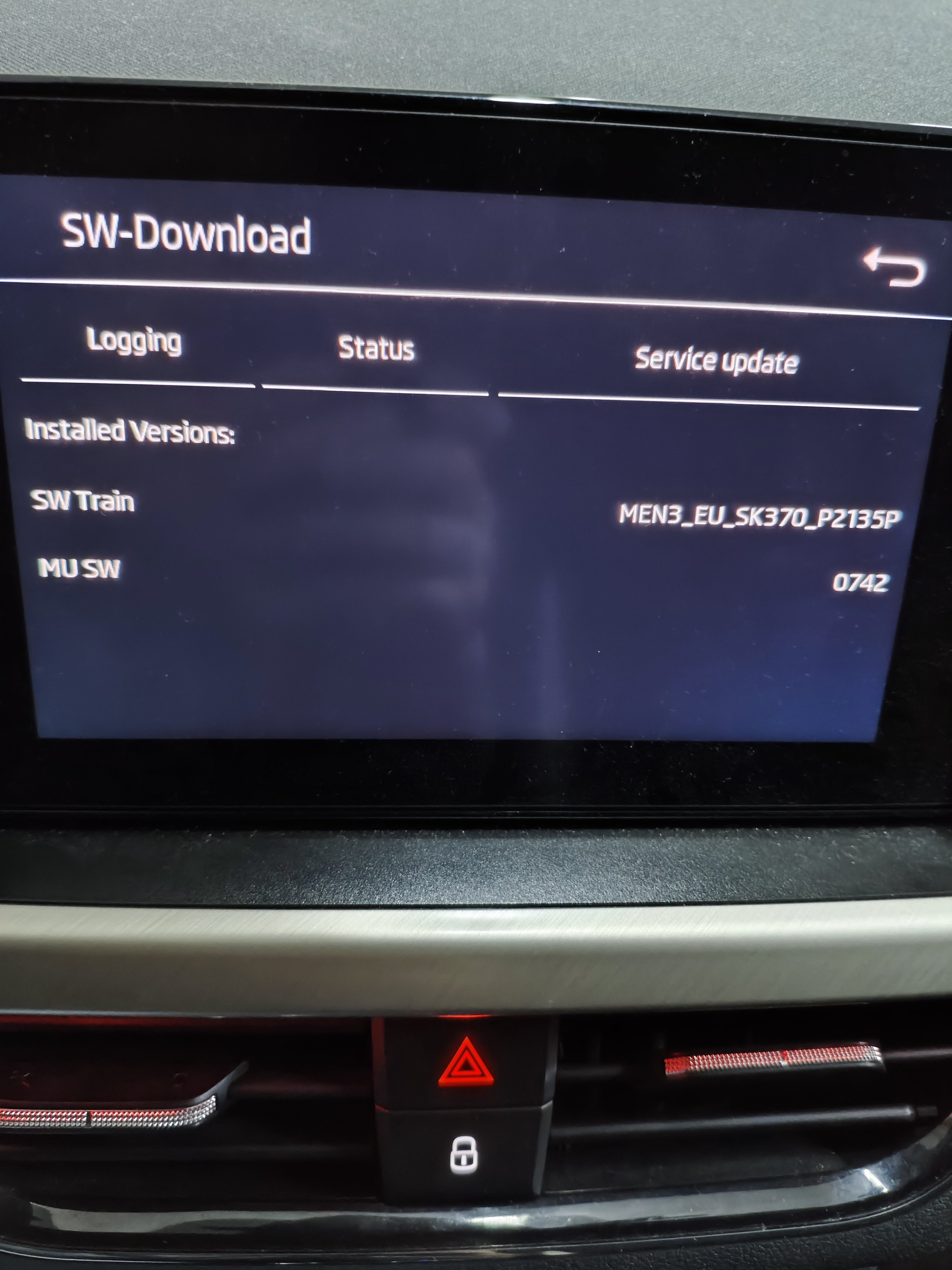
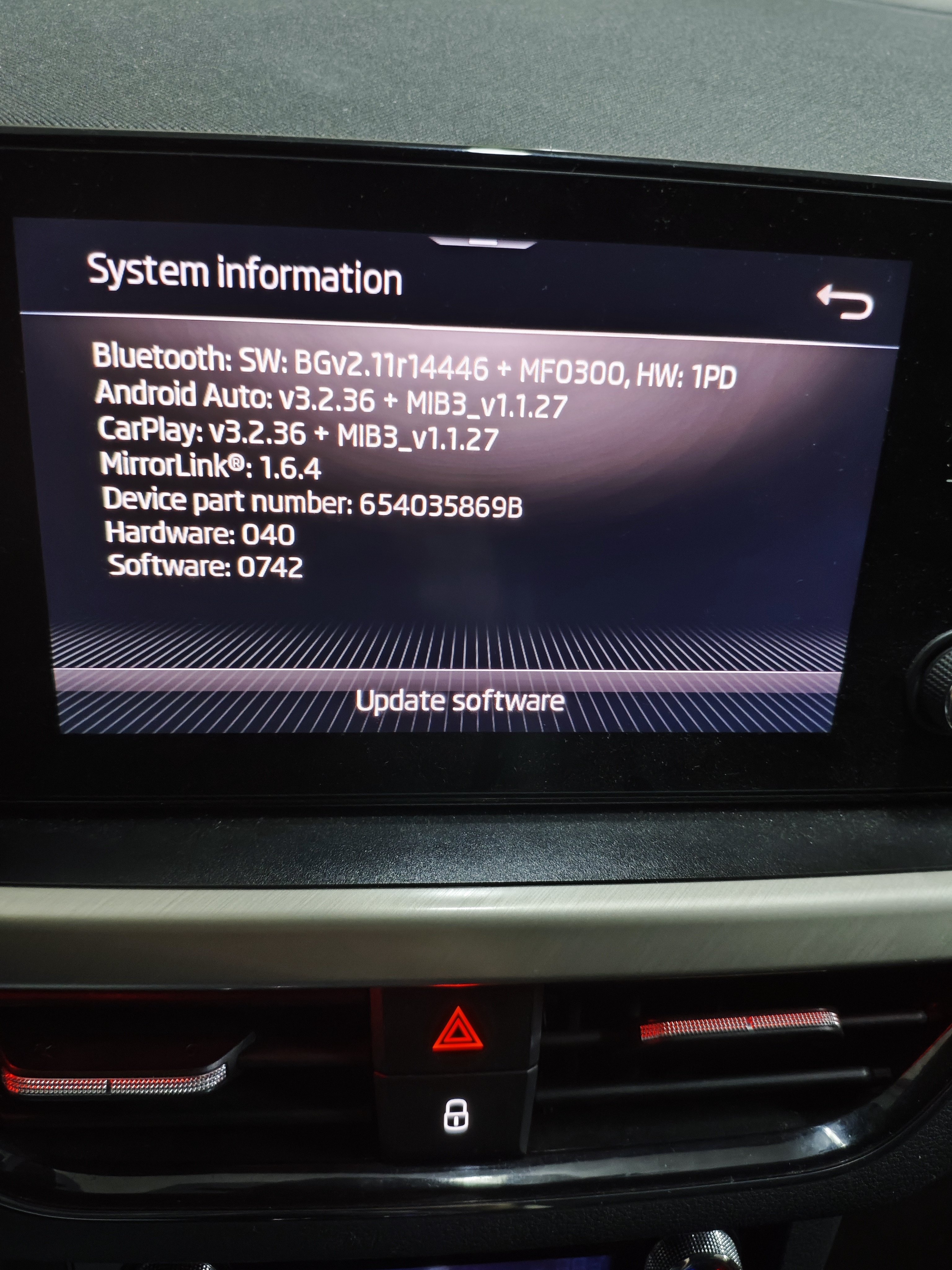
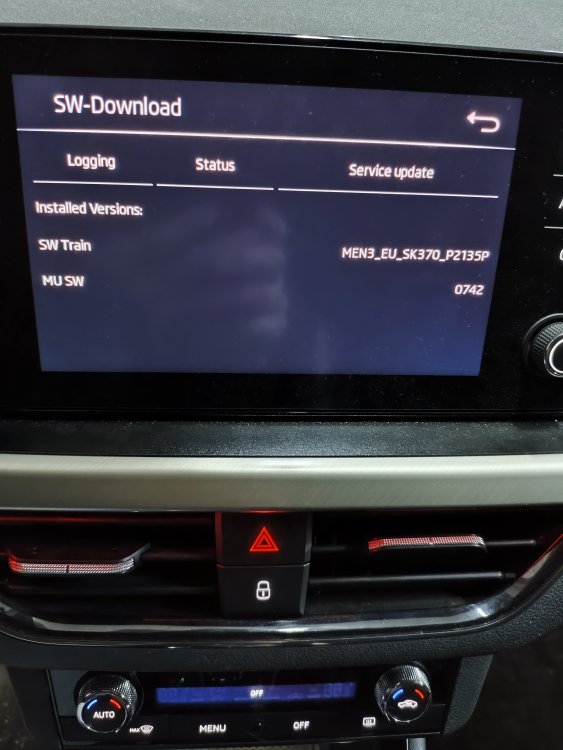
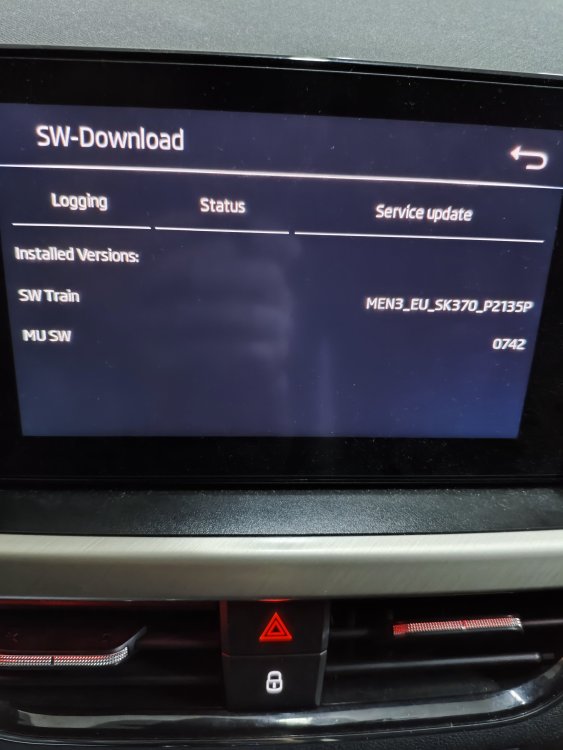
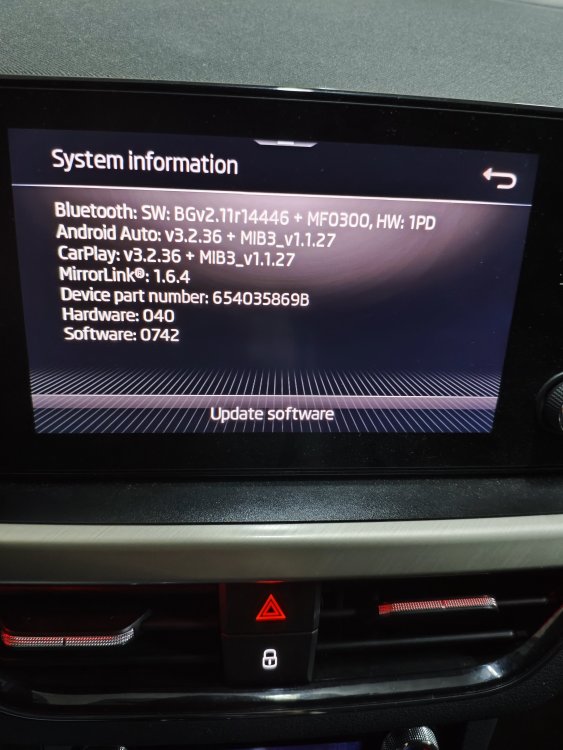
I have successfully updated my version to 742, but the AA connectivity issue still persists. Does anyone know whether I can safely continue upgrade to following versions? I started with sw463 and hw40. Attaching the current state of the system Thanks
-
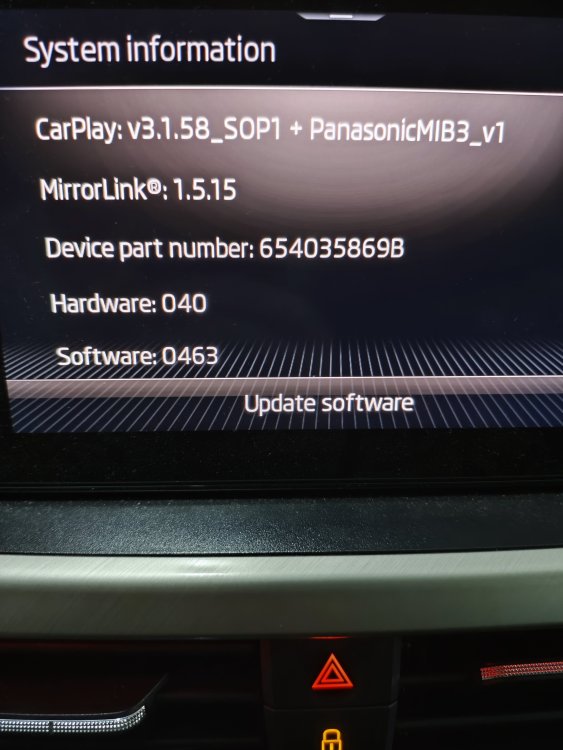
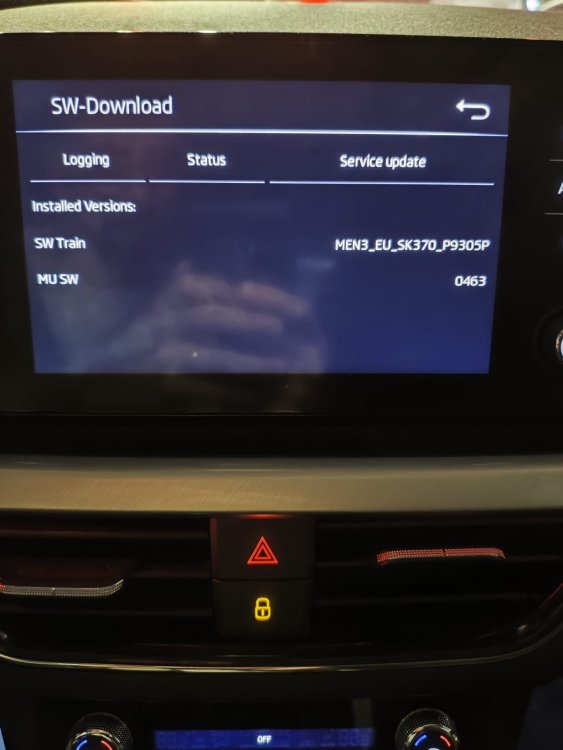
Hey @DamirKo Did it go well for you? 463-->469-->741+742? (latest version allowed when coming from <469 afaiu) I also got sw version 463 with 040 hardware version, trying to make sure I'm good to go. Also, how much time does it approximatly take for an upgrade? Did you leave the engine running or connected the battery to a charger? Any other special instructions? Thanks in advance
-
Cannot edit my previous message.. I'm reading through the whole thread now to find my info.. thanks
-
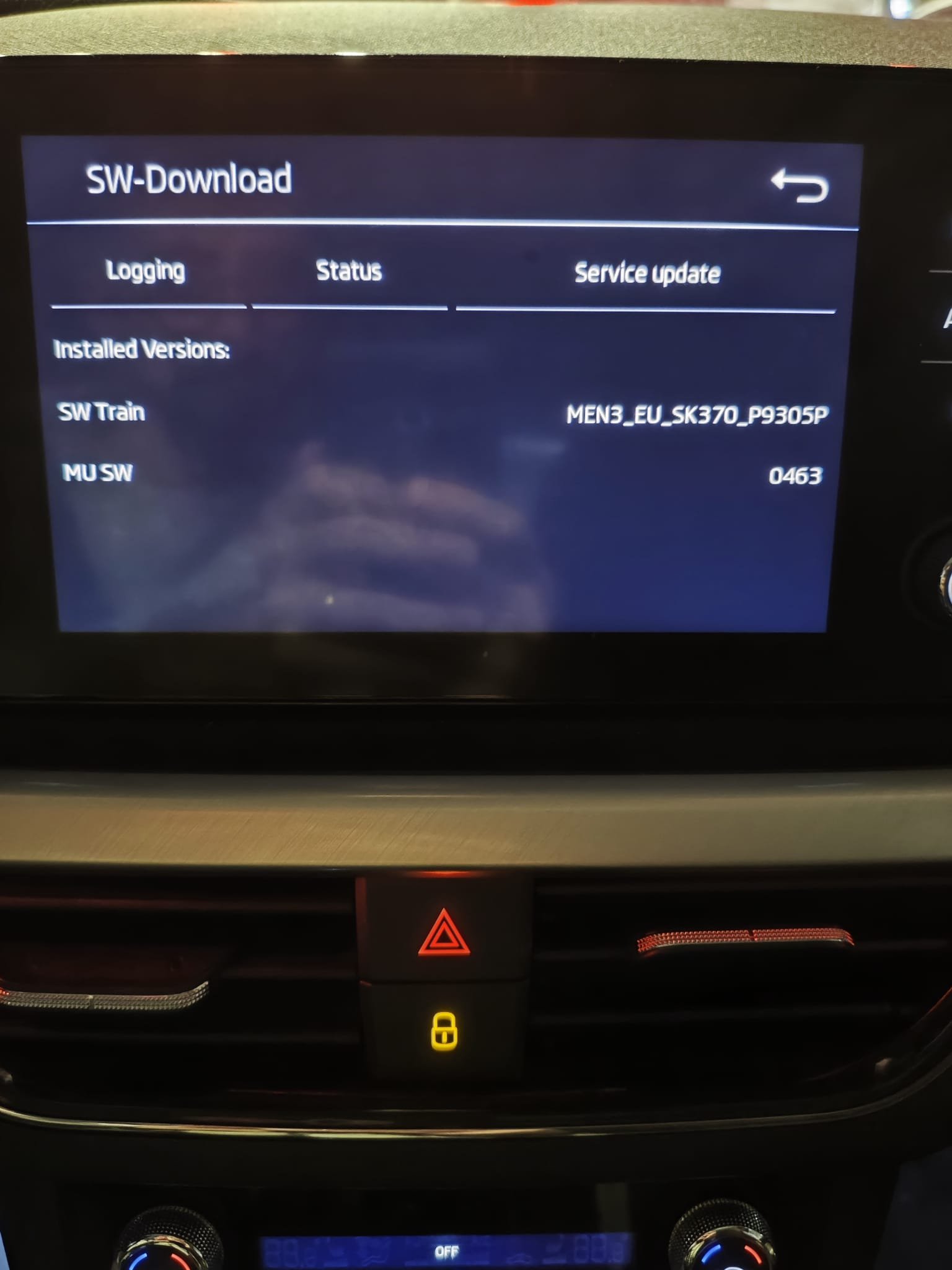
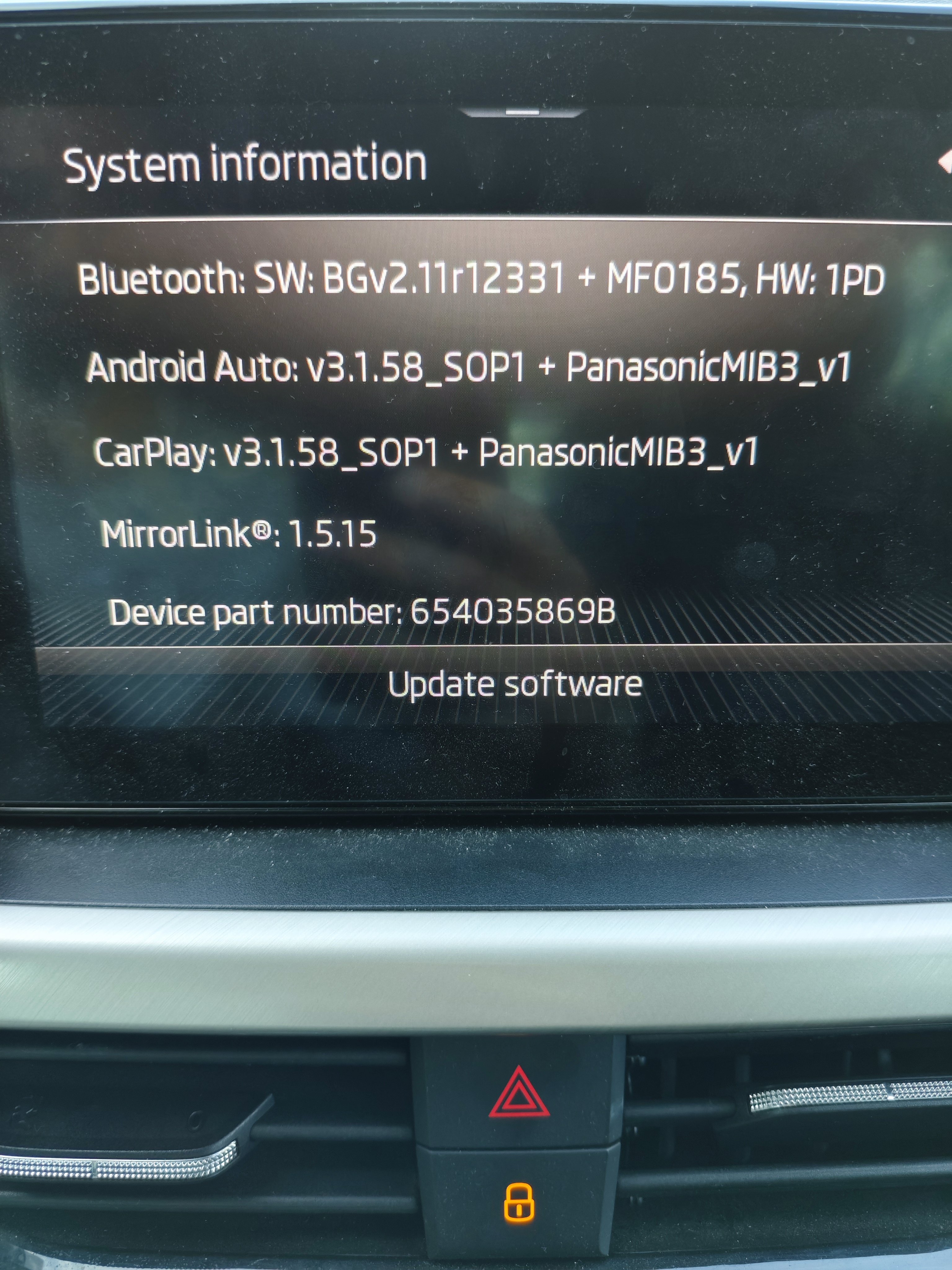
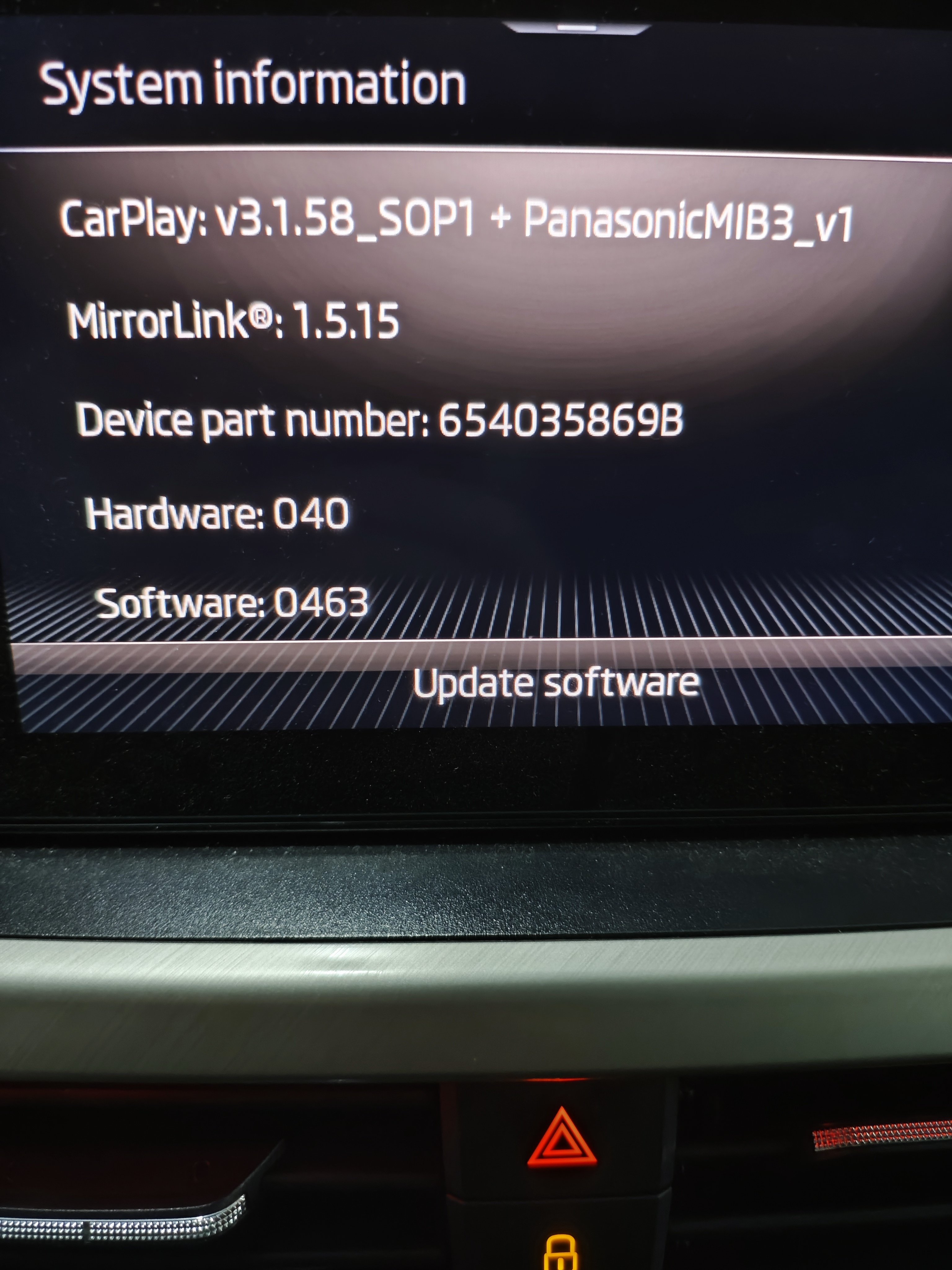
Hi guys, new here👋🏼 Looks like a useful place with some pro people Didn't find any pinned message with guidelines for an upgrade, sorry if I missed anything.. Anyway - got skoda scala 2020 with 0463 software version. Android auto isn't working with my new phone (Xiaomi Poco F6), while it does work great with many other older phone models, including other Xiaomi phone with same android version (14). How can I upgrade the car software version? What are the steps? Thanks in advance