rh91
New here
-
Joined
-
Last visited
Everything posted by rh91
-
Got it sorted. Everywhere I read said it didn't need coding in, garage as well. But when I explained it was the whole clock spring unit replaced, not just the ribbon, he had me in and sorted that day
-
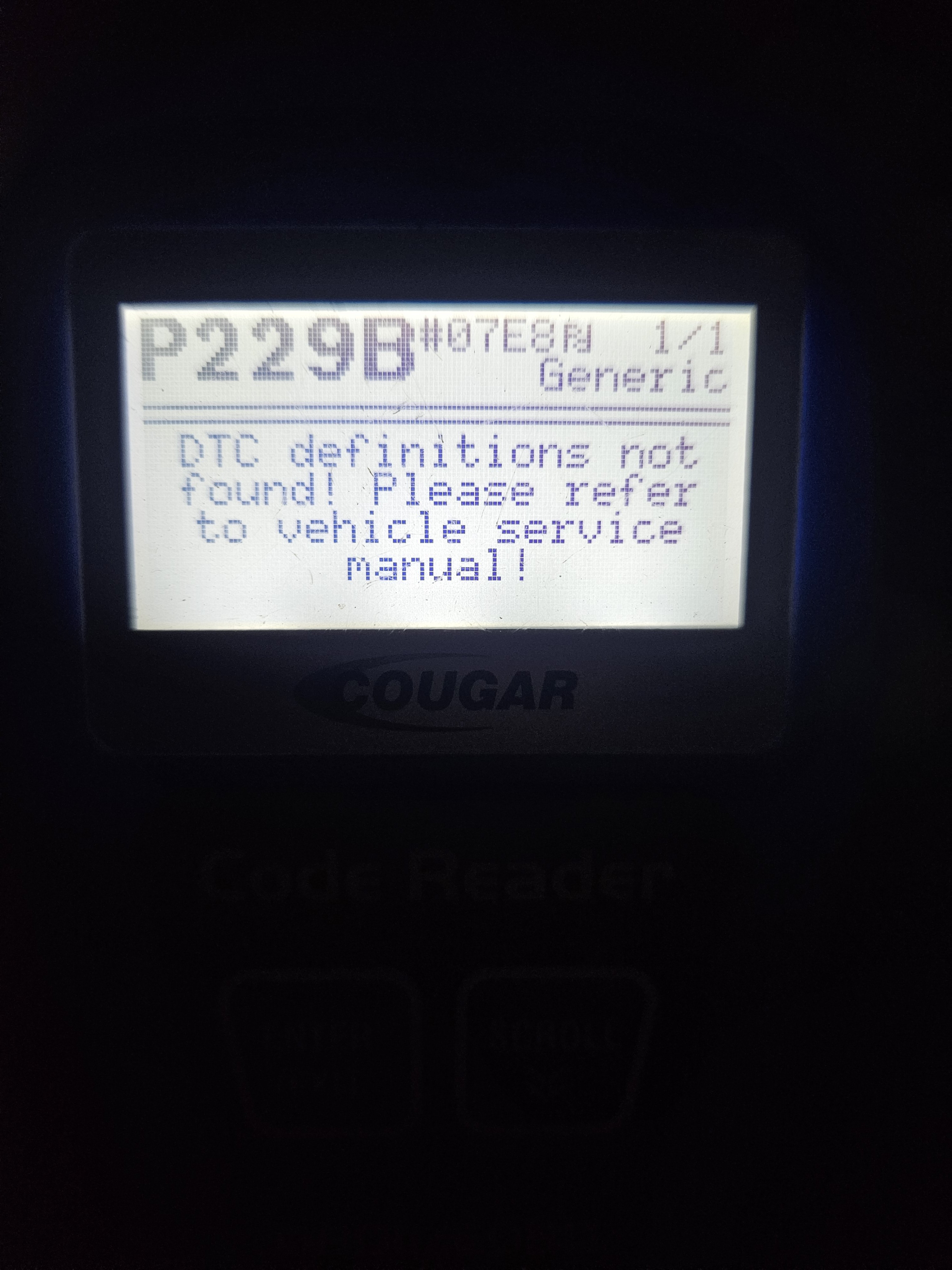
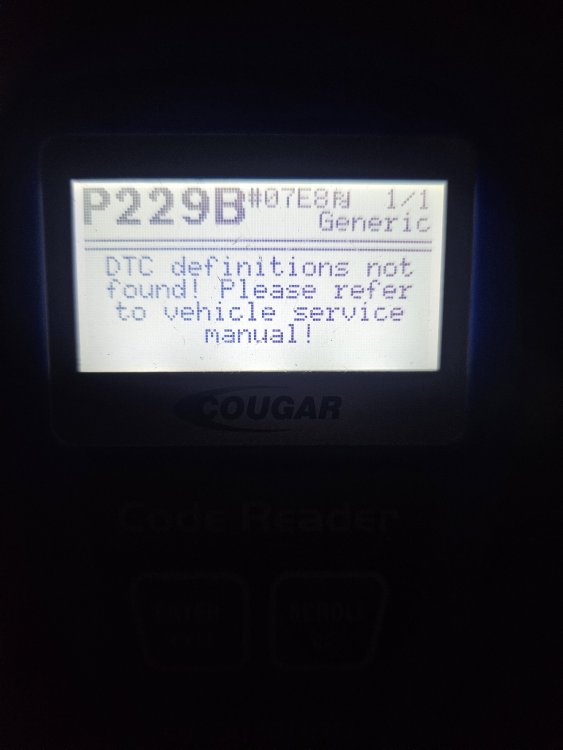
Hi there. 2012 Octavia 1.6tdi 2 days ago, my engine light came on, preheat light was flashing, limp mode. Same symptoms as when the injectors needed replacing. Plugged the scanner in and got P229b, which according to Google is a fuel pressure issue. Is there a way to work out which part of the system is the issue? Pump, regulator or, god forbid, injectors? Cheers
-
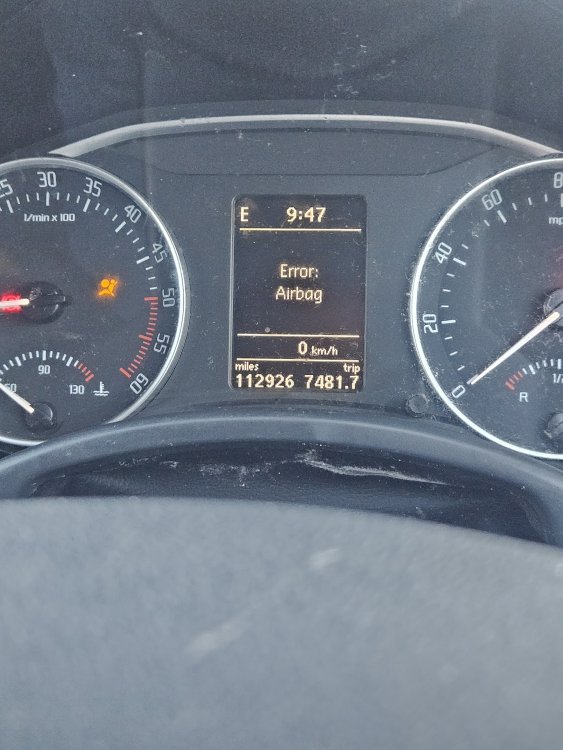
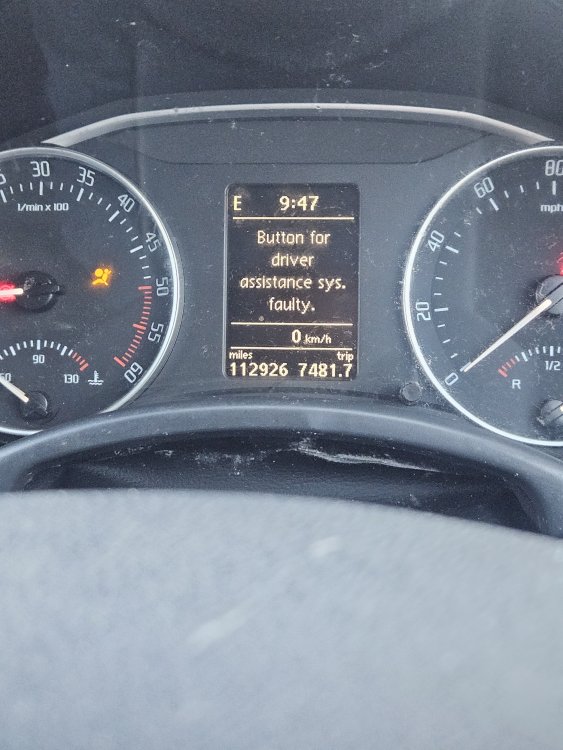
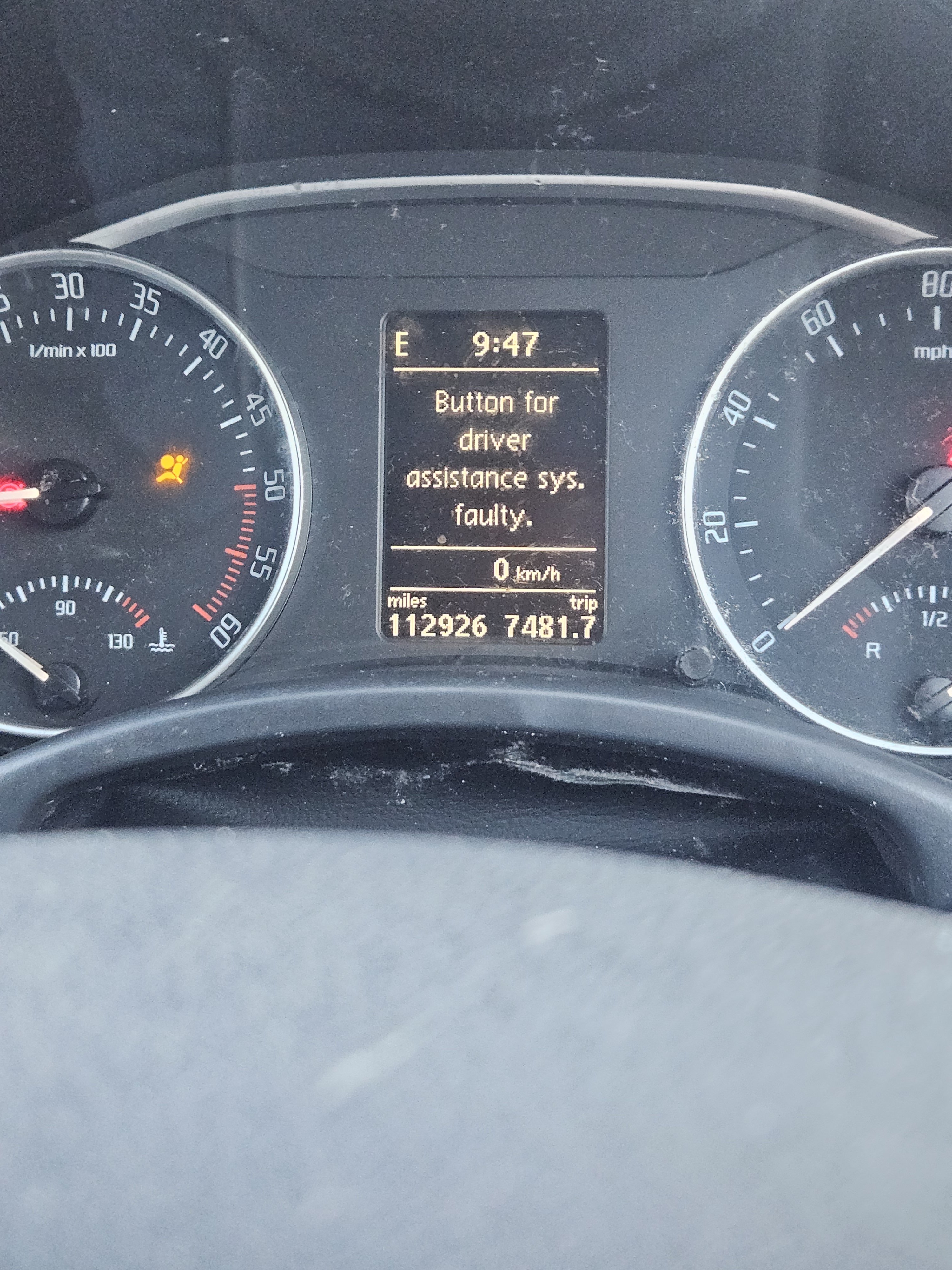
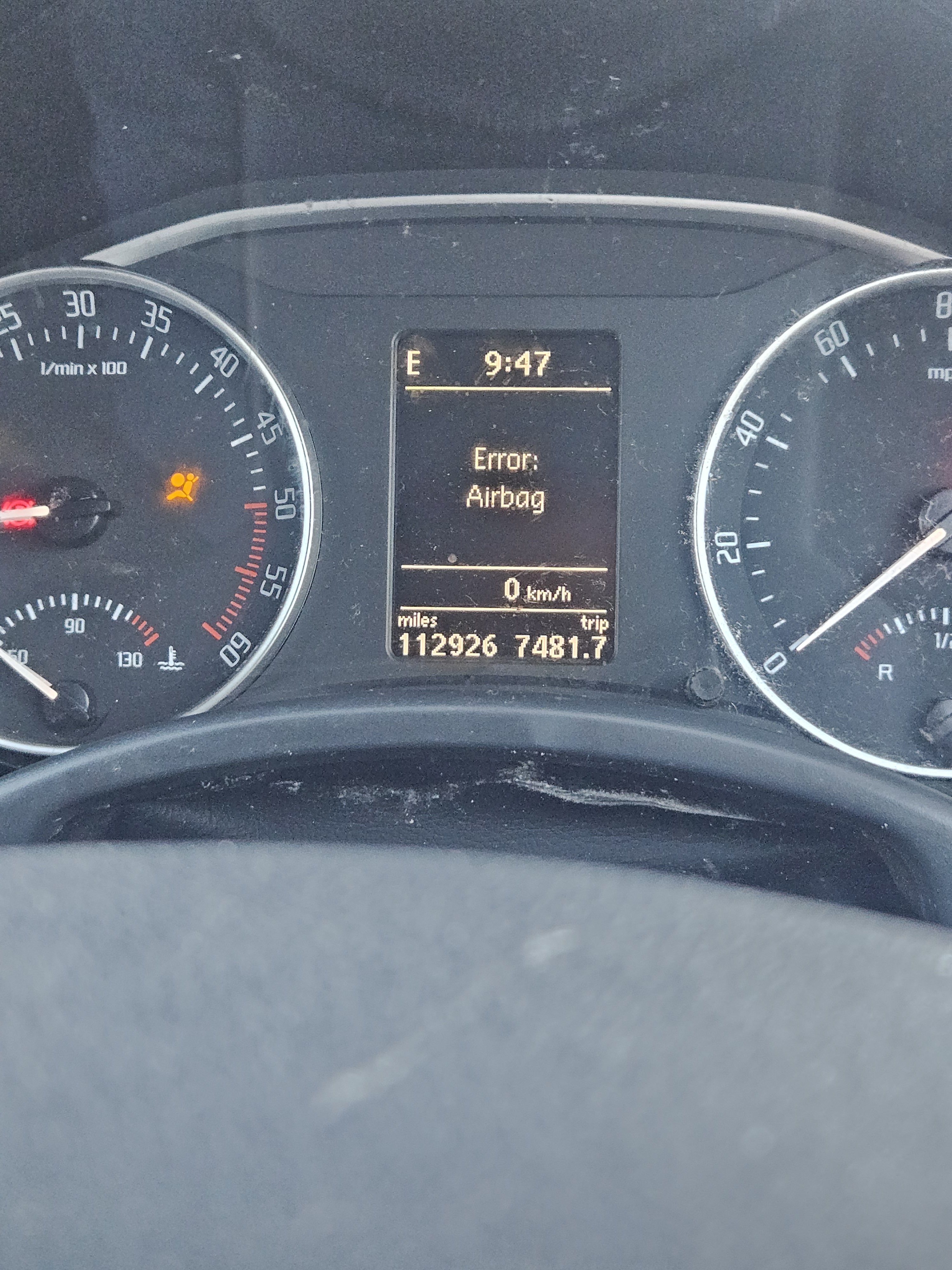
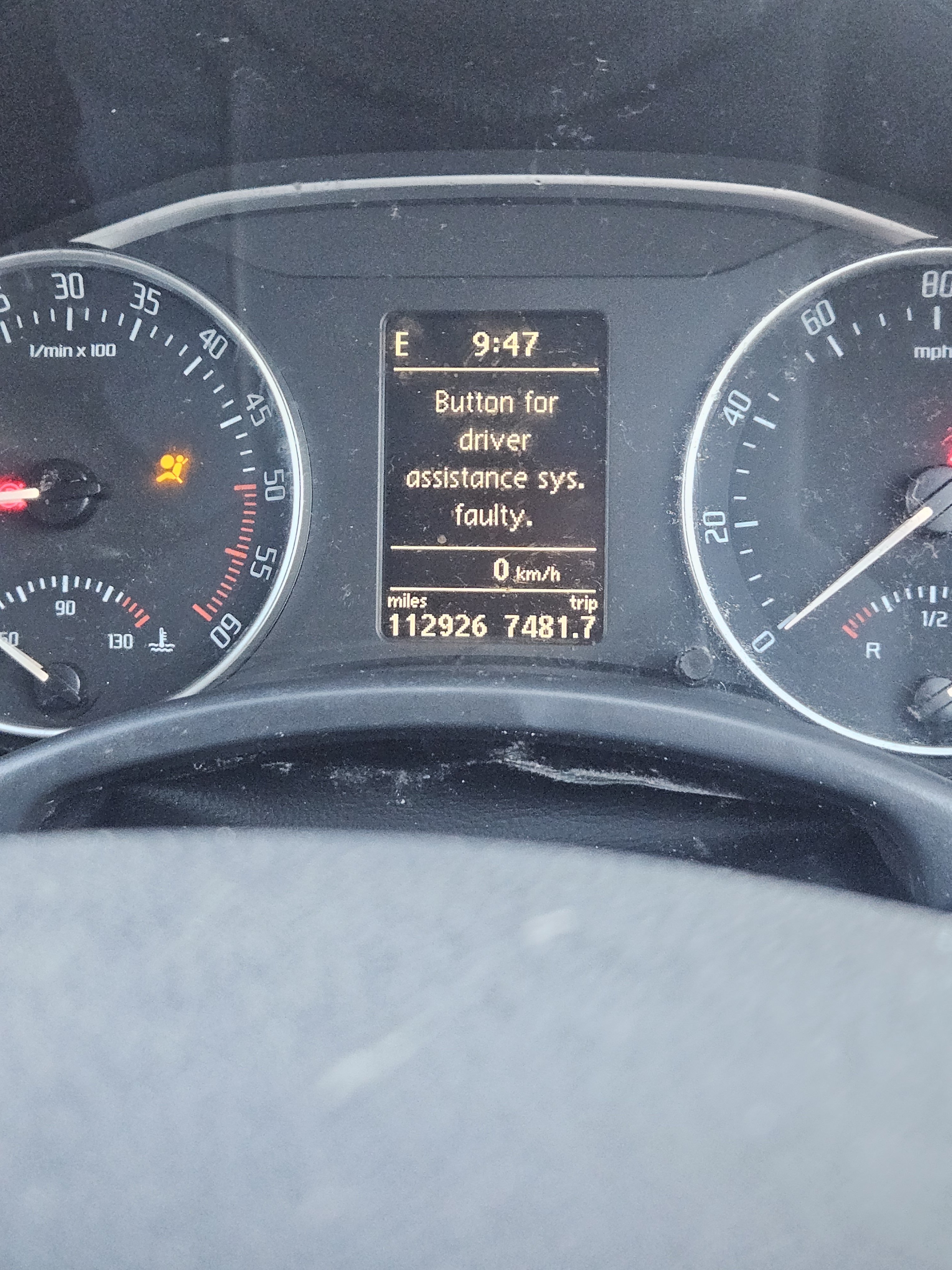
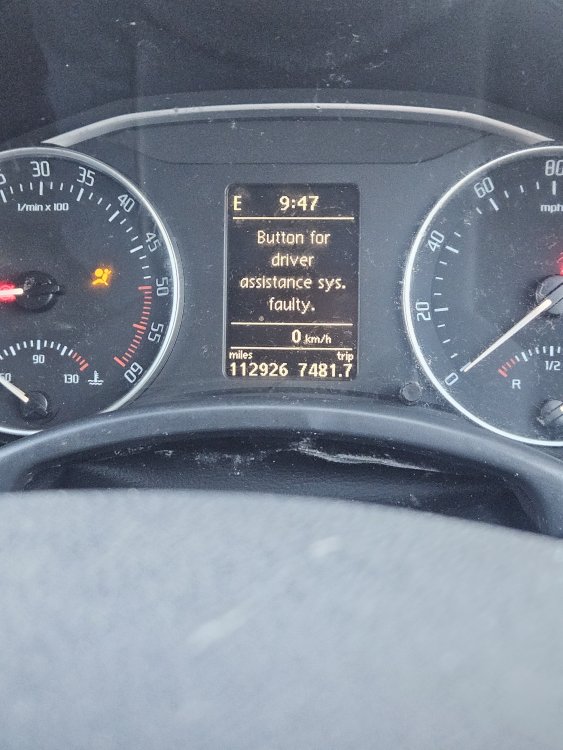
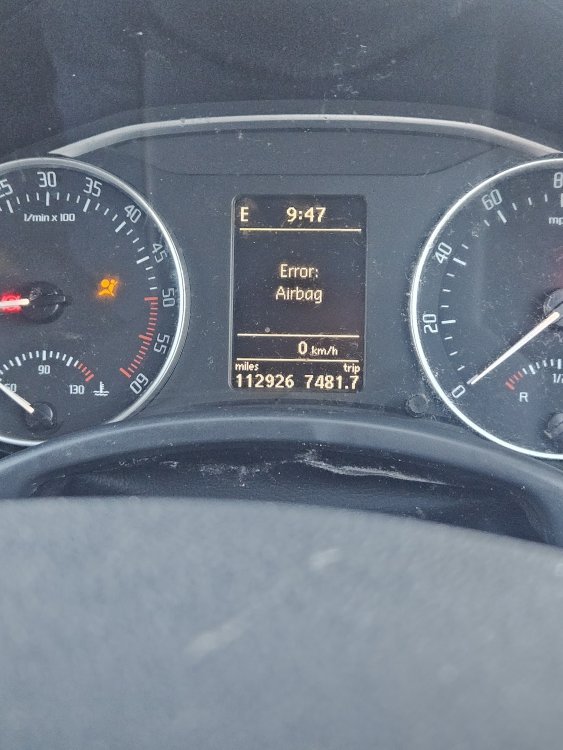
I originally posted this in "electronics, audio & security" which was probably the wrong pkace so copy & paste from there Hi there. Octavia Mk 2 recently failed MOT due to airbag fault and horn not working. I've replaced the clock spring, the horn now works but I'm still stuck with the airbag light and now "Button for driver assist sys. faulty" I've stripped everything back down and checked all connectors are fitted properly, not loose or anything but still no further forward. Any ideas? Cheers
-
Hi there. Octavia Mk 2 recently failed MOT due to airbag fault and horn not working. I've replaced the clock spring, the horn now works but I'm still stuck with the airbag light and now "Button for driver assist sys. faulty" I've stripped everything back down and checked all connectors are fitted properly, not loose or anything but still no further forward. Any ideas? Cheers