uzziek
New here
-
Joined
-
Last visited
-
Just to update all, car went in for an update and issue is now resolved. Took 2 days for update to compete so be prepared.
-
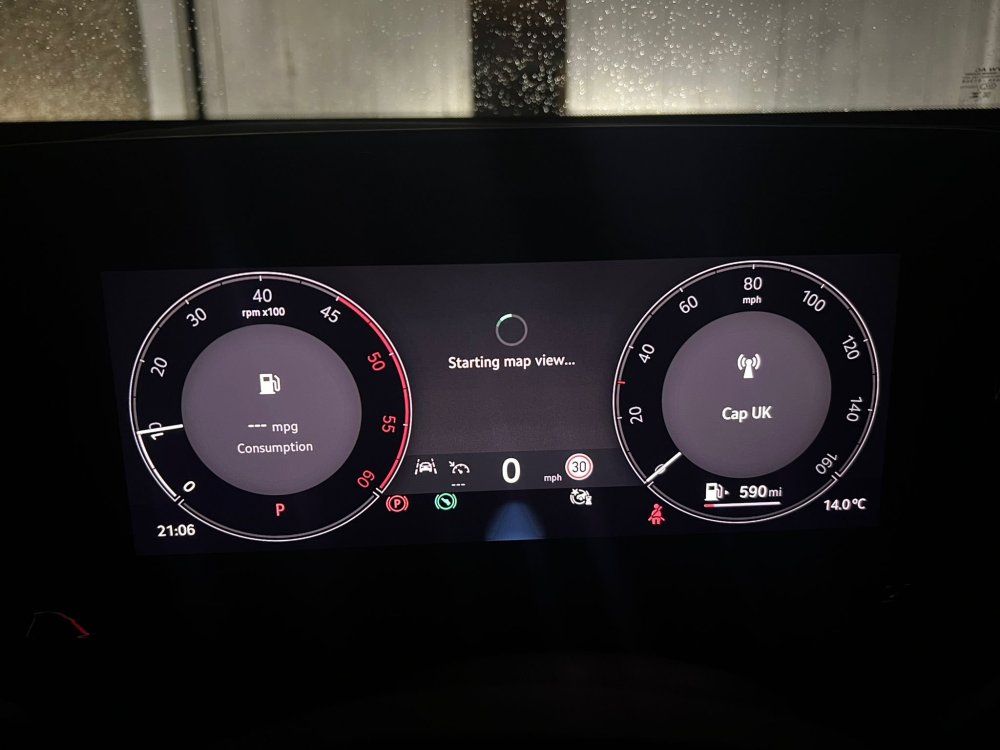
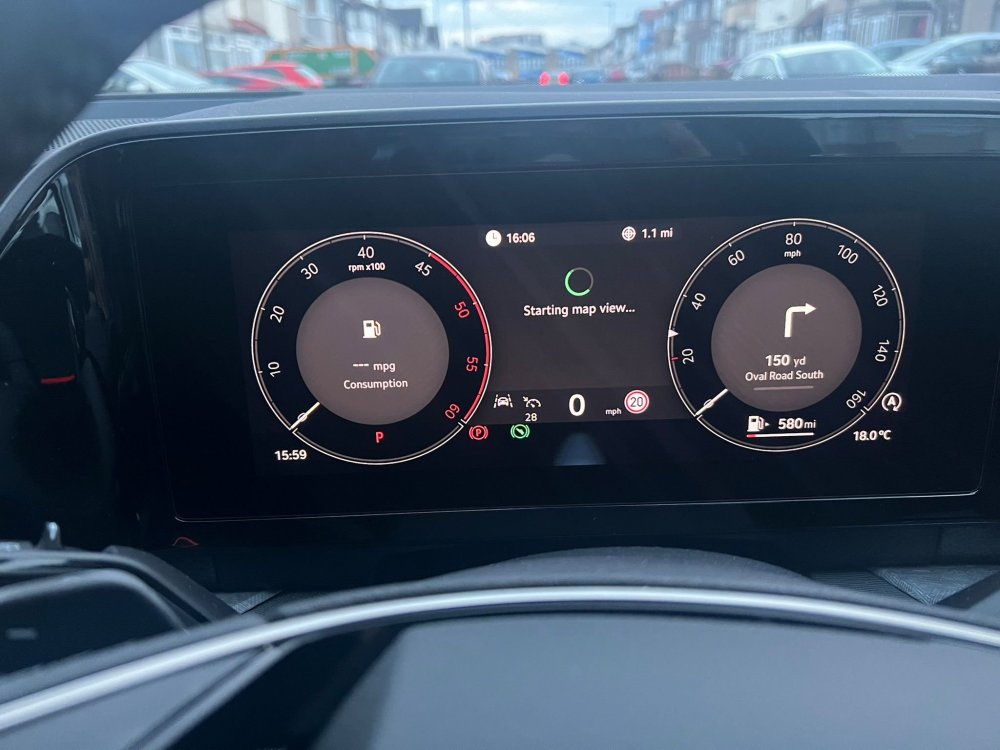
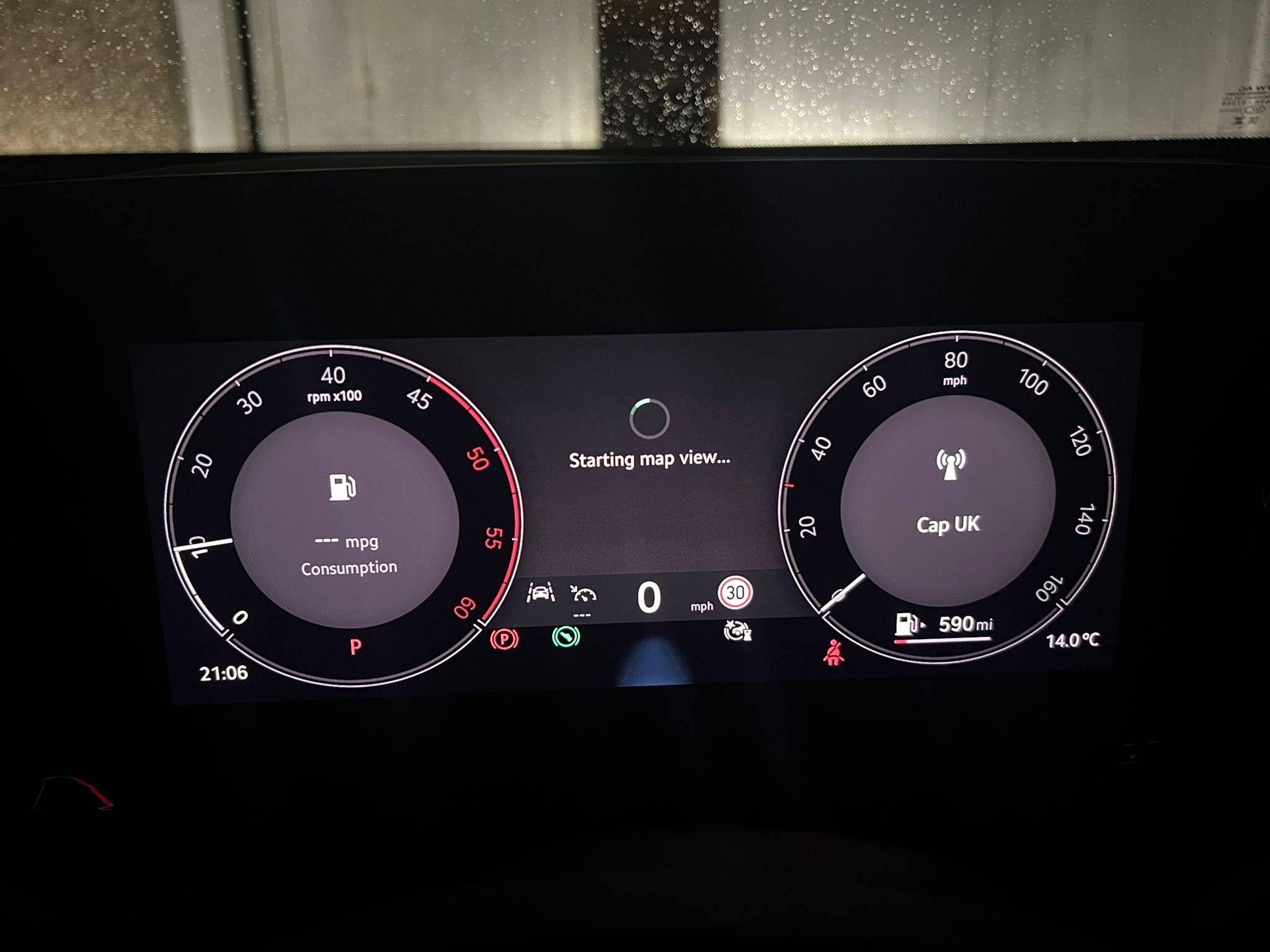
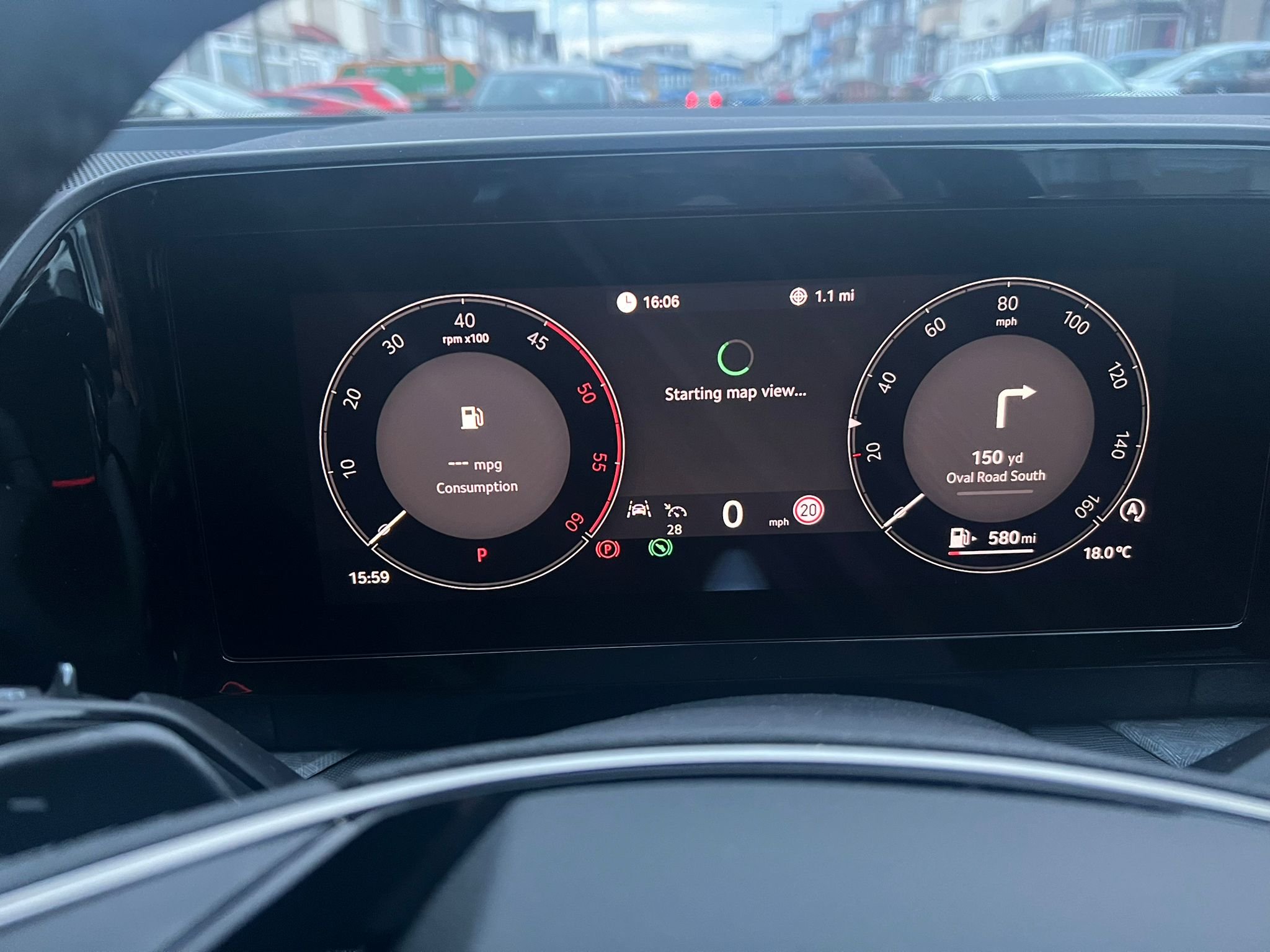
I have posted this in another forum too but no luck so far. new kodiaq owner here, collected my brand new 2024 sel (diesel) few days ago. I have been trying to get the map view working in the virtual cockpit but it just says starting map view but never shows the actualMap. If I scroll the right hand steering toggle it shows the zoom in/out distance but no maps. Have tried everything I could find online and in the infotainment settings. I can cycle through amp view and the other one, but it does display the map I have tried using only the cars navigation (no apple carplay/android auto connected) you can even see the next turn directions on the VC but not the map. Does anyone with the MK2 confirm they have the maps working in the VC, can you send your spec and software version numbers as I know someone else who took delivery last week also having the exact same issue so trying to see if its recent batch affected, surely it must work for others, it worked on the demo car I took for a test drive back in august, see picture attached, hoping someone can help.