SuW
New here
-
Joined
-
Last visited
-
Sorry - posted in the wrong place.
-
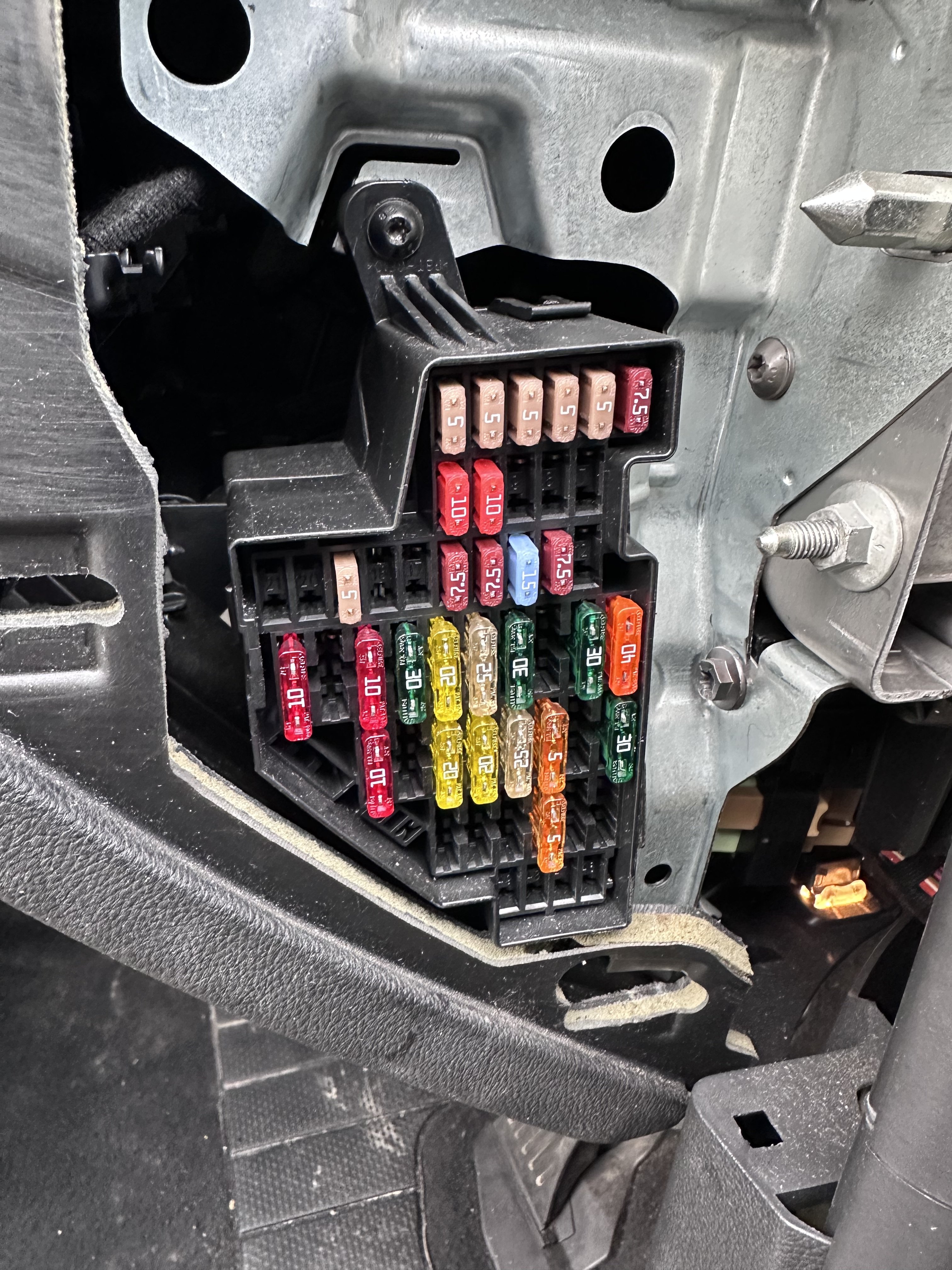
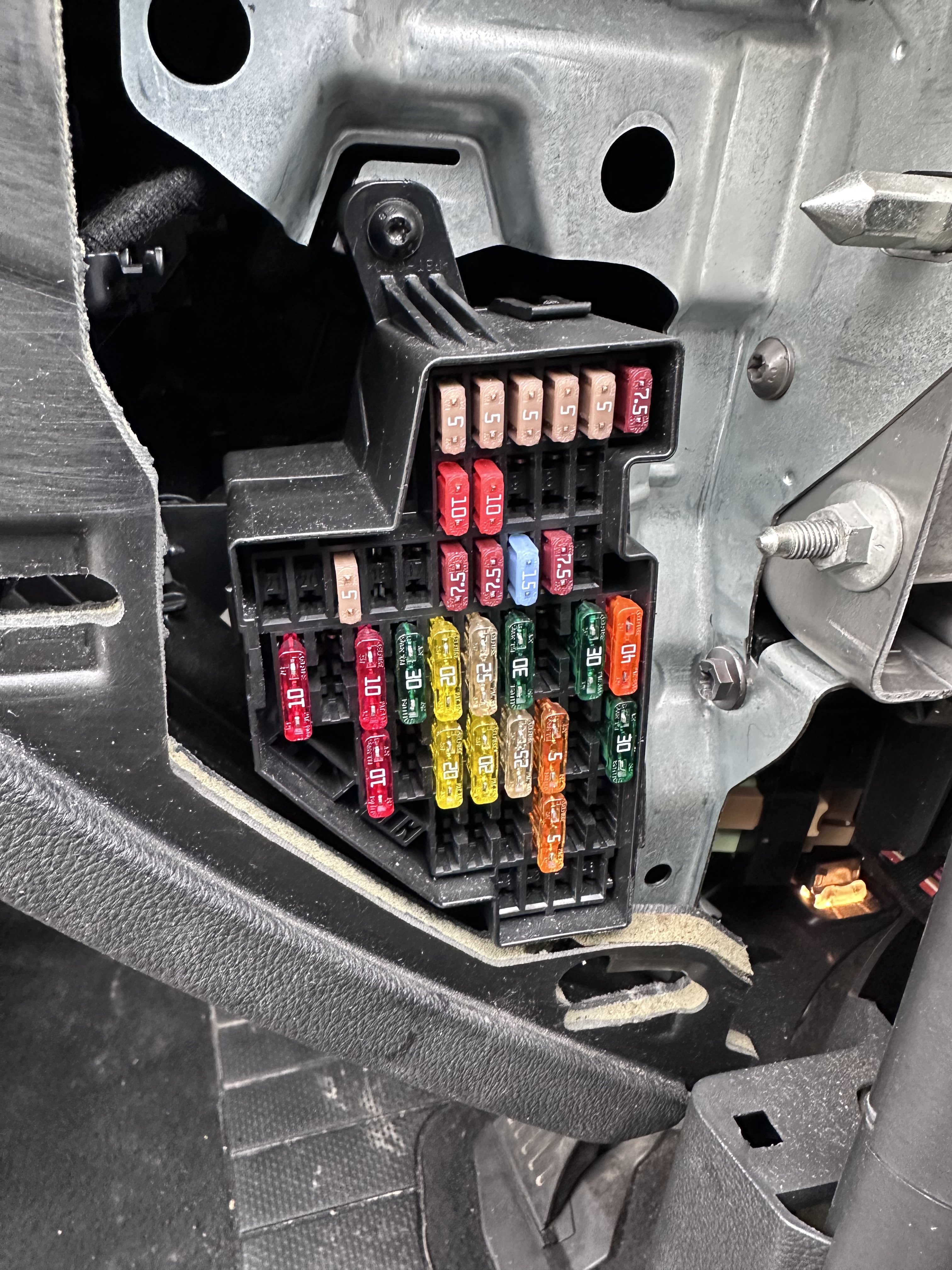
Hi We collected our new-to-us Superb (2012) yesterday. The cigarette lighter in the front is stuck in - and I’ve read on here that changing the fuse might help. The rear socket has no lighter only a cover and is working as a charger. We’ve worked out that as it’s a RHD car, the diagram on the fuse panel cover is reversed, but as far as we can see all the possible candidates for the lighter fuse are intact. Could someone reassure us which fuse we should be looking at? Photo attached. And in the event that changing a fuse doesn’t help, what should our next move be?
-
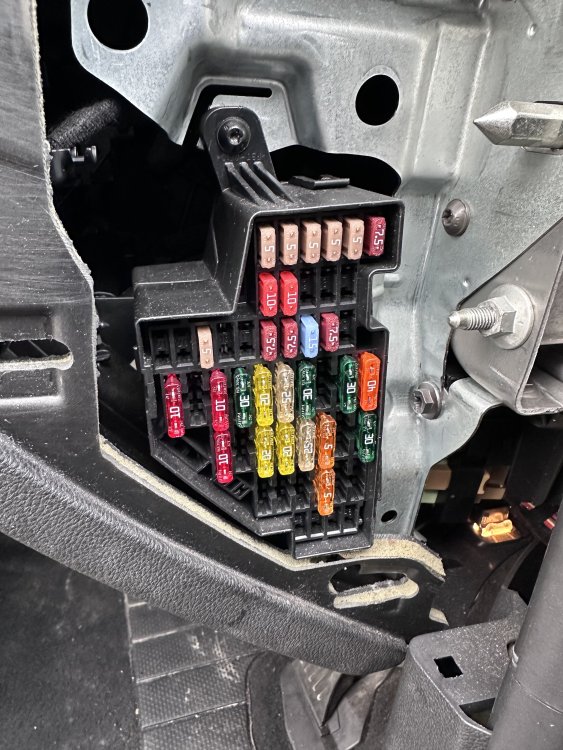
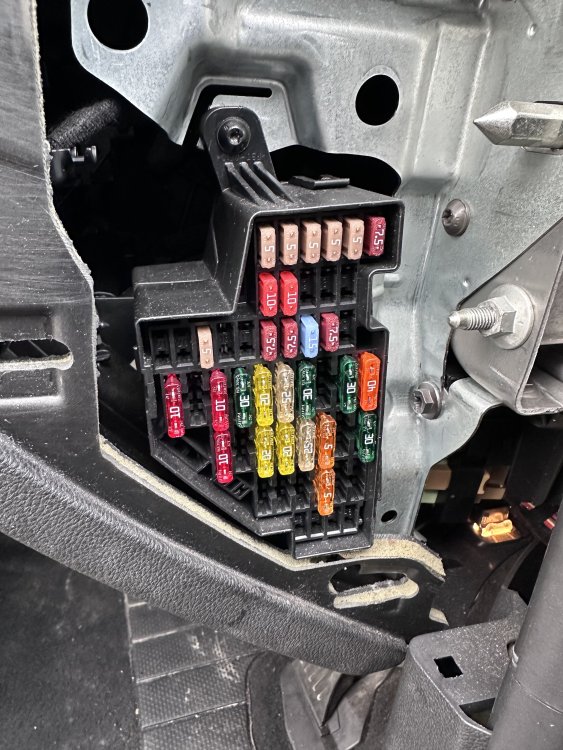
Hi We collected our new-to-us Superb (2012) yesterday. The cigarette lighter in the front is stuck in - and I’ve read on here that changing the fuse might help. The rear socket has no lighter only a cover and is working as a charger. We’ve worked out that as it’s a RHD car, the diagram on the fuse panel cover is reversed, but as far as we can see all the possible candidates for the lighter fuse are intact. Could someone reassure us which fuse we should be looking at? Photo attached. And in the event that changing a fuse doesn’t help, what should our next move be?
-
Hello everyone! After a lifetime of old Volvo’s I’ve just bought a 2012 Superb with just under 54000 miles on the clock. My daughter drives a 2012 Octavia, so I didn’t take much convincing. Just drove it back home from Derby to Bristol. So comfortable and handles beautifully. I think we’re going to be friends!