Yannmrt
New here
-
Joined
-
Last visited
-
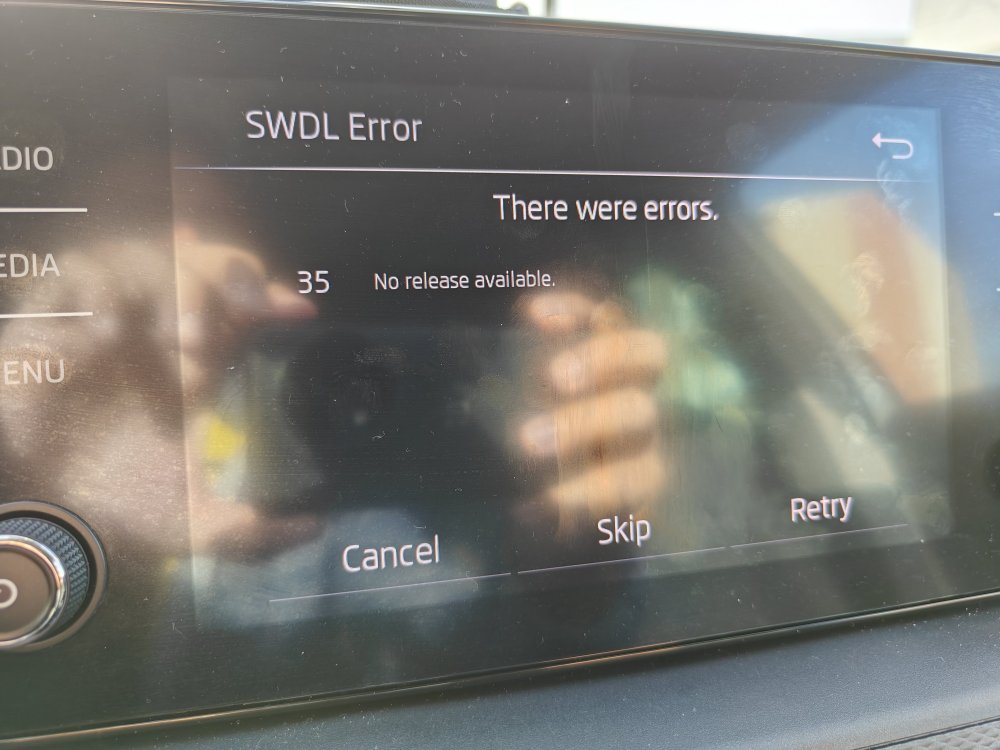
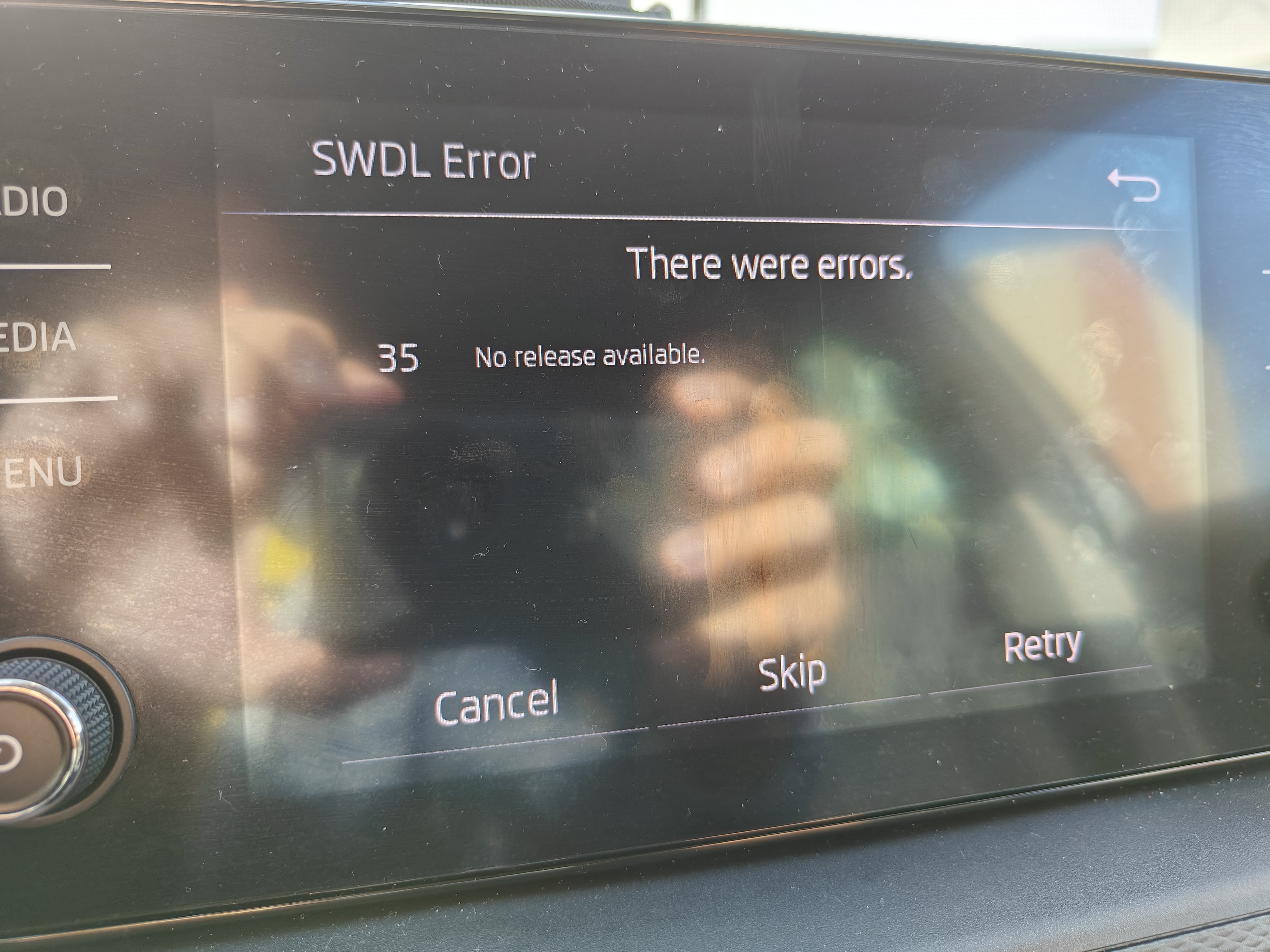
I updated it to 1798 because I got this error (I tried at the beginning straight to 1800), so I tried upgrading steeply to see if it resolved the problem. I got the two files (1798 & 1800) from the link found on this topic (https://disk.yandex.ru/d/1V1uBTc8ssc3zA). I'm unsure if the "1800" file was downloaded with an error or when I unzipped them, but I tried with a file from (https://mibsolution.one/) this morning, and it worked. Thanks anyway for taking the time to reply and for giving the link. For information, this upgrade (to the 1800 version) fixes my AA connection with my One Plus 11 5G EU. Thank you to all who were involved in this topic 👌👍
-
Good day to all, I had software MEN3_EU_SK370_P2345L_1790. I managed to update to MEN3_EU_SK370_P3225L_1798, but when I tried to update to MEN3_EU_SK370_P3355L_1800, I got the error "35 No release available." I would like to know what I should do to get the update to 1800