Stuartie
Finding my way
-
Joined
-
Last visited
-
Hey john. Thanks for that very comprehensive update. I was towing myself at the weekend and the passenger protective system fired off many times, which, apart from being potentially dangerous, really ****ed me off. If I was offered a skoda retractable towbar I would get it done in a moment. In fact I'm going to chance my arm with skoda and see how I get on. But for you....happy towing.
-
Thanks for the update. 😁
-
👍
-
I have a 2024 2.0 tdi 4x4 l&k estate and my real world figures are almost exactly the same as gareth71 above. Have a few annoying software issues with the infotainment system doing things I don't want it to, and more severe issues with my third party towbar, but the 193 4x4 diesel engine is punchy and accelerates well when you need it to, and has performed flawlessly running up and down the A9 between inverness and Glasgow, in the almost 2 years I have owned it.
-
If this works pkease let us all know, so that I can March down to my local skoda dealer fully prepared.
-
Well done Scotjimland, and thanks for that summary on your new tow bars performance. Best of luck and I wish you many happy miles towing.
-
I bought an autovox wireless reversing camera and use it on constant transmit, to monitor what's going on behind my caravan. the monitor sits nicely on the windscreen snd you can disable the reversing grid.
-
Nice one scotjimland. It pays to be persistent. Well done you. SW
-
Shocking, but not surprising. When I was buying my L&K estate it had towbar preparation fitted and as skoda could not initially supply a skoda towbar, my skoda dealer was actively recommending a nearby independent towbar fitting service. I hung out for the genuine skoda towbar to be released (9 months i waited) but it wasn't forthcoming and in the end I was forced to have an independent, fit a quality detachable towbar. Perhaps it's time skoda took responsibility for this fiasco before someone's vehicle comes to a dead stop on a live carriageway for no reason. Not impressed with skoda right now.
-
Well done you for doing all this. The issues you describe are exactly the same as what I experience when I'm towing. Please keep posting any updates you have on pursuance of obtaining the necessary coding and rectifying the situation. And thanks. Stuartie.
-
-
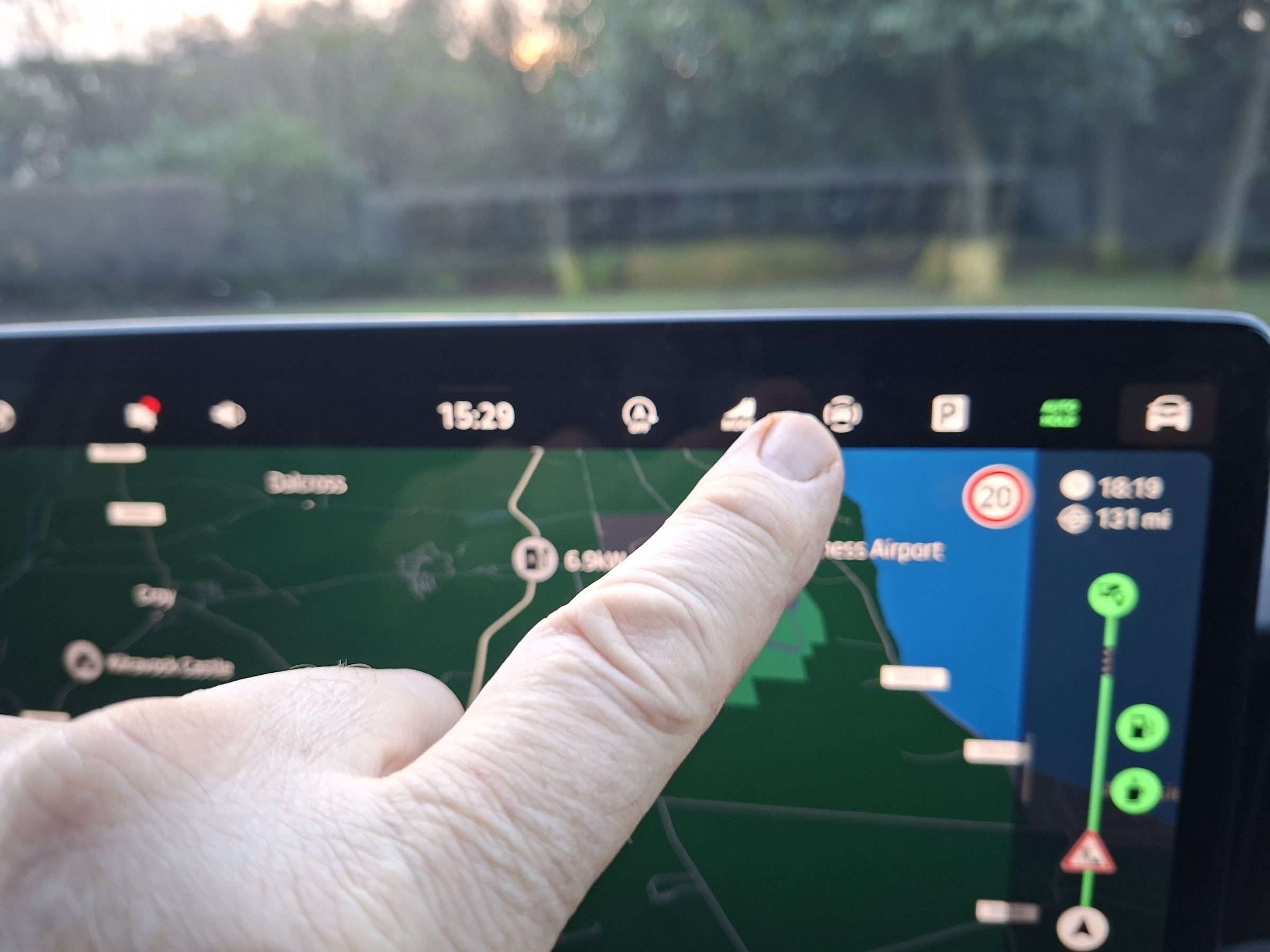
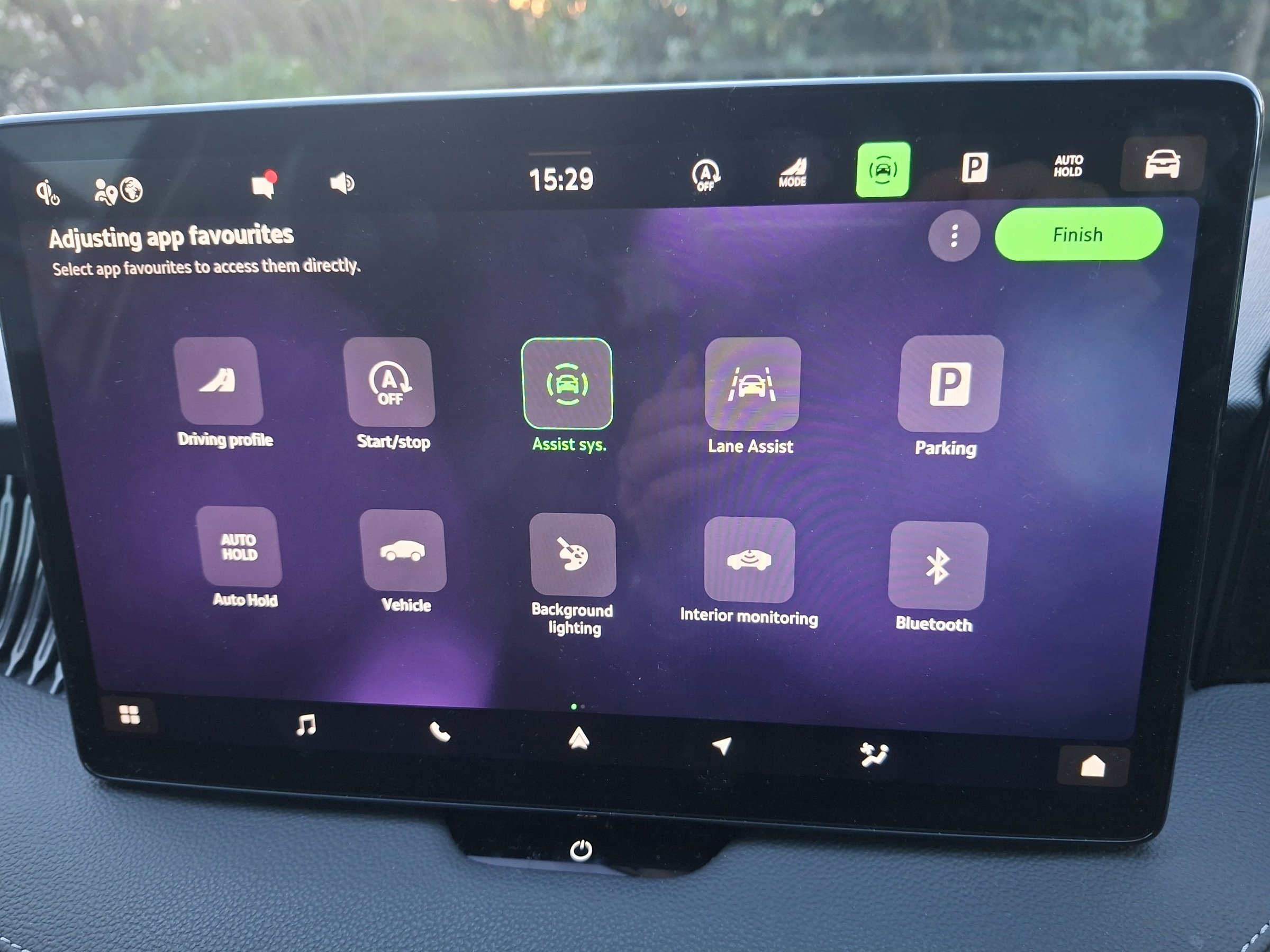
Hi jador. At the top of the infotainment screen on the right are several shortcut buttons that are always visible. You can customise these buttons. As you can see in blurry pic no 1, I have auto hold as a shortcut and it is highlighted green showing that it is active. By pressing it it turns white, deactivating the auto hold function. I find this useful at times especially in low speed, limited space manoeuvres . To edit the shortcuts do the following: Press and hold any icon in the shortcut bar, which will open the edit menu Select the functions you want then press finish. Hope this helps. See pics Ps. Sorry. No pictures. I can't figure out how to reduce the size of my pic files so that they will upload 😬
-
😁👍
-
Last one
-
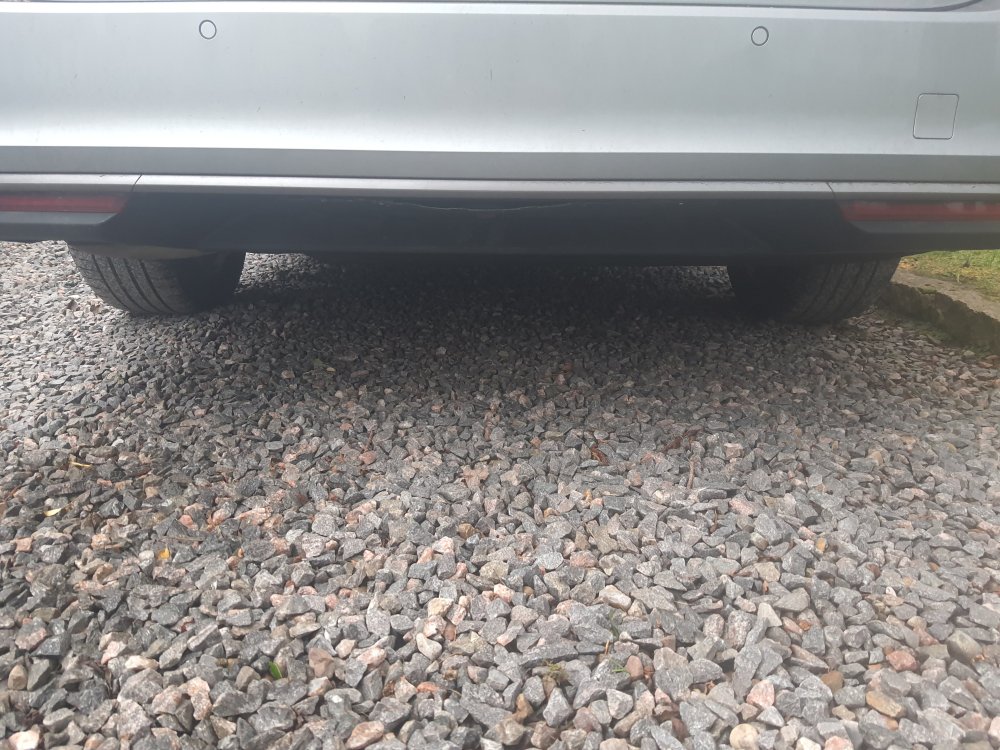
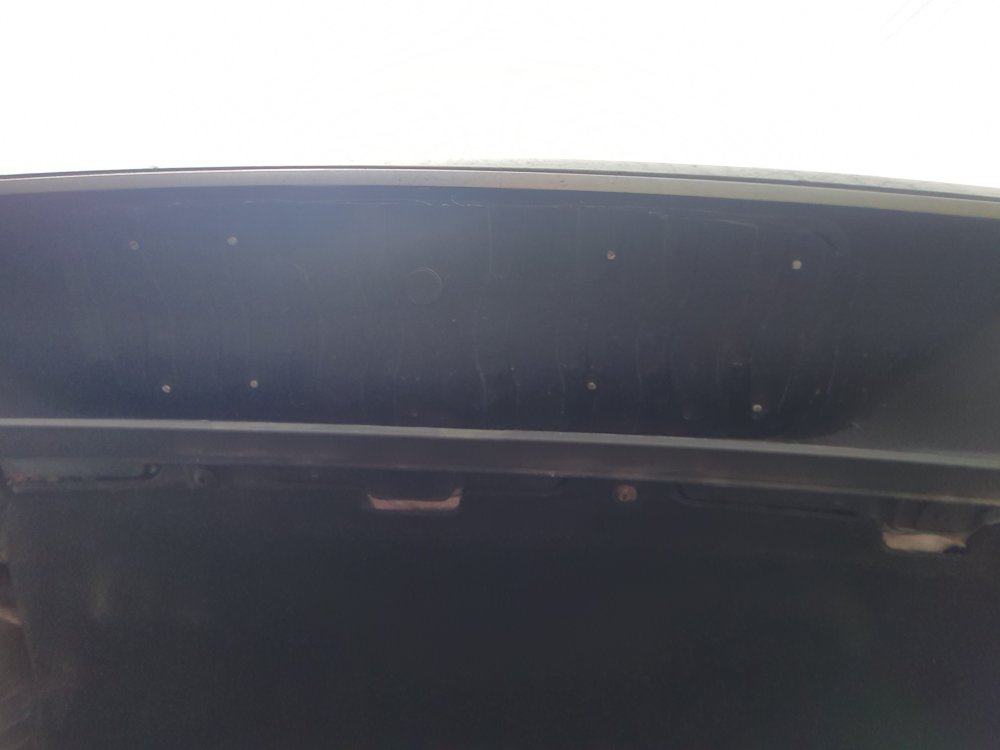
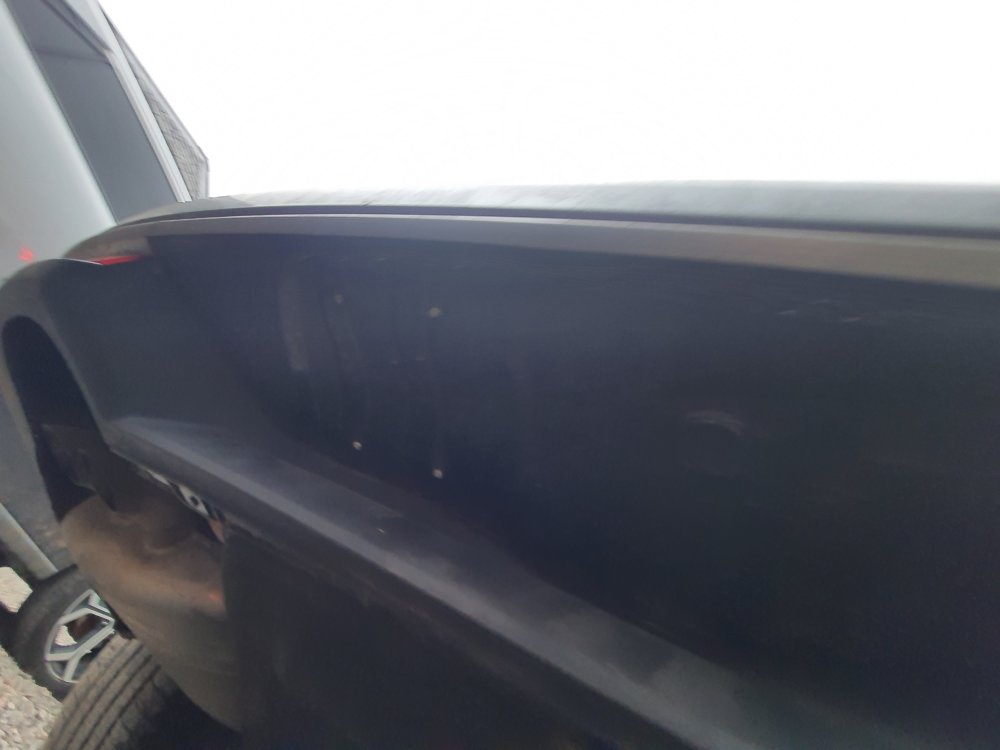
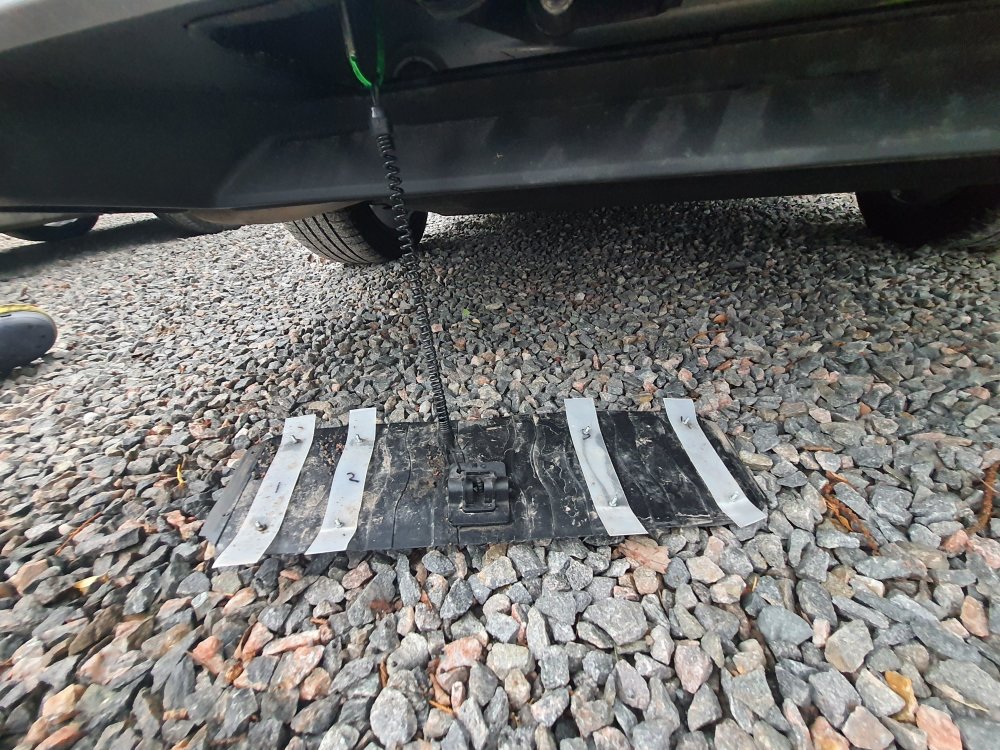
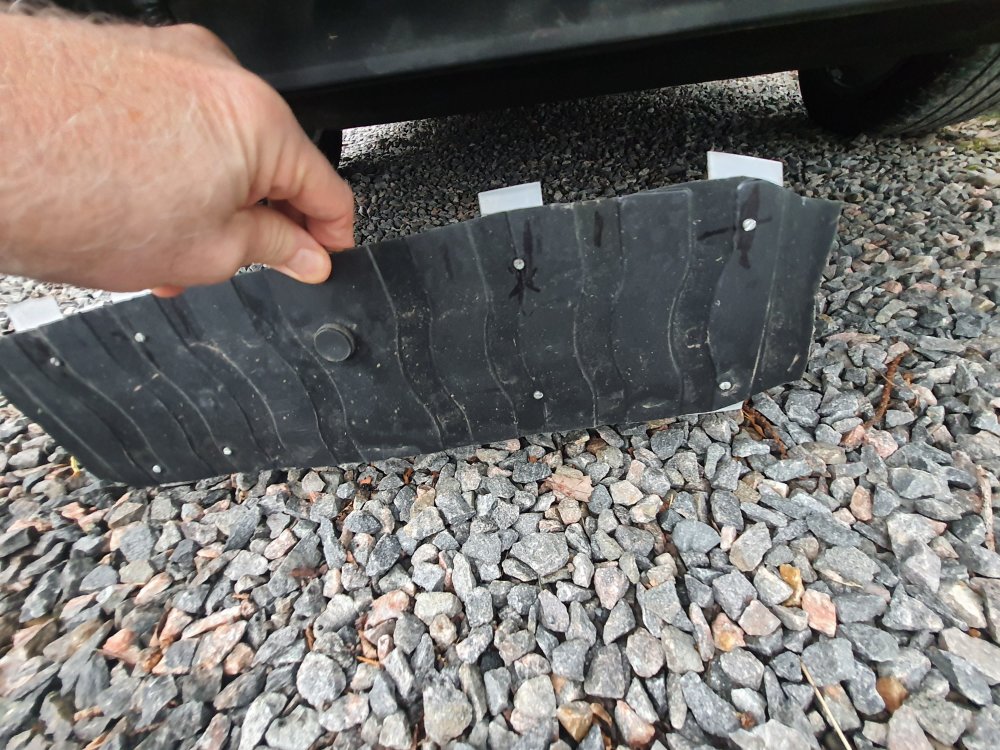
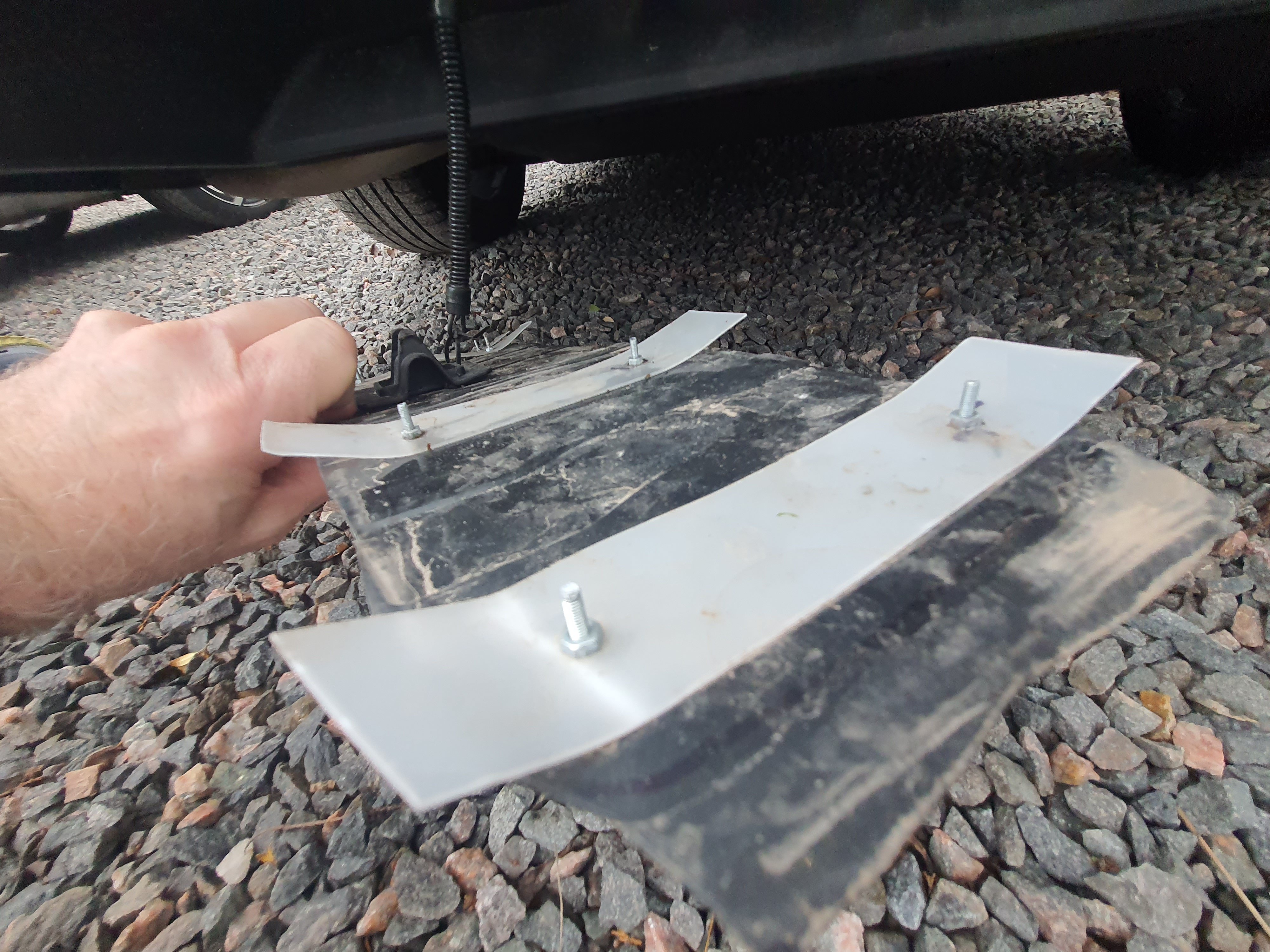
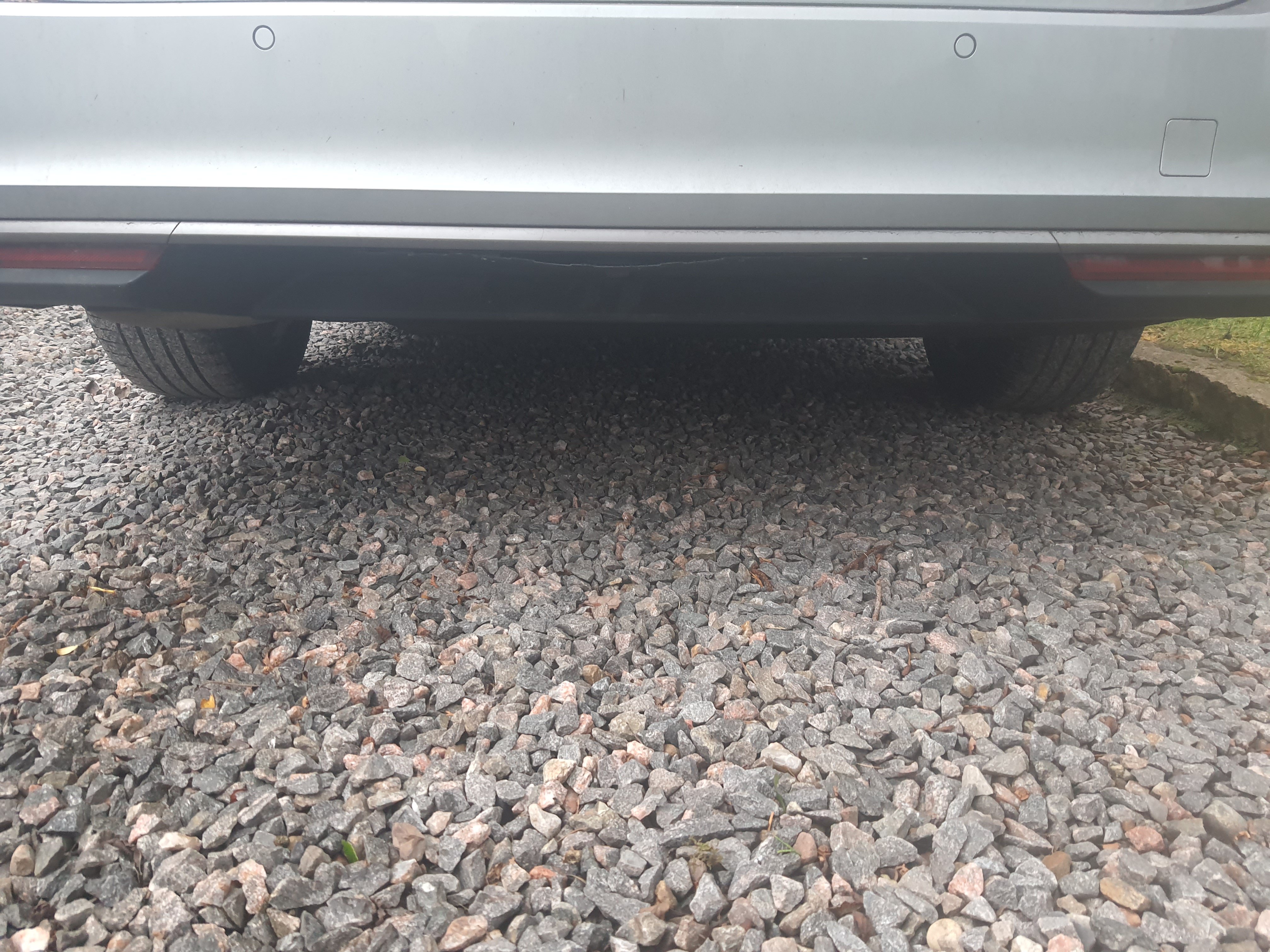
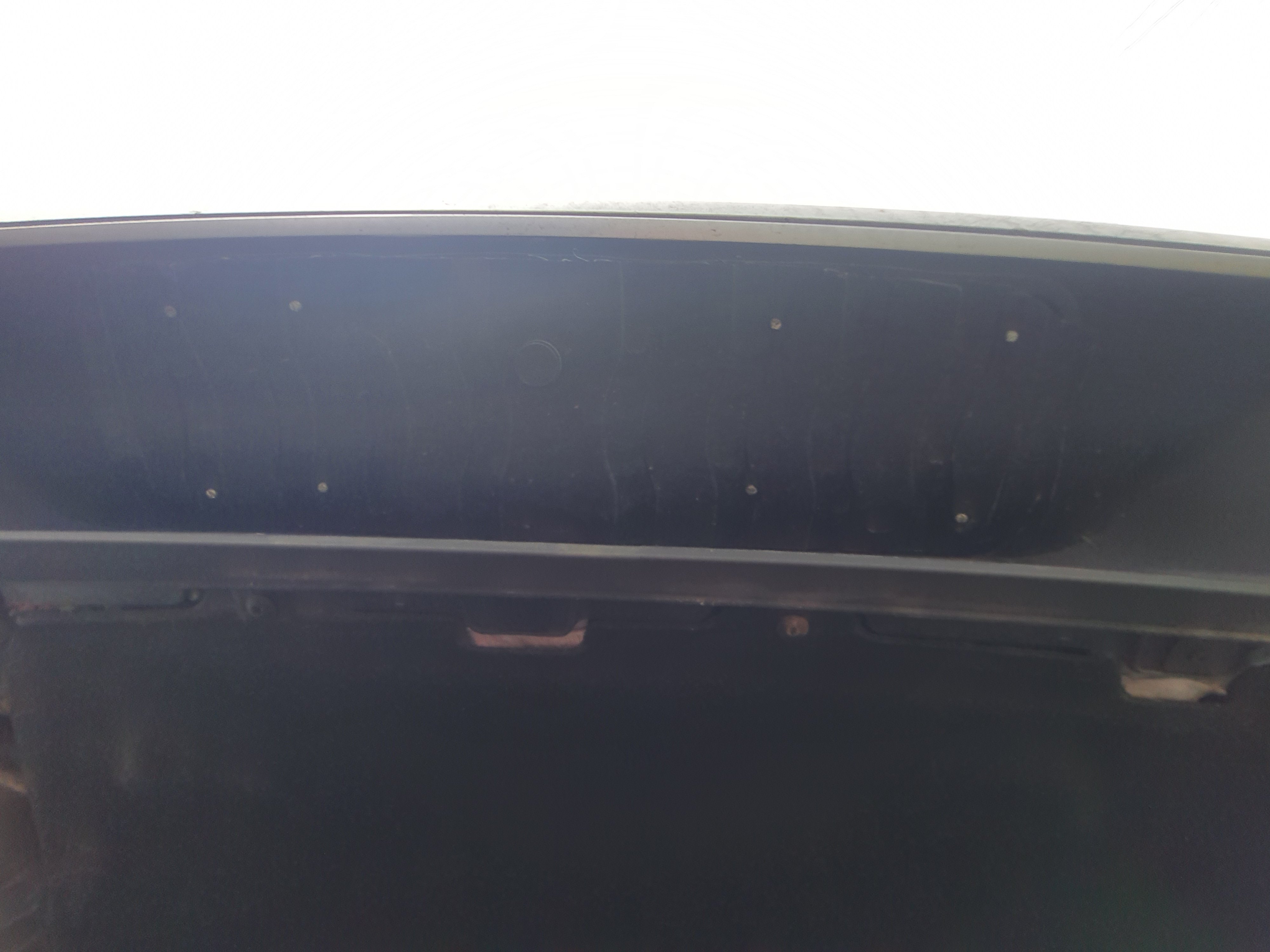
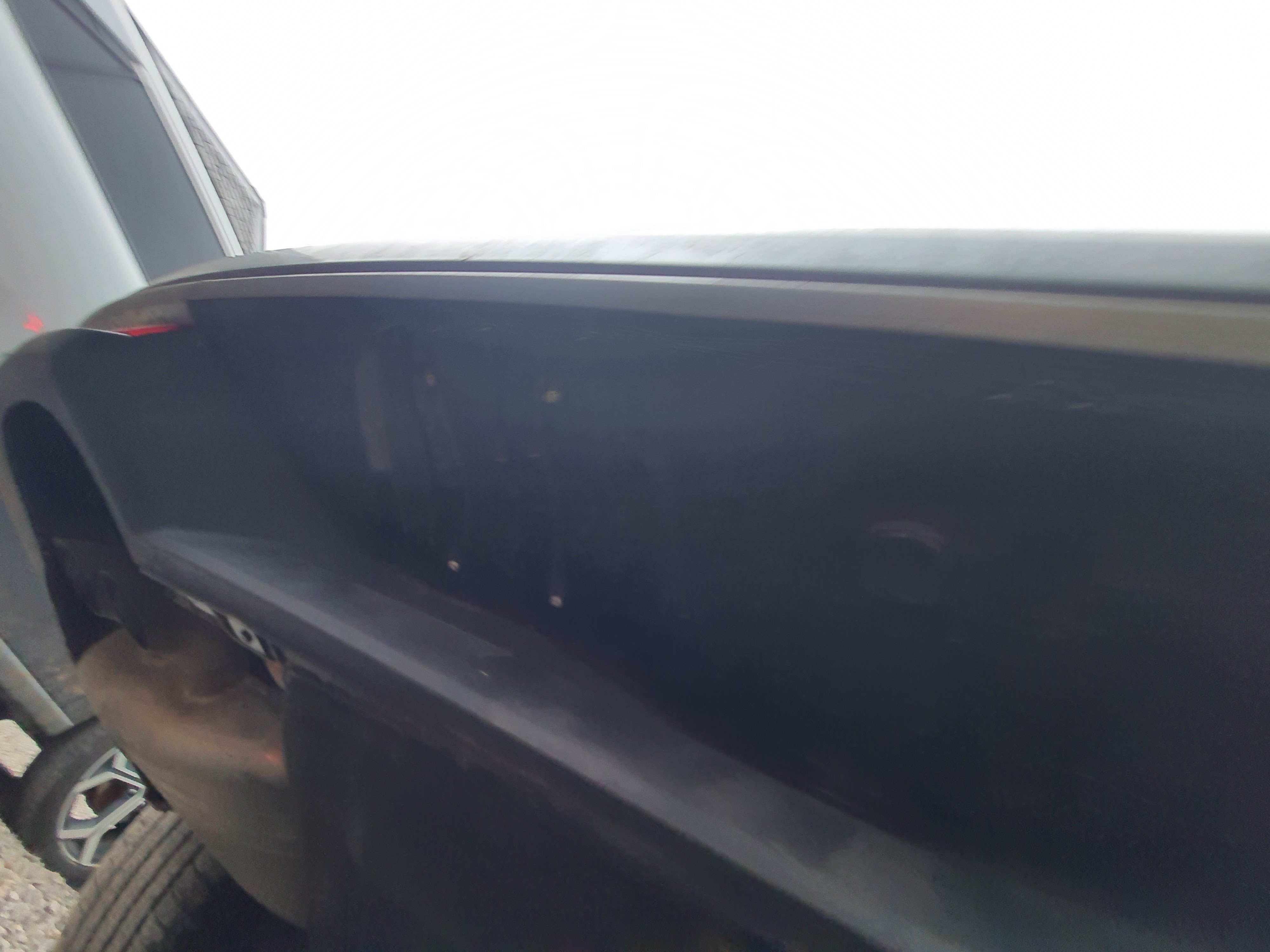
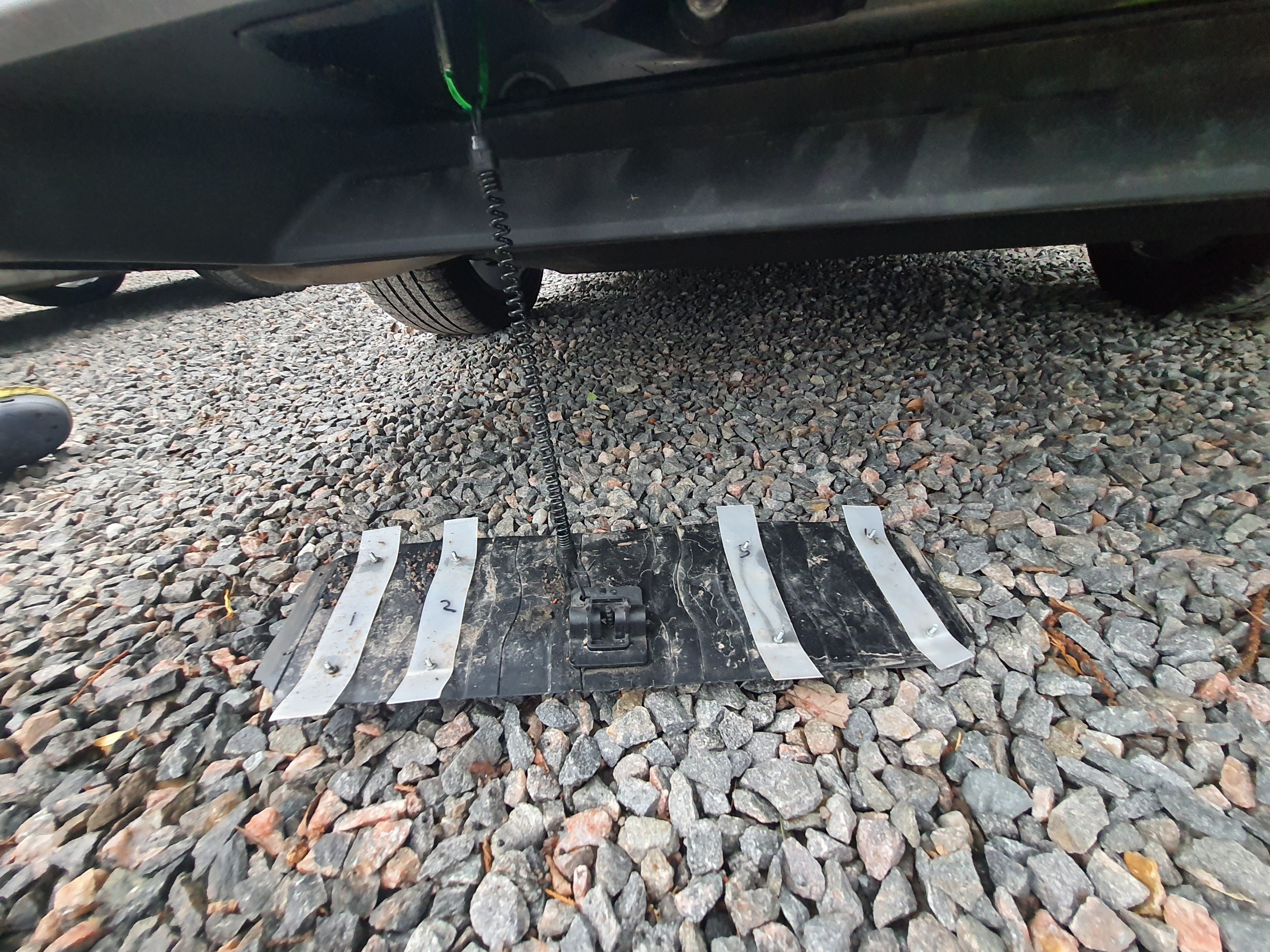
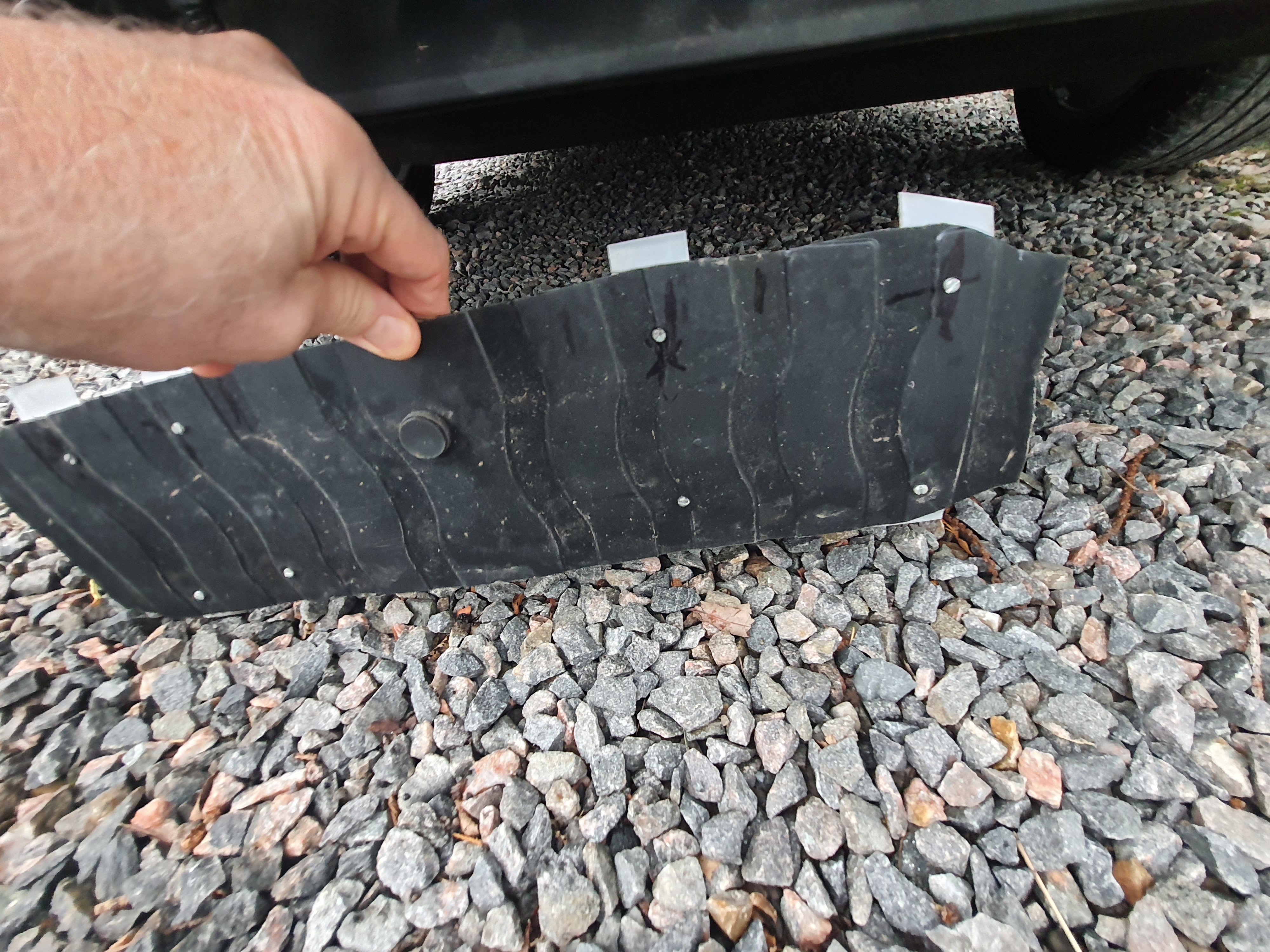
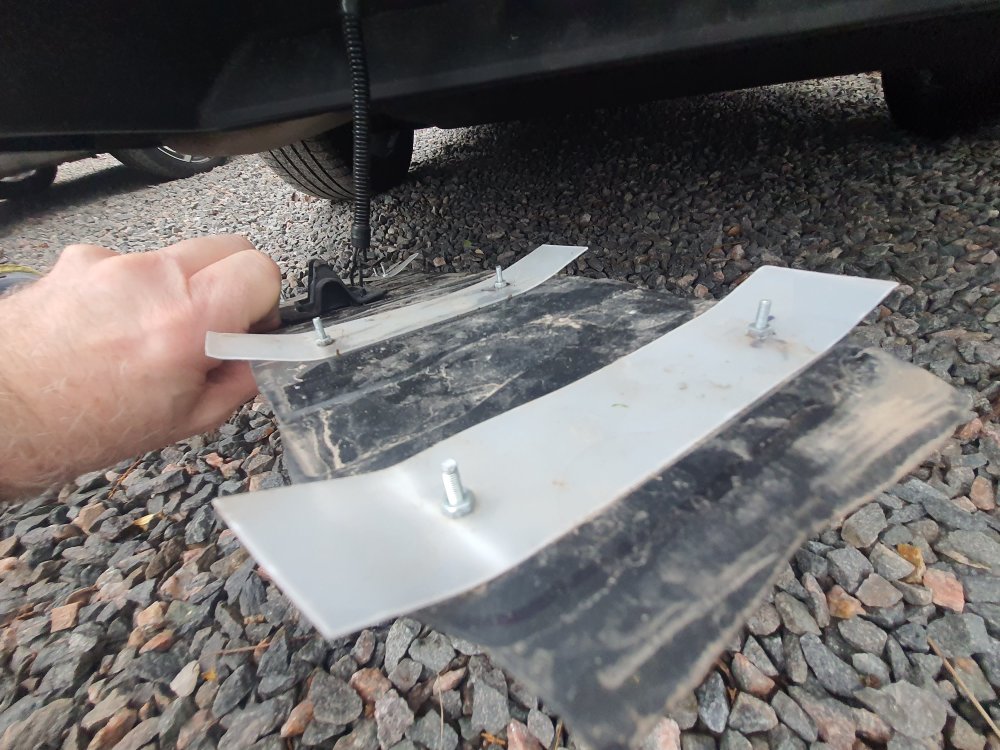
Hello all. As promised some pics of my "bespoke" mk 4 superb towbar hole cover. Apologies for the quality of some of the under vehicle shots, so you may have to zoom in to see them clearly. As previously stated I used the black plastic lid from a storage container, and the white flexible tabs (used to hold the cover in place) are cut from the walls of a Chinese food container. This seems to be rigid enough to hold the cover but flexible enough to bend into place on the inside of the bumper hole. I have usedsmall bolts holding the tabs to the lids but I reckon a decent adhesive would do the job just as well. Just leave the edges free for flexibility. The curly plastic lanyard is a failsafe, in the unlikely event the cover comes off at speed ( ehich it hasn't). Any questions, just ask. Some more pics