dcmma
New here
-
Joined
-
Last visited
-
Thanks for your reply. Is it as simple as just pressing 'Update software' and that's it? Cheers!
-
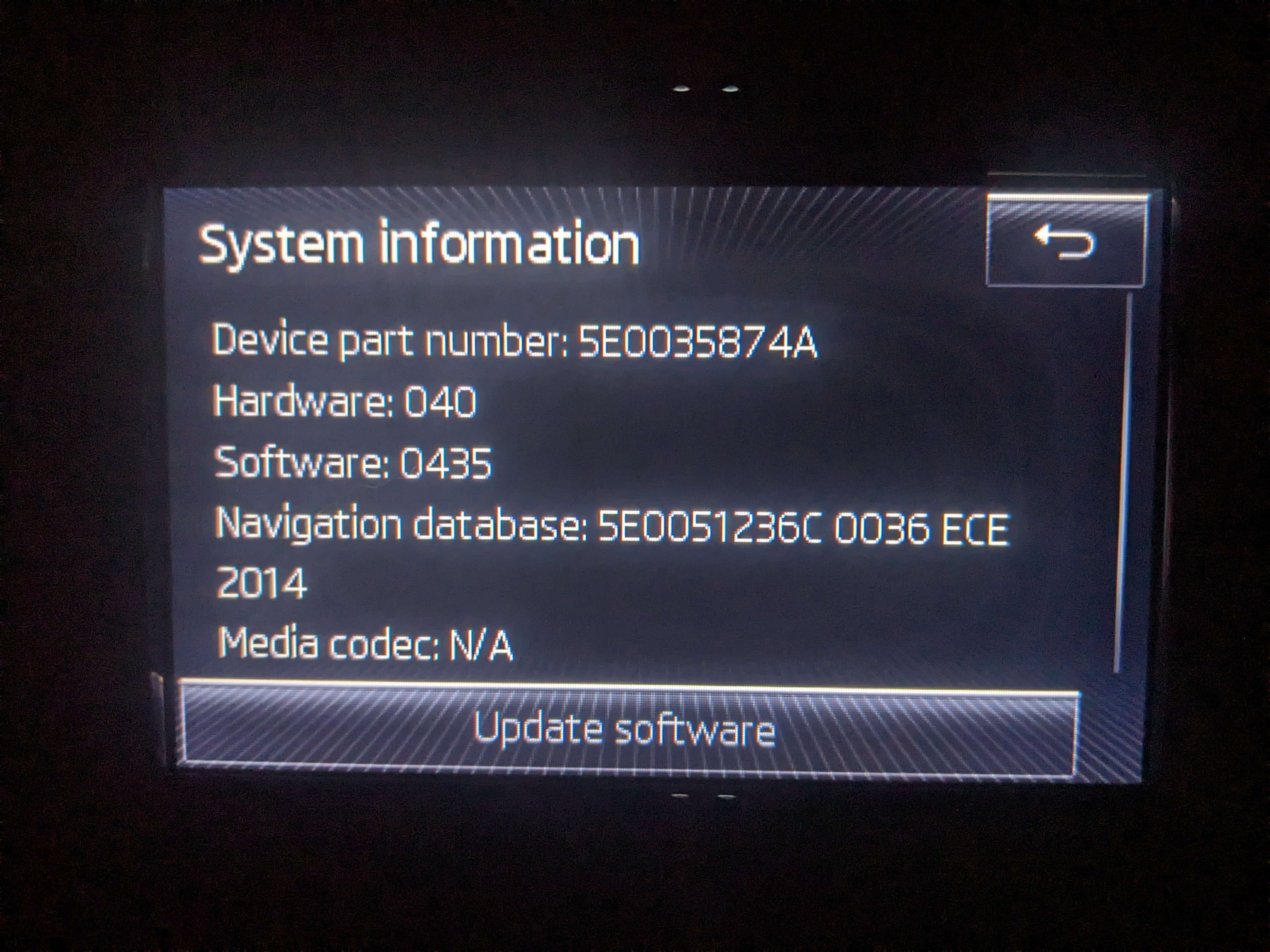
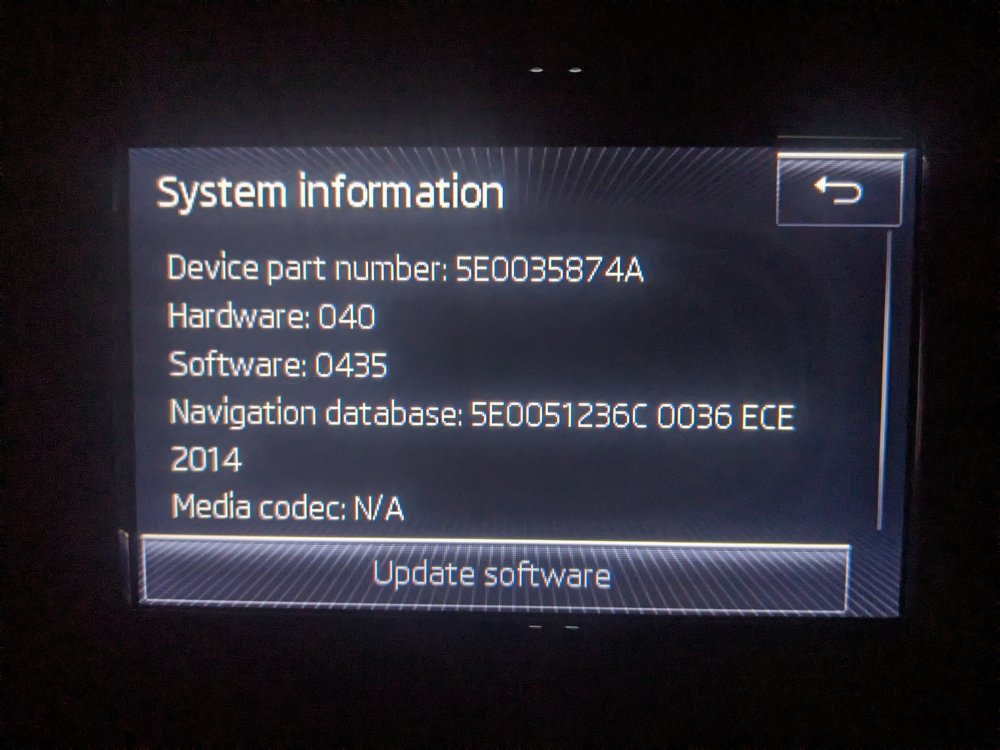
Is this information what is needed? Cheers!
-
Hello, I've tried searching to find anything on this issue but I haven't found anything, so forgive me if this has been covered. Whenever I take/make a call through Bluetooth on my Skoda Octavia MK3 2014 1.6 elegance estate while I'm playing music, when the call ends, the music continues to play but at 0 volume, so I have to then turn it up every single time. Is there any way to get around this so the music must comes back at the same volume level it was on before the call happened? Thank you!