.png.6add8aa5657fae63e47017e657b48c5f.png)
Putter
New here
-
Joined
-
Last visited
Everything posted by Putter
-
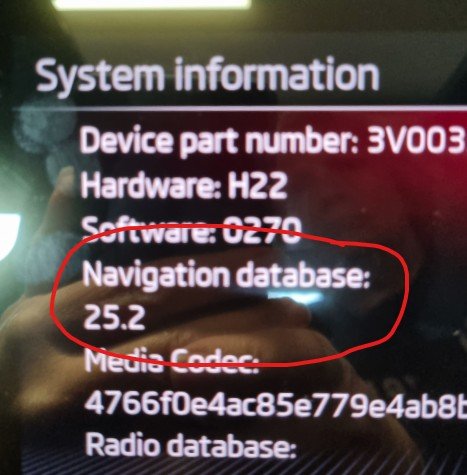
Yep, 100% confirmed works for a MIB3 critter, format a USB-C thumb drive as exFAT (if not already exFAT), then using your VIN, download your regions maps from: https://updateportal.skoda-auto.com/ Open the ZIP and copy the contents of the folder (not the folder itself) to the thumb drive and shove it in one of the two front USB's, I'm in Oz, so the map update was less than 2GB. I pretty much started the car and volia!!!!!! I checked under the Infotainments System > System information and now have an updated Nav DB. Thank you guys, I think the Skoda employee who wrote the English version of the "How To" guide enjoyed a few too many Becherovka's.
-
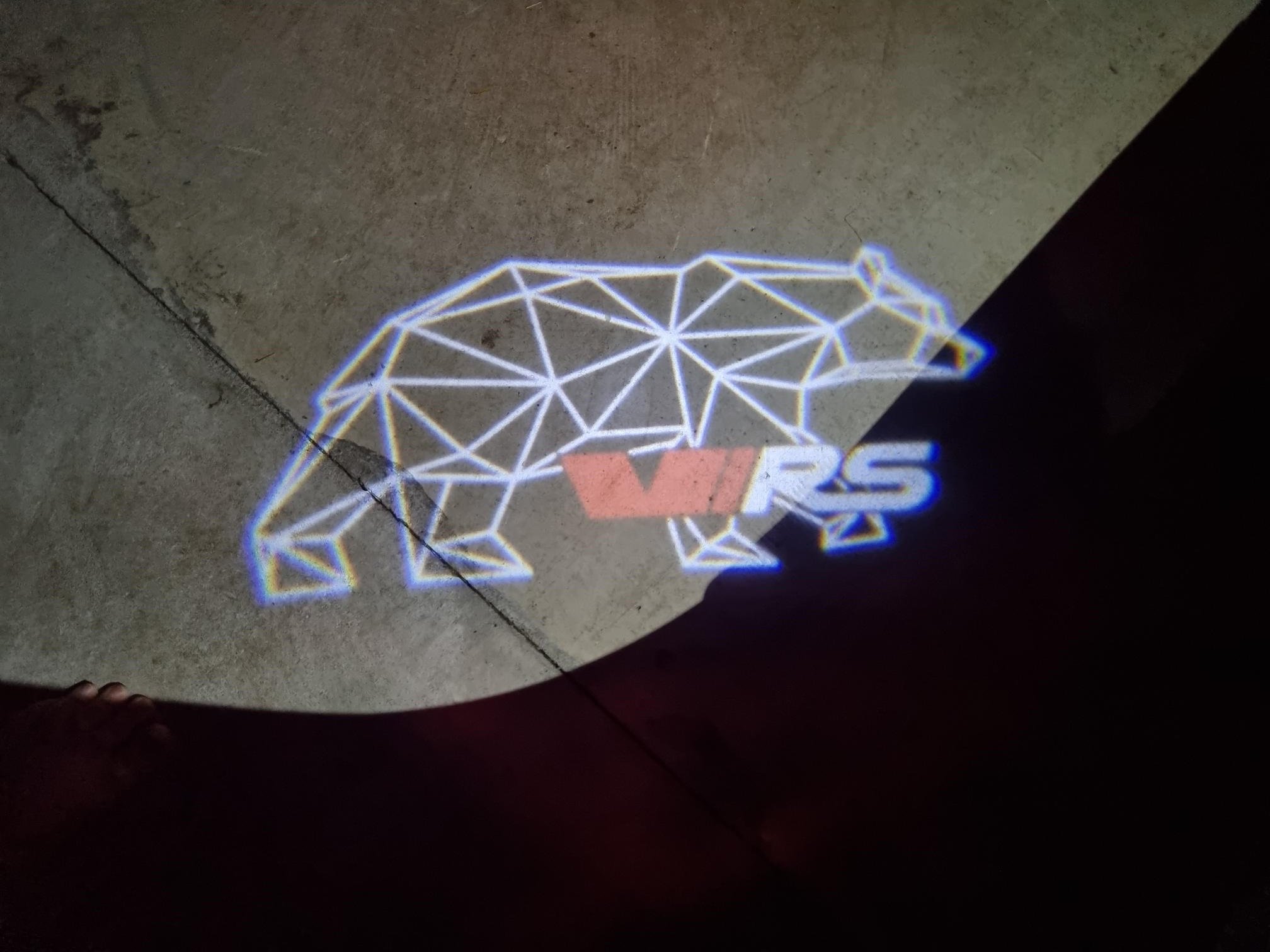
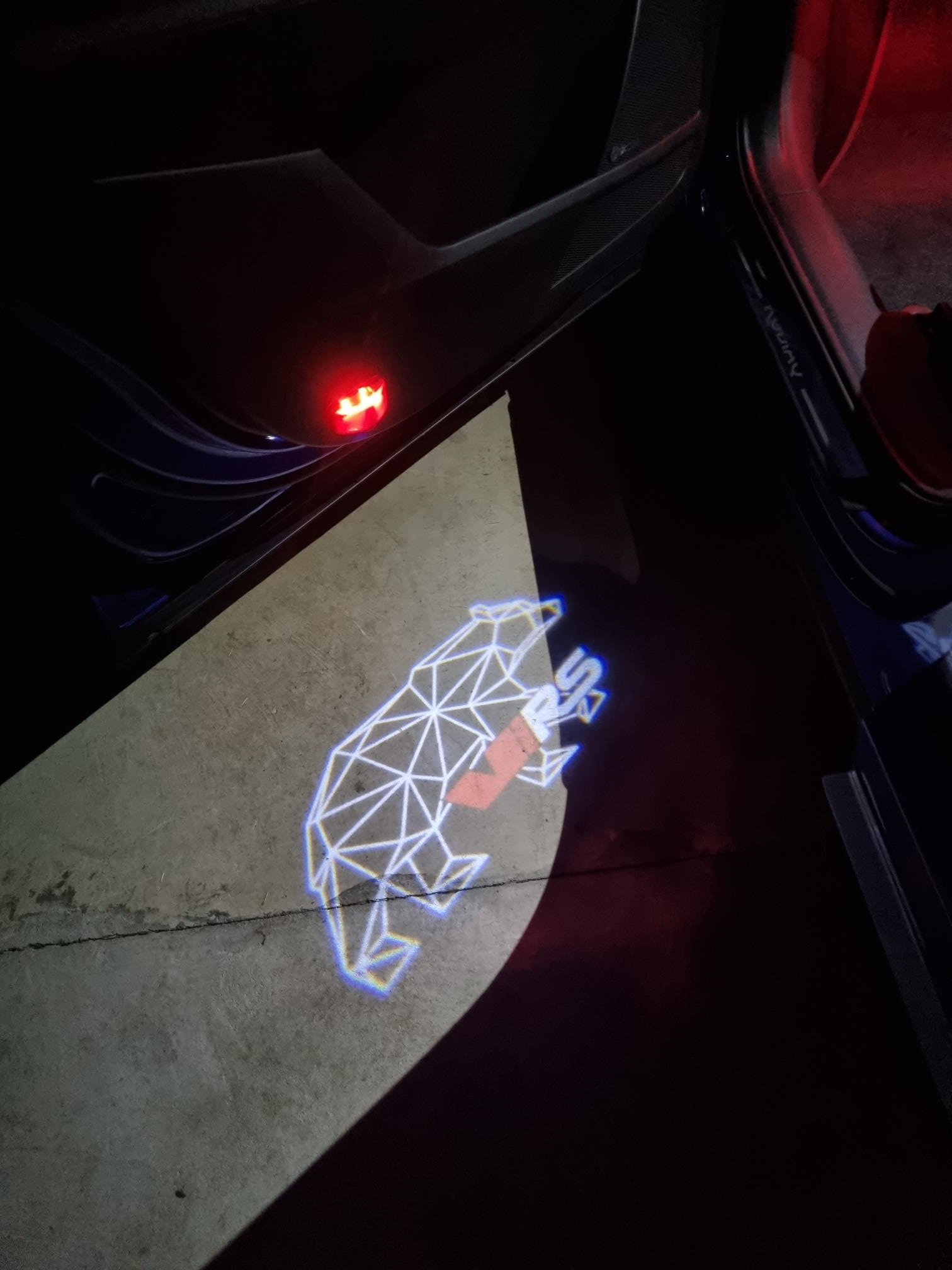
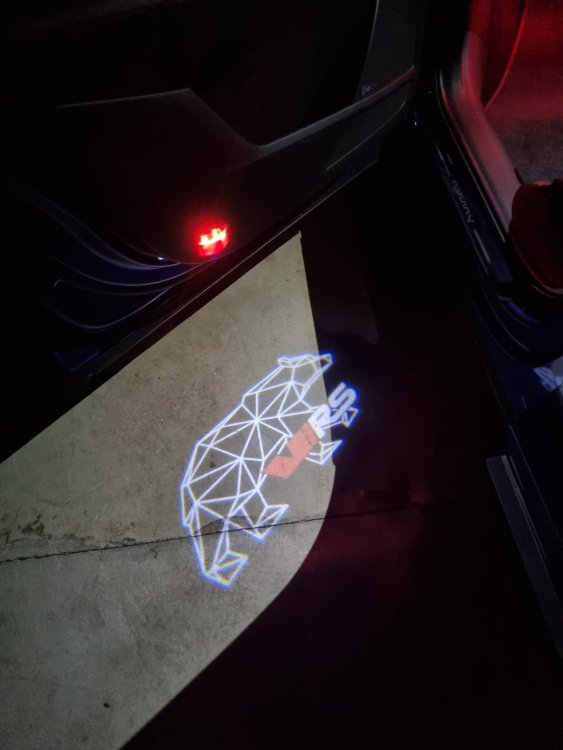
Hey Crapula, YOU ROCK!!! Thank you for this amazing post, so easy even a girly could do it, now I have my vRS Kodiaq Bear welcoming me home!!! I owe you a hug and a beer (or many) Thank you!!
.thumb.png.e55cf0ba6c573c00ef0800fee50467d5.png)