kupcin
New here
-
Joined
-
Last visited
-
In my opinion there is no wiring included in standard loom if it is not a part of the vehicle's equipment at the time of manufacture. The factory saves money wherever possible. - A sign of this is the absence of a fuse and also the absence of a cable outlet under the fuse location. - I am basing my findings on the facts of my vehicle. (it was manufactured for German market) - i think, if you are little bit skillful, it is not difficult to realize your own cabling. After cabling is done, only you need to connect part 5E3035954 or separated DC-DC converter and own USB-C plug - I didn't have information about part 5E3035954 until now. It can greatly facilitate the retrofitting of the mirror USB. I think you only need a 12V power source in the mirror area with a separate fuse. - I didn't think that there is any difference between 5E3035954 or 5E3035954E. My local seller offer this part under this two markings. (https://www.skoda-parts.com/spare-part/5e3035954e-usb-c-connector-skoda-44696.html)
-
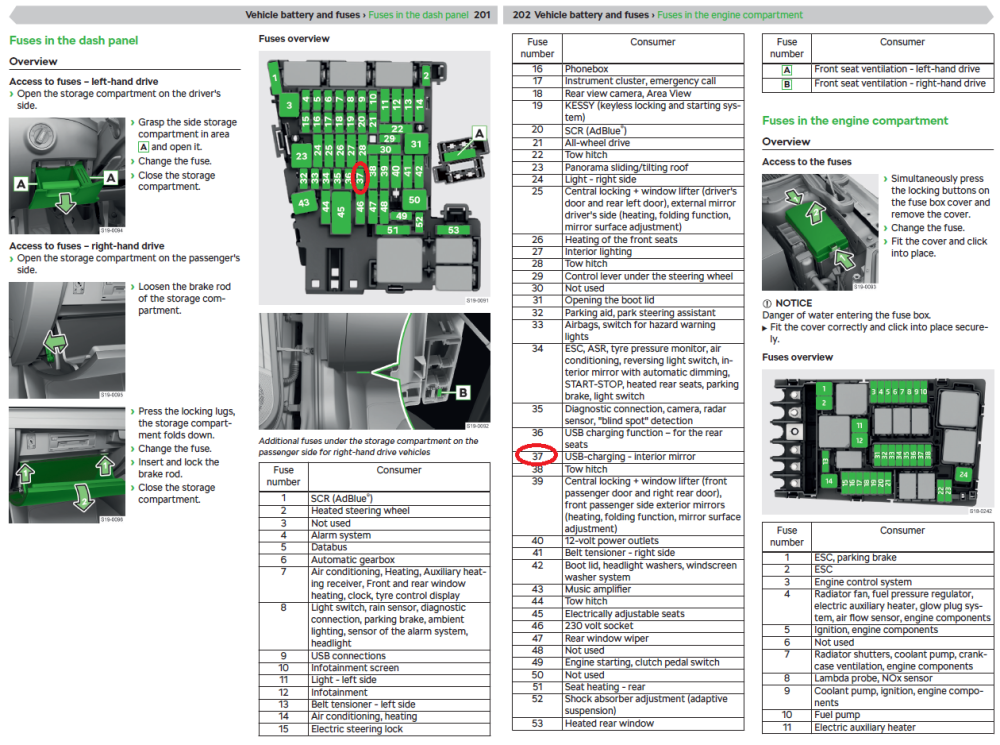
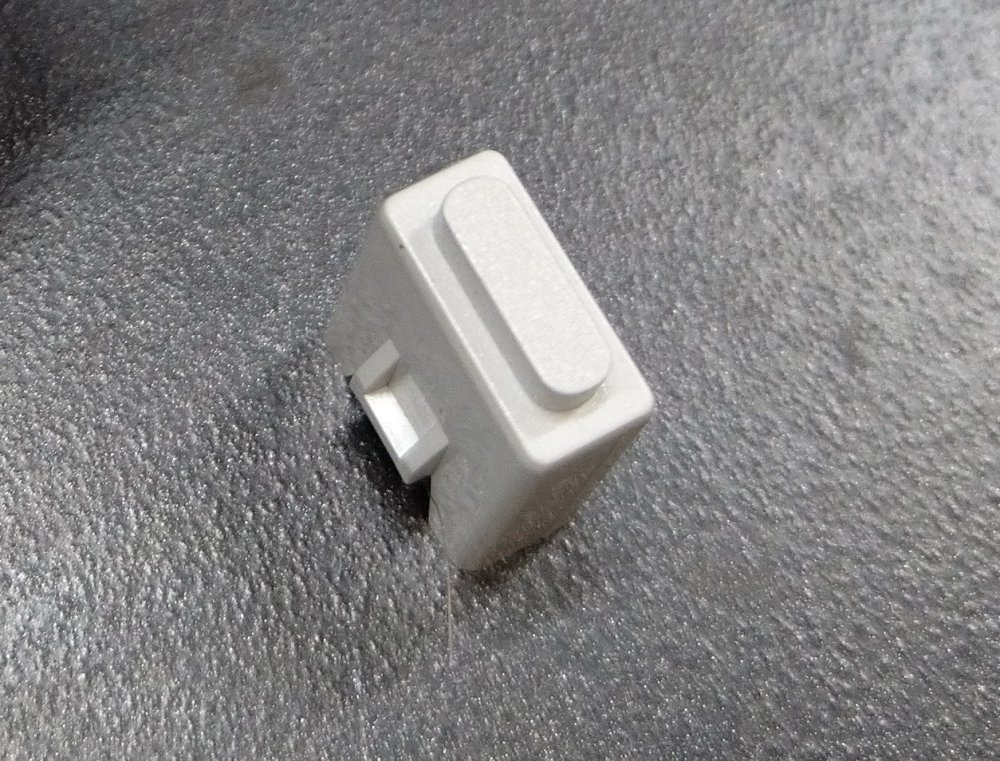
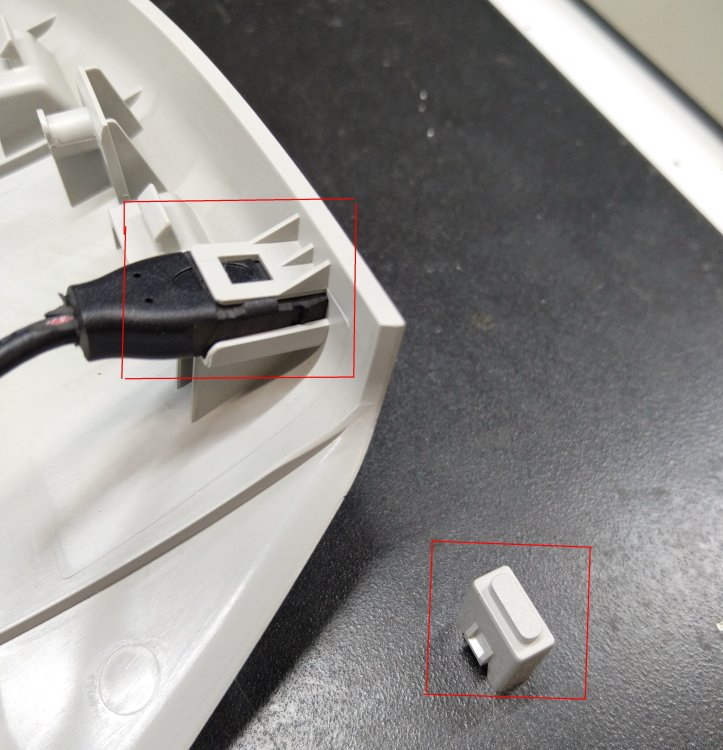
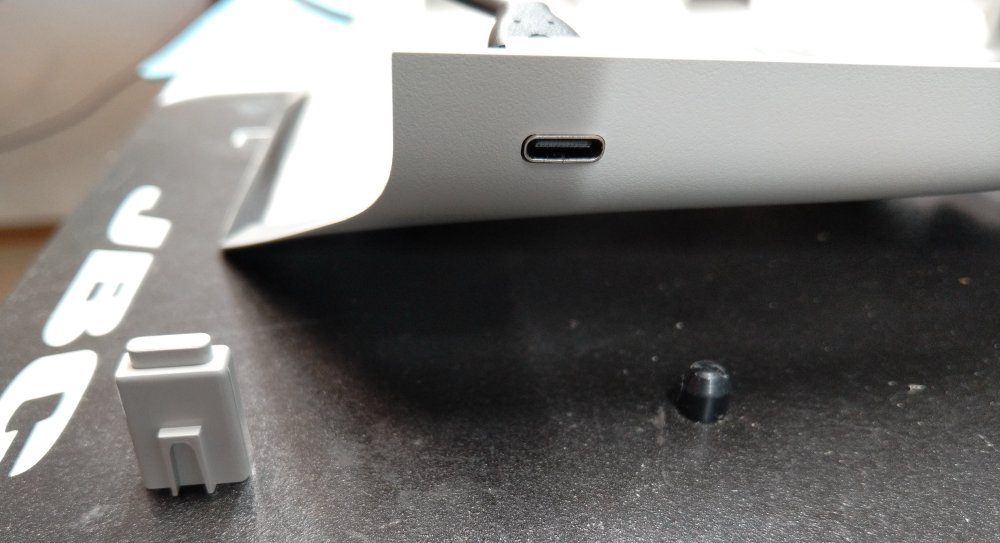
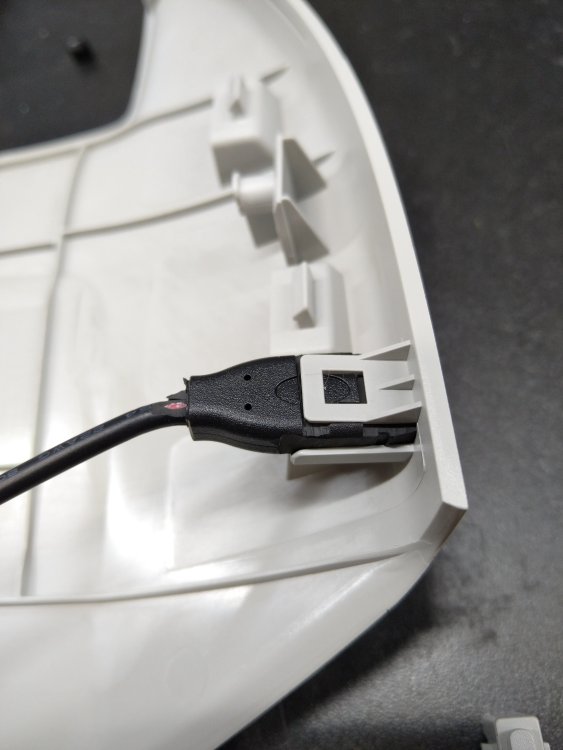
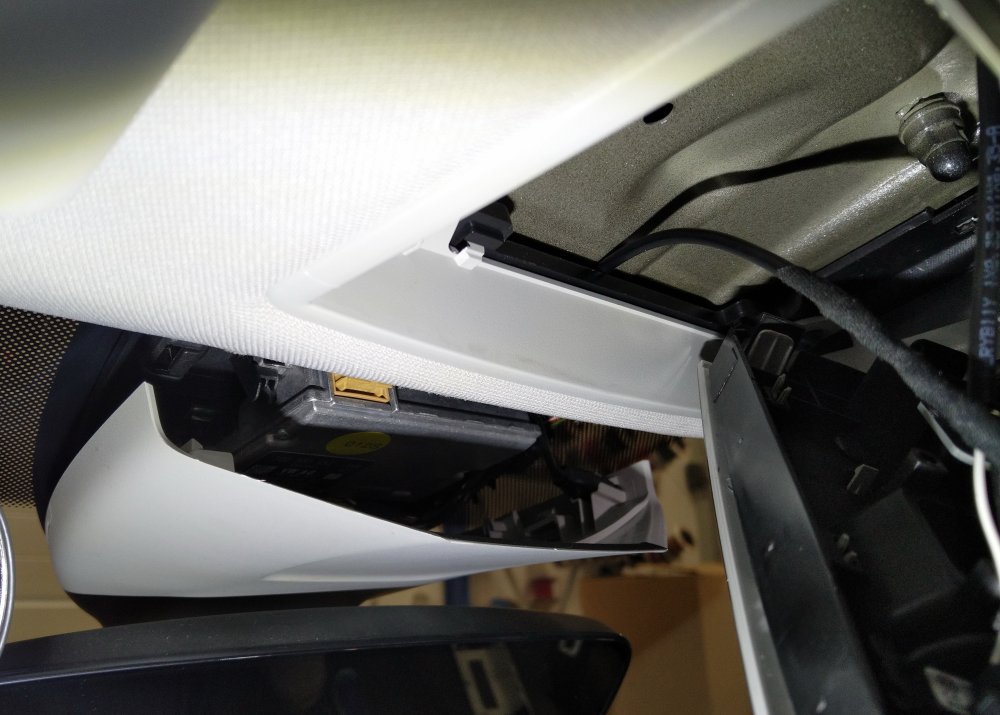
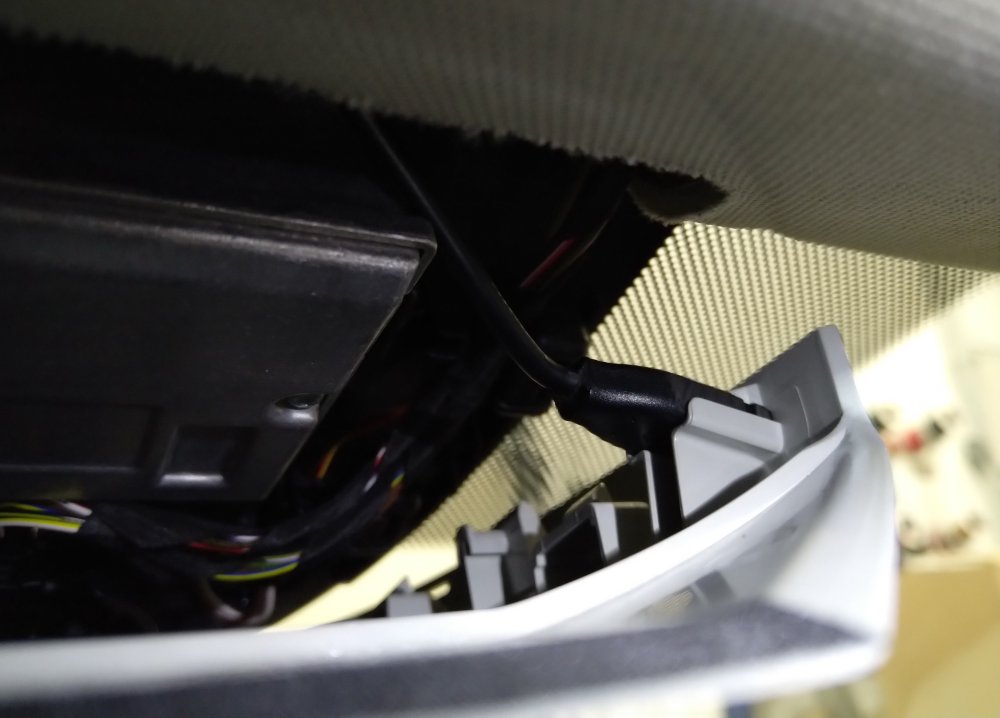
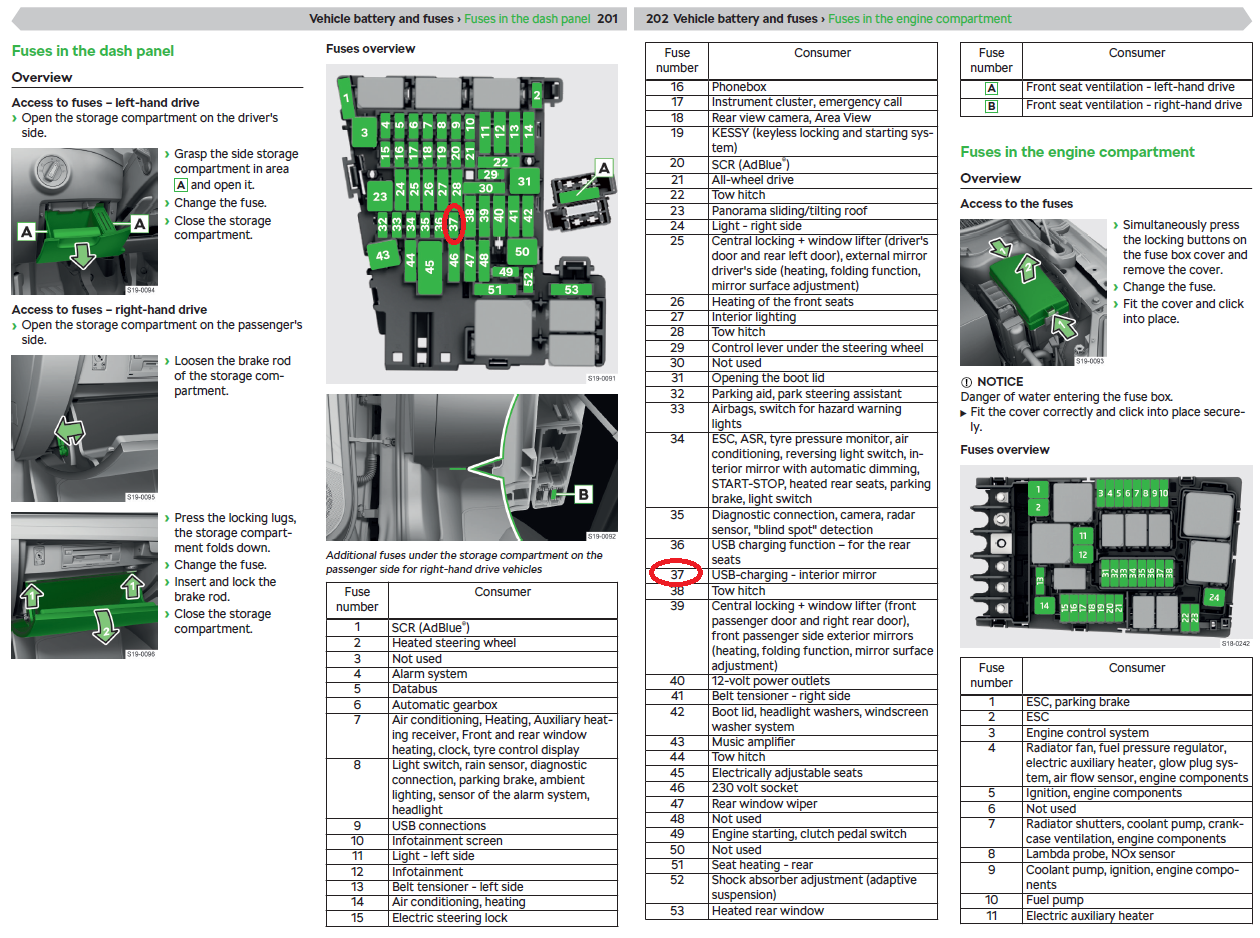
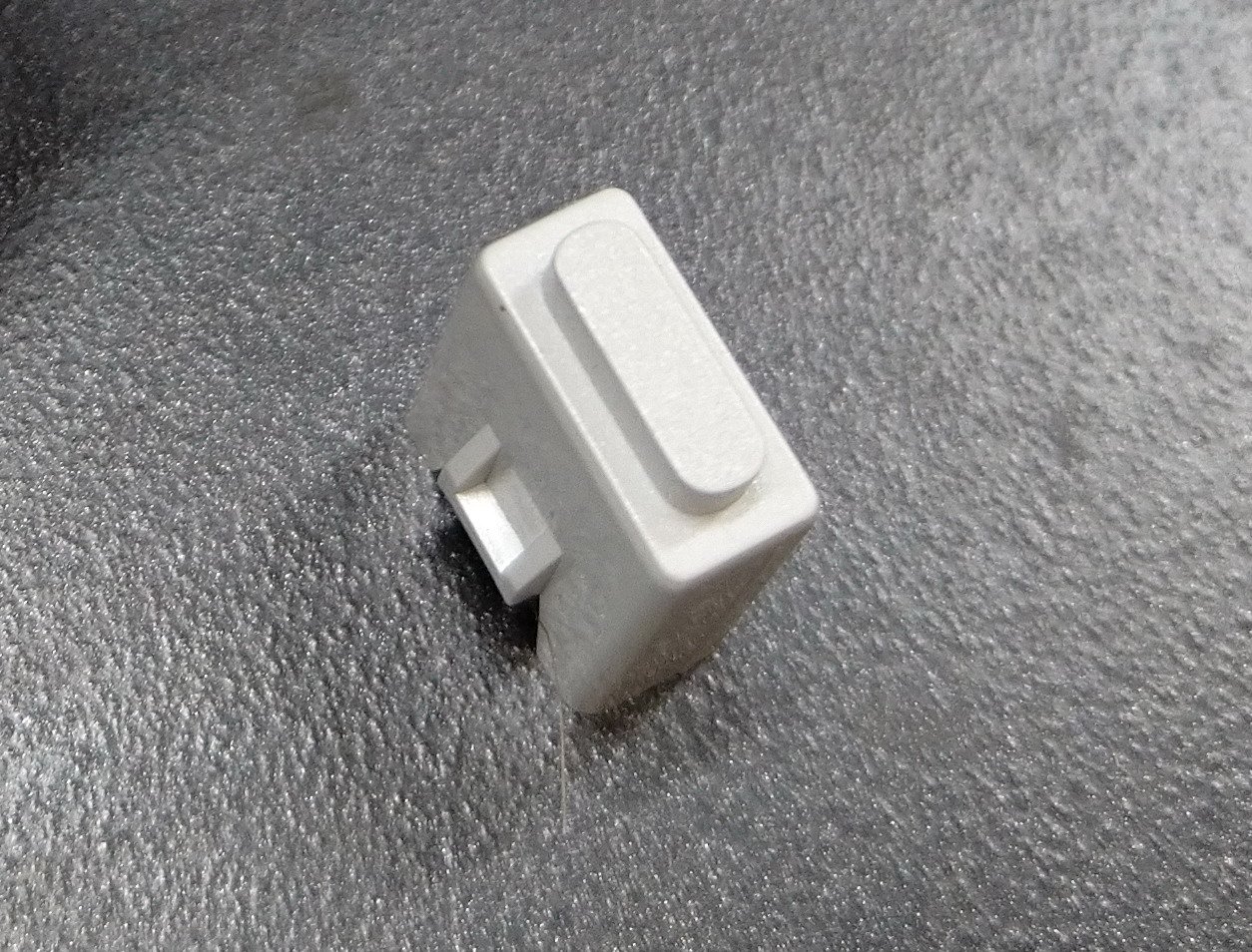
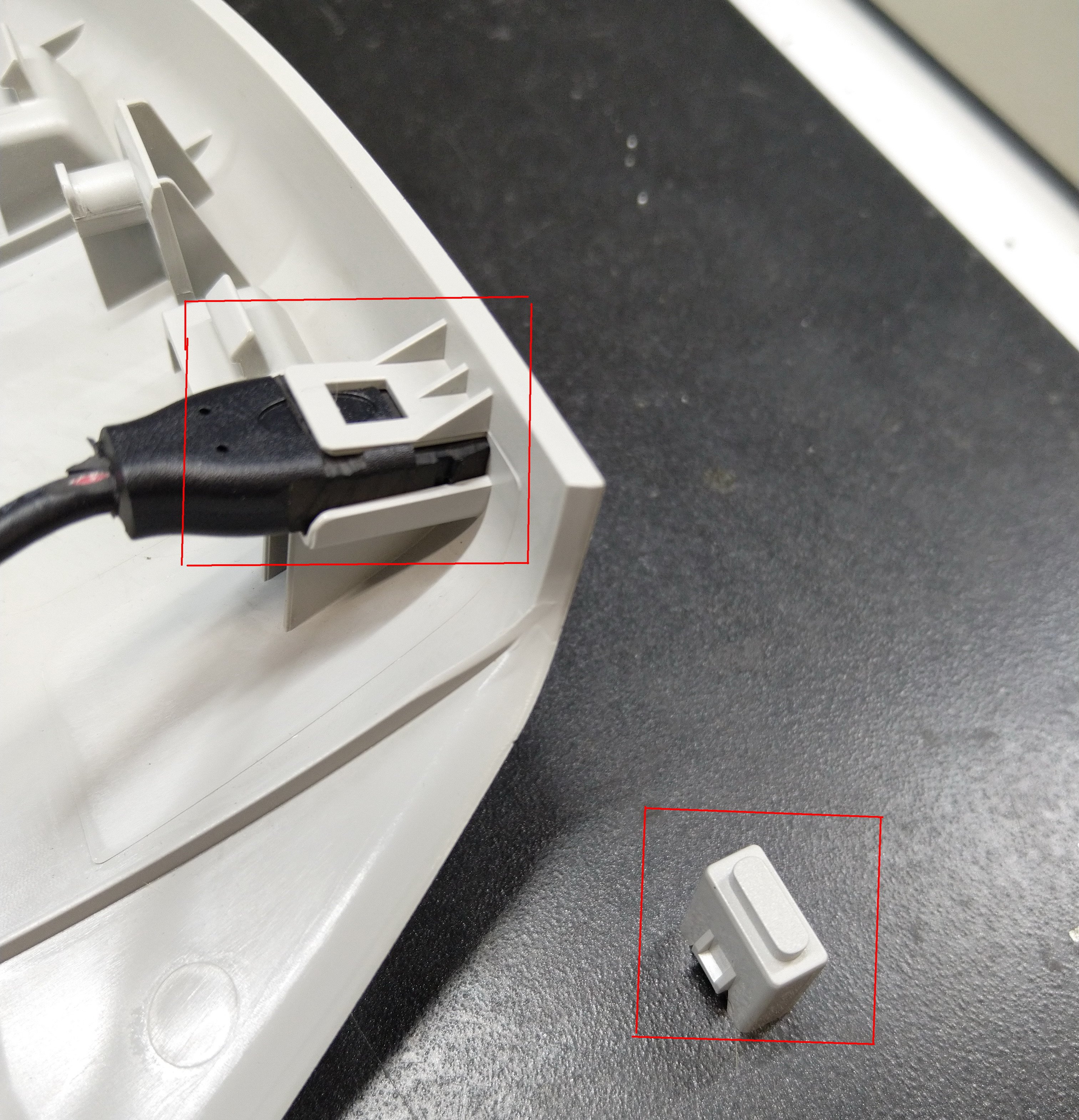
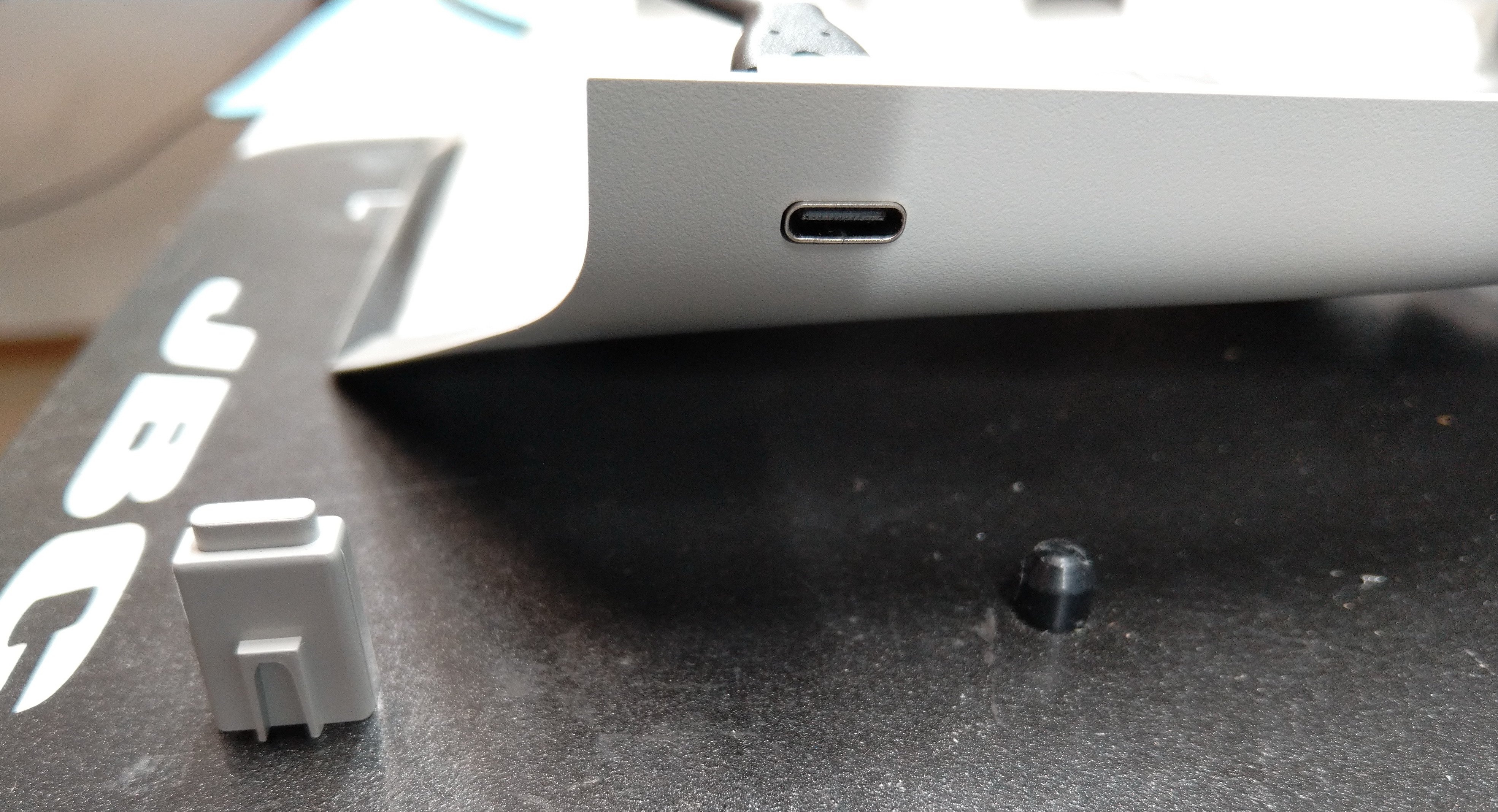
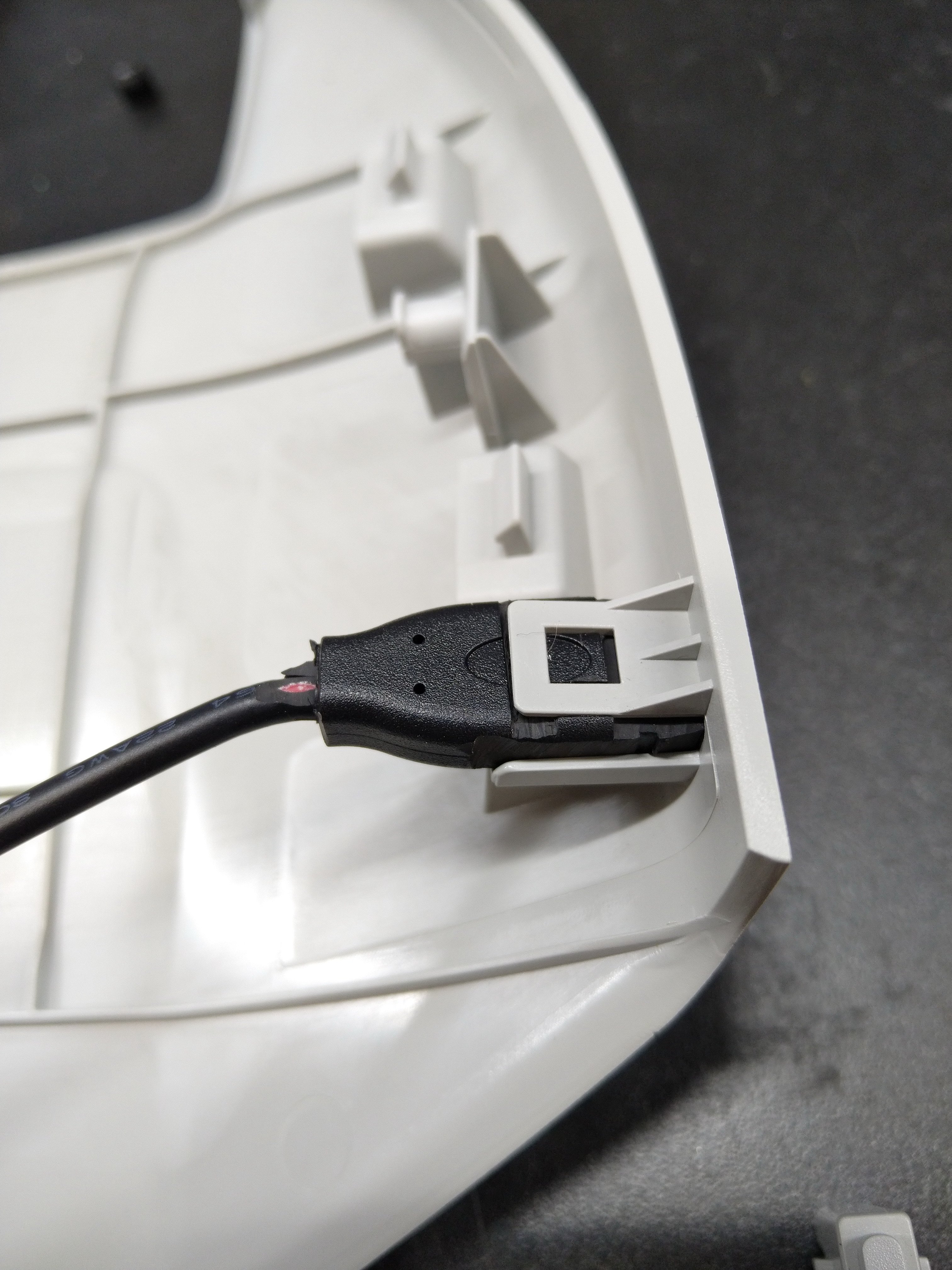
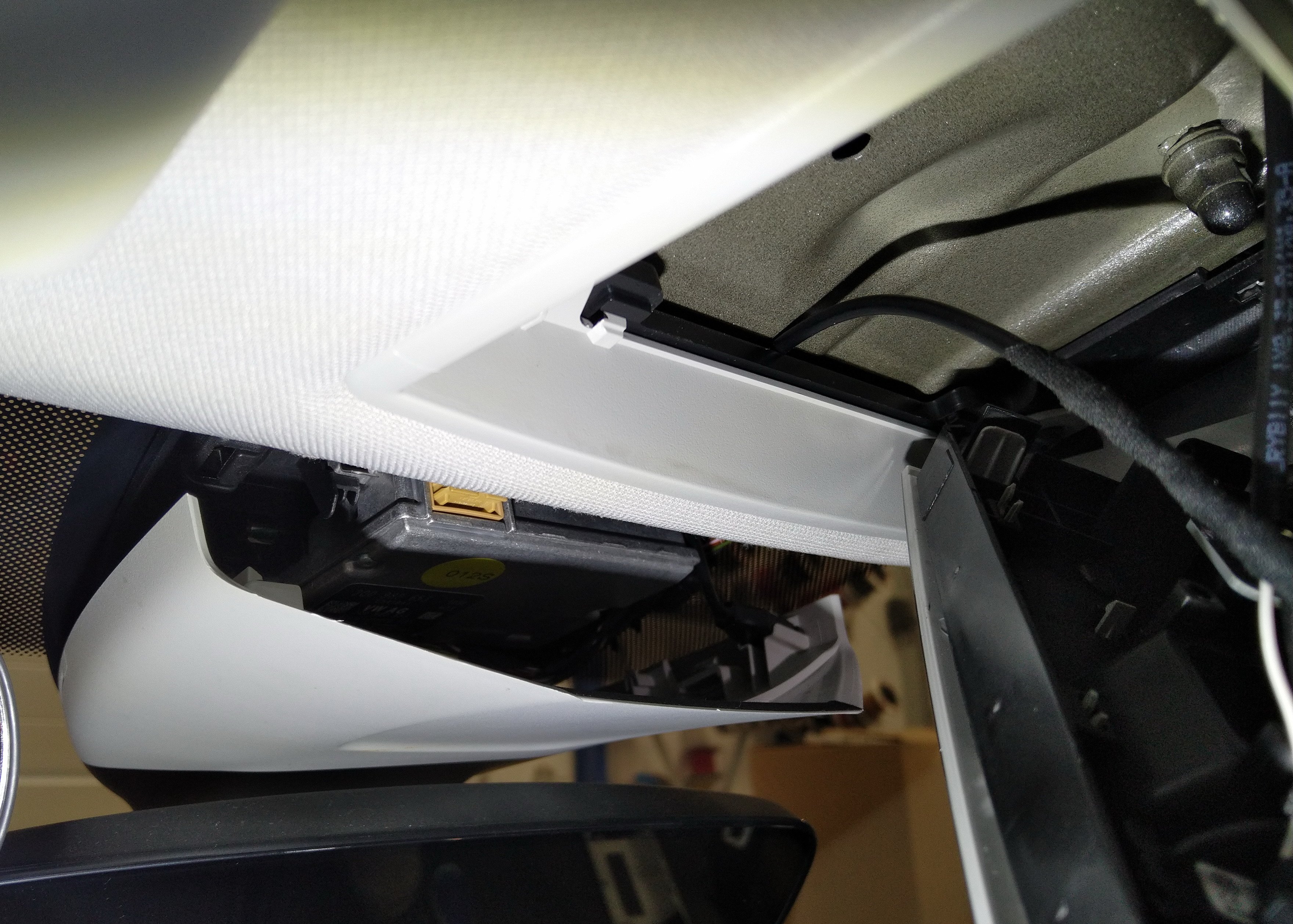
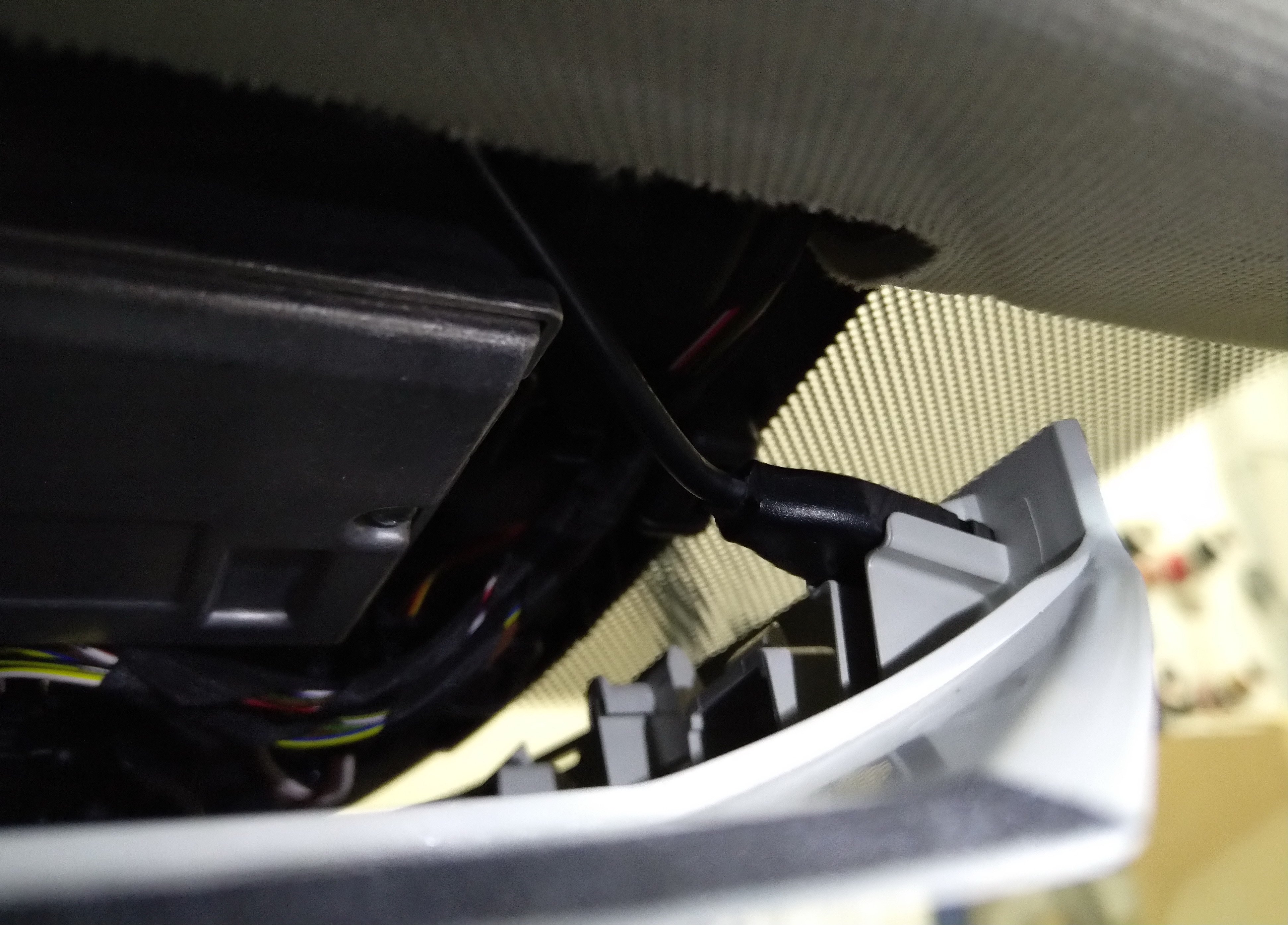
HI guys, - I have tried to add USB-C power socket into interrieor mirror. - power source 12V - I have used an empty position in fusebox nr. 37 - reserverd for USB-charging - interior mirror (see pic.) - As cabeling i used 1,5mm2 cable. I used route threw front pillar and than under upholstery (above the driver) - after disassembling mirror plastic covers, I found out, that there is small plastic blind hole. After choose out there is nice hole for USB-C - I have used USB-C female plug that a found in my supplies. I only cutted black plastic with knife to look as original plastic blind hole. - I have not used any glue, just plugged in and it fits. - All cables interconnections are above lighting - there you dont need unscrew any screwdrivers, just pull out lighting module - I used DC-DC step down converter (8-22V) to 5VDC / 5A. - if somebody want to use higher voltage (for example 9, 12 or 20V) should use DC-DC converter with communication module to comunicate the right voltage with device. And also USB-C socket with 4 wires (i have used socket with only 2 wires for power)