




Pimas
Finding my way
-
Joined
-
Last visited
-
@Tell and @BionicJohn is there any way to get waze or google maps or similar to show up in the drivers info screen? That is what i like about the buildin NAV, i.e. it is not only shown on the infotainment.
- 51 replies
-
- amundsen
- discover media
- maps
- mib
-
Tagged with:
-
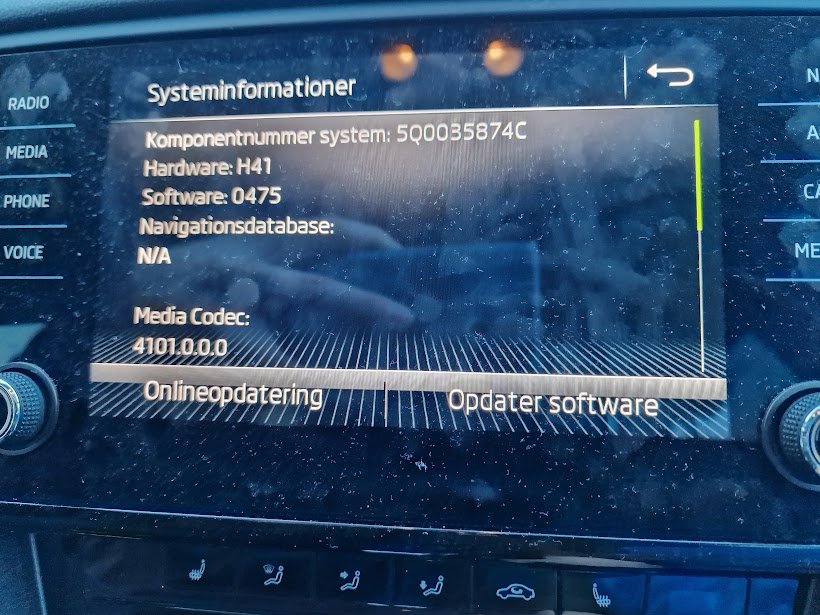
Can someone help me with the 0480 update package?
-
Are there really not any newer update to the NAVs maps? These files, although published very recently, seems to be last touched in October 2023. Is there any more recent update around the corner, or can i do anything else to update the NAV with more recent maps? I ask specifically because there is roads it simply can't currently find because they are too new.
- 55 replies
-
- amundsen
- discover media
- maps
- mib
-
Tagged with:
-
Are there really not any newer update to the NAVs maps? These files, although published very recently, seems to be last touched in October 2023. Is there any more recent update around the corner, or can i do anything else to update the NAV with more recent maps? I ask specifically because there is roads it simply can't currently find because they are too new.
- 51 replies
-
- amundsen
- discover media
- maps
- mib
-
Tagged with:
-
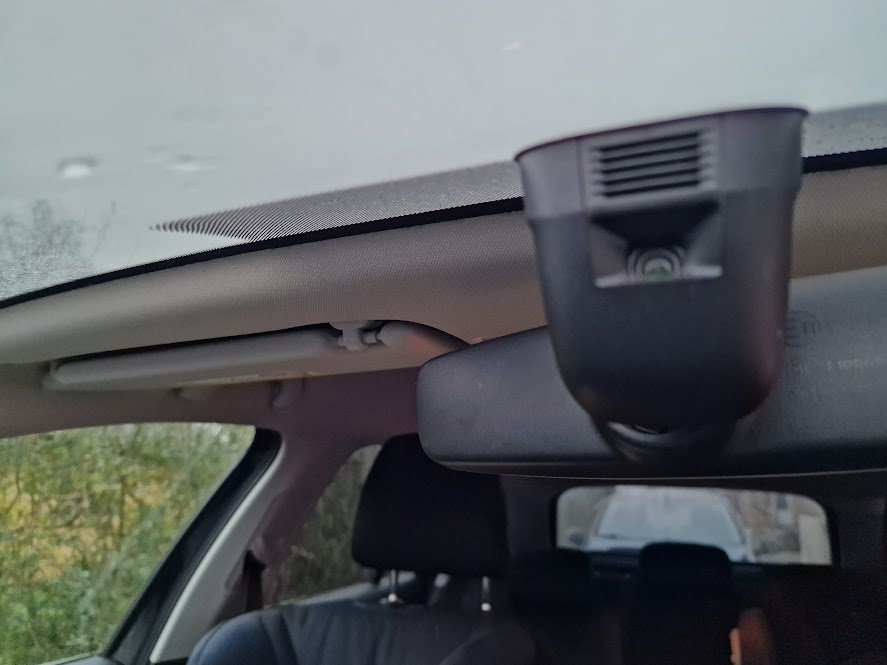
Has anyone tried to do it? My very short research has shown me that it should be possible for this model by reconfiguring the car using VCDS IF the car has the correct hardware of course. What I understand it needs a front-facing camera to actually use these more "advance features" (already have adaptive acceleration control), have anyone tried to get it done? This is the front facing camera i already have in my car..
-
Dad of 2 kids living in Denmark. Just bought an Octivia to fit all the kids stuff.. We had a mazda 2 until now and it has been a squuze to say the least.