AI1993
Finding my way
-
Joined
-
Last visited
-
No worries, thanks anyway for everyone's help 😁
-
@pab567 if I were to get a replacement would it need to be coded to my car?
-
Yeah, but it was mentioned beforehand so I knew it was screen or glove box unit so got some money knocked off. But was hoping it was screen.
-
@pab567 new cable arrived and fitted, unfortunately it didn't work. @Joco776 how would I carry out a forced update?
-
I've purchased a LVDS cable as that's what powers the actual display partof the whole display unit according to the link that was sent in balazs955 link. Just waiting on that cable.
-
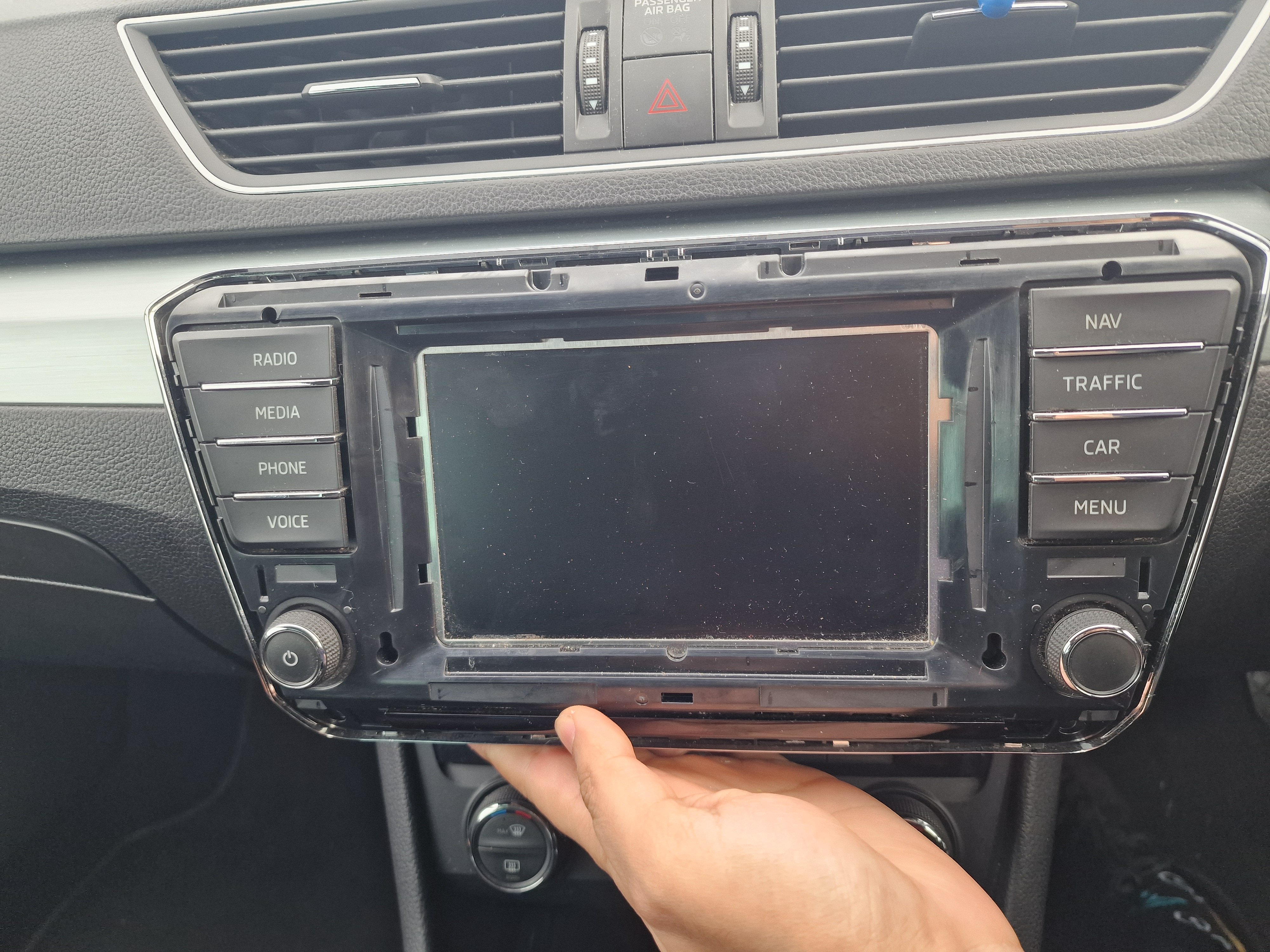
Not fully dead. The display unit gets power as the buttons light up, however the display remains blank. Same issue with both. I'm hoping it is the display cable. Definately would be an issue with main unit in glove box if the cable I bought isn't the issue.
-
Perfect, thanks for that. I've ordered a LVDS cable. Hopefully it'll work. I'll post an update once tried.
-
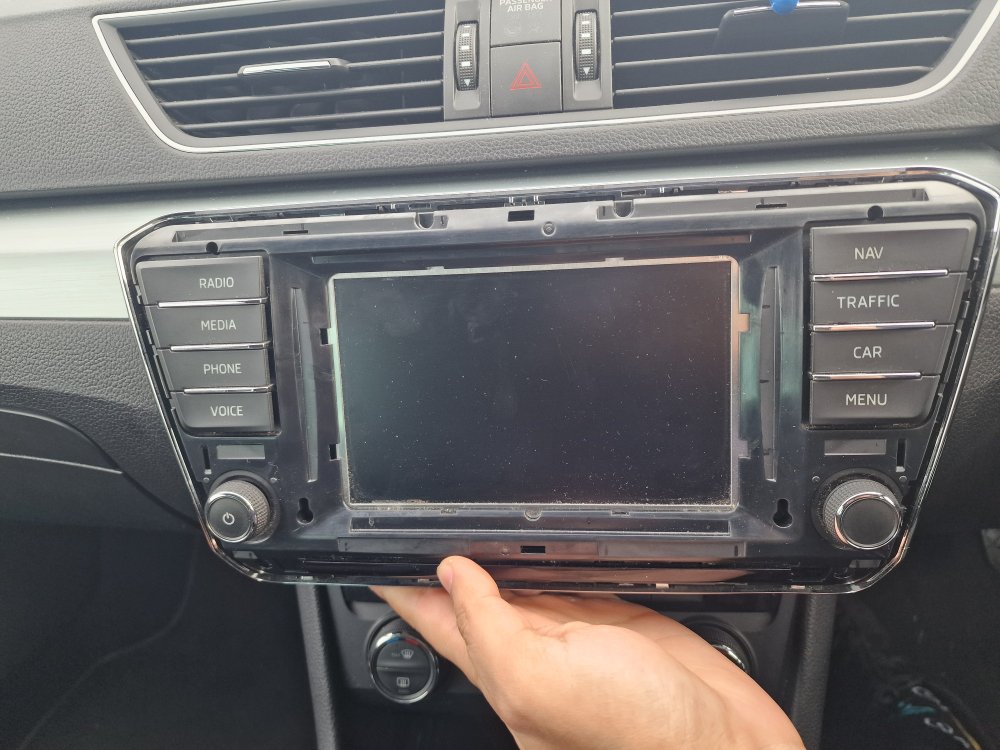
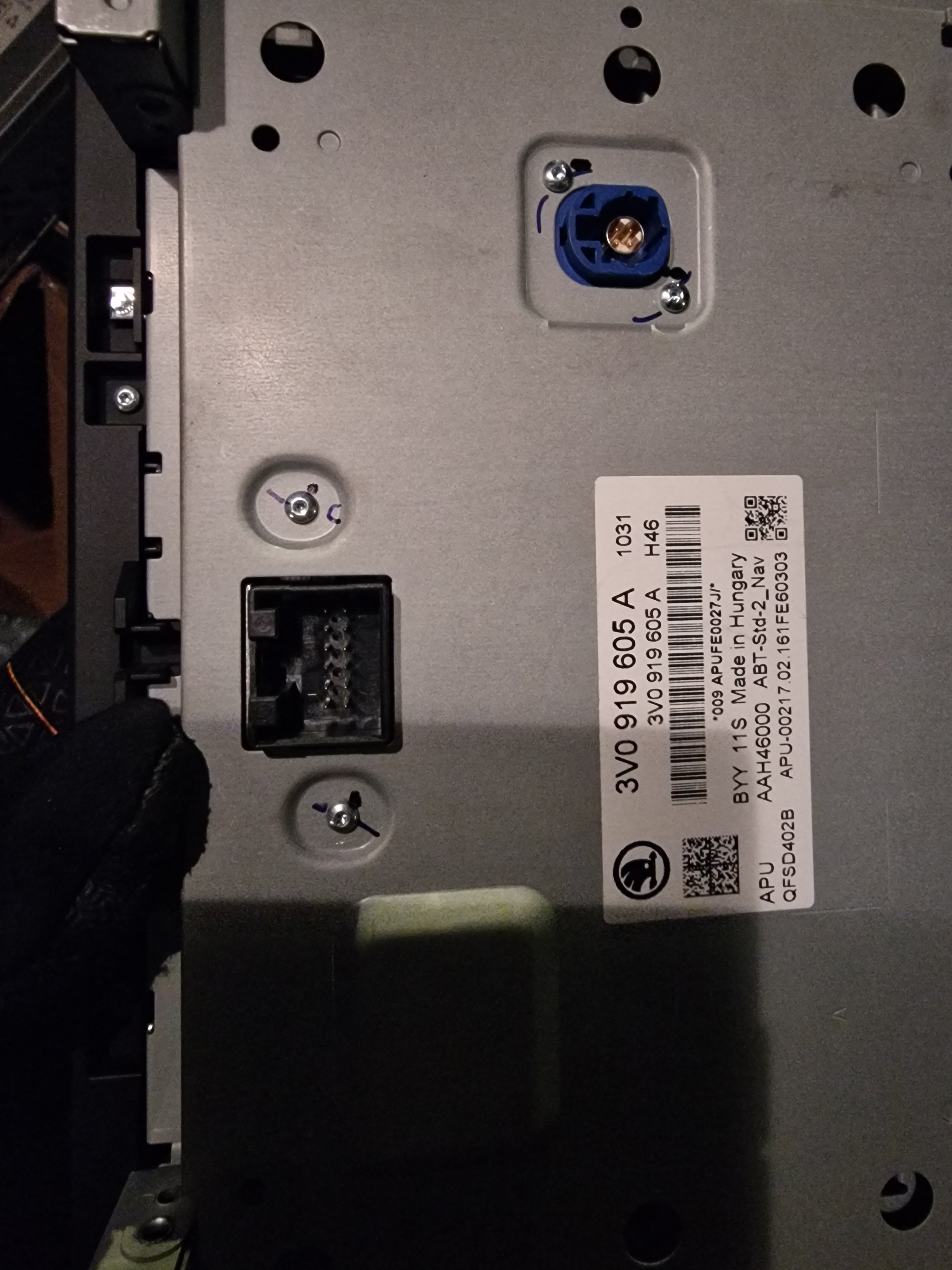
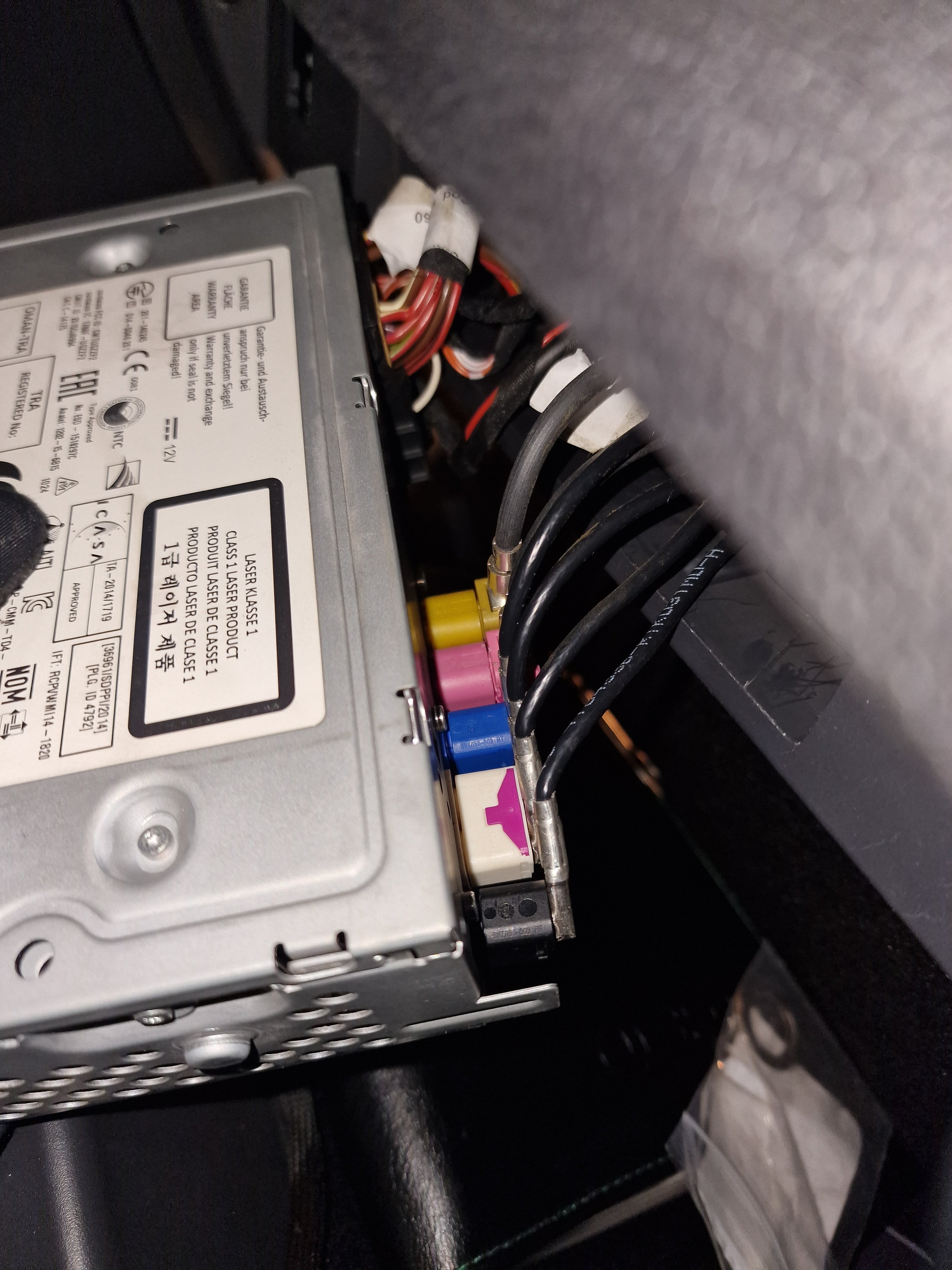
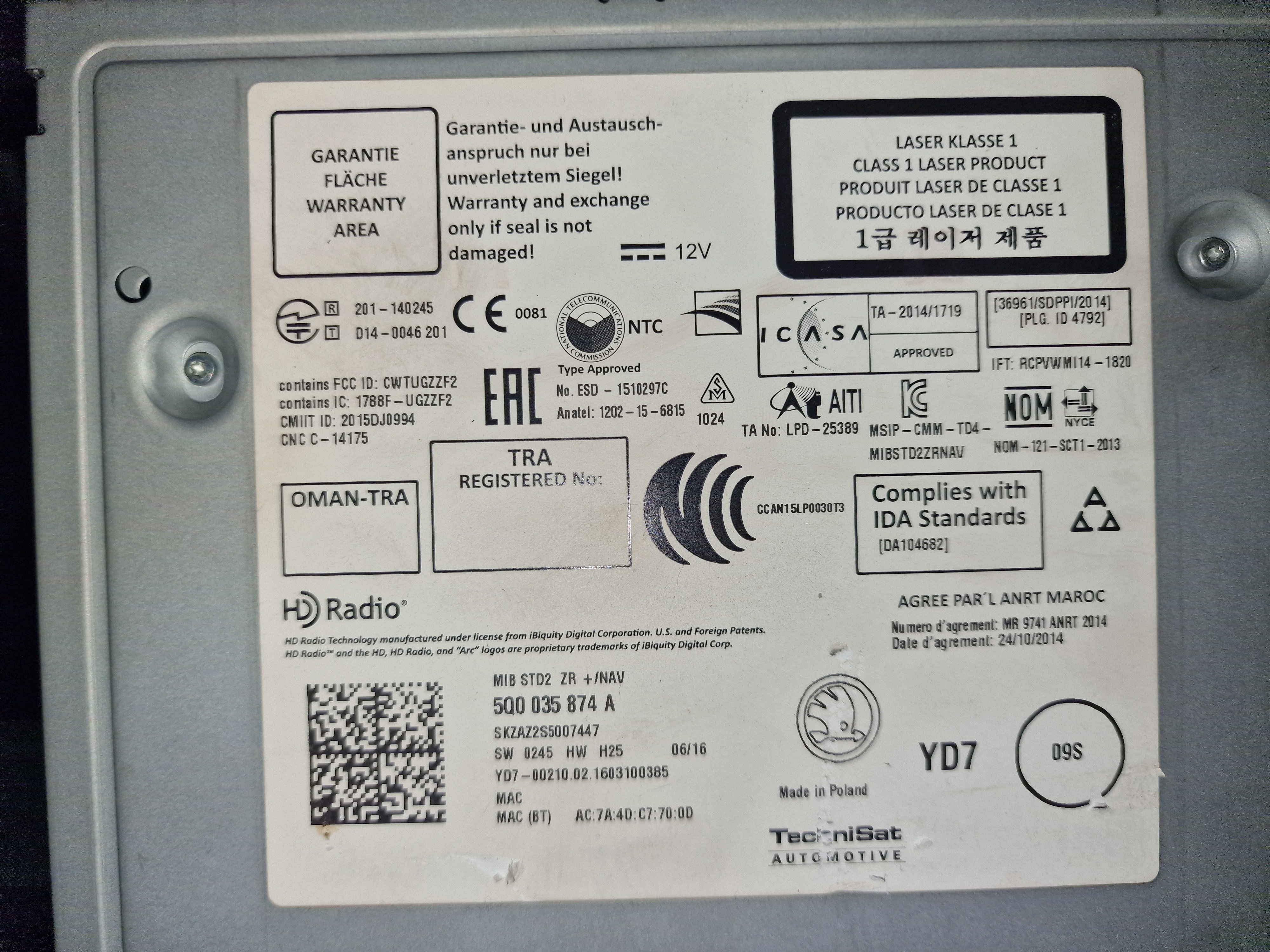
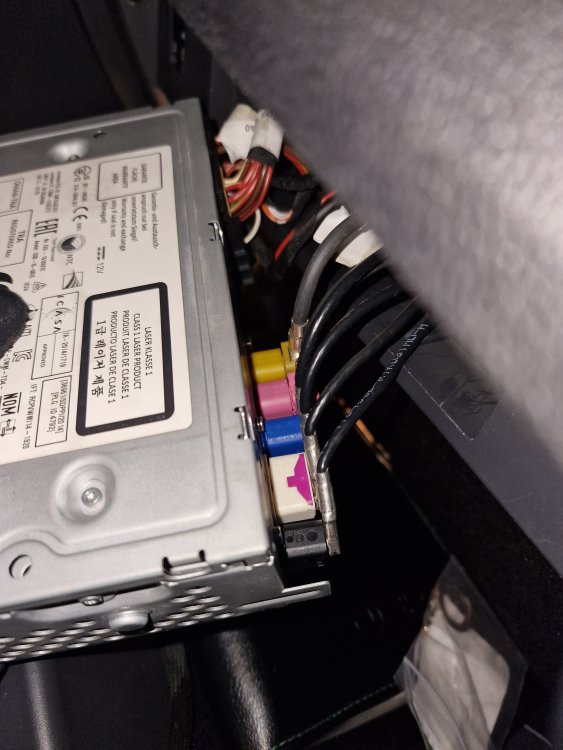
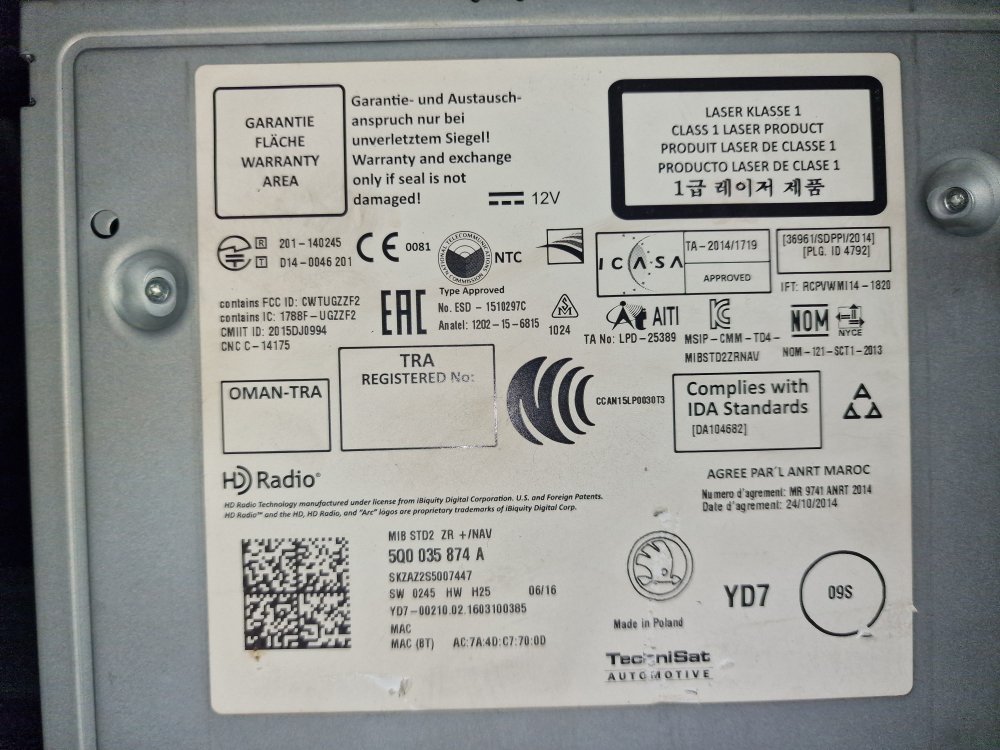
Update: Tried like for like screen replacement, head unit received power but display remained blank. I have attached image of glove box unit label, I believe model number is bottom left. I'm thinking its the cable associated with the blue connector at the back of the display as I think this may be power for the display. Alsa attached image of the connectors at the back of glove box unit. Does anyone know what each connector is for.
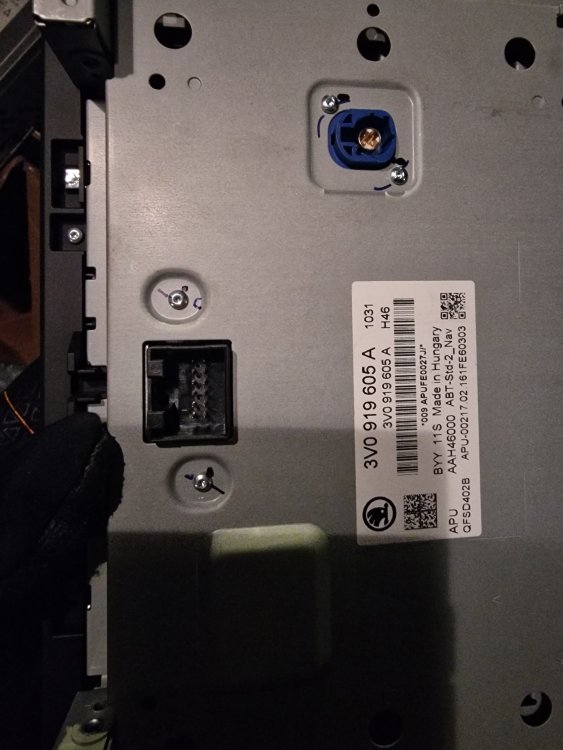
-
Yeah, both cables connected securely when issue occured. I disconnected and reconnected cables to rule out connection issue. Checked all cables and connections in the unit in the glovebox. No obvious cable damage or loose connections.
-
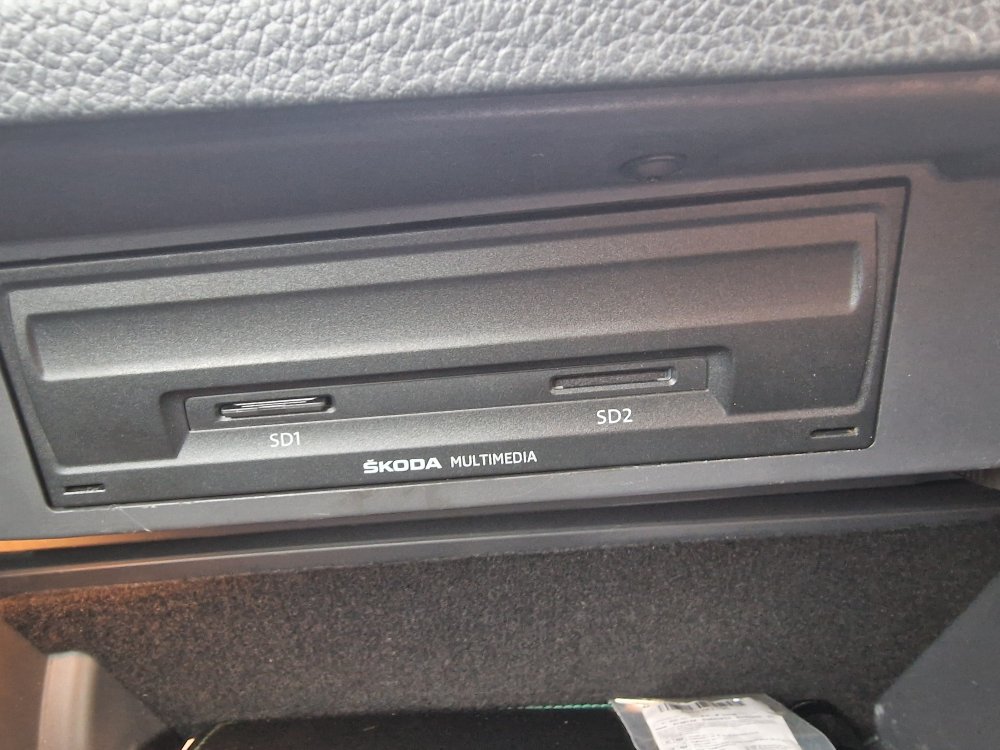
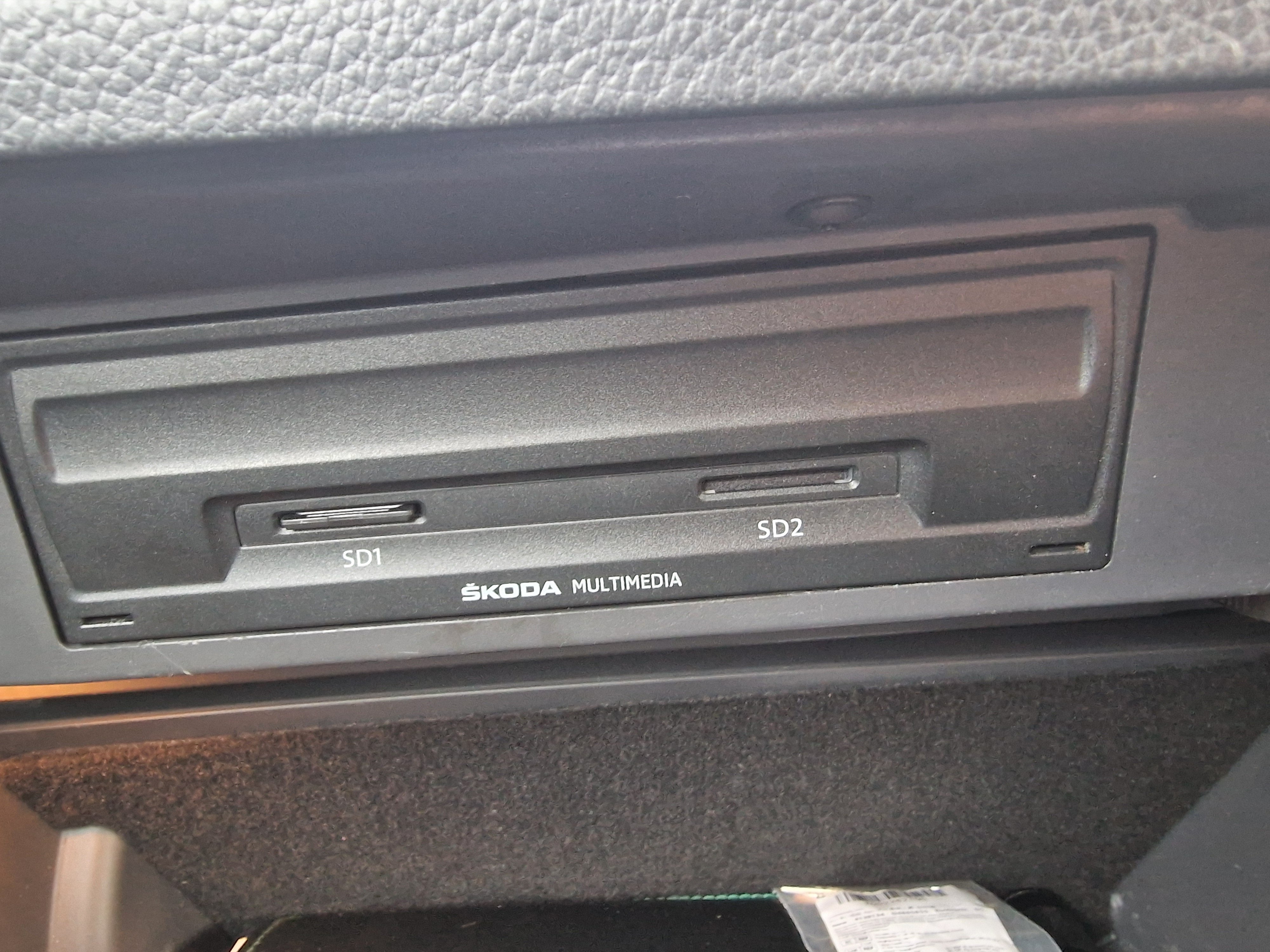
Hello, New skoda owner. The head unit screen does not turn on, however the buttons do light up. Tried the reset options mentioned online e.g. holding power button, disconnect battery etc. Fuses are okay. Just wandering if there's anything else that can be done. I wanted to try a like for like replacement, would this need coding to see if its the head unit thats the issue or something else. Pics of head unit and sat nav unit to help with type of head unit I have.