SunnyL
New here
-
Joined
-
Last visited
-
It turns out the the blower motor is gone - coals are worn out - so turning it upside down make the connections a little bit better, so the motor run in that position! Got another from a car wrecker - works nicely Thanks for the help!
-
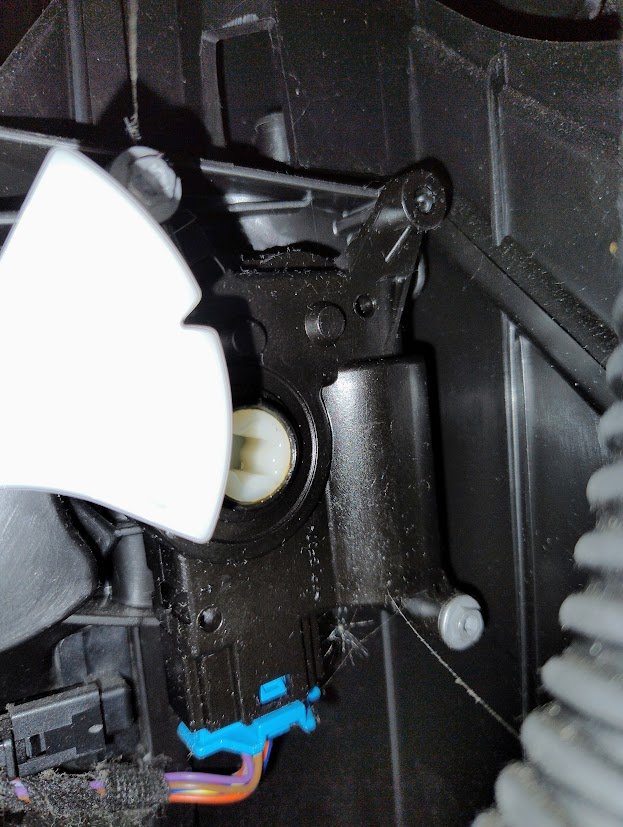
I did put the pinion (3 on your fine picture) back in place and the adjuster (1) - the pinion hardly move though when I press the control! If I understand it correctly this mechanism controlls distribution of air? And regarding the blower - it looks fine and spins rathjer easily. And yes - it works best when turned upsidedown, and blows less in normal position! After a while it stops! Odd
-
I managed to get the blower motor out and it looks all fine. I tried to turn the blower on while having it out - and it react strangely. It works fine if I turn it upsidedown. If I turn it in normal position, it blows less. And after a while it stops. Odd.... How can I check whether its the recirculation that creates problems? Thanks Lars
-
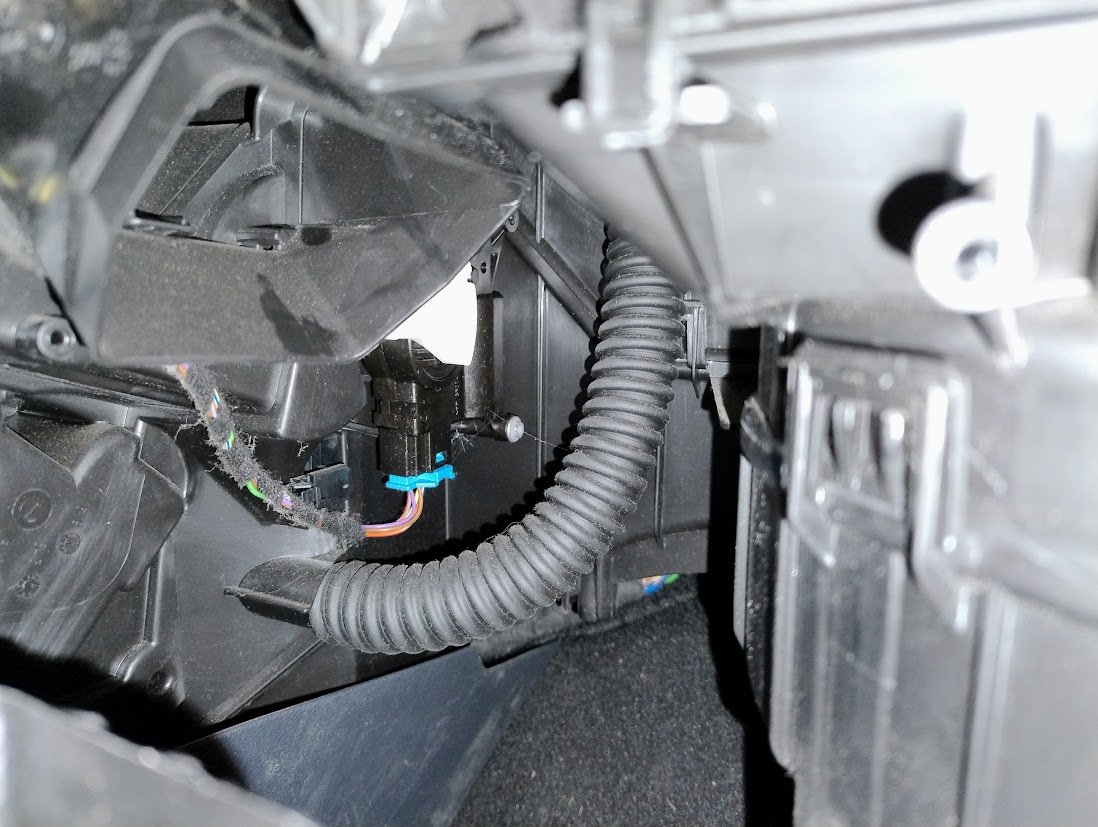
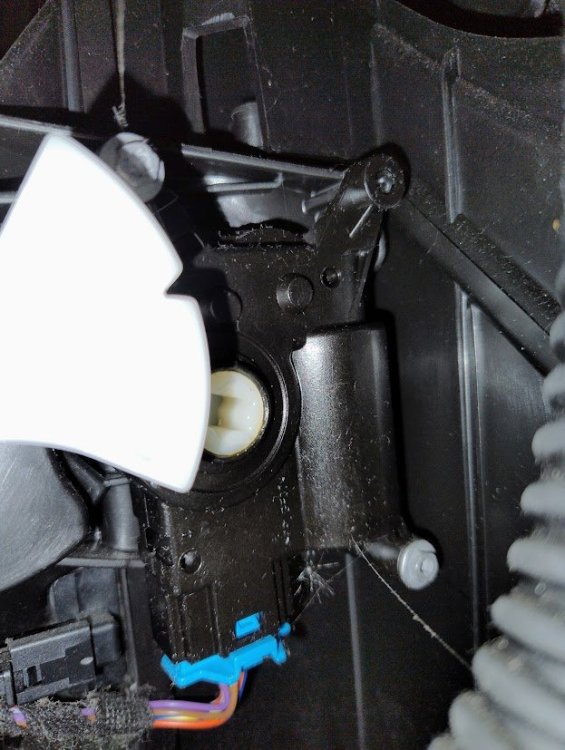
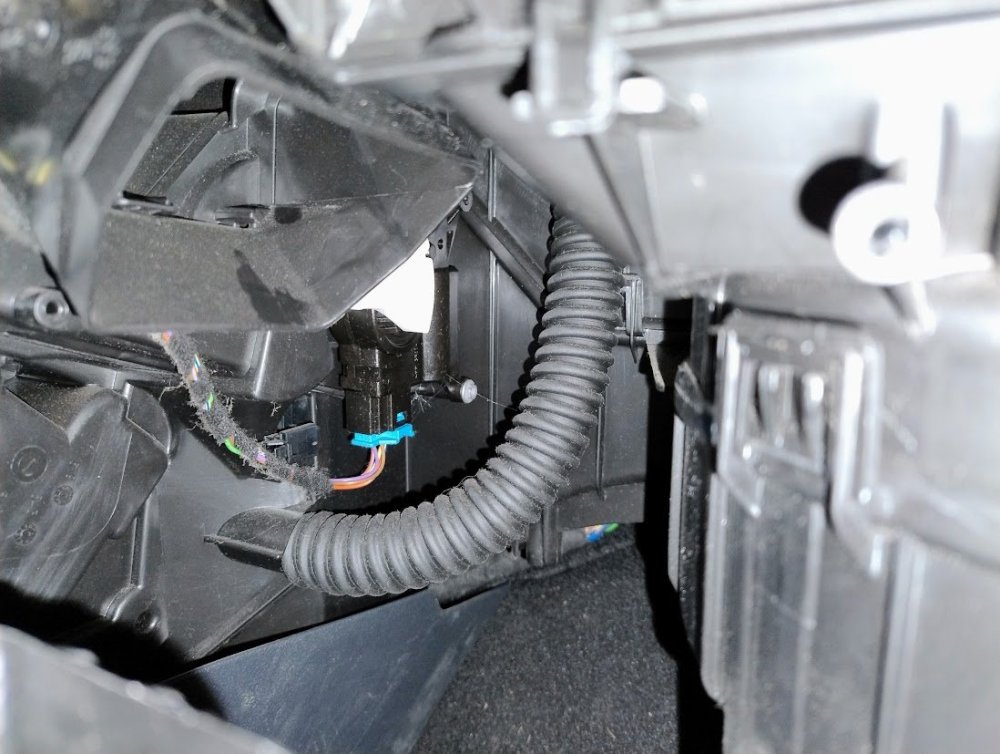
I took another picture - I can see that the fitting goes in here behind the white fitting. but I can't figure out how? And also how in came off? Does it affect the blower in generel, or is only for some flaps? Thanks in advance Lars
-
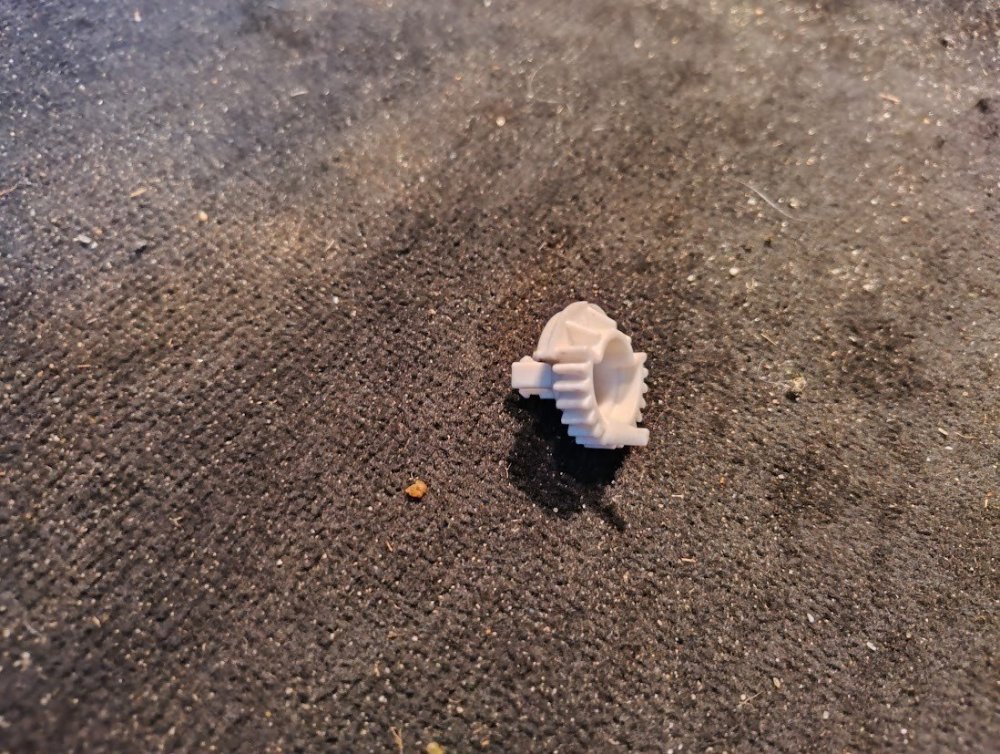
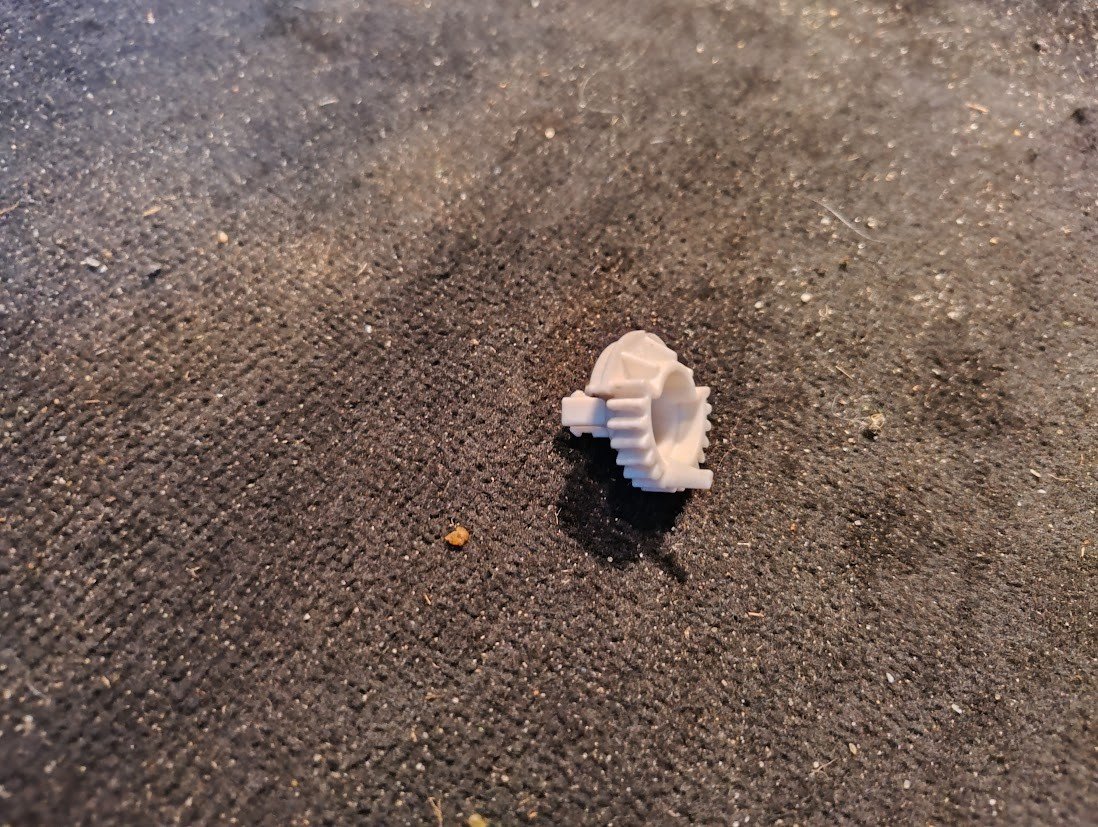
Ive got a nice 1.4 tsi from 2014, has ran 335000 and still going strong - wonderfull car. But I got a problem with the heater - when I start the car it works perfectly, but after a couples of minutes it gets kind of tired, and only blows now and then! Not good when its freezing putside.. I tried to access the blower, and when dismantling the covers this bit fell out - I can see that it has to go in a socket in the left side (european car) but I cant figue out how! can anybody help? And how do I get the blower out if that doesnt solve the problem with the heater - I cant find any obivious way to unscrew it? Thanks in advance Lars