MiniM
Finding my way
-
Joined
-
Last visited
-
I looked into that too. With the age of these units the battery backup cells would be fairly depleted and breakers are unlikely to check the health of the internal cell. I've done a siren battery replacement in an Audi and in the end felt it was not really worth it, time and costs considered.
-
It did have; unfortunately it was unreliable and I suspect a previous owner/garage may have messed with it - siren looks battered. I just want to fit a new system for reliability.
-
Hi All, I was wondering if any knowledgeable folks out there have any wiring information and connection locations to install an aftermarket car alarm? I have a 2012 Fabia 1.2 TSi. Many thanks, M
-
Roughly 64k
-
Hi All, I posted under the Fabia mk2 forum; however, as it hasn't had a reply I'm asking more widely to various Skoda owners. Does this sound normal for a TSI engine? I used to have a Classic Mini that sounded tappety but wouldn't expect this on a modern engine. Thanks. 2012 Fabia 1.2 TSI - engine.mp4
-
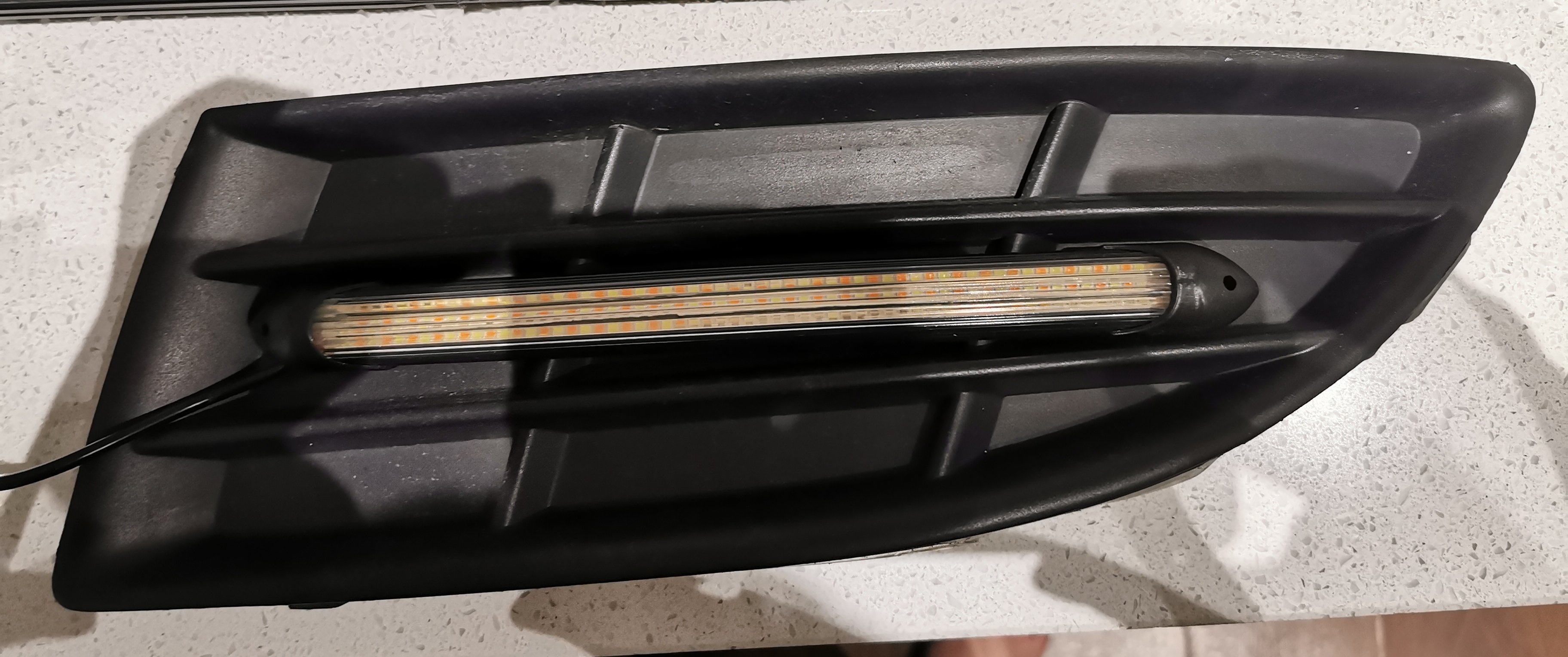
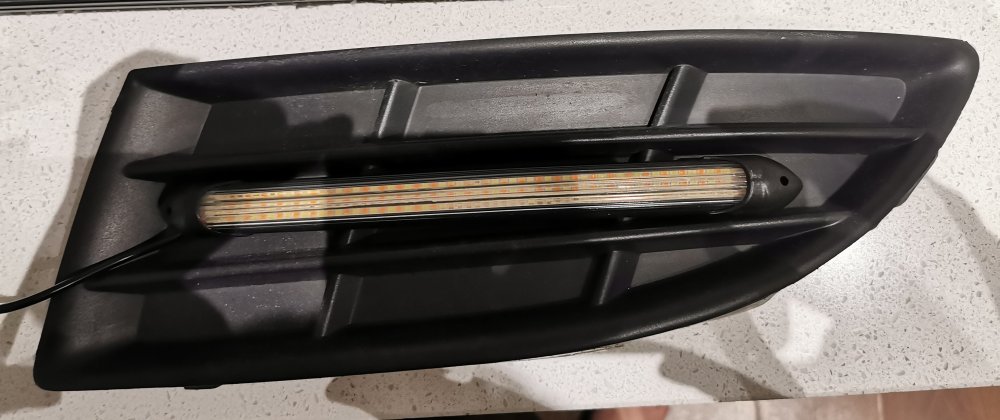
Update: @Murdockman directions and Mr. Sheen worked! Eventually they will have the DRL's moulded in:
-
@Murdockman thank you so much for getting back to me; I will try some Mr. Sheen tomorrow. I was using some trim tools on it this morning before work, maybe the cold and lack of knowledge was defeating me. I've got the full blank type; I'm trying to fit some DRL/Sequential indicators by grinding off one of the horizontal fins so it looks like it was meant to be there. Cheers, M
-
Hi does anyone have any tips or tricks to remove the lower grilles? I've managed to get one out that was loose anyway, so more luck than skill. Many thanks, M
-
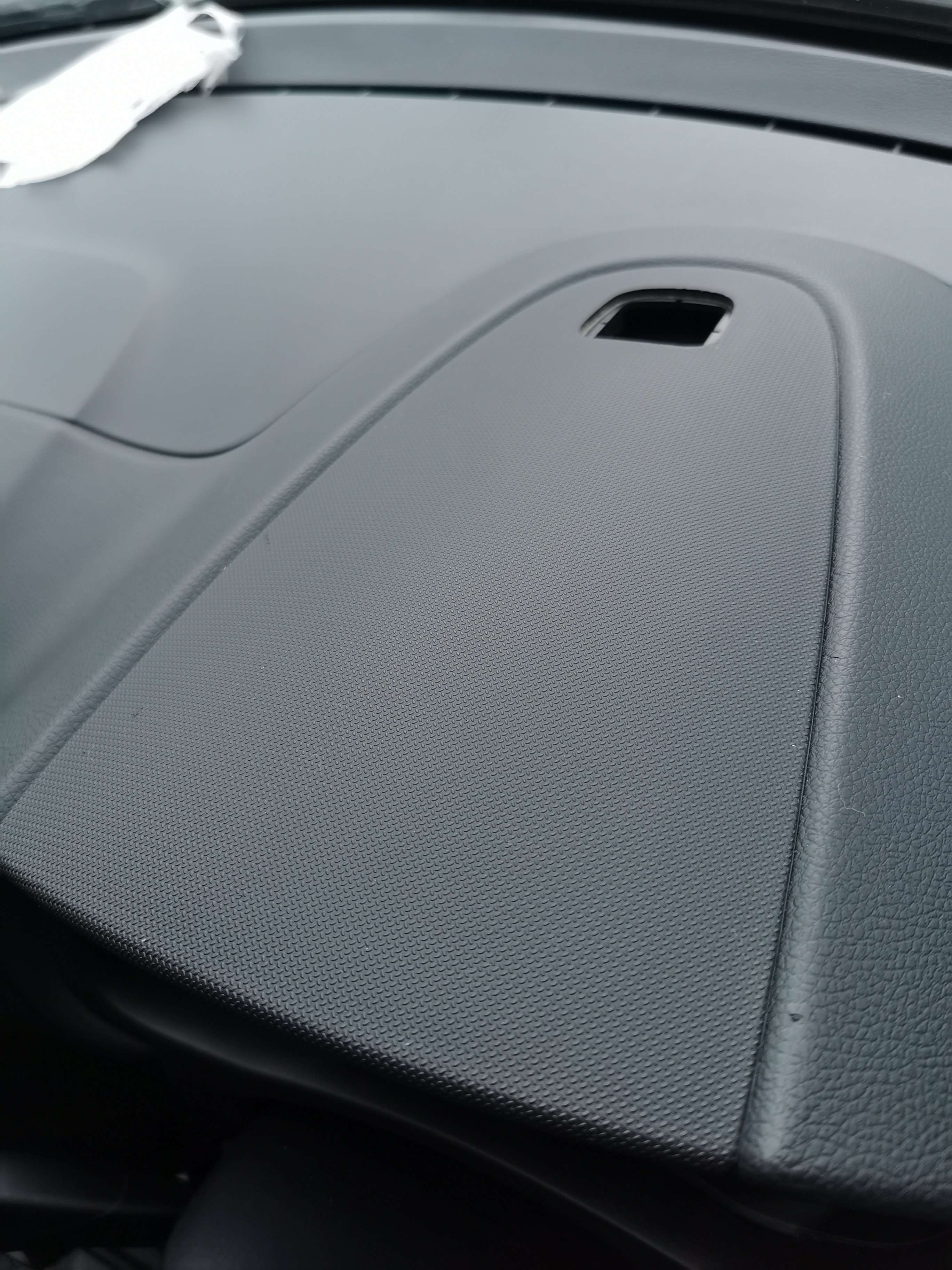
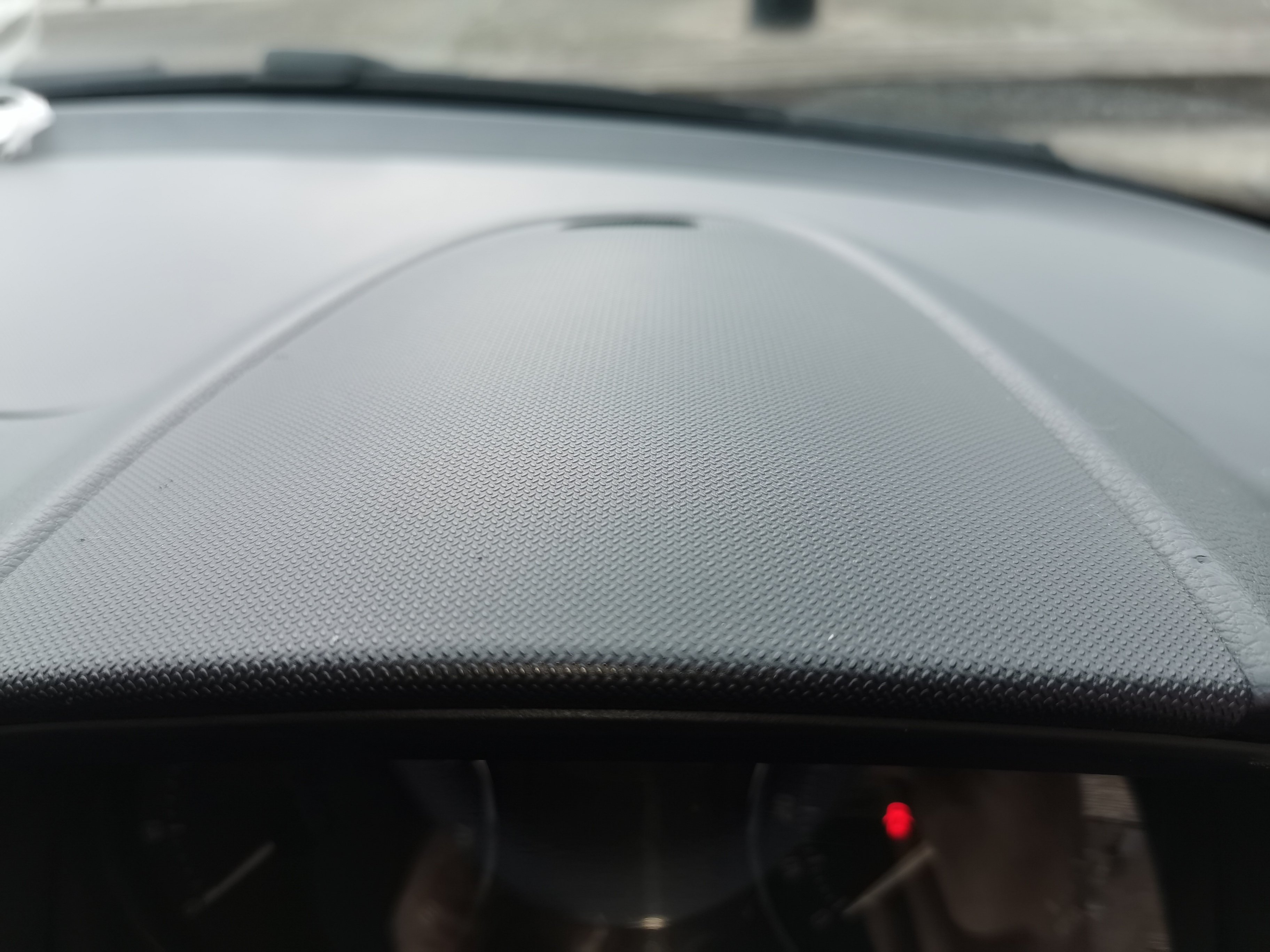
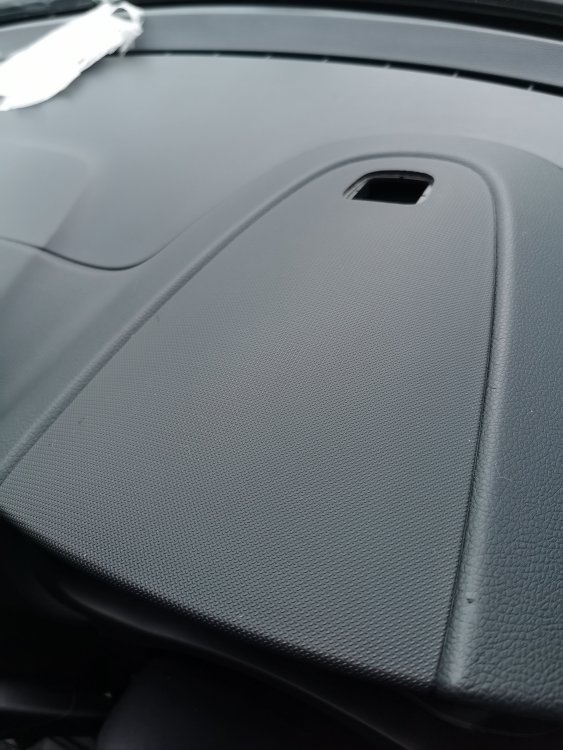
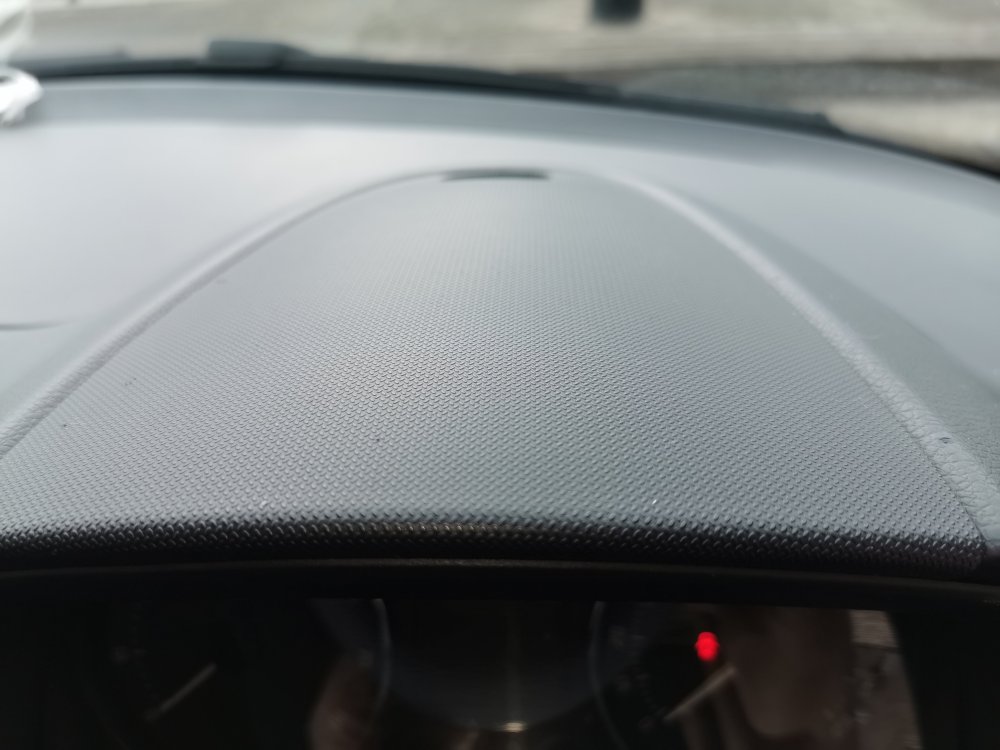
Hi All, Does anyone know what is below this trim and how to remove it? Also the hole in the middle what is the function for this area?
-
Hi All, I'm a new Fabia mk2 1.2 TSi owner. Previously I've owned a Polo 6n. I shall be leaning on those with better knowledge to help me out. The car was bought in Dec '24 and was told it has been serviced in Oct. I've already made my first post about the engine noise on idle. I've never had a TSi engine so would appreciate some advice. Many thanks, M
-
Hi All, I'm a new owner of a 2012 Fabia 1.2 TSI DSG; I haven't had a 1.2 TSI engine before and was wondering whether the engine sound on idle is normal? I've attached a short video and would value your opinions. Many thanks, M 2012 Fabia 1.2 TSI - engine.mp4