EddyOS
Finding my way
-
Joined
-
Last visited
Everything posted by EddyOS
-
-
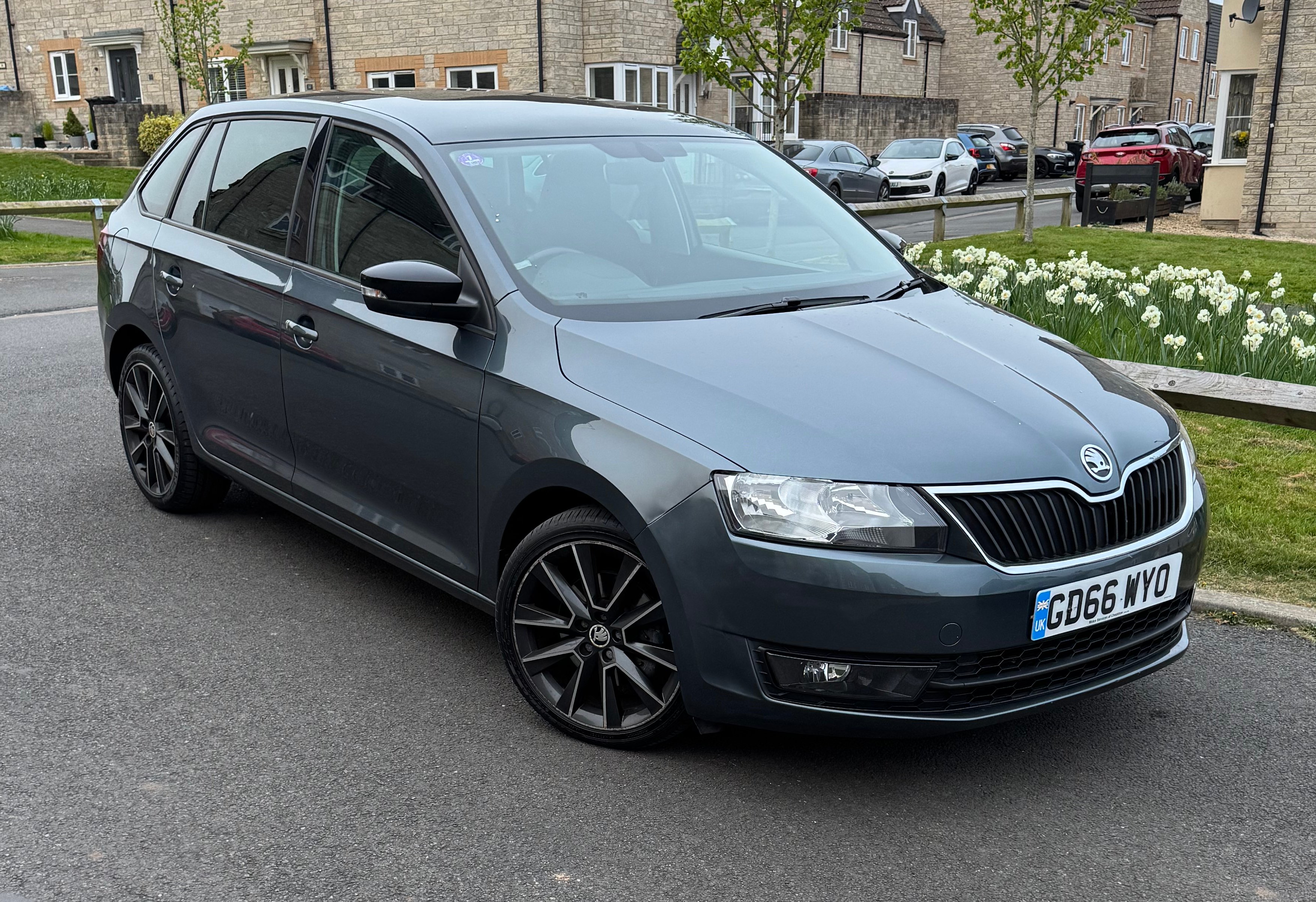
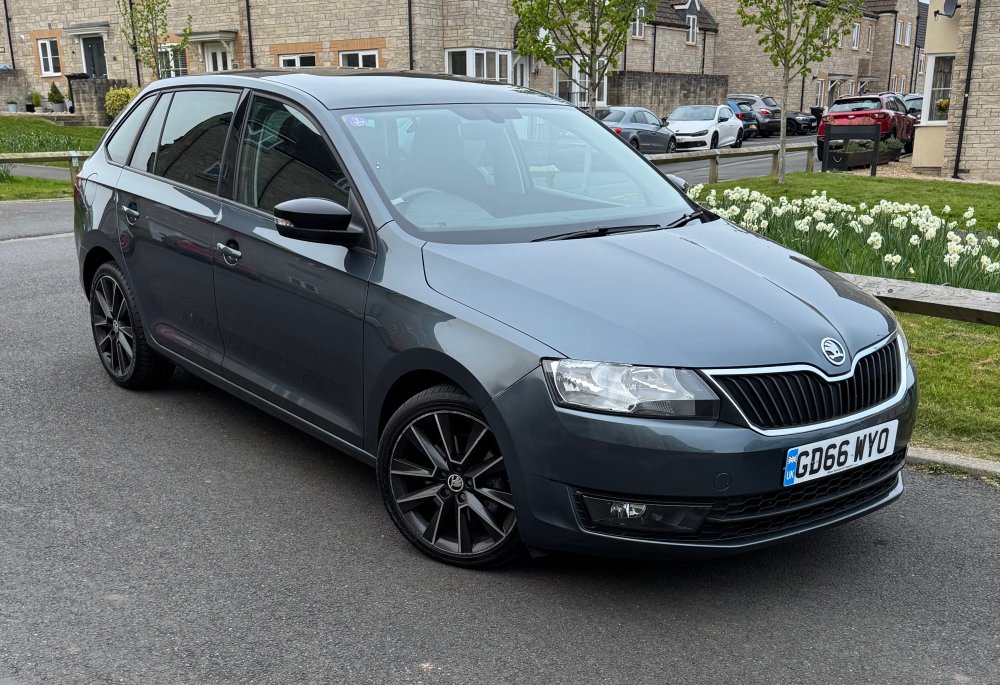
My Spaceback 1.2 TSI (110), got it in April. Got new plates and interior mats, and got SmartLink activated via Vision Coding (using a Carlinkit Mini Ultra for wireless connectivity). Would like to get front sensors fitted at some point, and would LOVE LED DRLs but not sure if the headlights from the facelift are plug and play or if they'd need coding.
-
-
Should be able to find it on mibsolution.one as it's back up now EDIT: Might be wrong there, not seeing it there... https://mibsolution.one/#/1/9/MEN2%20-%20LG
-
That for H15? I know H7 LEDs aren't yet road legal, but apparently sidelights can be LEDs without issue...
-
Anyone running these for the DRLs in pre-facelift Spacebacks? Dawned on me I could just get a pair of these instead of whole new facelift headlights that might not even work with my crossover Spaceback
-
-
-
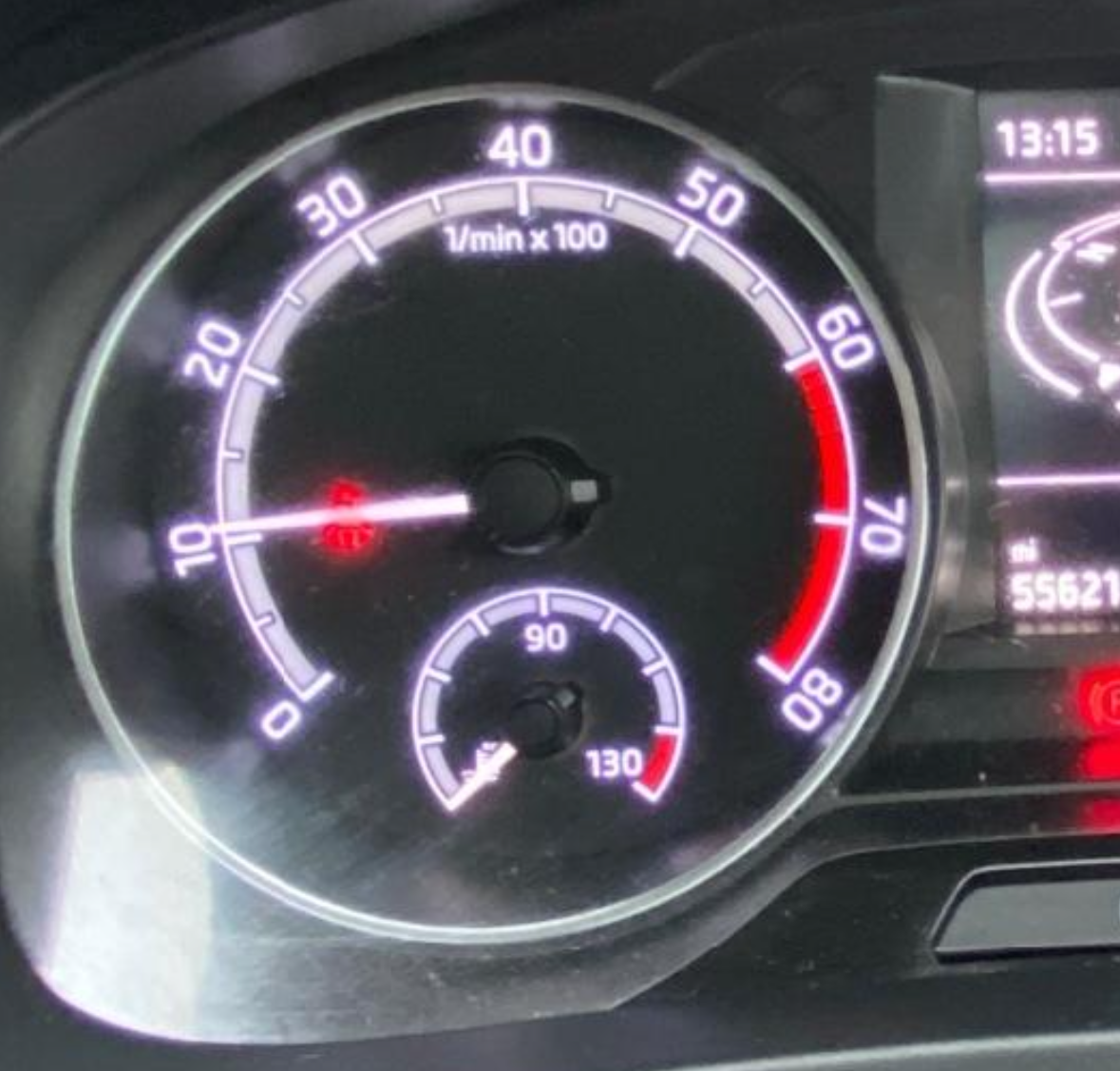
I've got the stock Amundens unit that came with the car. Dials I'm not too fussed about, was more an aesthetics-thing, the LED DRLs would be nice to have though. Not cheap new, could get lucky with regards to a scrappy having a pair. Weird the radio doesn't have the grid view, AFAIK it's no different to the 'full' facelift model but clearly there is some difference
-
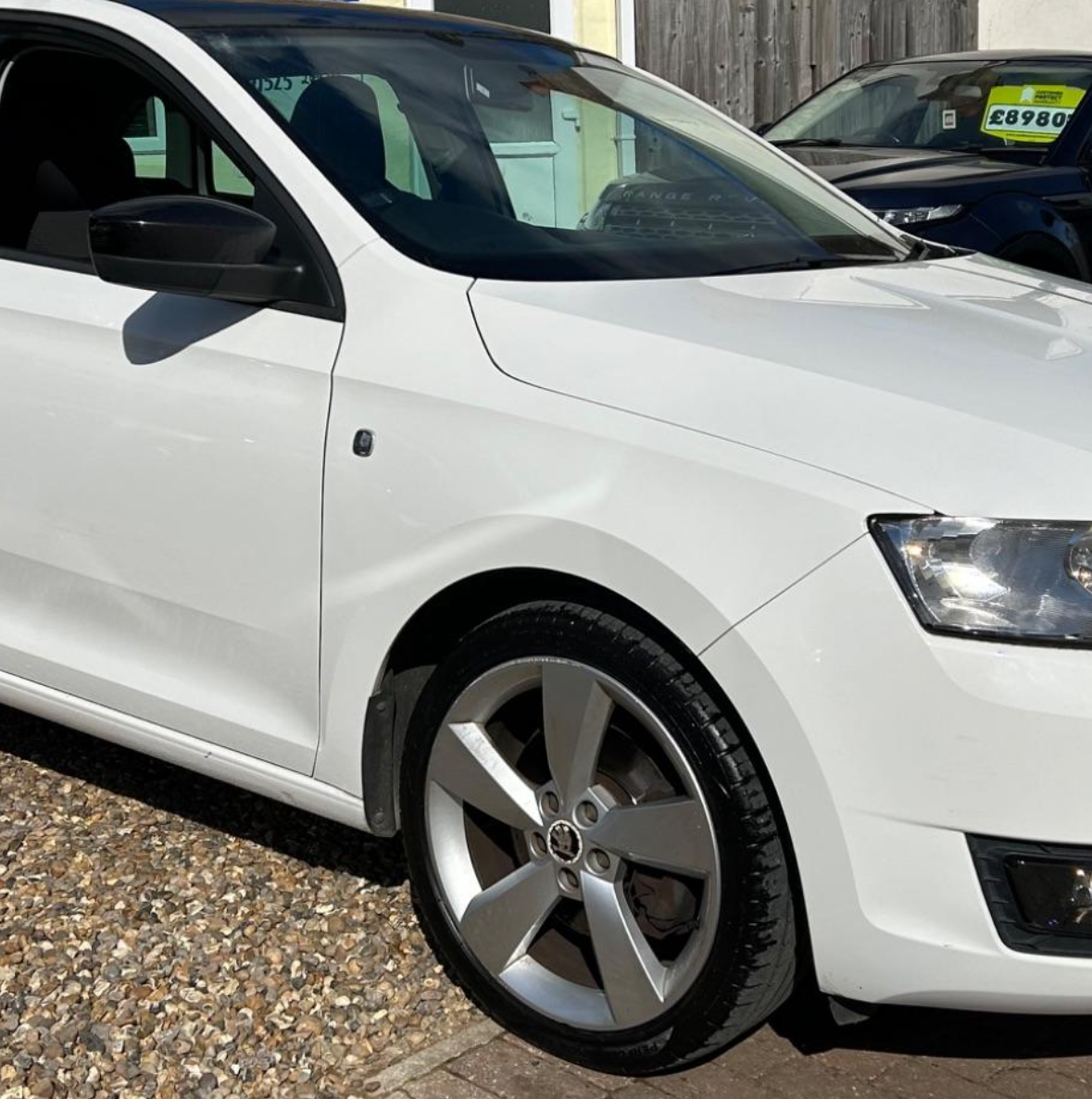
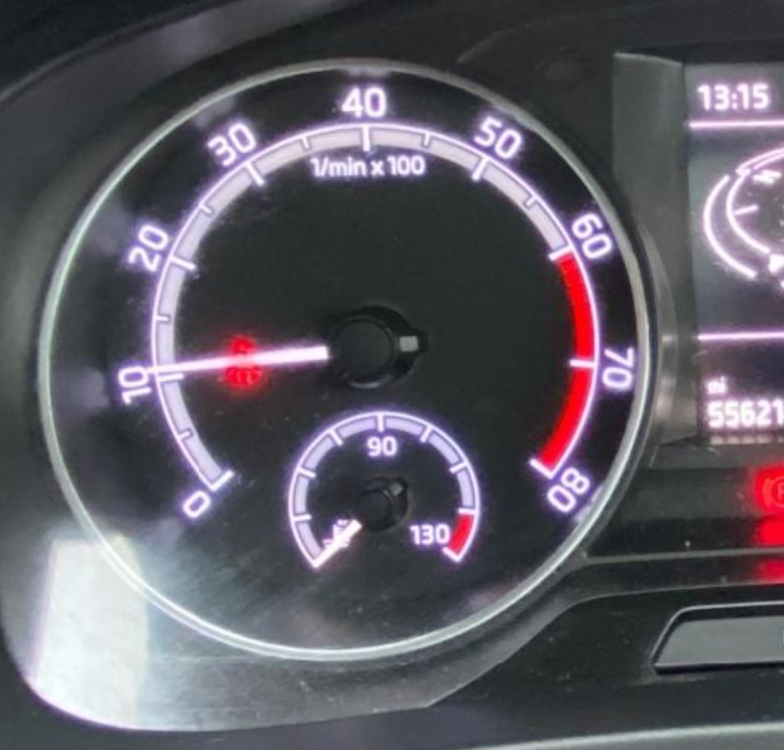
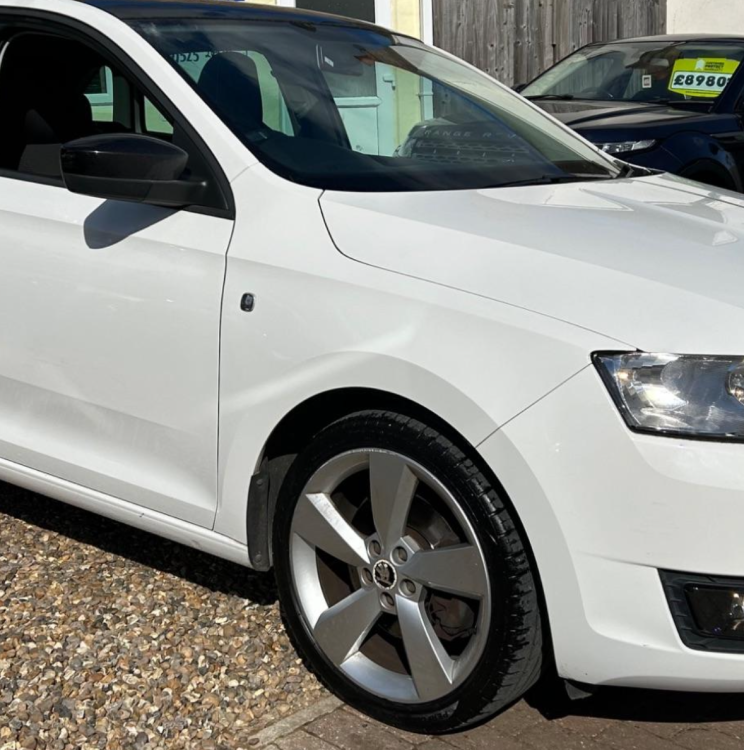
I’m using CarPlay via SmartLink but I’m using a wireless dongle so I can keep my phone in my pocket. I’m using an Ottocast Mini The revs on 2017 onwards is listed at the top of the dial, as opposed to the bottom-left but the zero. Same with KMH. Looks cleaner on the later dials IMO If you look at some earlier Rapids, you see the mirrors are plain with the indicator in the front wing
-
-
-
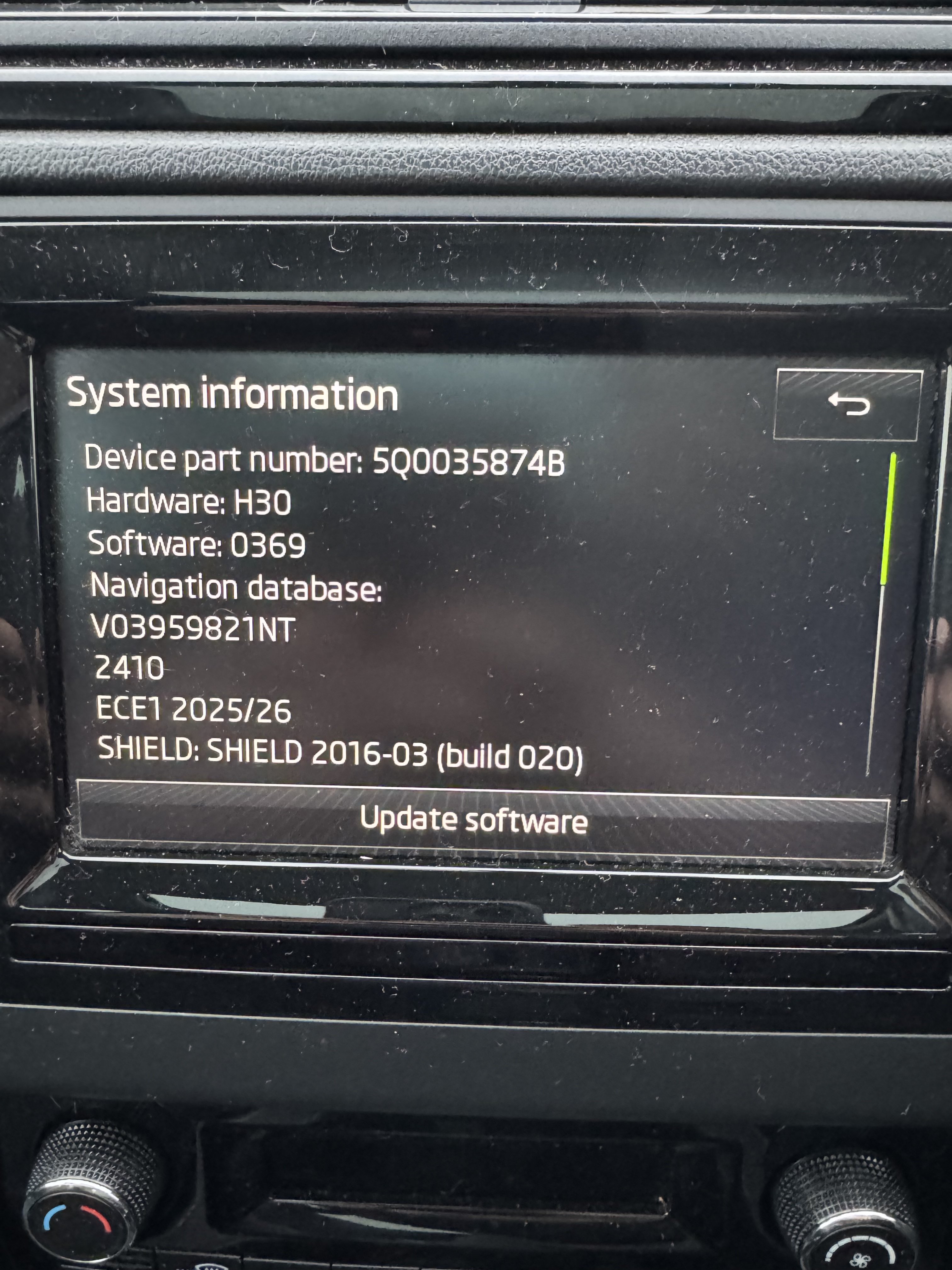
I appear to have a pre-facelift Spaceback, but with some of the features of the facelift (wing mirrors with indicators, the 17" Savio wheels, Amundsen radio, etc.) but missing things like the LED DRLs and the dials have the rev units down the bottom as opposed to the middle at the top of dial. My stereo is also missing the grid view, with only the carousel available (doesn't matter as I use CarPlay anyway BUT I'd like the option if possible!). Firmware on the radio is up to date, apparently, on train MST2_EU_SK_ZR_P0369T Are the headlights straight swap with no coding, and would it be the same with the dials (as the milage is digital on the display)? It's an SE Sport on a 2016 (66) plate but registered January 2017, so it's a 1.2 TSI (nice cheap tax)
-
Hi all! I'm Ed, and I'm thinking of joining my Wye in Skoda ownership. Still researching models, leaning towards a Rapid Spaceback but open to suggestions. My wife has a 2018 Karoq SE L 1.5L and it's been a joy to drive compared to my aging 2006 Ford Focus (about to tick onto 125,000 miles). Look forward to speaking you all more as time goes on