




TimonPumba
Finding my way
-
Joined
-
Last visited
Everything posted by TimonPumba
-
You got this or any update after 1800?
-
Initially on my Type C drive of 128GB , I had 1 NTFS drive and 1 FAT32 drive. I had copied firmware folder "MEN3_EU_SK370_P3355L_1800" in FAT32 partition. This had 2 sub foders Data and Meta. With this arrangement it was failing. So I deleted all other partition, free disk space and kept only 1 partion of exFAT and copied folder "MEN3_EU_SK370_P3355L_1800" on it. Then i switched off ignition of car and then switched on. Then plugged in my type c device and it worked.
-
Yes
-
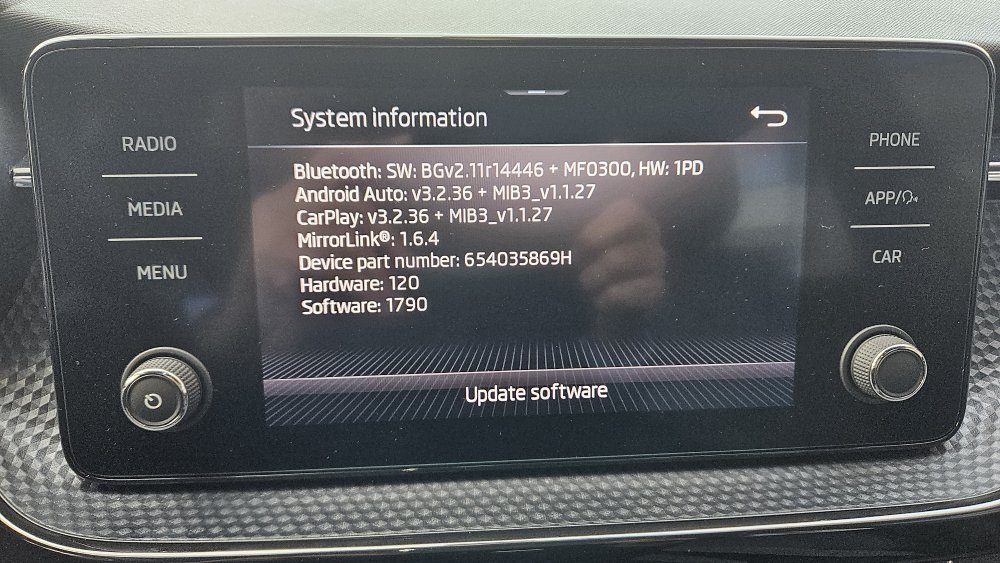
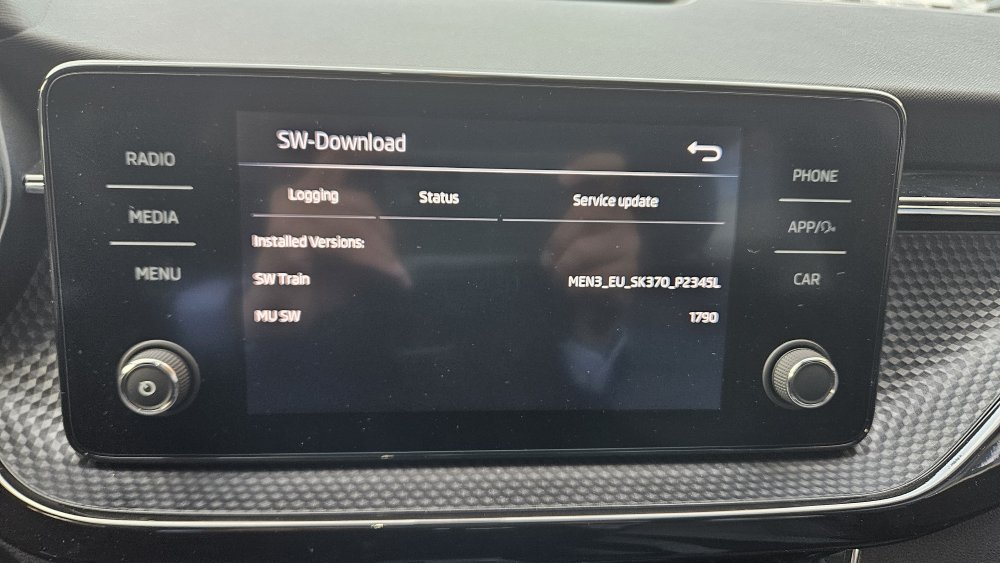
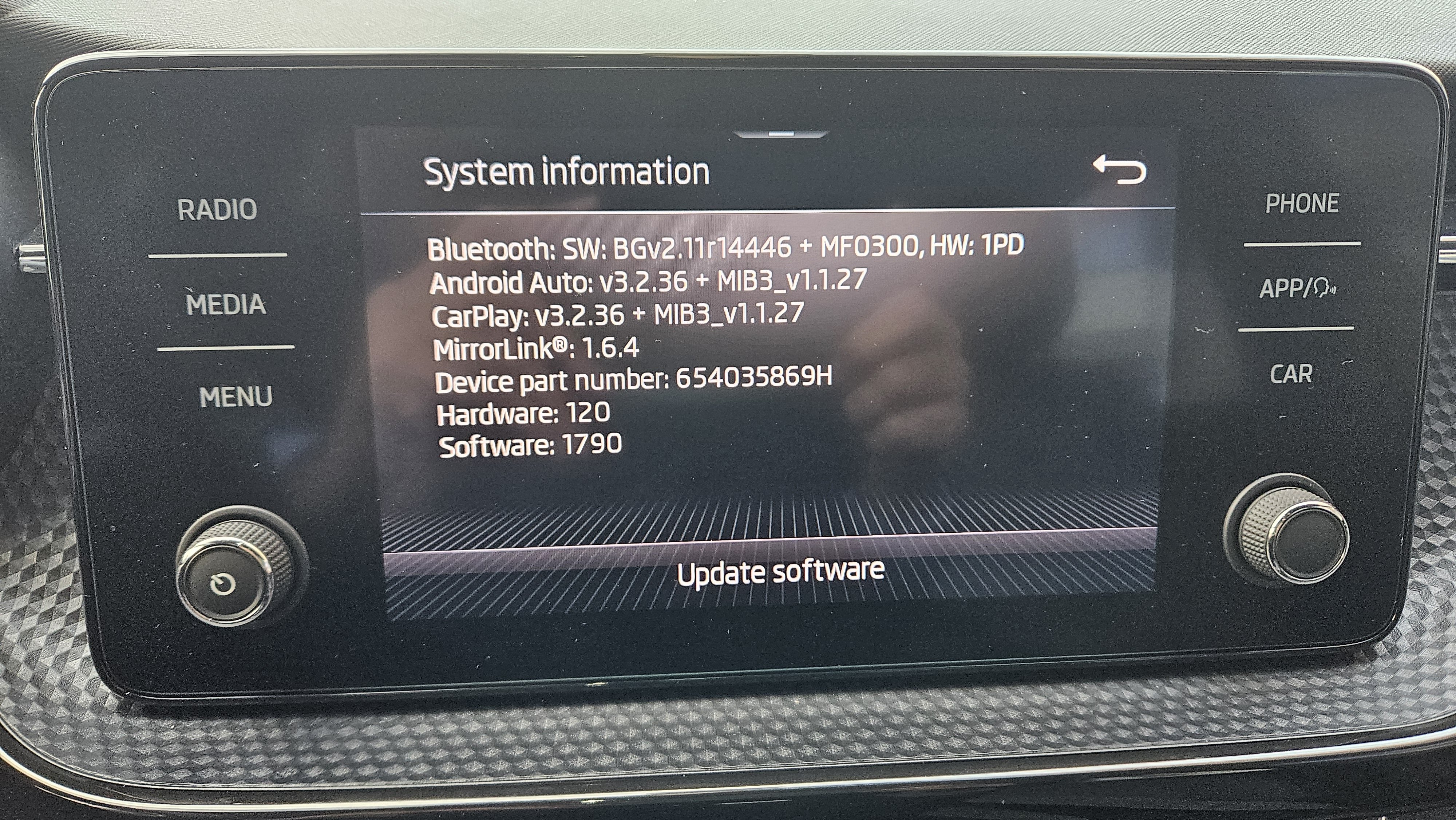
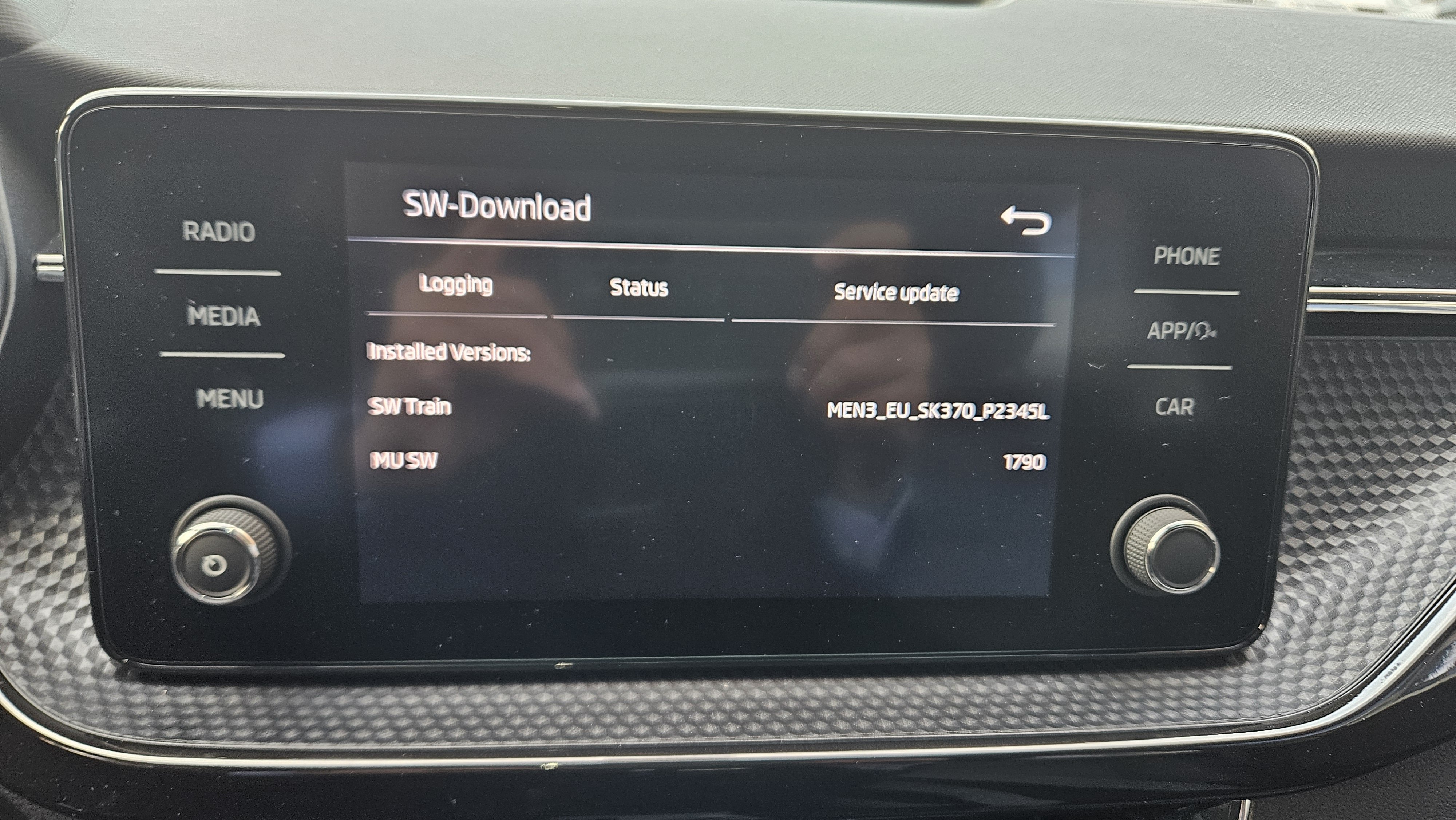
Thanks for quick reply. I have 128GB USB with Type C , I did make exFAT partition of 16GB out of it. It is not getting recognized. I do not have charger to connect to battery ,but will voltage drop in just 20 mins. Can I run with ignition on? I got files from link in earlier posts.Hello, I got Kushaq 2023 in UAE which seems to be made in India. I guess it is India specific model. With my Samsung S23 Android Auto only works in wireless mode but NOT via cable. I tried different cables. Also I found that there no issue with other phones like Oneplus 12, even Samsung A53. Following is my SW Details I have ready that many people have updated to 1800 and their issue was resolved. My local service center simply refused stating that there no update. Since I have read this thread carefully, I have few queries. Any help will be really appreciated. 1) I need to update to 1798 then 1800 - Is my assumption correct? 2) I need to format USB with exFAT or FAT32. I have 128GB Type C USB drive. - Can I make smaller partition of exFAT or FAT32 ? 3) Can I just put car in ignition on and do update? I did not understand "Battery on charger" thing. 4) How long update takes ? From 1790 to 1798 and 1798 to 1800. 5) Can anyone share again latest update files for 1798 and 1800 Many Thanks in advance.

Important Information
Welcome to BRISKODA. Please note the following important links Terms of Use. We have a comprehensive Privacy Policy. We have placed cookies on your device to help make this website better. You can adjust your cookie settings, otherwise we'll assume you're okay to continue.