DusanH
Finding my way
-
Joined
-
Last visited
Everything posted by DusanH
-
No. My mechanic will try to disable original infotainment within one month.
-
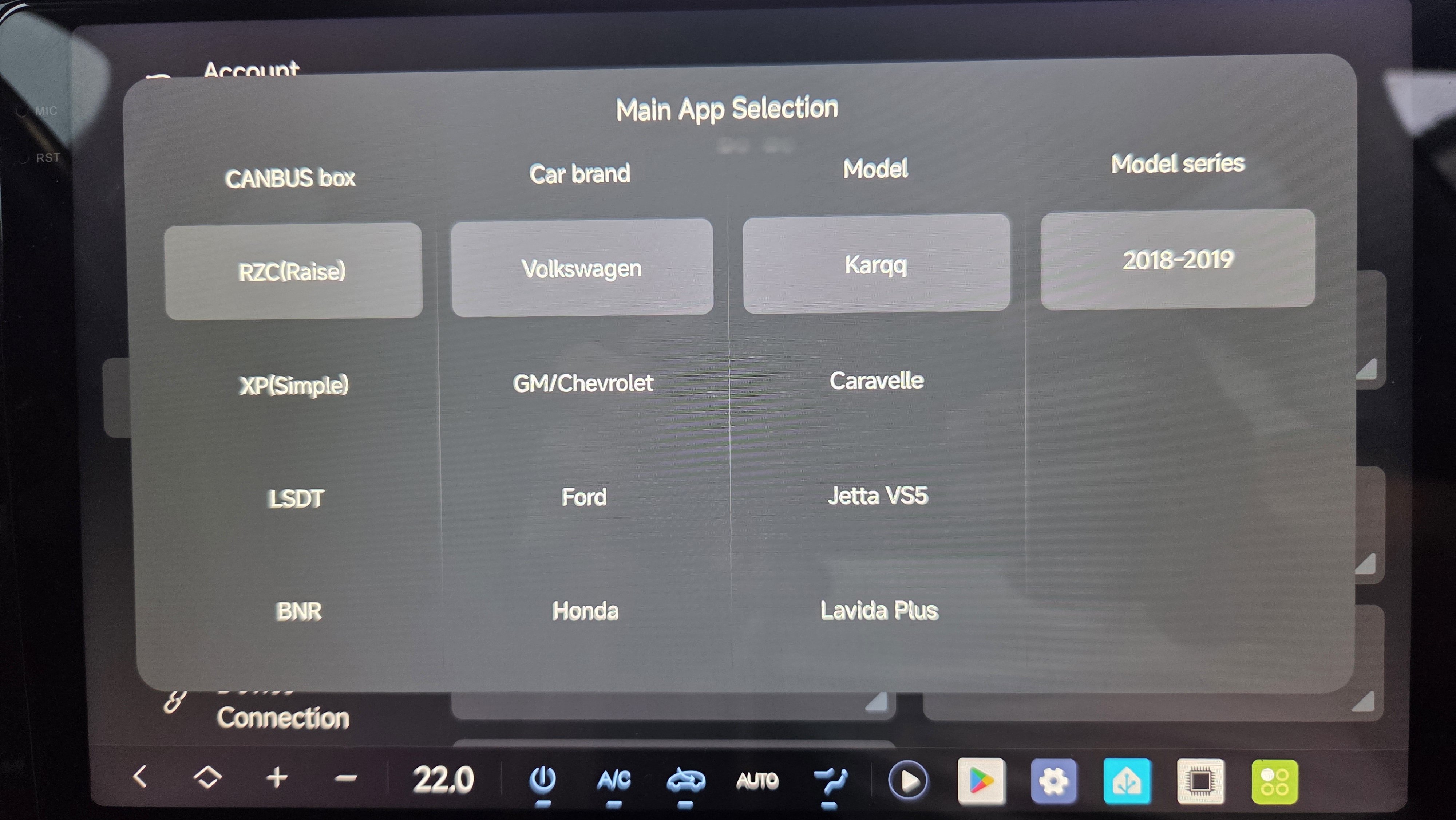
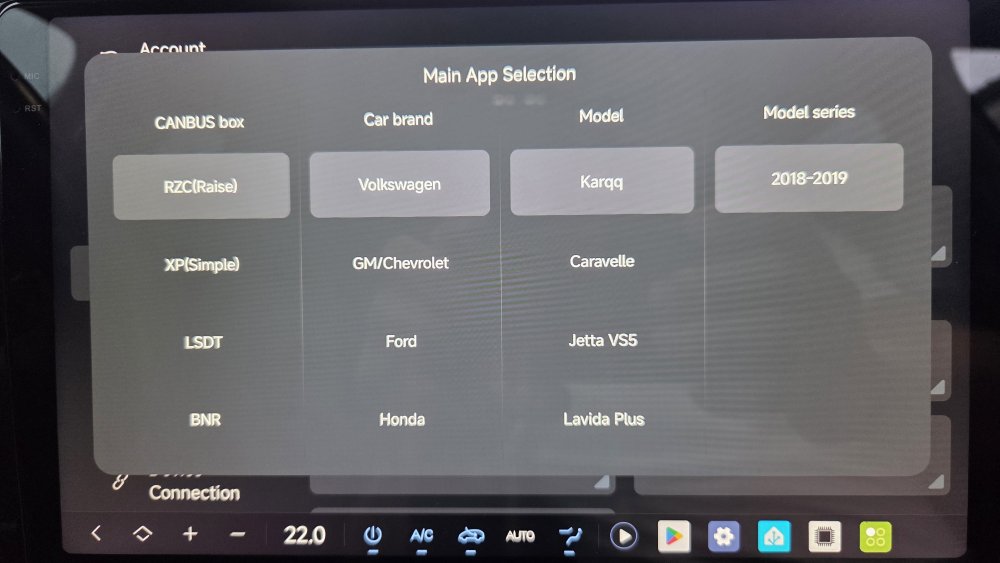
Set it up like this and reboot the headunit :)
-
Sos is not working anymore. I am still waiting service to disable this with coding. What else doesnt work?
-
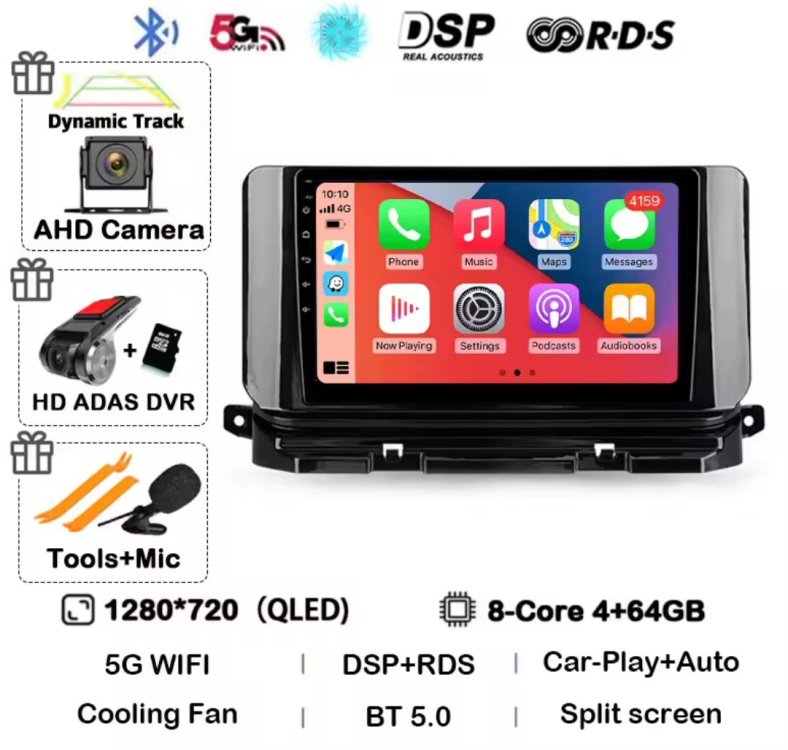
Hello The frame, cables and canbus box is from this seller on Aliex...s: https://a.aliexpress.com/_EwFImly With this canbus box "vw-58" everything is working as should after configured in android headunit. This means: steeringwheel commands, climate, reversing, .... Just one notice. Reversing beep sound comes out of this new canbus decoder and the buzzer is bad, i will replace the buzzer with small speaker. Soldering is waiting... The frame supports 10.3" display and the quality of frame is almost 5 stars. No issues. Depending on the producer of android infotainment it may be possible that it will not fit on "top back" from the factory. I ordered DUDU7 headunit, mounted as it was delivered (aka 2din, back2back motherboard on display) allthrough is it possible to rotate the motherboard to 1din style, i tried and it is much worse fit. So i ended with 2min small iron saw with fine cuting and i saw off the middle of original car frame. Then the original thin cover just droped on the back of new frame. It was worth the effort. :)
-
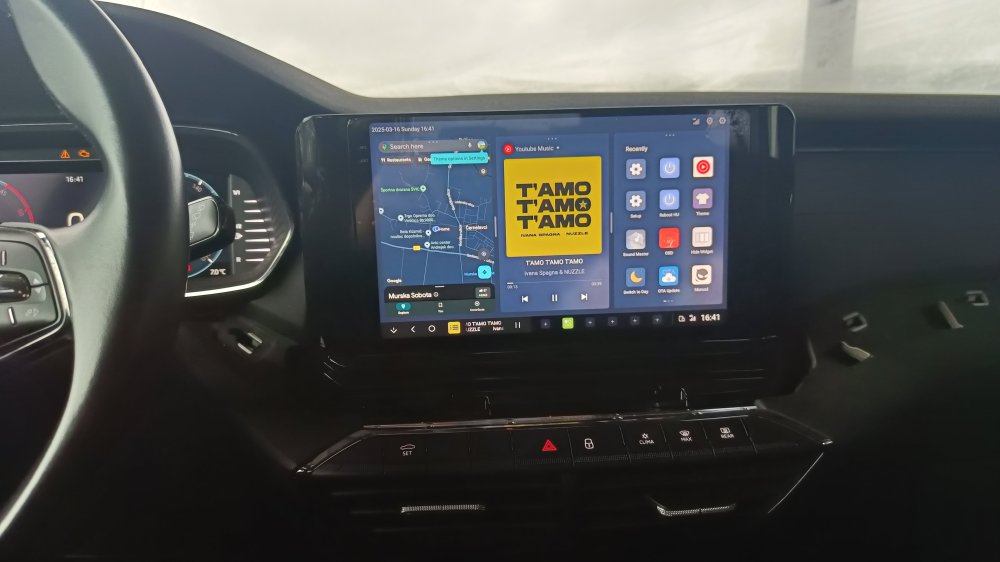
I have done it. Where there is a will, there is a way (and Chinese production) Frame + canbus cables+ android 10.3". Steering wheel comands working. Still have to mount 360° cameras. But i have issues with reversing sound from canbus decoder. It sucks.
-
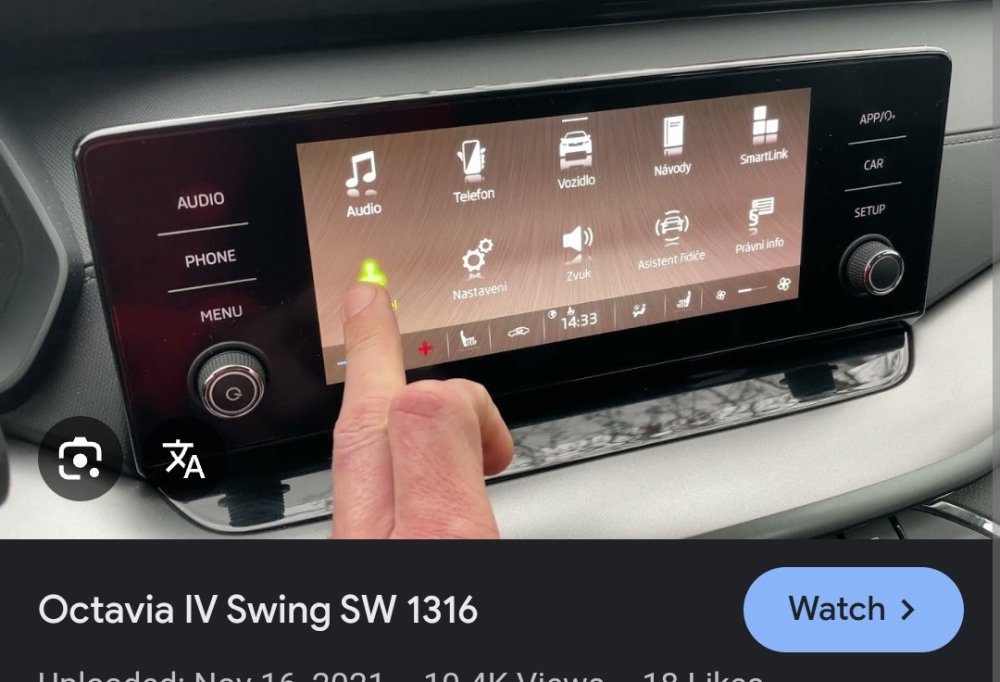
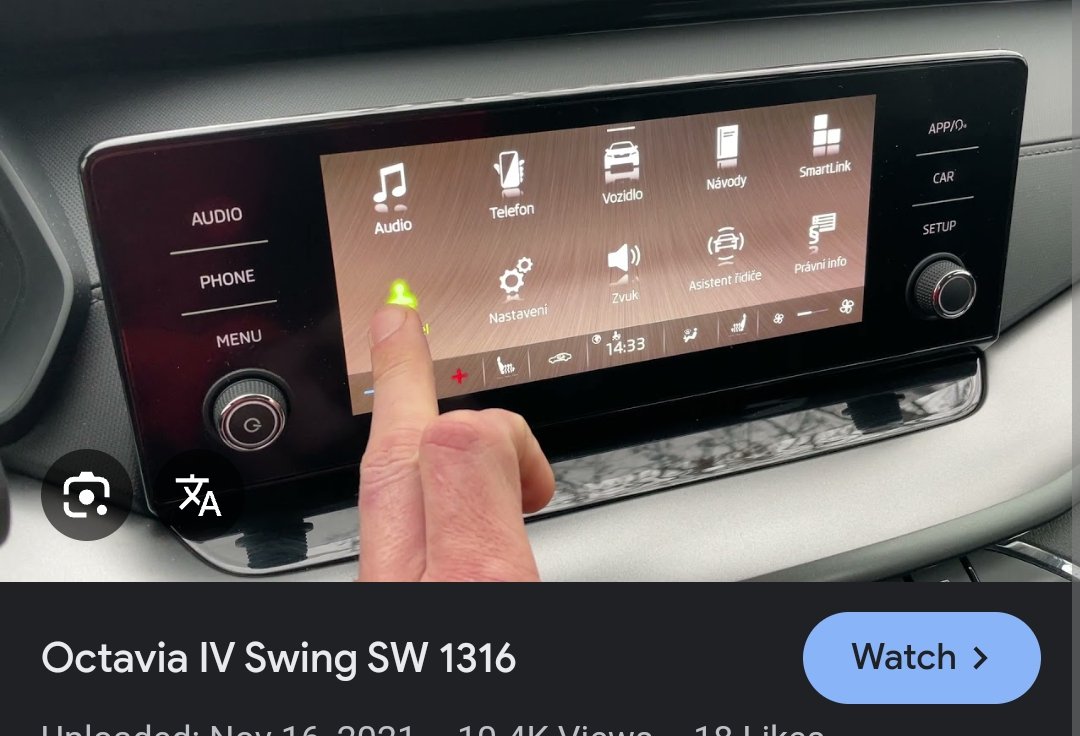
Hello friends Anyone replaced original Octavia 4, my 2020 infotainment Swing sw 1316 with android one from aliexpr3ss? Swing 1316 is the one with two extra knob on sides. I have found some items but no real user reviews.... Dusan