DaneL
New here
-
Joined
-
Last visited
Everything posted by DaneL
-
Problem solved, all it was because of the battery and because the car was not moved for a while, thank you anyway.
-
1. Seems to be dead not that is, cuz is not dead, just won`t turn on. 2. Resetting won`t do anything 3. I did looked for quite some time ( 2 weeks ) about this problem all over the internet but i haven`t found anything similar with mine, since the moment when it does start but only after i drain the system ...that`s the problem cuz i do not understand WHY is it not starting unless i disconnect and drain the system. 4. I think i already said, VCDS doesn`t show anything, no errors at all. 5. Even if the Infotainment is not turning on, the settings made while it was on, are still there...
-
Cheers lads for answers but not my coolant is the problem...
-
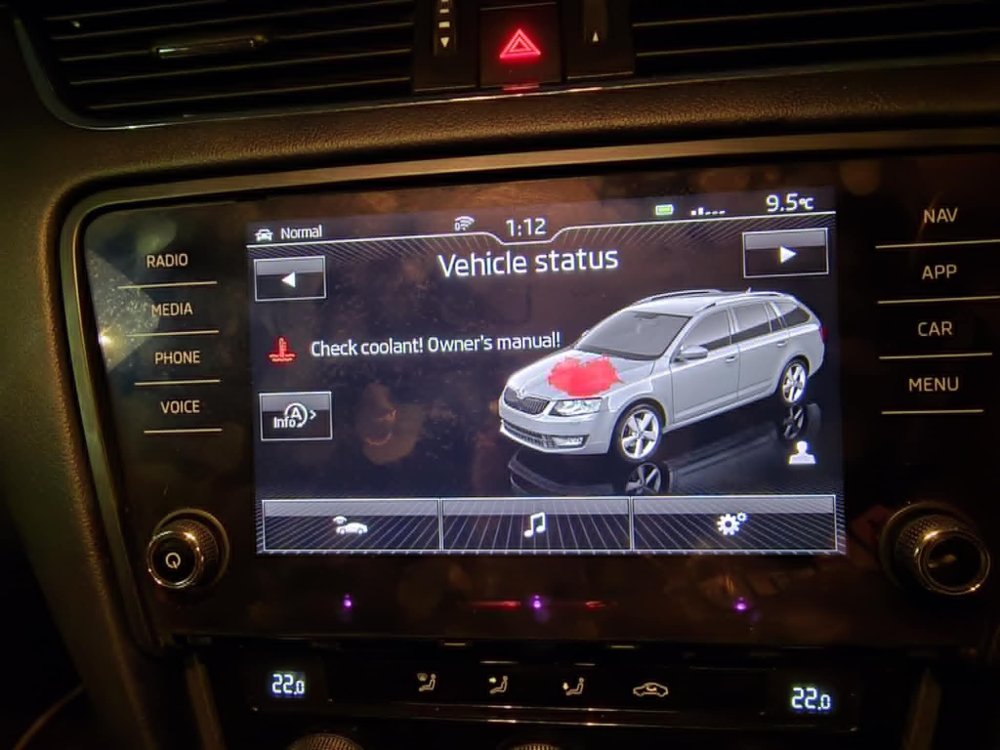
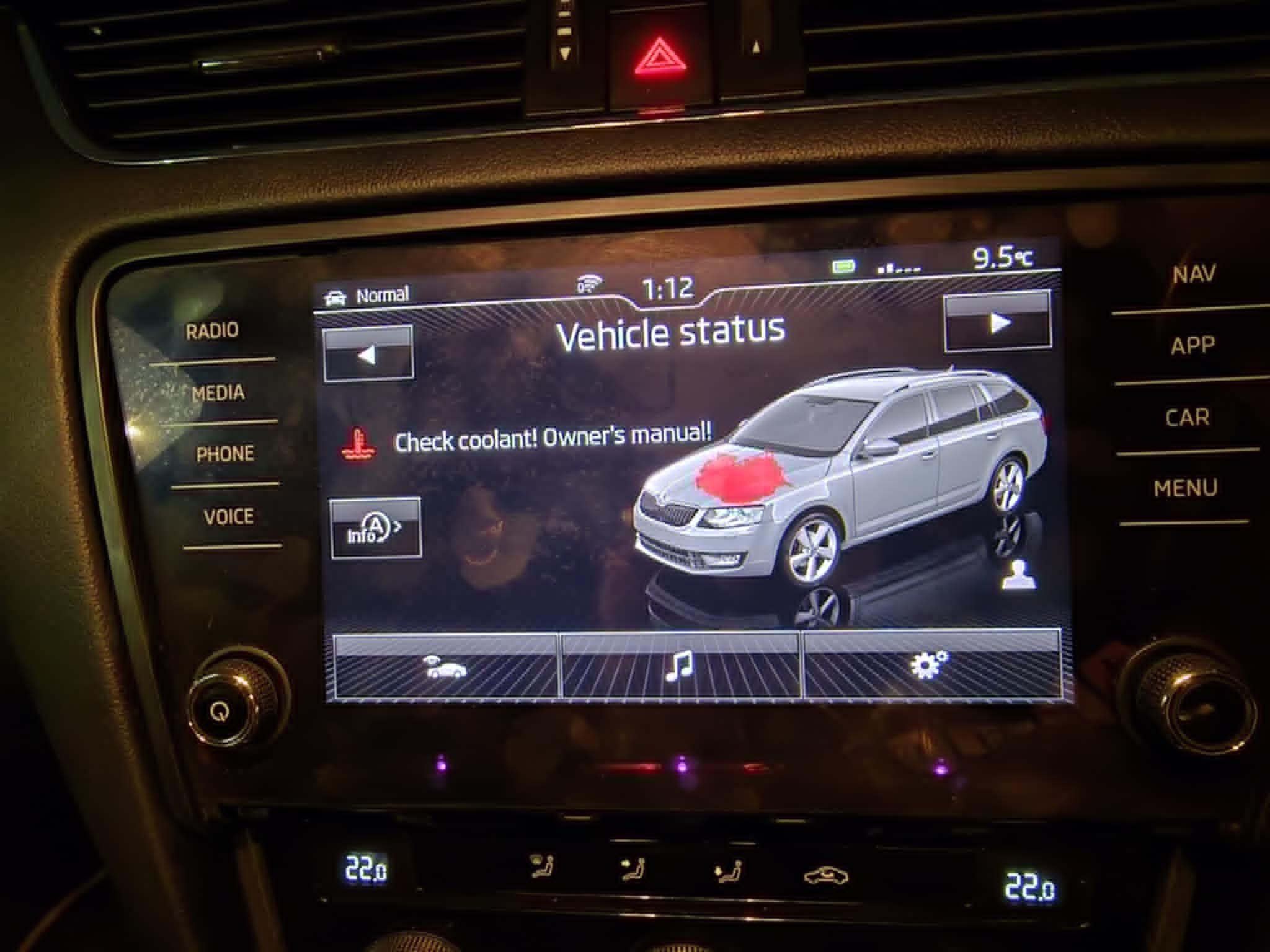
Hey all, new here so please be patience as i`m learning while i`m walking. So problem is like this, I got something that make's me mad, so my MIB2 was working perfect, at one point stopped, i said maybe it is dead, but no, if i disconnect the battery and discharge the car and reconnect it will work...but next day is dead again, i`ve looked at the wiring as much as i could and haven`t seen anything, even tested to see if i get the right Voltage and yes i get 13-14V to box and display as well, and yet is not starting, if i rest it still won`t come on, just resets everything and that`s it, fuse is ok, can`t seem to find the problem. PS ( Also removed the maps card and still nothing ) PPS. Battery is brand new Yuasa and i did coded to the car. Any idea or help will be very much appreciated. Yeah VCDS won`t show any fault...