vrstastic
New here
-
Joined
-
Last visited
-
Changed the N82 valve (Febi 171623) and now both pipes are hot, can feel warm air when the coolant temp reaches 40! No fault code from this valve but it must have been broke!
-
Thanks for the feedback! The coolant temp was near on 100 oil temp was around 80c. After driving it round it's back to where it was before - getting some warm-ish air and I've just tried with low fan - it does get hotter so guessing the blend door is working as it should. It does seem to be some sorta restricted flow. I've ordered a new N82 valve so will give that a go - thinking as you mentioned a valve might be partially closed- hoping it's that one. Will update with the result.
-
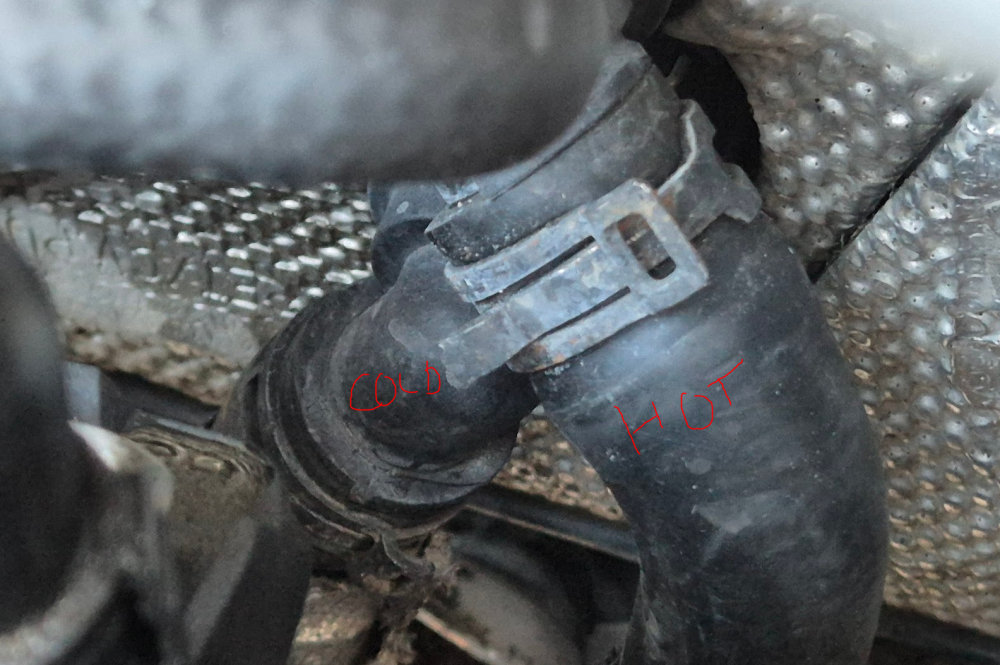
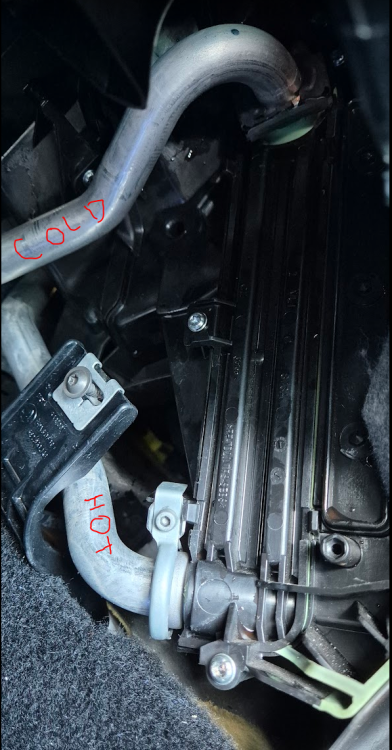
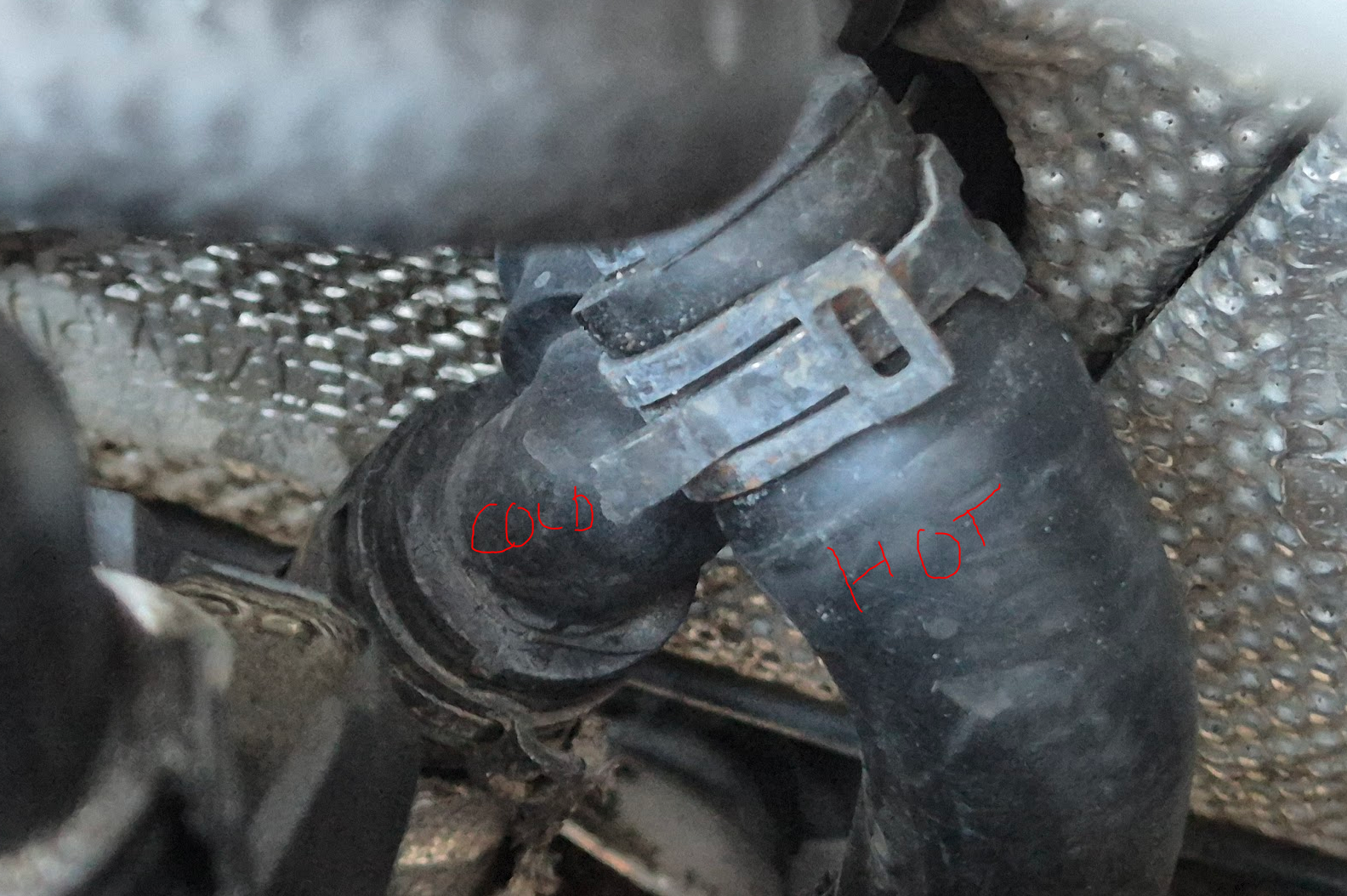
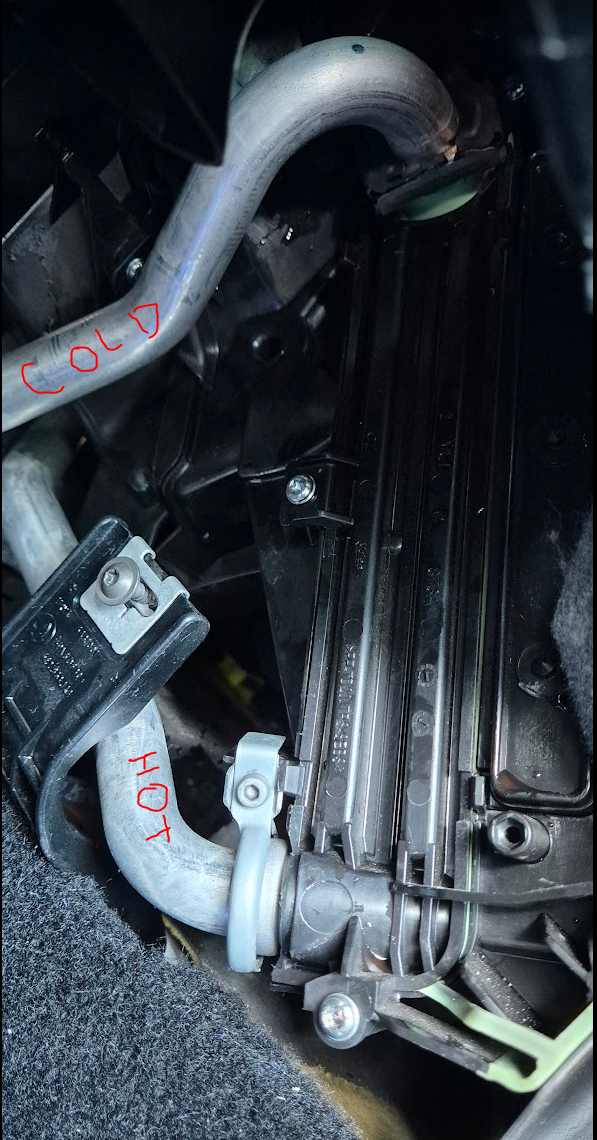
Hi everyone, I've recently got a 2014 Octavia VRS 2.0 Petrol. The heater matrix has never got very hot, I decided to replace the coolant tank and matrix to try and sort the issue (thinking it blocked up with silica). Now after bleeding for a longgg time with a new matrix and some fresh coolant, it's now pretty much stone cold. Bottom pipe on matrix (top pipe at bulkhead) is toasty Top pipe on matrix (bottom pipe at bulkhead) is cold all the way from matrix to back of engine Things i've done In VCDS if I run the Heater support pump the matrix gets hot-ish after running the engine (but this can only be triggered with engine off) I've tried disconnecting the coolant shut off n82 valve but no difference (not sure if it stays open if I disconnect it) I've disconnected both the matrix pipes and a load of other pipes whilst engine running to try and release any airlocks - there doesn't seem to be any air coming out and all the pipes that I can get to feel like they got coolant in them Really run out of ideas and hoping someone can help, many thanks!