paxjuly
Finding my way
-
Joined
-
Last visited
-
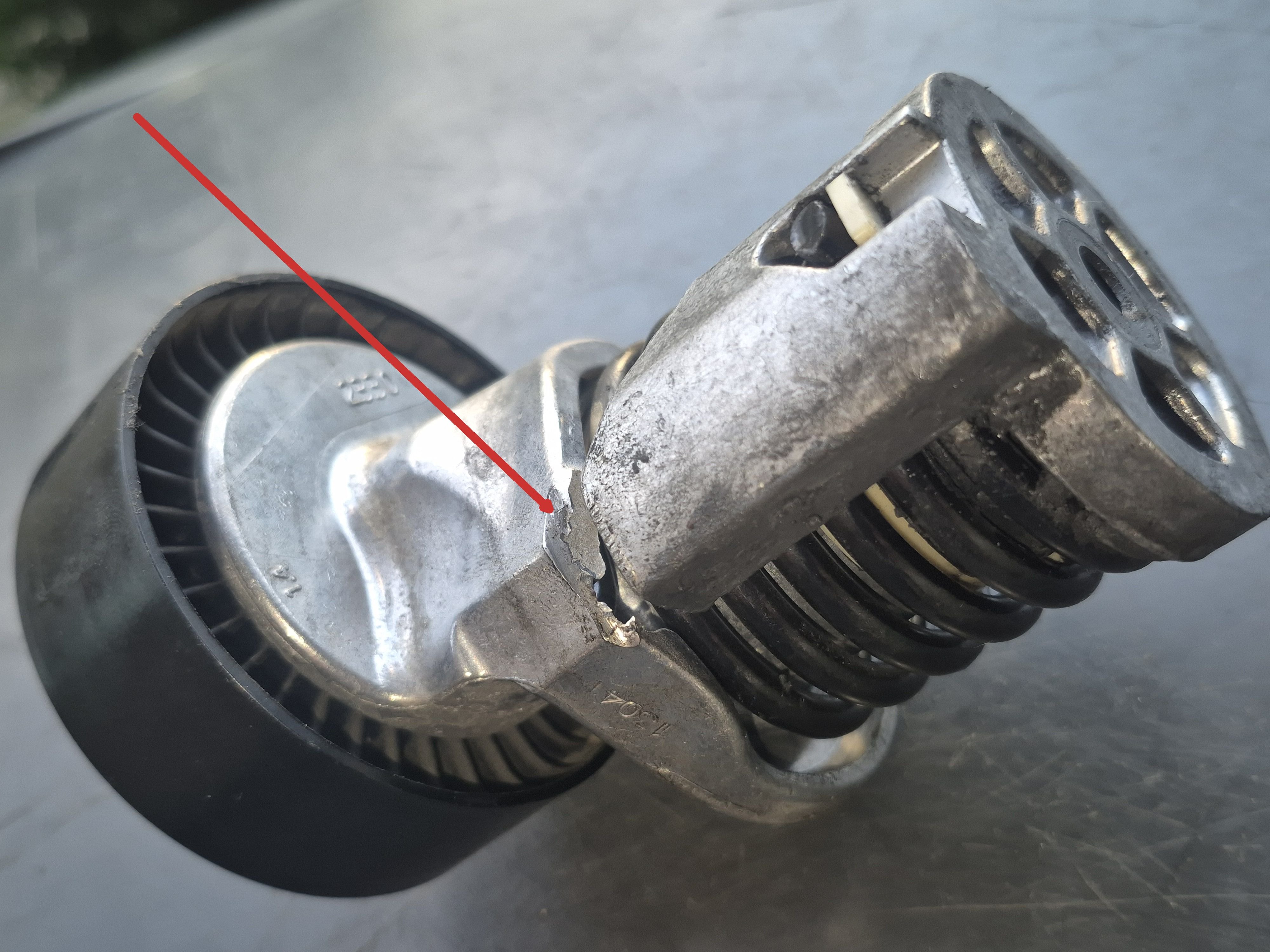
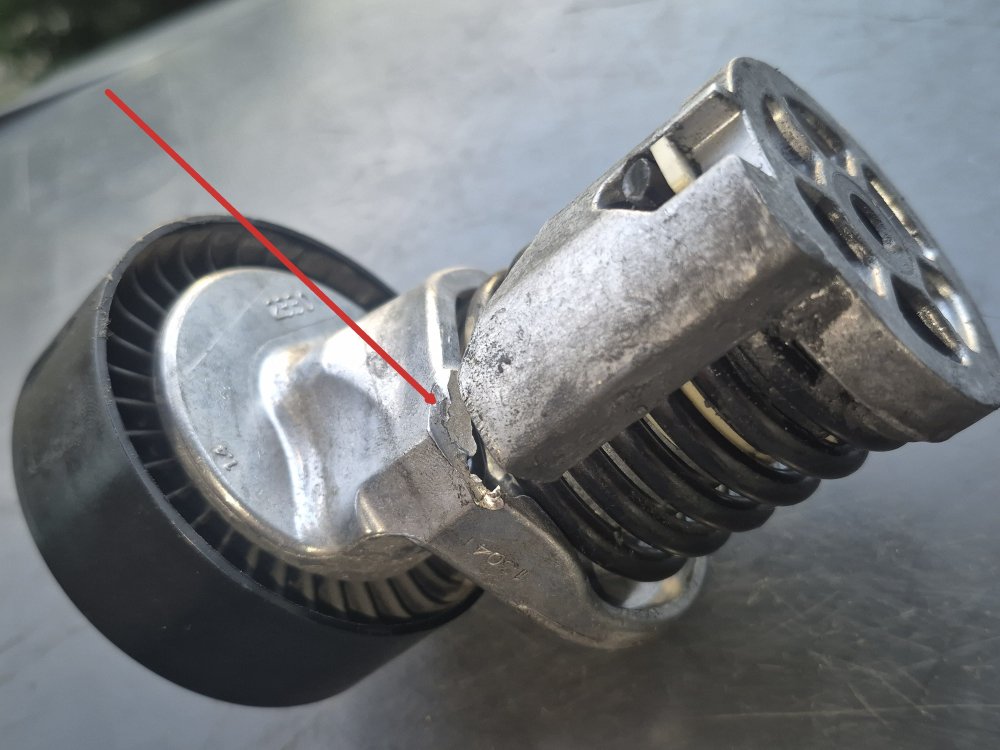
The tensioner came out without removing the wheel arch, but I dropped the new one so moved the arch to get at things better. possibly could install from the top otherwise. The old tensioner is broke, as you can see in the pic. Not a fun job but easier than last time
-
the videos show turning the bolt clockwise to loosen the fanbelt, but when I do this it tightens it. I mustve done something wrong. (if theres an edit button here i cant find it)
-
Did the vibrations from the old locked alternator pulley break the tensioner?
-
I just put a new Alternator clutch on my2.0tdi CFFB but the new belt is squealing. The tensioner was new a year ago, but doesnt seem to have the tension needed all the time. It can feel loose, or feel ok but starts squealing . When you move the tensioner bolt, it feels like it is catching and needs pushing back into position. Is something broken? Is there an easy fix or do I just put a new tensioner in? (I know how difficult it is to do)
-
How to turn off all lights? I want to be able to open doors etc in darkness, and quietly, so as not to disturb anything or be noticed, eg when camping. I have VCDS but cannot identify the options. The labelling is confusing Can it be done?
-
yes, stuck in reverse with engine off, on, or clutch in
-
My Suberb is stuck in reverse. Ive loosened the 2 gear selector rods, and the selector thing on the gearbox seems stuck in the down position, i cannot get that lever to go into locking position. Its been parked up (in reverse) for 4days while I fixed the fanbelt issue but I just started it and its stuck in gear.. Last week it was not going into 1st or 5th at times, so I realigned the gearstick and selector rods/cables, locking the selector with the lever, and it worked much better after but now its staying in the down position and I cant move the little lever into locking position There is some noise with the clutch in which sounds like a worn Dual mass flywheel
-
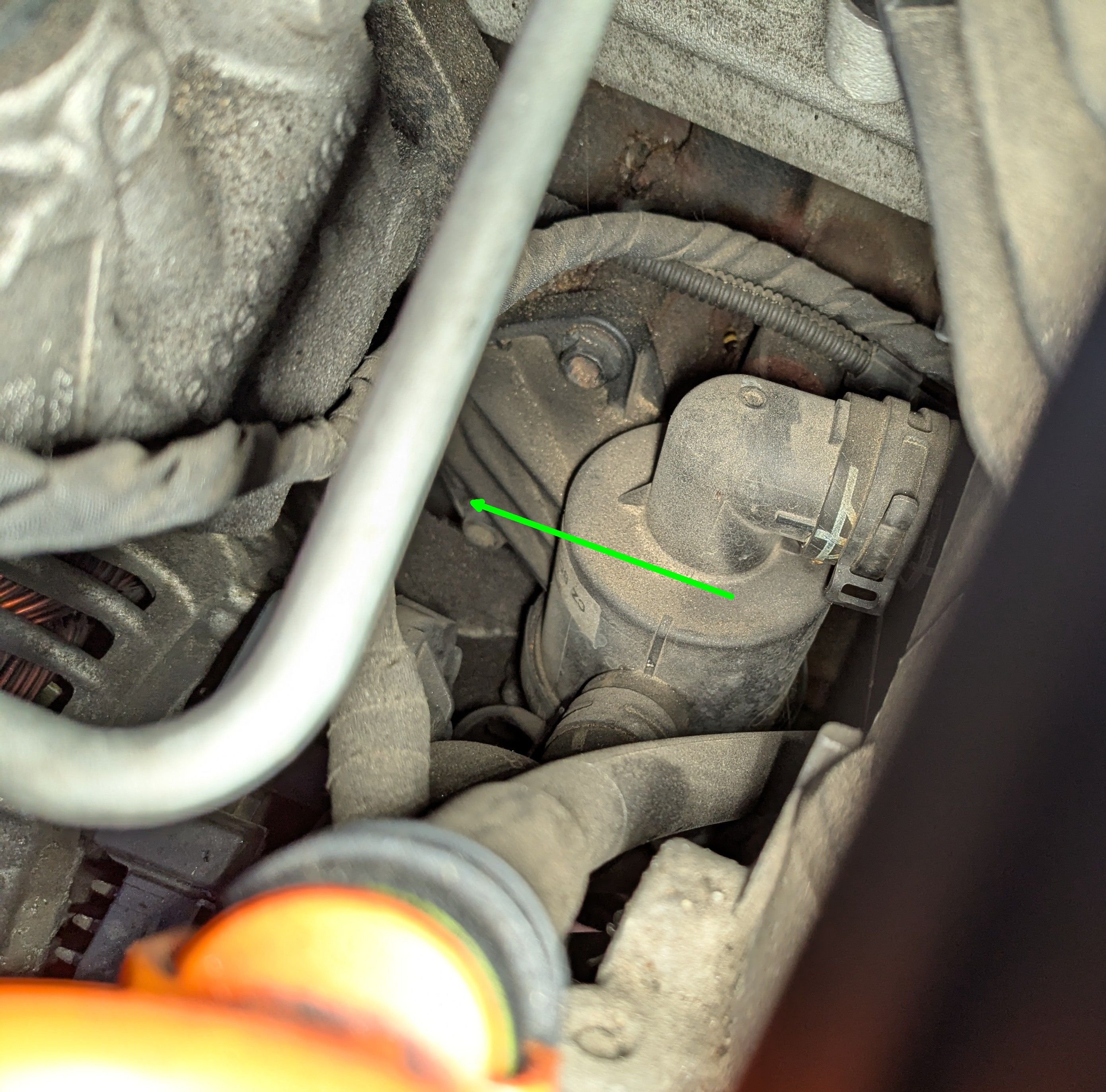
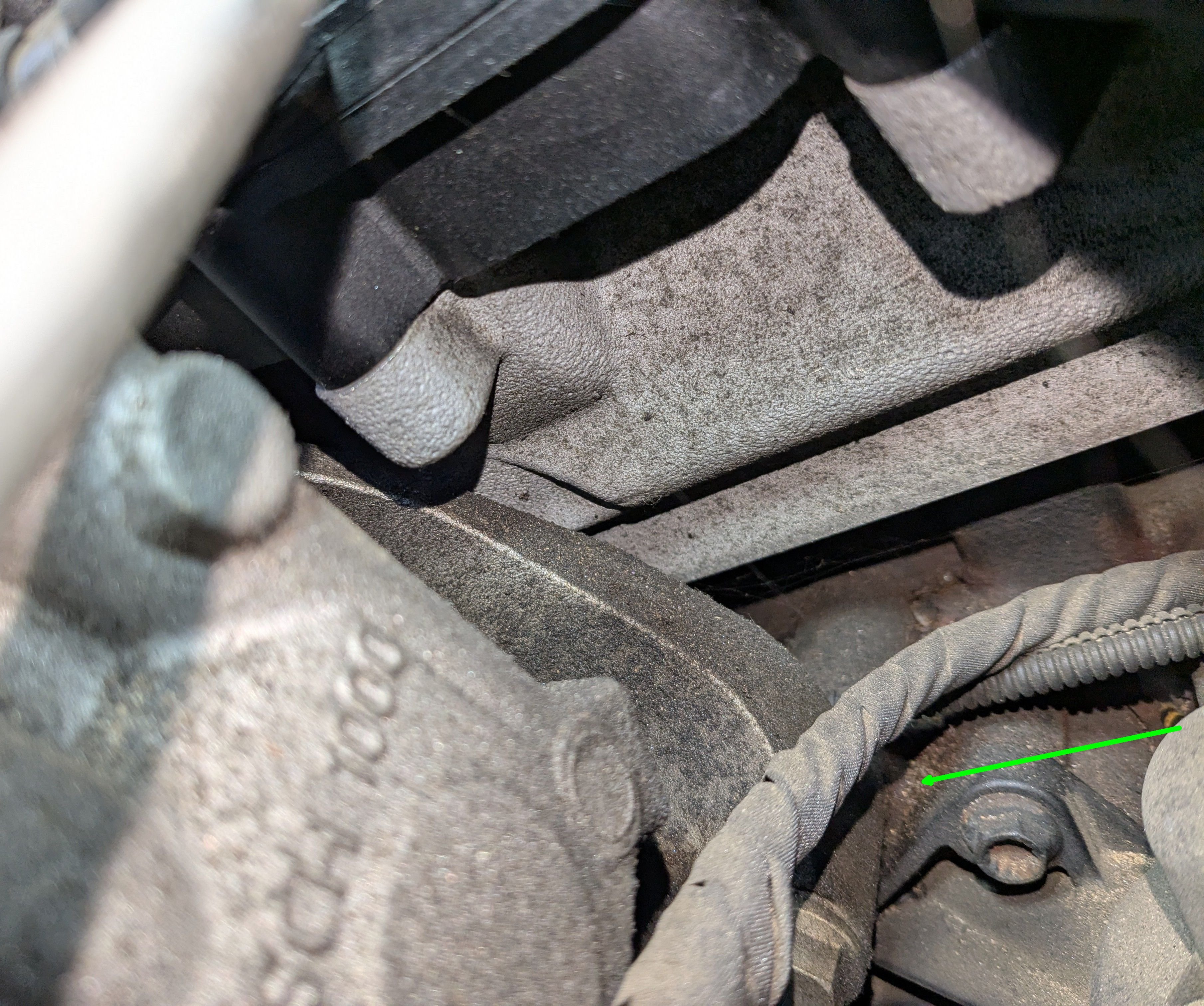
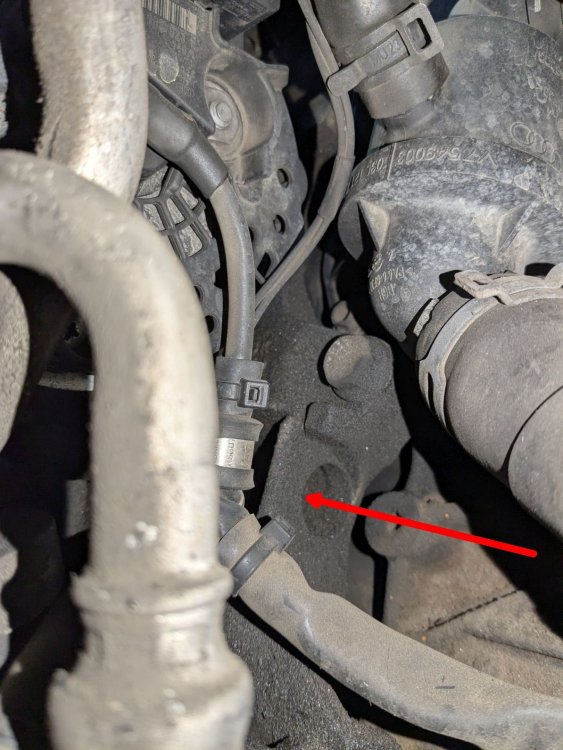
I can see the hole now, maybe I can get to it
-
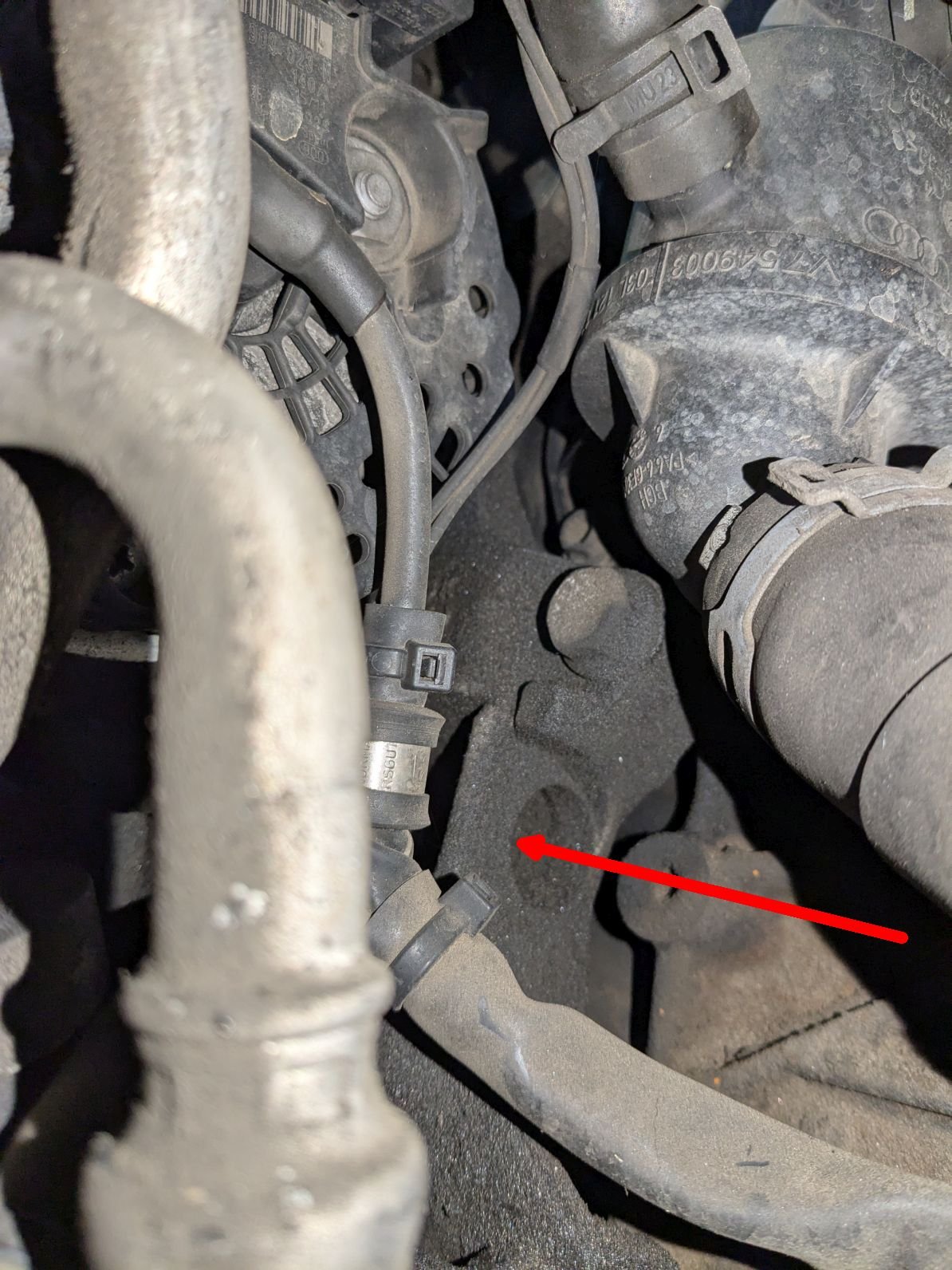
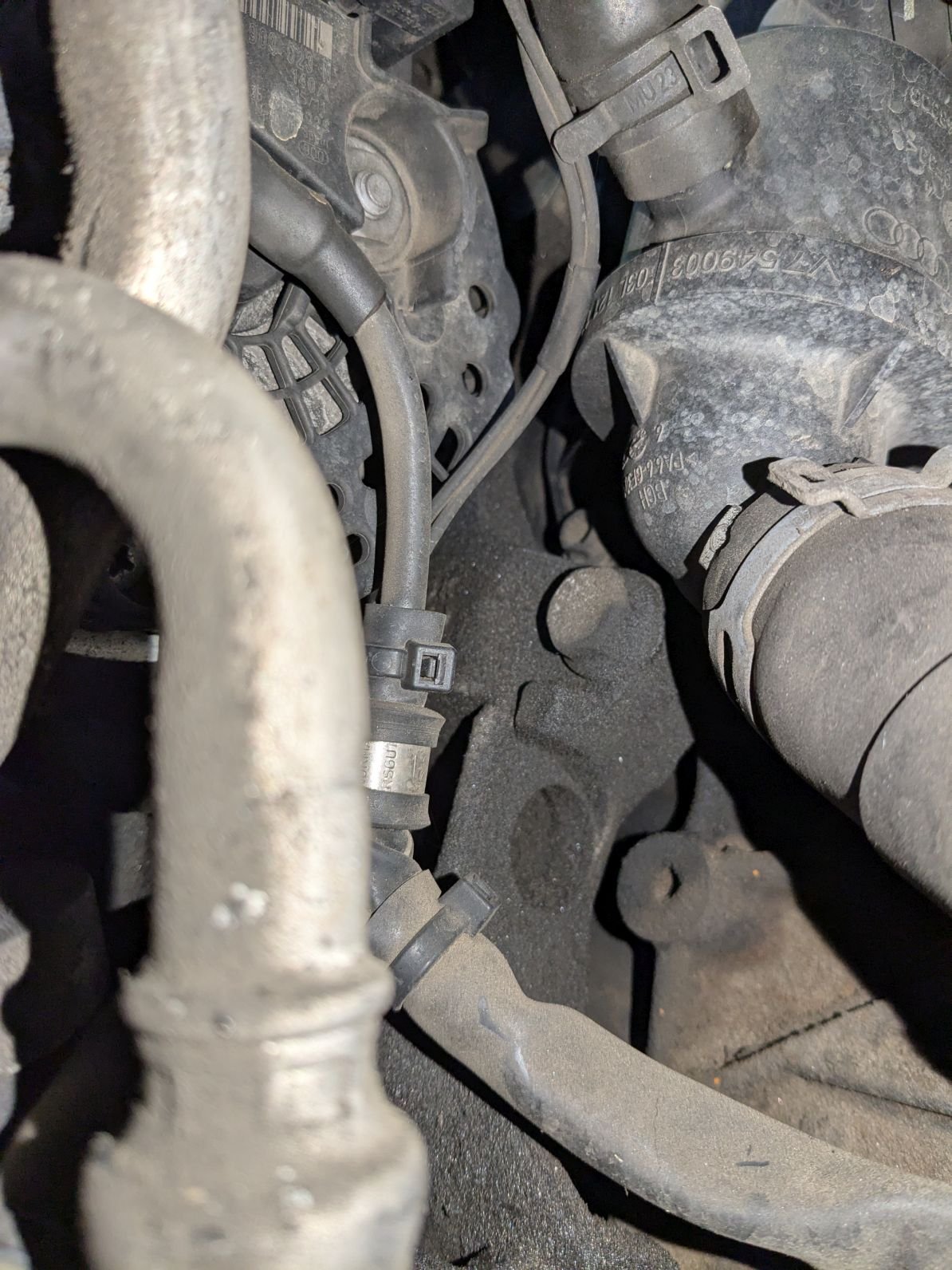
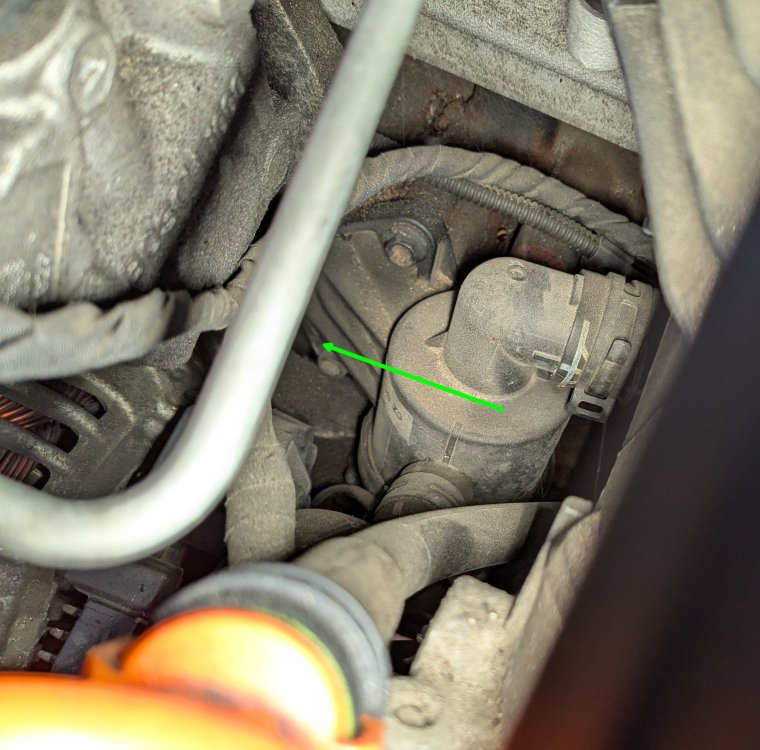
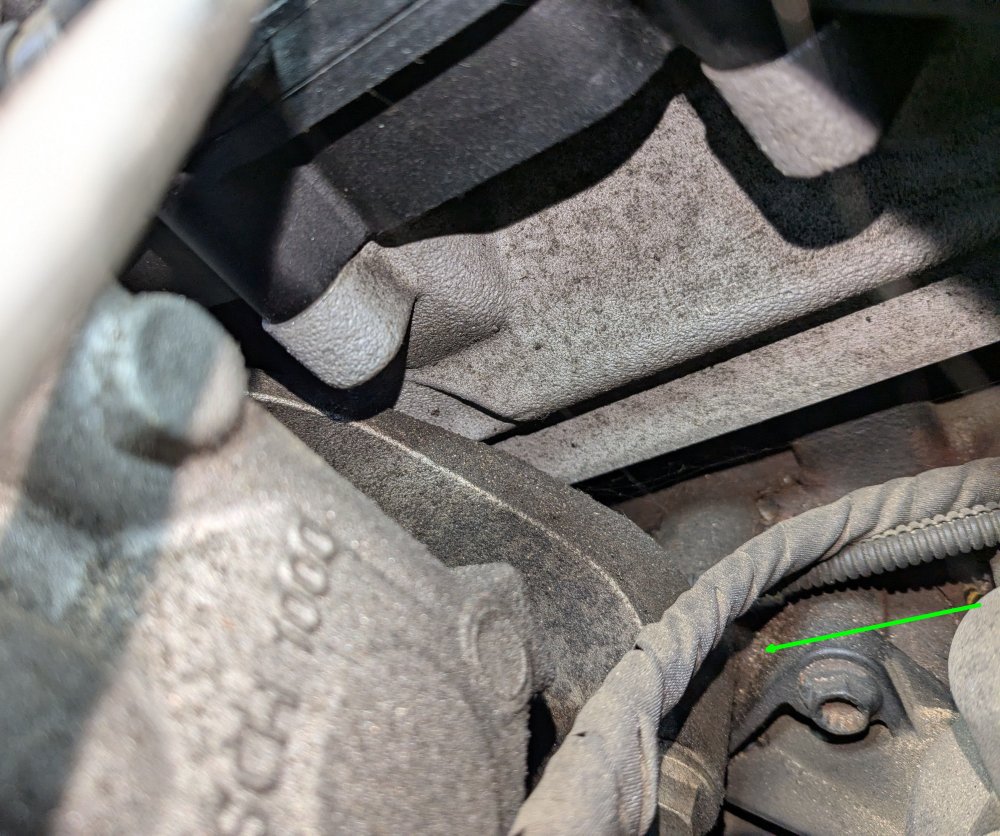
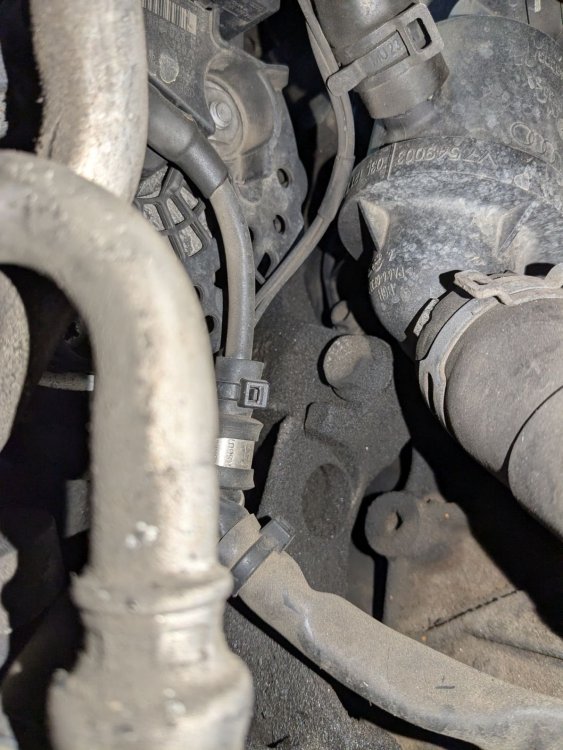
here's the pics I could get, behind the alternator, with the arrow to show where I reckon the bolt hole should be. But it doesnt look anything like on the videos
-
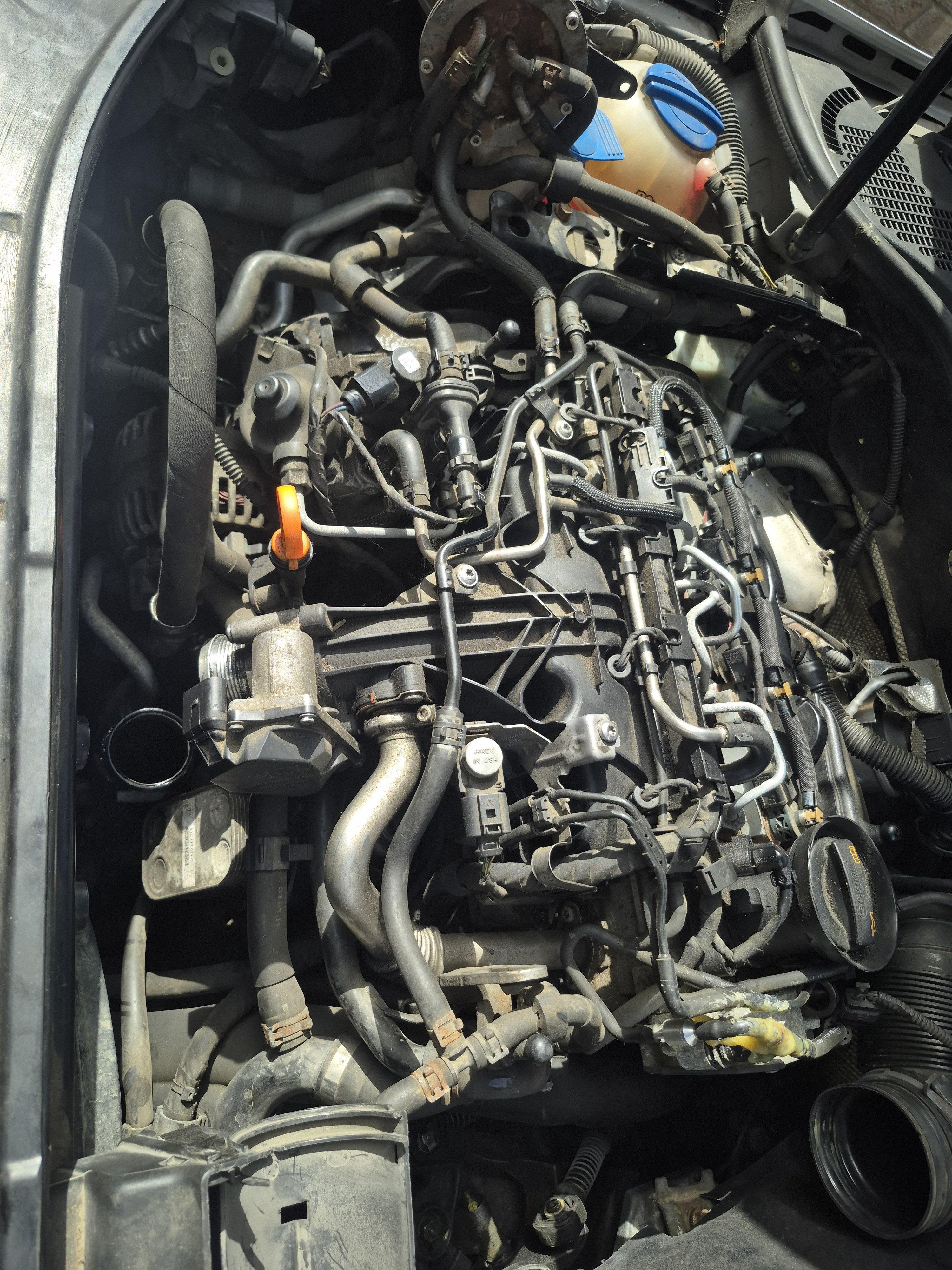
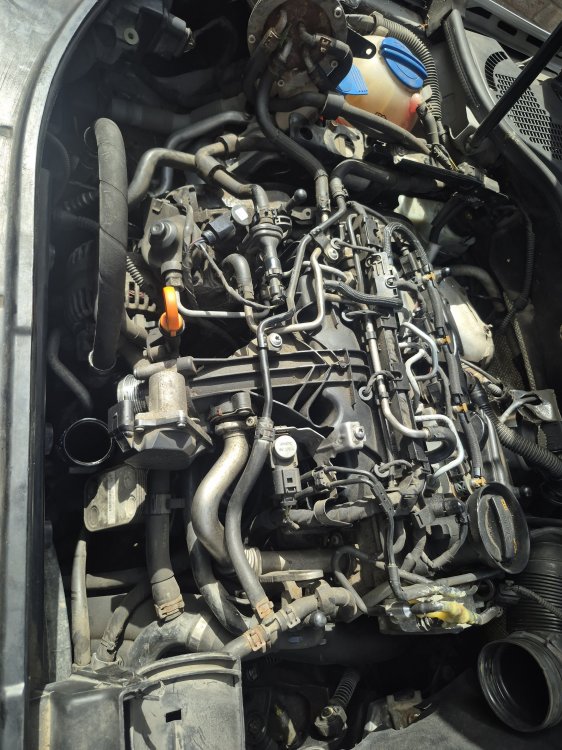
Time for a new fanbelt tensioner, since I just found the fanbelt loose by the engine. The tensioner was in the engine tray, with the snapped bolt I watched many 2.0tdi videos showing the installation process, and got the intake pipe off, behind the alternator, but still cannot see the hole for the tensioner bolt. It looks like there is a plastic object with 3 liquid hoses attached in the way now which I dont want to remove if I can help it Is there an easier way to do this? Its a 2.0tdi CFFB engine, with manual gearbox, estate