mountain
New here
-
Joined
-
Last visited
-
Thanks! I will try and see
-
In the night I suddenly thought, wouldn't there be 1 fuse that enables/disables the release. In the fuse diagram I find 4 'tow bar hitch' fuses. Could one be taken out and solve my warning-problem? (I saw sveral post by you, so you seem to be well informed in Skoda matters :)
-
wow! I'm most impressed.Thank you!
-
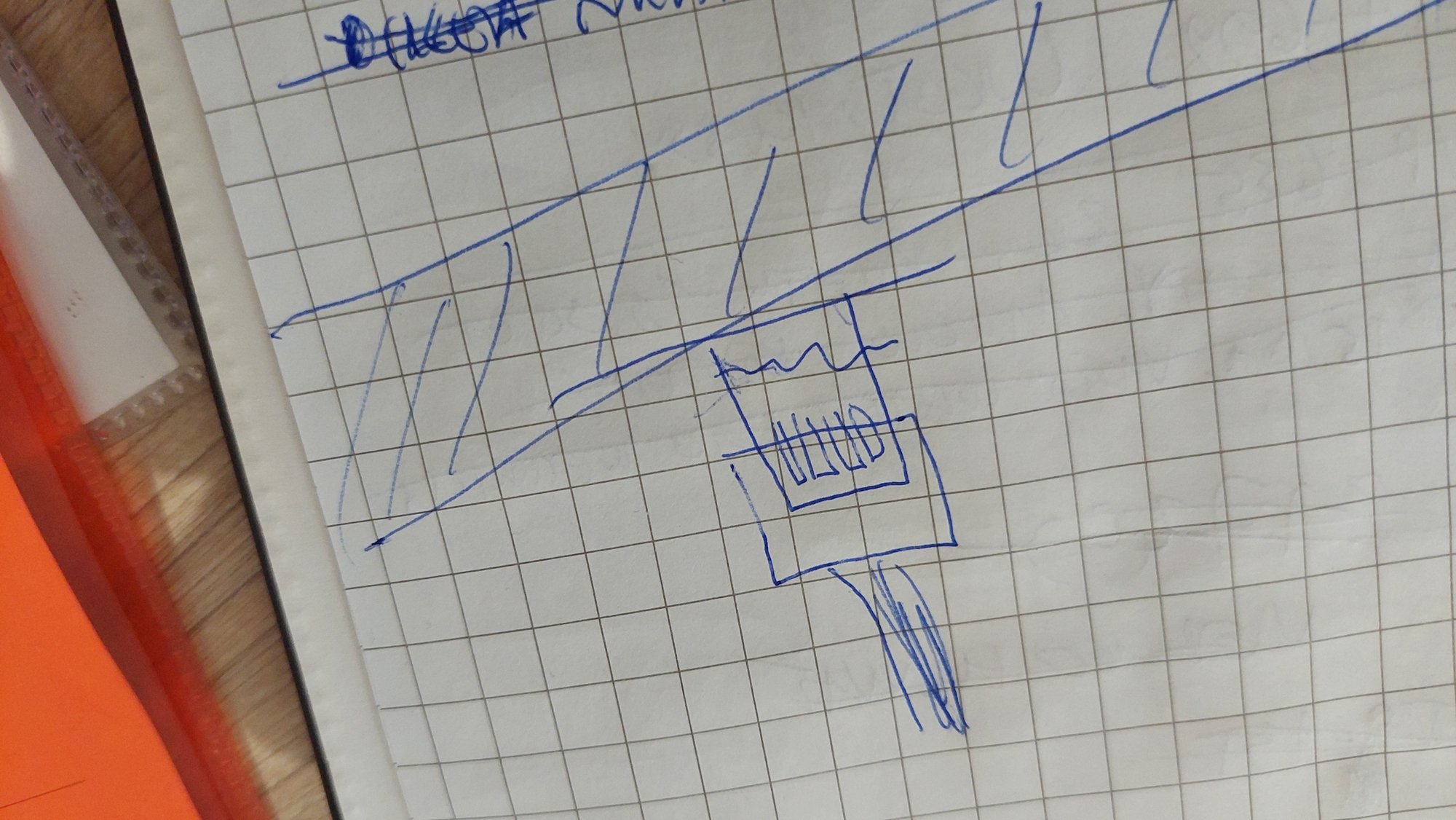
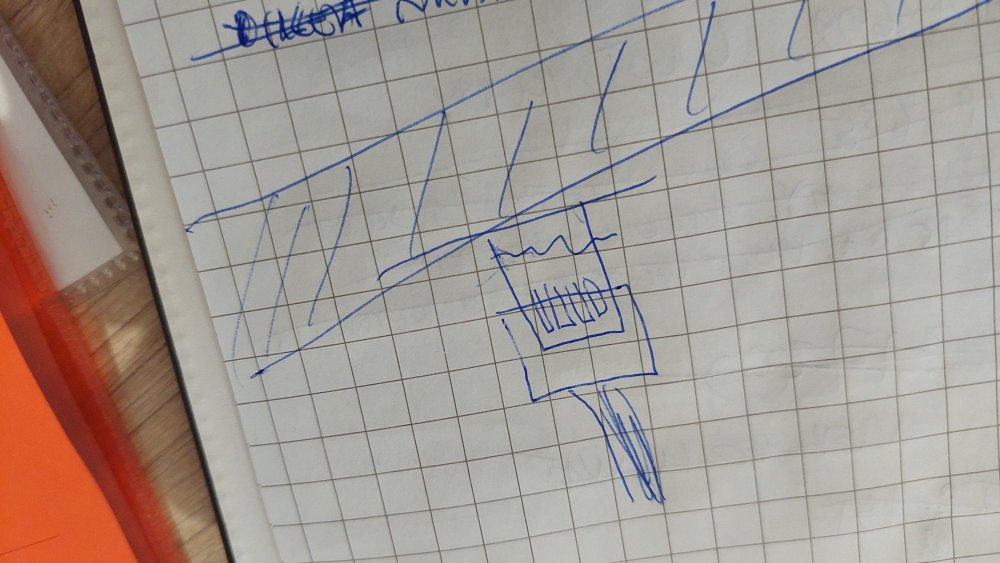
Thanks for your response! I doubt if the garage is to blame, they seem sincere and worked for two hours to get the best out of it. Unfortunately they were not succesful. Can happen... They take it that some kind of collision in the past would already have broken it. And when you then try to repair it, it can be that you hold those broken pieces in your hand. So, I hope that something like 'connect hole 2 to hole 7' would just be enough to prevent those alarms to go off About your suggestion of buying a plug from AliExpress, I wouldn't know what to search for! :) below the sketch the garage made...
-
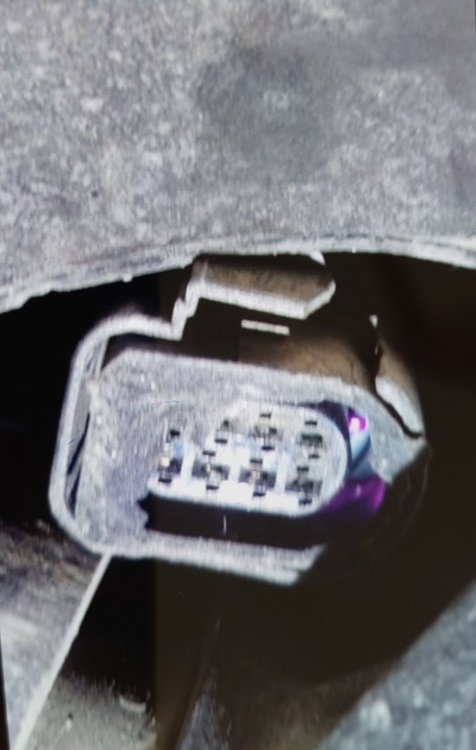
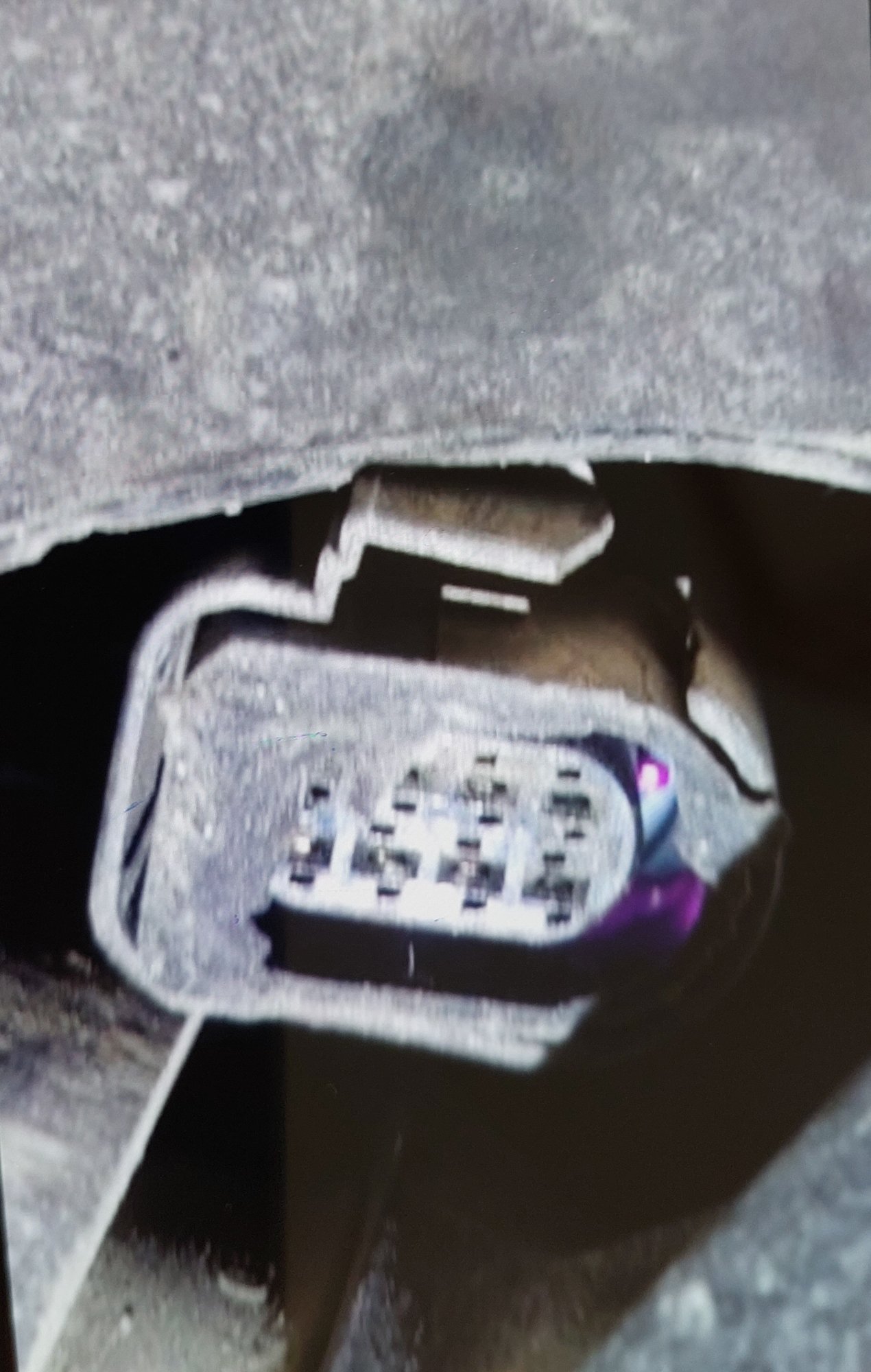
The towbar release in my Octavia Mk4 has stopped working, so now the towbar stays out. (that’s better than staying in…) The Skoda garage can not repair it (apparently some collision during previous ownership) While trying to repair it however some broken plug came off and could not be put back. Result: release still doesn't work, but now when I start the car I get a warning that something is wrong with the towbar. That warning disappears after three beeps, but a warning light stays on. The only remedy seems to be to replace the whole towbar á €2200. No way… Does anyone know if the car can be tricked in believing that the plug is in place? (Telling the car by coding is no option, because it would also disable the lights on the trailer) Below a picture of the socket taken by the garage