octy13vrs
Finding my way
-
Joined
-
Last visited
Everything posted by octy13vrs
-
Won’t let me send private messages yet
-
Not sure to be honest, Didn’t have the car that long to notice anything but I want to say it was, maybe was leaking a tiny amount but not noticeable. But I timed it all correctly and had genuine bits
-
Having a nightmare with my Octavia VRS 2.0 TDI atm. Car is on 135k miles, I’ve changed the cambelt and water pump 2 months ago nearly, and it’s been losing coolant. No signs of leaks anywhere from the car, absolutely dry, nothing around timing area, nothing underneath. I have done a head gasket test, was fine. Done a pressure test last week, was fine. Drained all the coolant system last week, refilled and it’s been losing coolant again. Was losing about 1-2 inches every 10 days now I’ve flushed all the coolant out it’s losing approx. 2-3 inches every few days. EGR cooler?????!! Radiator???? Heater matrix??? (Fans work fine) Charge cooler??? Any ideas or do I give up
-
Could not see absolutely anything when I changed it, don’t know if it’s worth taking the cover off again or not haha
-
To add: maybe the previous owner added some additive to the oil but the sound is from around the belt area so not sure how it all adds up…
-
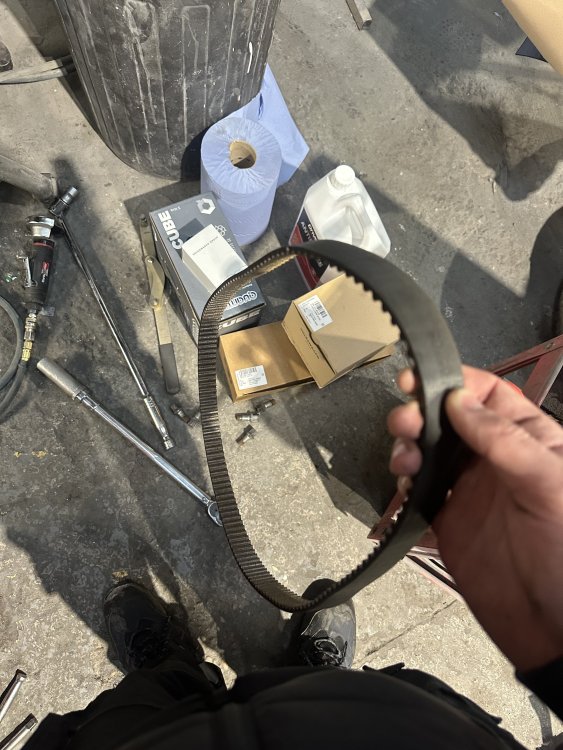
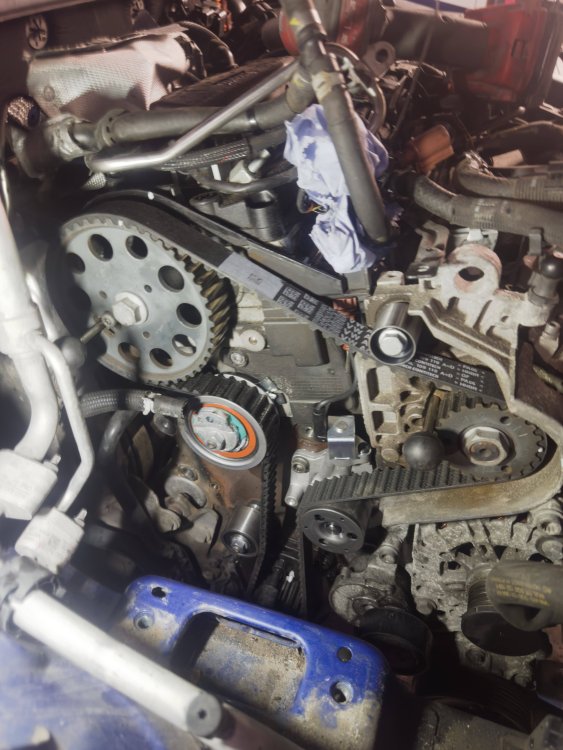
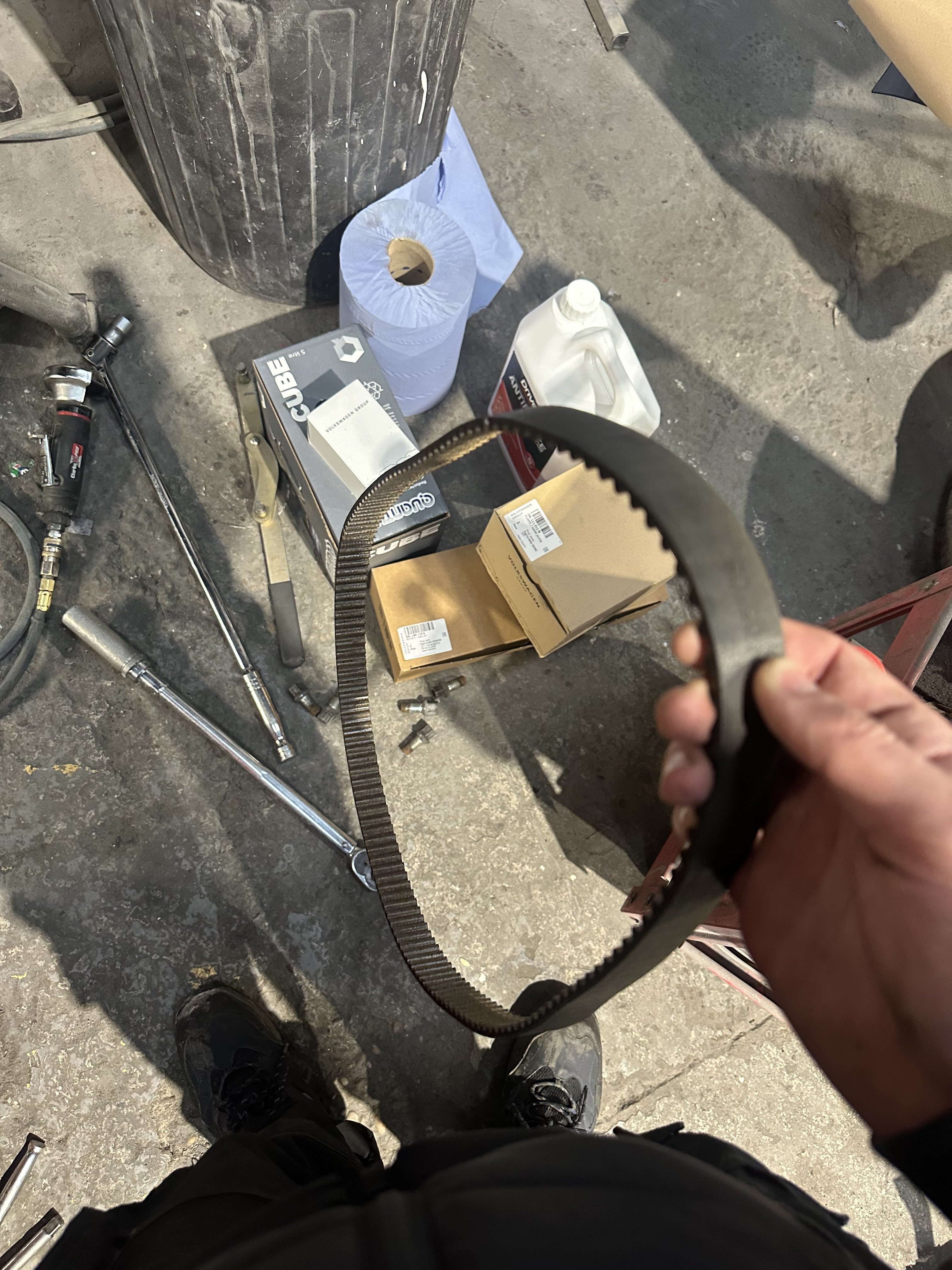
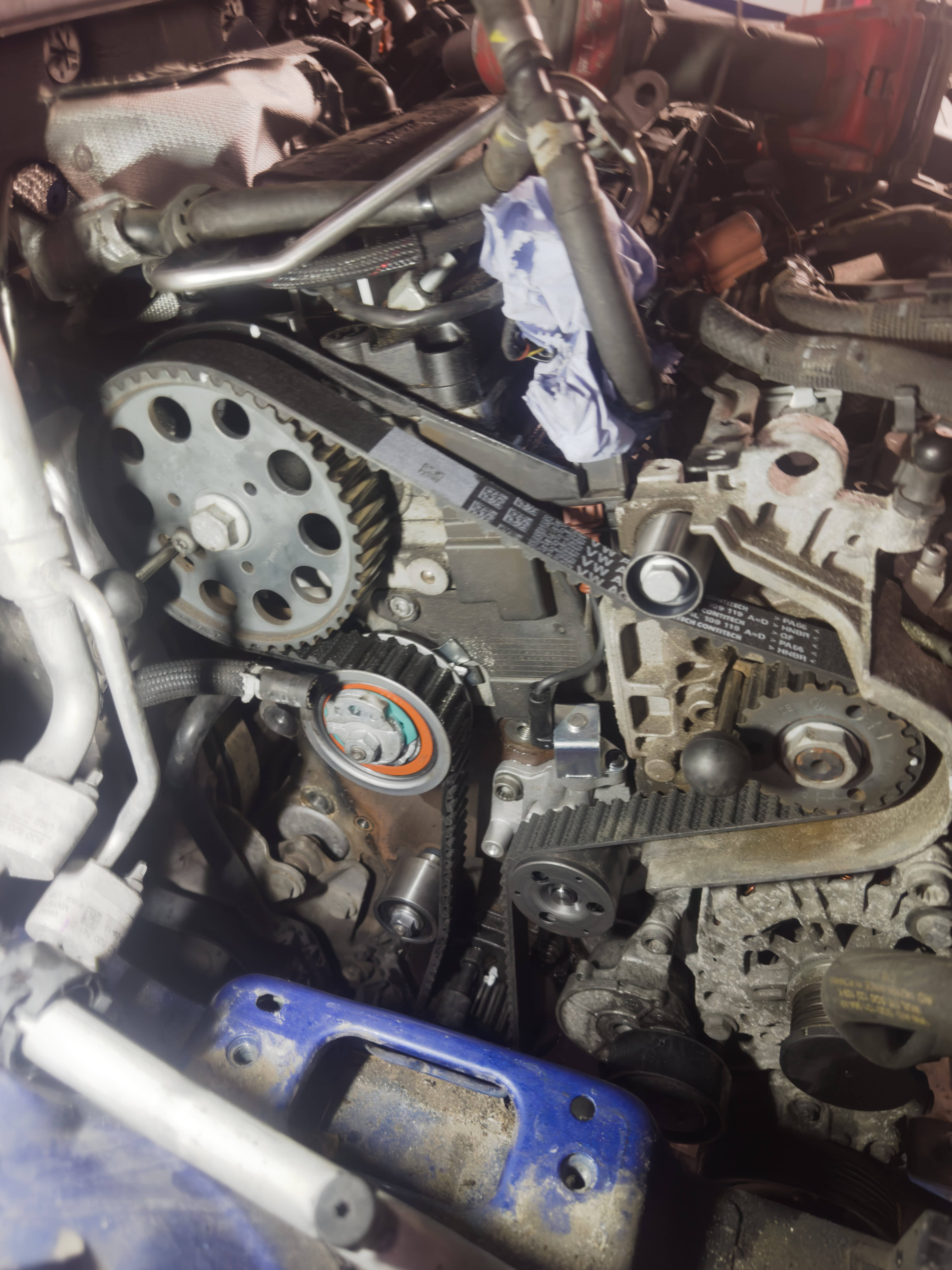
Long story short I changed my cambelt & waterpump on my 2.0 TDI VRS 130k miles as well as oil, oil filter, glow plugs. All genuine parts from TPS. Previous belt was stretched and clearly old. The ticking noise also didn’t really occur before I changed the belt but I feel like maybe all these 2.0 engines sound like it although I looked at another VRS with more mileage and old belt and it also didn’t have a ticking noise. Occurs both cold and warm, I know that the timing is correct and everything is torqued up to spec, engine sounds how it should. Anyone have any suggestions or am I overthinking it? IMG_6913.mp4