penwen
New here
-
Joined
-
Last visited
Everything posted by penwen
-
Hello all, Been driving a 2014 Skoda Octavia for the last 5 years get up to 220k from 160k after my partner’s fabia bit the dust.hoping this forum can help me keep the car in good nick long enough to switch to electric at some point. I’ve been reading bit and pieces over the last few years and there are some great people on here.
-
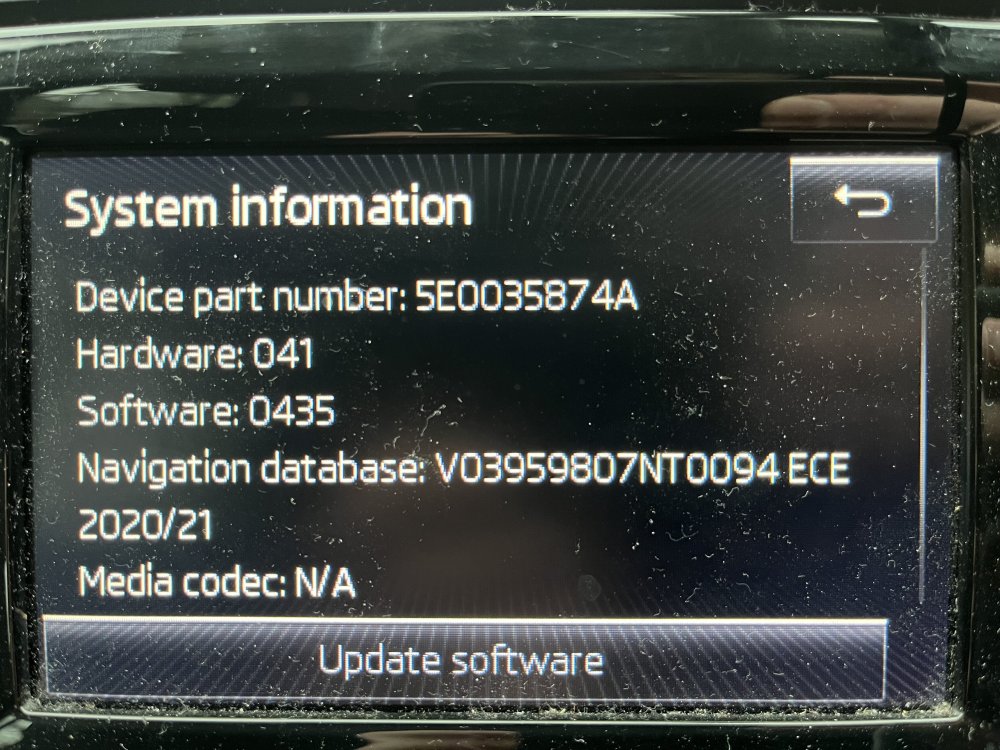
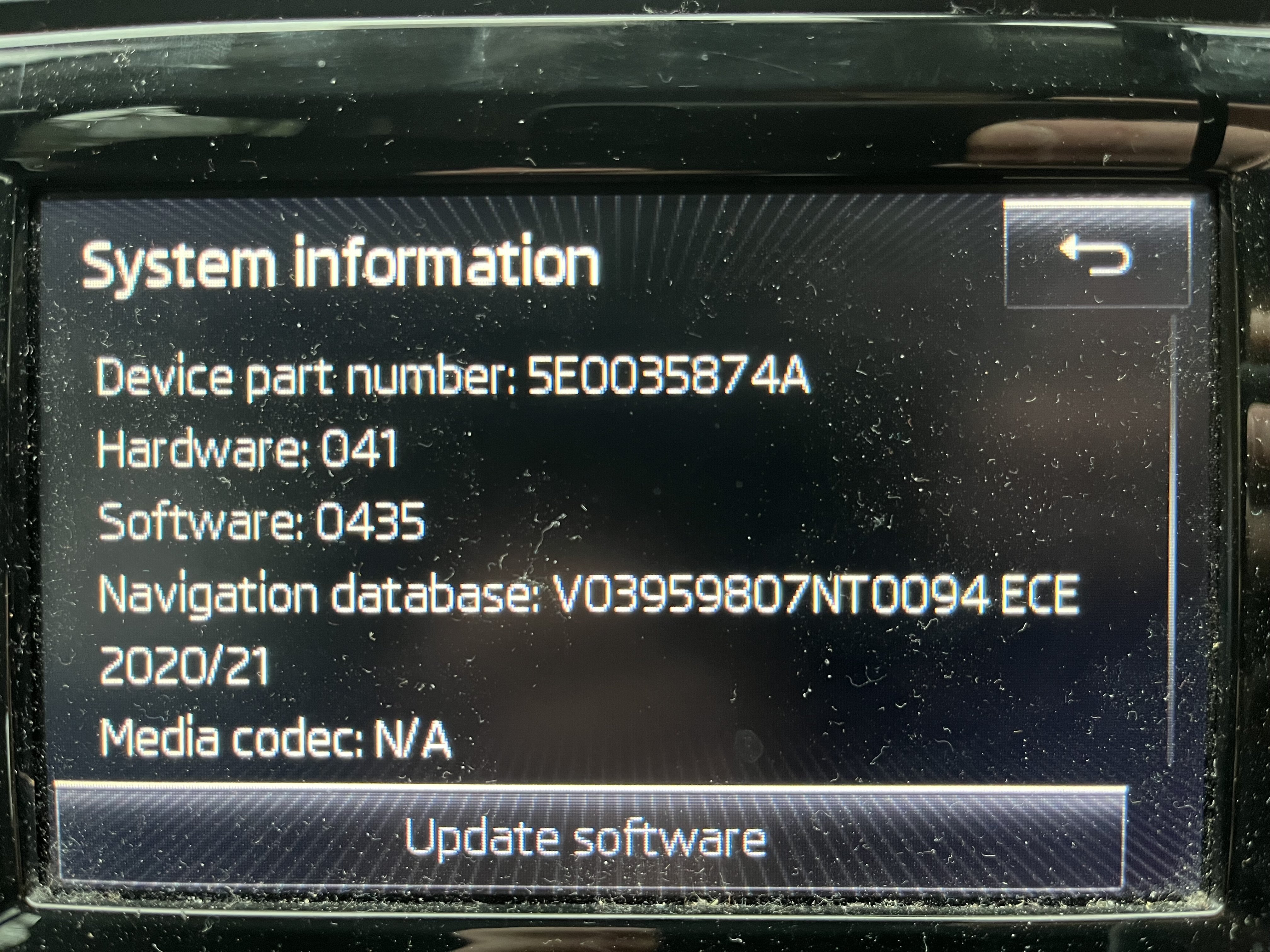
Hello, would anyone be able to send me an update for my Amundsen MIB1 (I think - in a 2014 octavia), part no. 5E0035874A to penwen123 [at] gmail.com? It's part of trying to troubleshoot a problem where the infotainment system will randomly turn off, and after a while might randomly turn on again, which gets pretty annoying. I can then turn the unit on and off, but if it's turned itself off I can't use bluetooth or check things like tire pressure sensors. It's like the car has turned off - I get a message saying 'don't forget your phone' when it turns off while driving, and if I turn it on it tells me to turn on the ignition to get the bluetooth connection again. If anyone has experience of this or other links please share - I can't seem to find a similar scenario from anyone online, but I'm sure they're out there. I doubt the software update will resolve the random on/off issue (but still need to rule it out) and there is something funny about the head unit. I'd an auto electrician tell me that was the issue, not power/connections. @pab567, I've read you can advise on a replacements or upgrade for when the firmware update doesn't solve my issue. I'd probably look to upgrade if I need to replace the head unit anyway.