DavidMJB
New here
-
Joined
-
Last visited
-
Thanks for your quick reply. But no, it's a legitimate sharing with Skoda. It's for the purposes of the car data and for example emergency response. My question is how to turn off the notification, not how to turn off the data sharing. I know exactly how to do that.
-
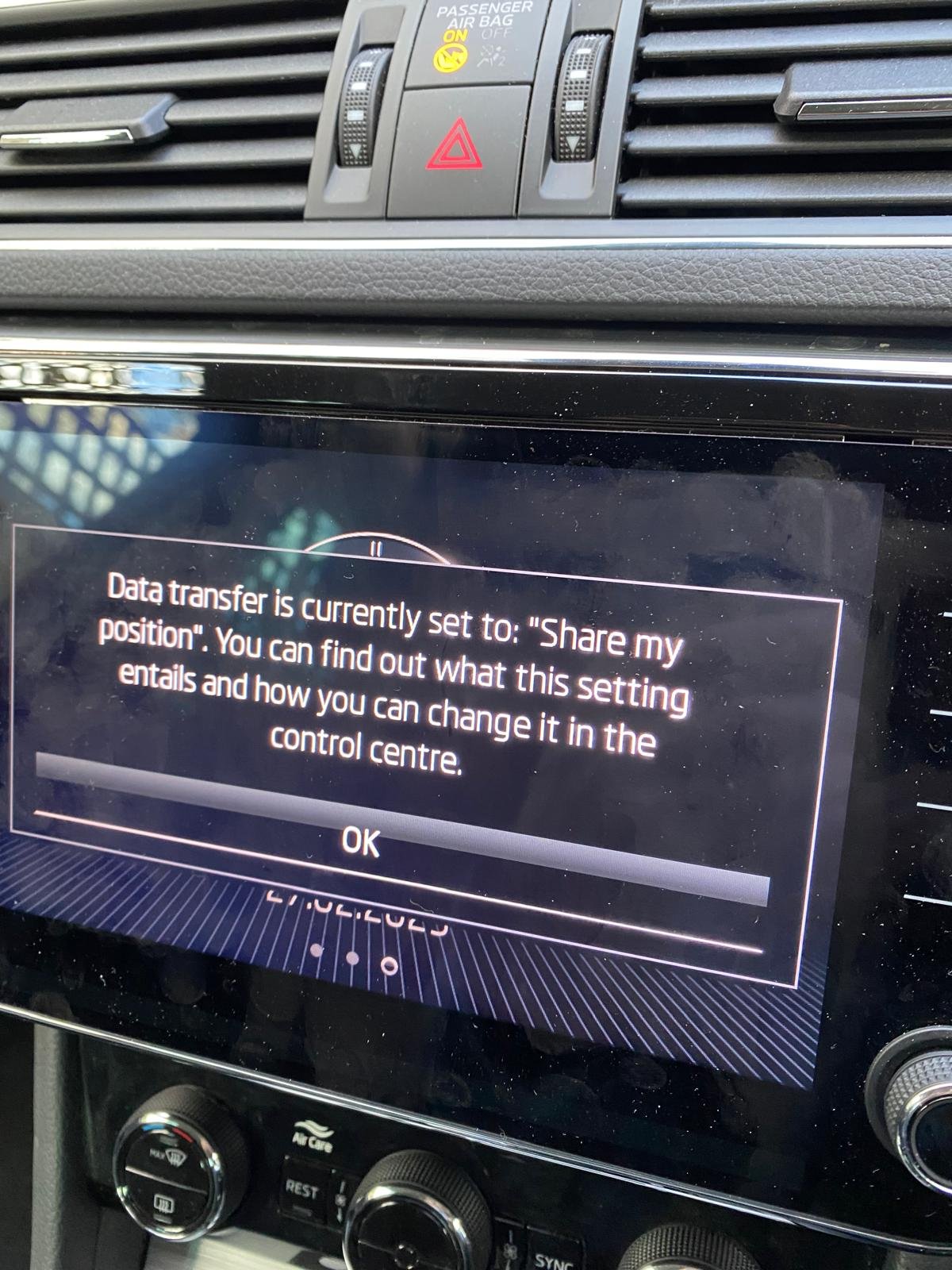
Every time I start the car I get the notification in the attached photo. To clear the screen I have to tap "OK". I am totally happy to share my position. Can anyone tell me how to stop the notifcation from coming up please? Going to the Control Centre doesn't do it.That just offers me other sharing (or not sharing) options. Many thanks.
-
My owners manual, whether the hard copy or the online version, does not actually tell me what equipment is fitted to my 2023 SE Technology estate. I bought it two weeks ago used, one year old. But the manuals explain every feature whether the car has it or not. This hopelessly time consuming. Where can I find exatly what the car has please? For example I'd like to know if I need to fit headlight adapters when I go to Europe. The manual says visit the dealer. But forums such as this one suggest that if the headlights dim automatically (they do) they will dim to the right when I'm driving on the right. That's only one question I have. If I could tell what is actually fitted on the car I could probably work out the answers. Many thanks for any help members of this forum can give me.