PaulieDee
New here
-
Joined
-
Last visited
Everything posted by PaulieDee
-
My skoda is a SE so maybe they are not fitted as I don't have matrix lights fitted. But in this day and age I thought all cars would be fitted with fog lights , guess I was mistaken.
-
Hi guys, I know it's a silly question but I'm going to ask it anyway. Fog lamps where the hell are they . I have heard they are in corporated into the headlamp now . But where's the button . Do I have to go searching in the info system or is there such a thing called a button to press . As the auto light don't seem to come on in the fog. Any suggestions would be welcomed.
-
It's just strange that all the doors were open but the boot remained locked . But in the meantime the boot lock is working again but not sure how . But you may be right that it is a setting on the central locking but I can't remember doing anything to affect it.
-
My rear boot won't open when I press the button under the lip of my boot but will work when I press the the remote and the the interior switch . It's a Mk4 superb 7mths old. Has anybody else come across this problem on a new car.
-
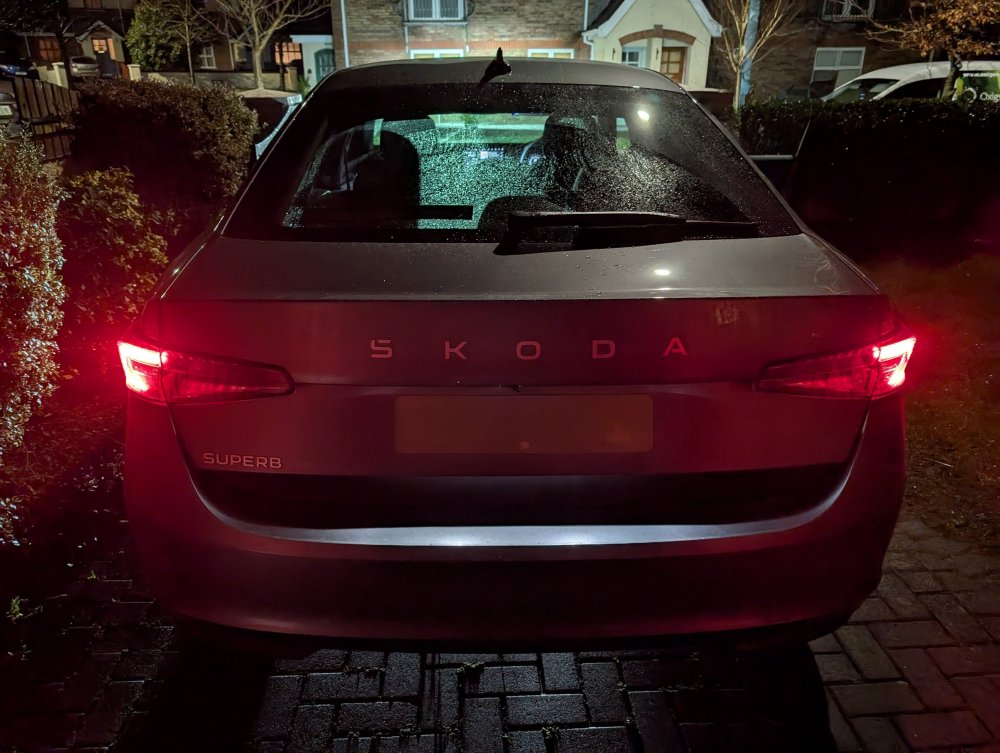
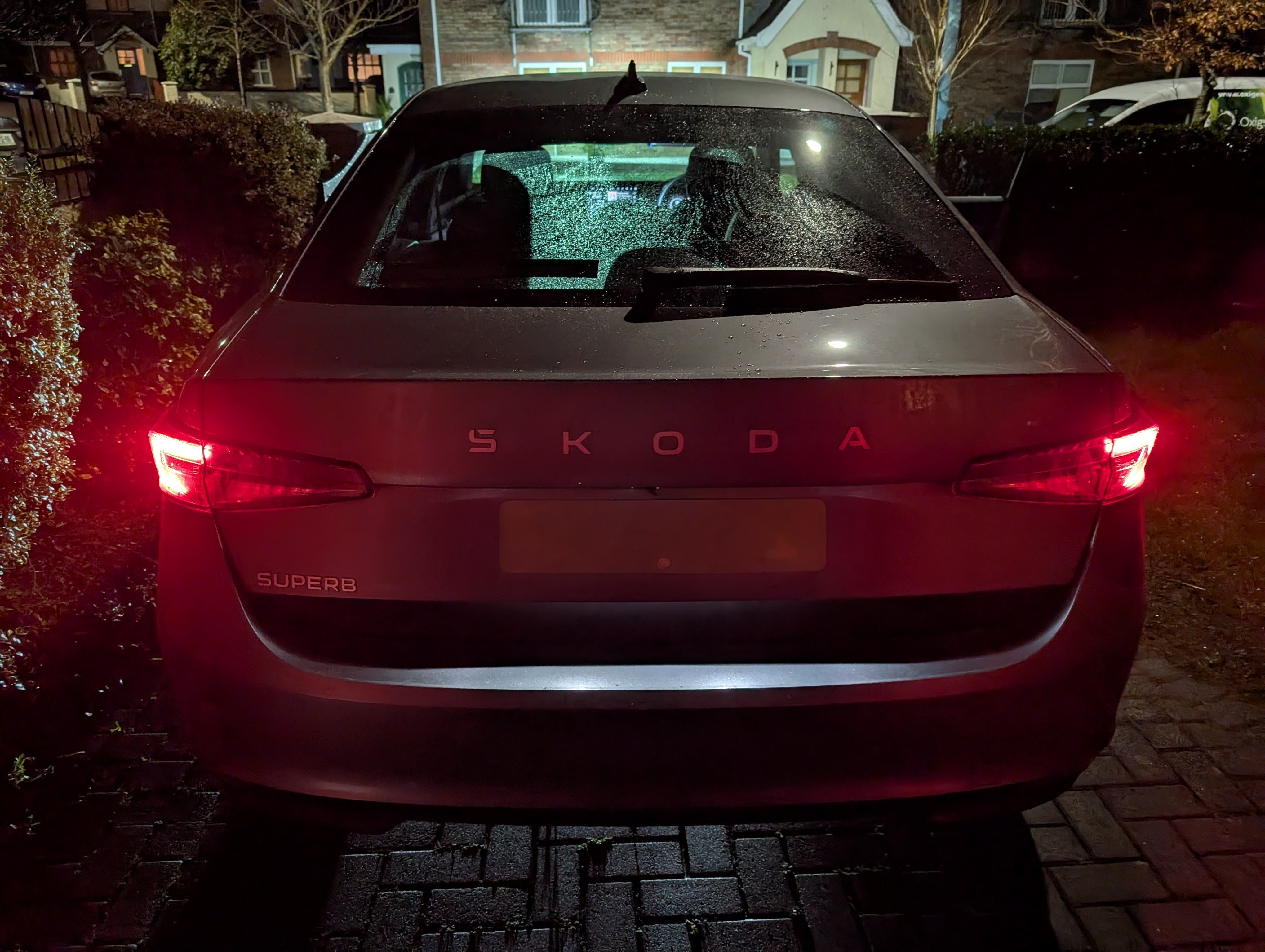
First time user but I had to get something off my chest . I just purchased a Skoda Superb about two weeks ago and I love it . It's my first one and after carrying out extensive research this was the car for me. Now they aren't cheap so I had to go basic . Still it's a well kitted out car but last night my heart sank a bit. I noticed that the rear lights are minimal for such a large car . From behind you think it's two motorbikes riding in tandem. There's such a a vast gap between the two lights. They are almost on the verge of a health and safety issue that they are so small another driver from behind would almost be on top of you if they were been propelled at a high rate of knots. I couldn't afford the matrix lights but come on Skoda this is ridiculous.