ThatMattWilksGuy
Finding my way
-
Joined
-
Last visited
Everything posted by ThatMattWilksGuy
-
I’m looking to do as the title suggests on my diesel VRS MY14. Has anyone else had any success in the endeavour?
-
-
@pab567 I would like to just have Apple Car Play and OEM nav. So the MIB2 Amundsen sound like the right choice? With upgraded USB port too of course… oh and bigger screen than I have now, so 8”?
-
TMBKK7NE1F0045683
-
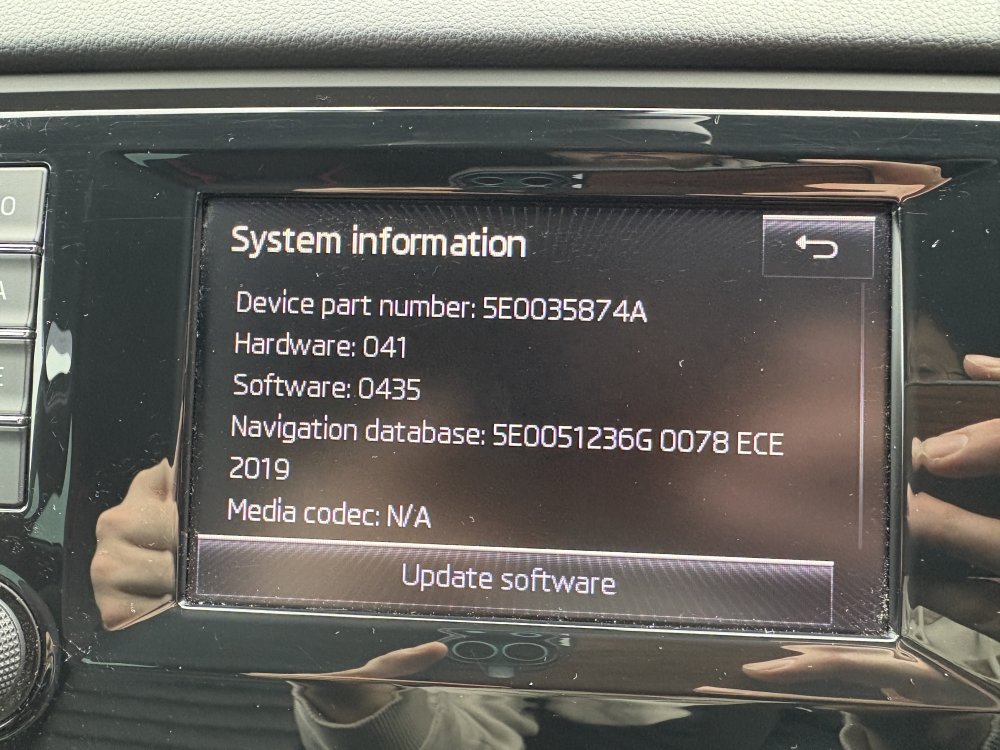
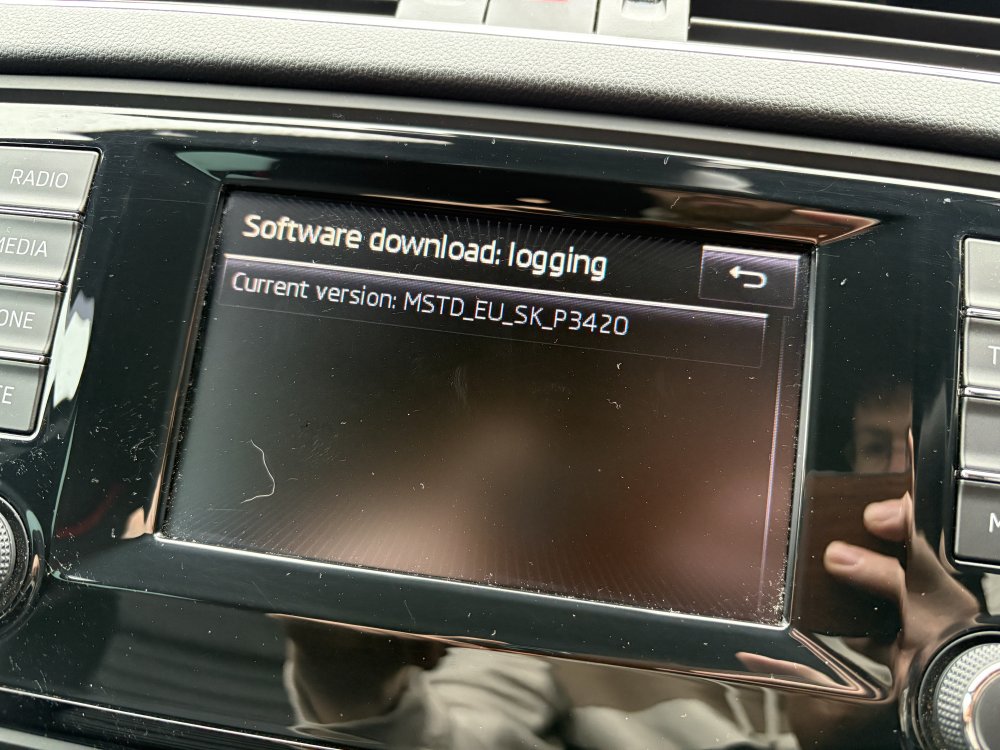
I didn’t want to start a new thread for my question as I’m sure it’s been asked before many times, I just cannot find the correct combination of info to help me out. I’m hoping @pab567 can help me out by hooking me up for a quote on upgrade options for my vehicle. I have VIN number on hand ready to go. Here are screen shots of my current setup:
-
Hello to everyone! My name is Matthew and I’ve become a new Skoda Octavia owner by accident. Let me explain… So I have always been a fan and owner of Volkswagens, from Polo Classic C 1985 all the way to my most recent and favourite, a 2017 Golf GTI. Sadly my Golf got written off by a driver that came speeding down the street I live on, while it was parked up. Insurance paid me out within 48 hours, and I found myself with a cash sum ready to go and make a purchase! I’m at a time in life that I was thinking about the next car up in size that I’m going to need for family life. And with friends suggesting I try out a Skoda, I figured I would take a look at them. Now I’ve grown accustomed to the power of a GTI, I figured the only road to go down would be for a VRS Octavia III estate. So I am now the proud owner of one! A 2014 model with winter pack. As you can imagine I’ve grown accustomed to the features that come as standard with the GTI of that age, including Apple CarPlay, front assist, adaptive cruise control etc. So I’m hoping I can retrofit most of these things into my Octavia to make it somewhat close to having the same things as a GTI