WalkingDown
New here
-
Joined
-
Last visited
-
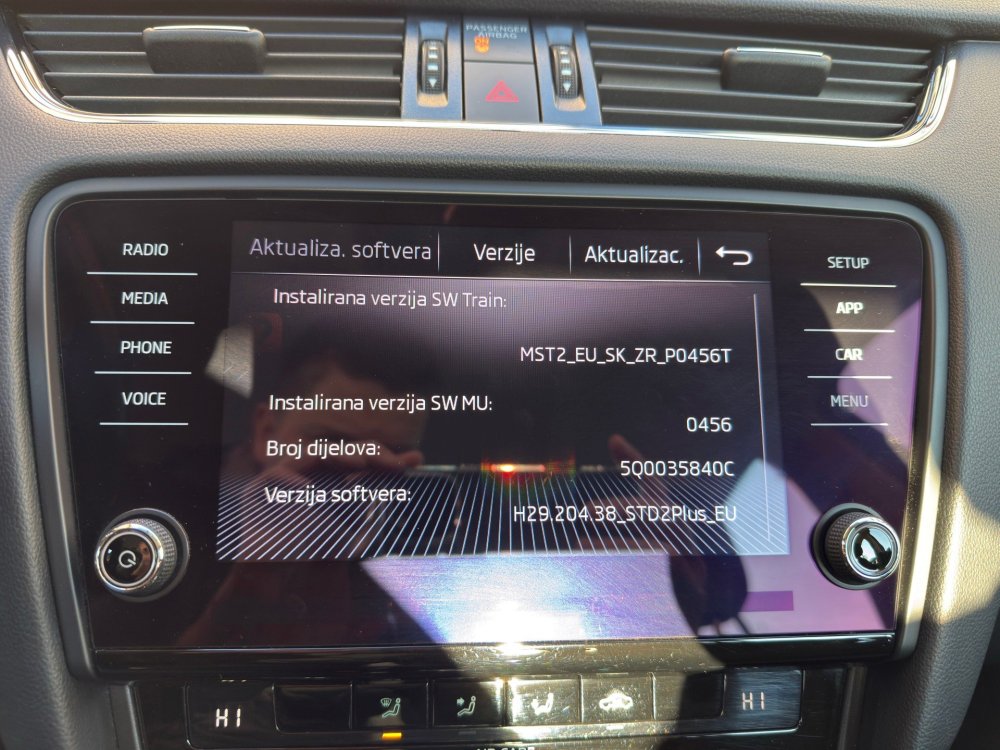
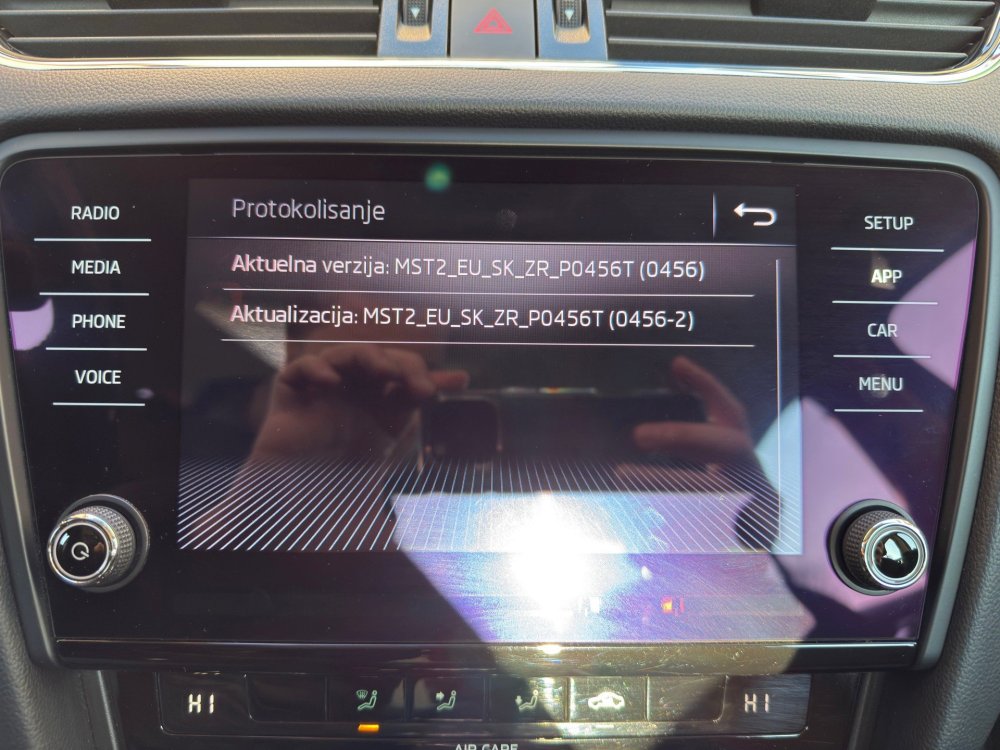
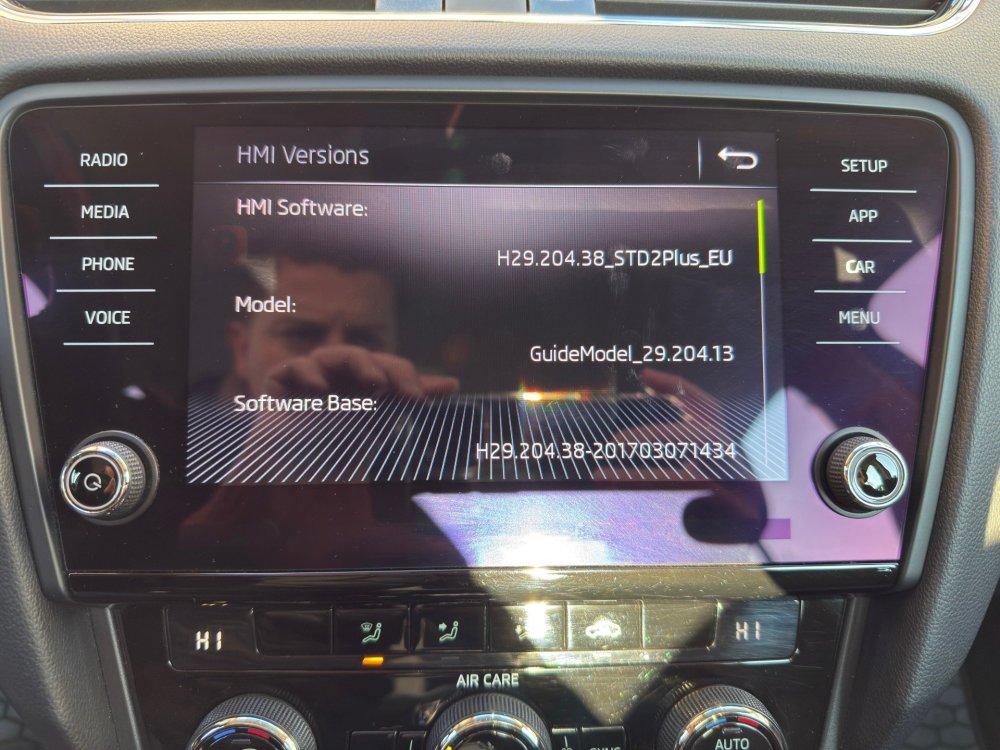
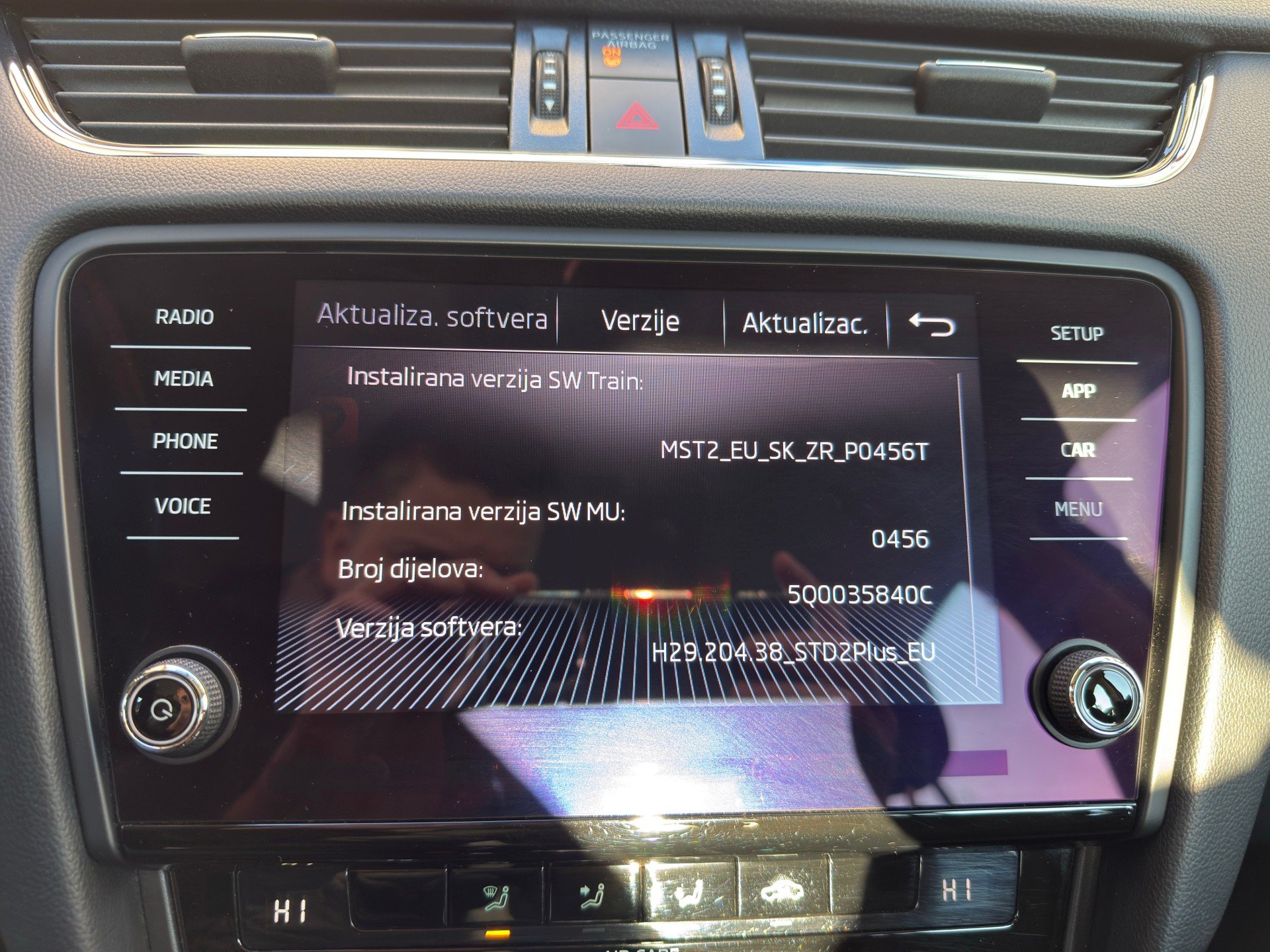
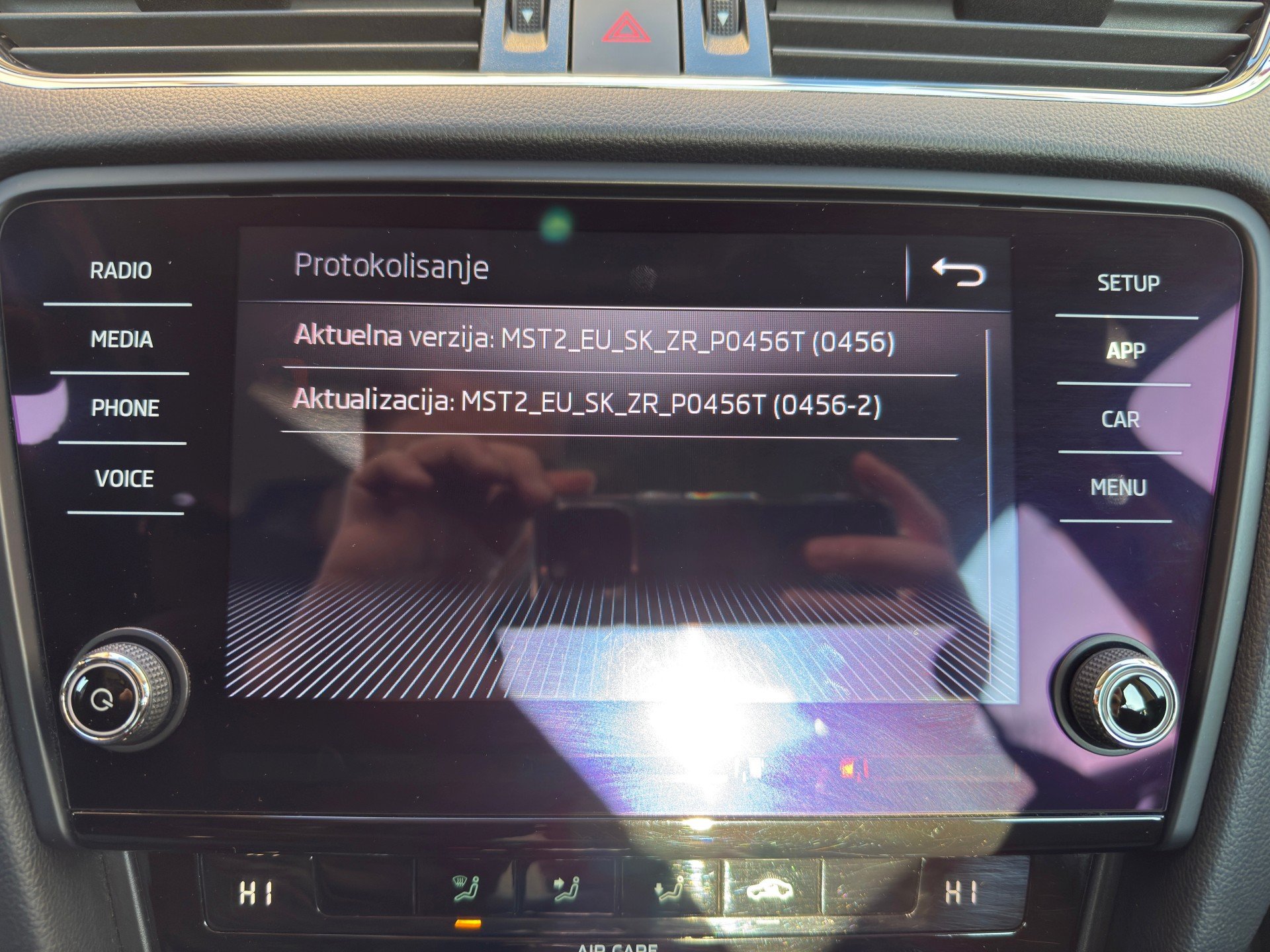
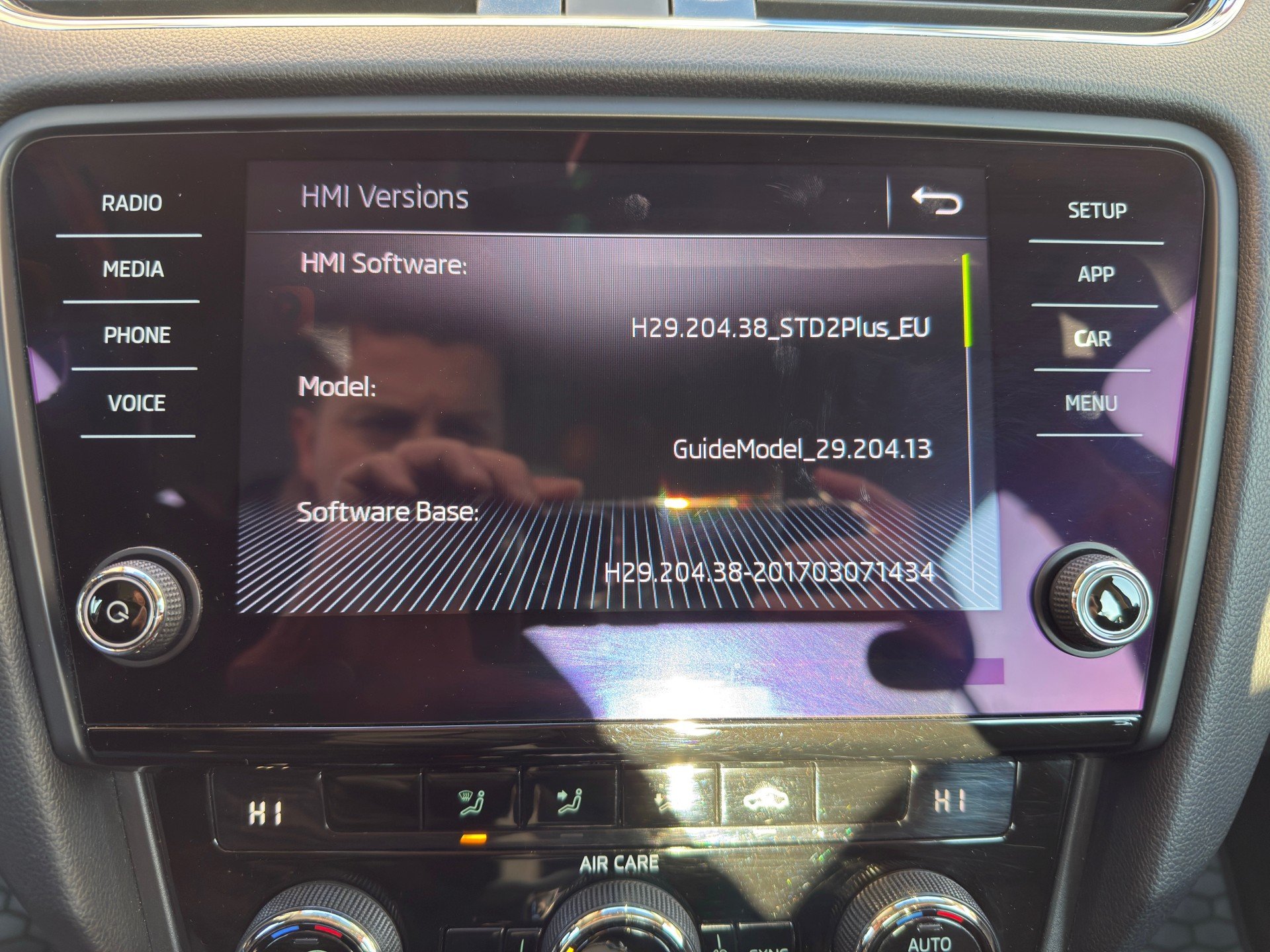
Dear friends, this is my first post on this forum, and what I have seen reading the comments, this is a place to learn and find a lot of help. Before I start, I want to thank everyone here for helping and exchanging experiences. Recently I bought Škoda Octavia (2017 year). First of all, I want to tell you that I don't have experience at all with updating firmware of car console (software). I can see that mr. @pab567 is a true legend here :) and I would really appreciate if you could help me with this problem. I am attaching you the pictures of my version of software that is installed right now in my car. I hope you will get along with the language, I think that the versions are what you need to see. Can you help me with all the procedure regarding the update? I am very grateful to you in advance! Best regards!