eyeofsauron
Finding my way
-
Joined
-
Last visited
Everything posted by eyeofsauron
-
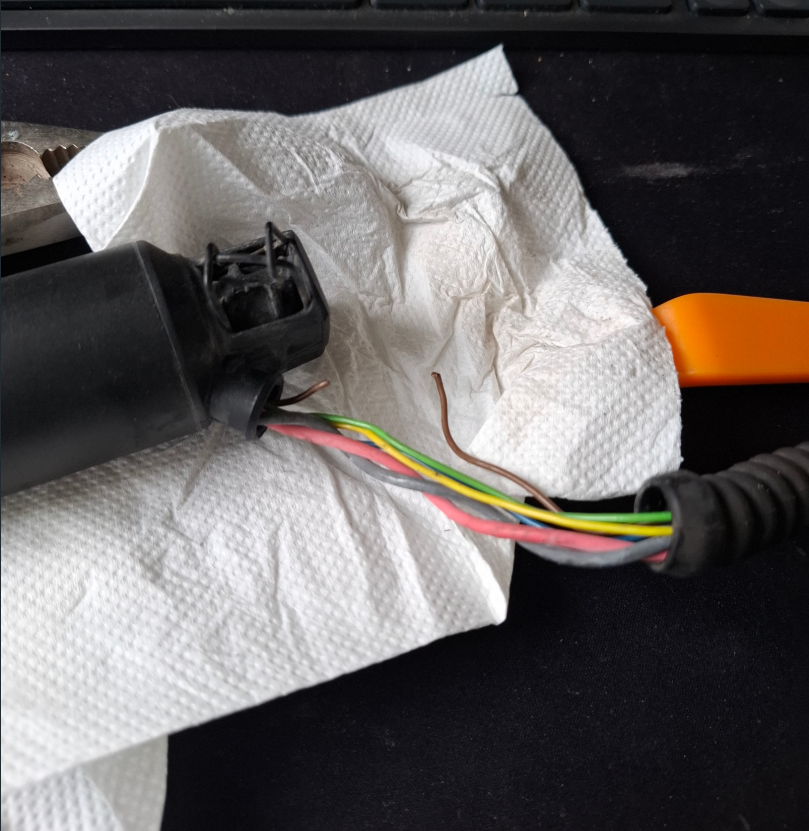
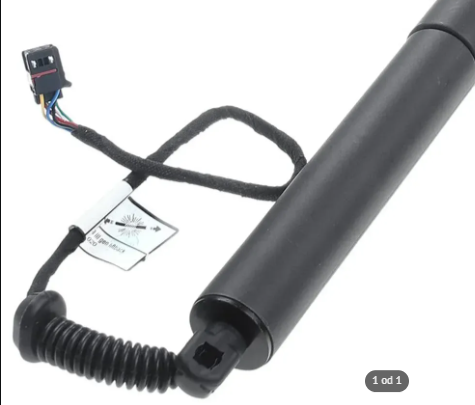
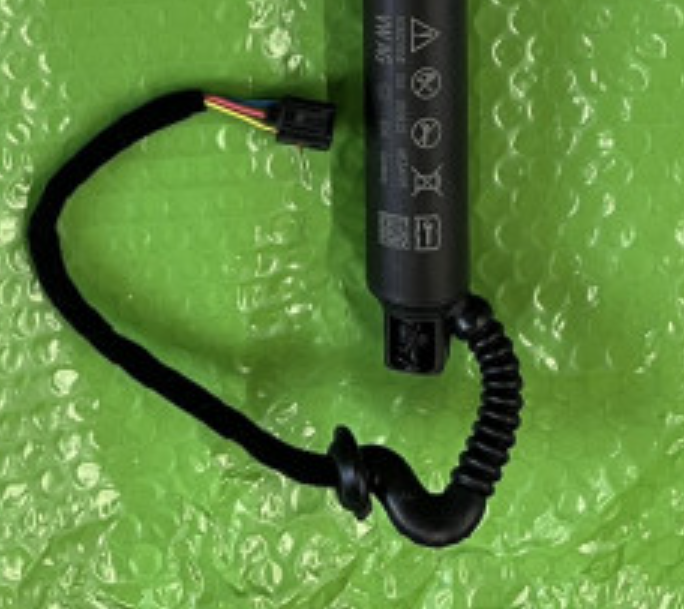
Not sure, could help maybe. I believe the angle on OEM strut cable rubber is designed poorly, with an angle that creates unnecessary tension on the cables. I saw that some non-OEM replacements do not have that angle. So I think they thought it was a feature, but in the end turns out to be a bad design. E.g: OEM: Not OEM:
-
-
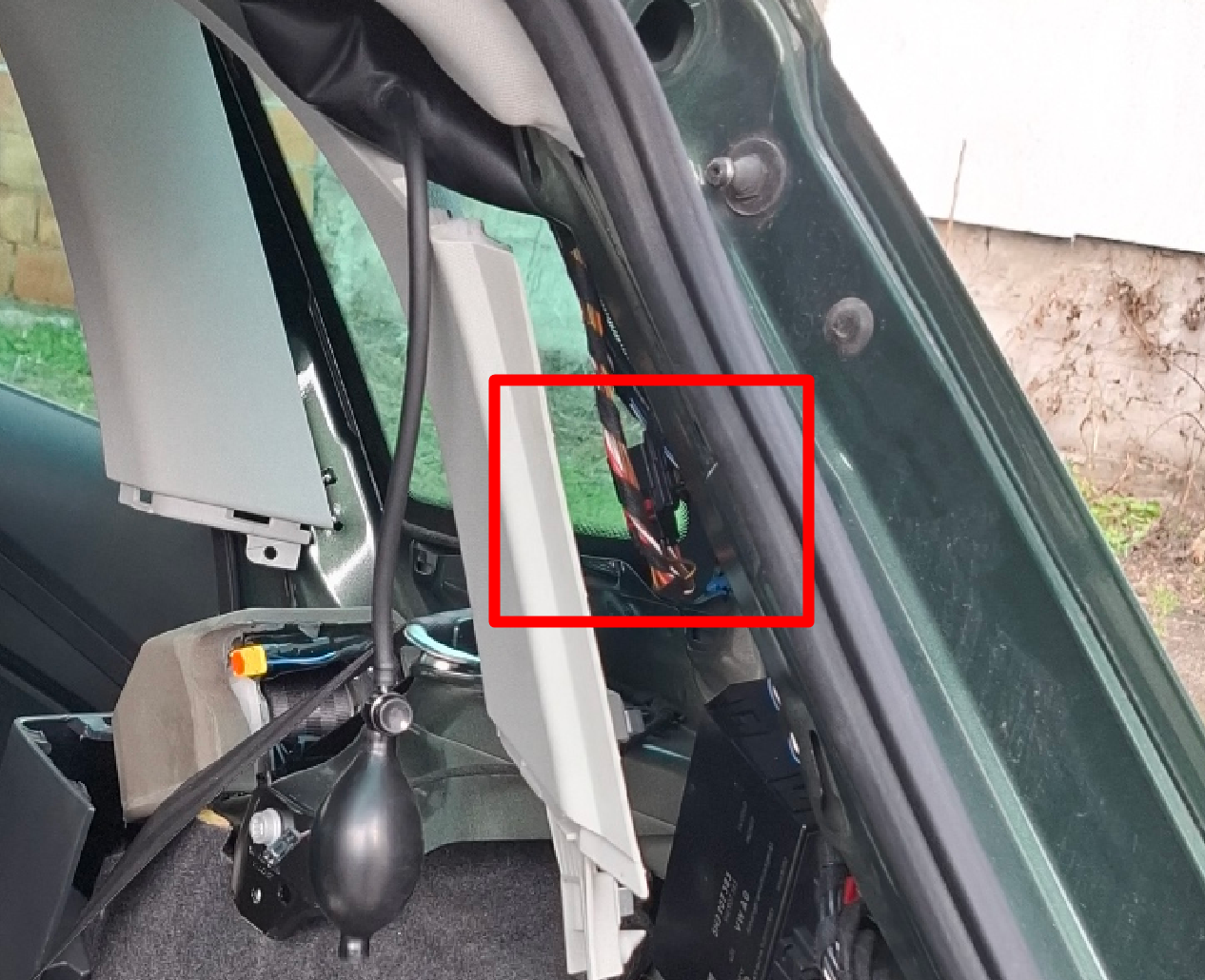
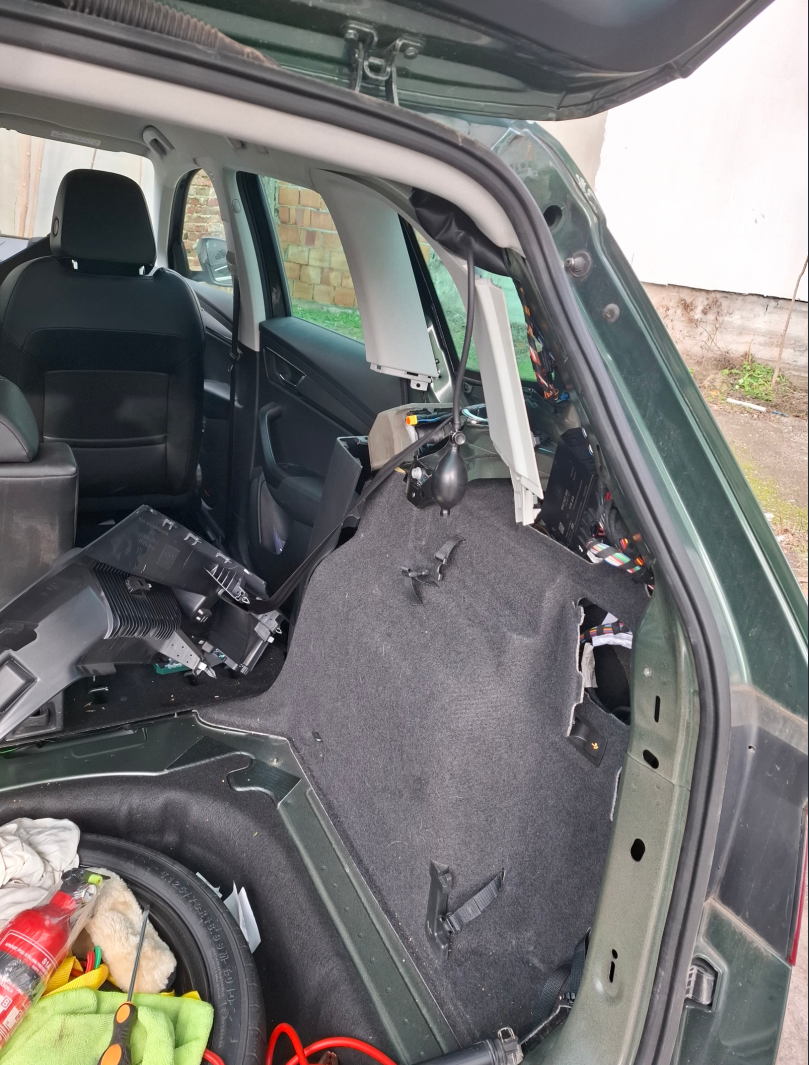
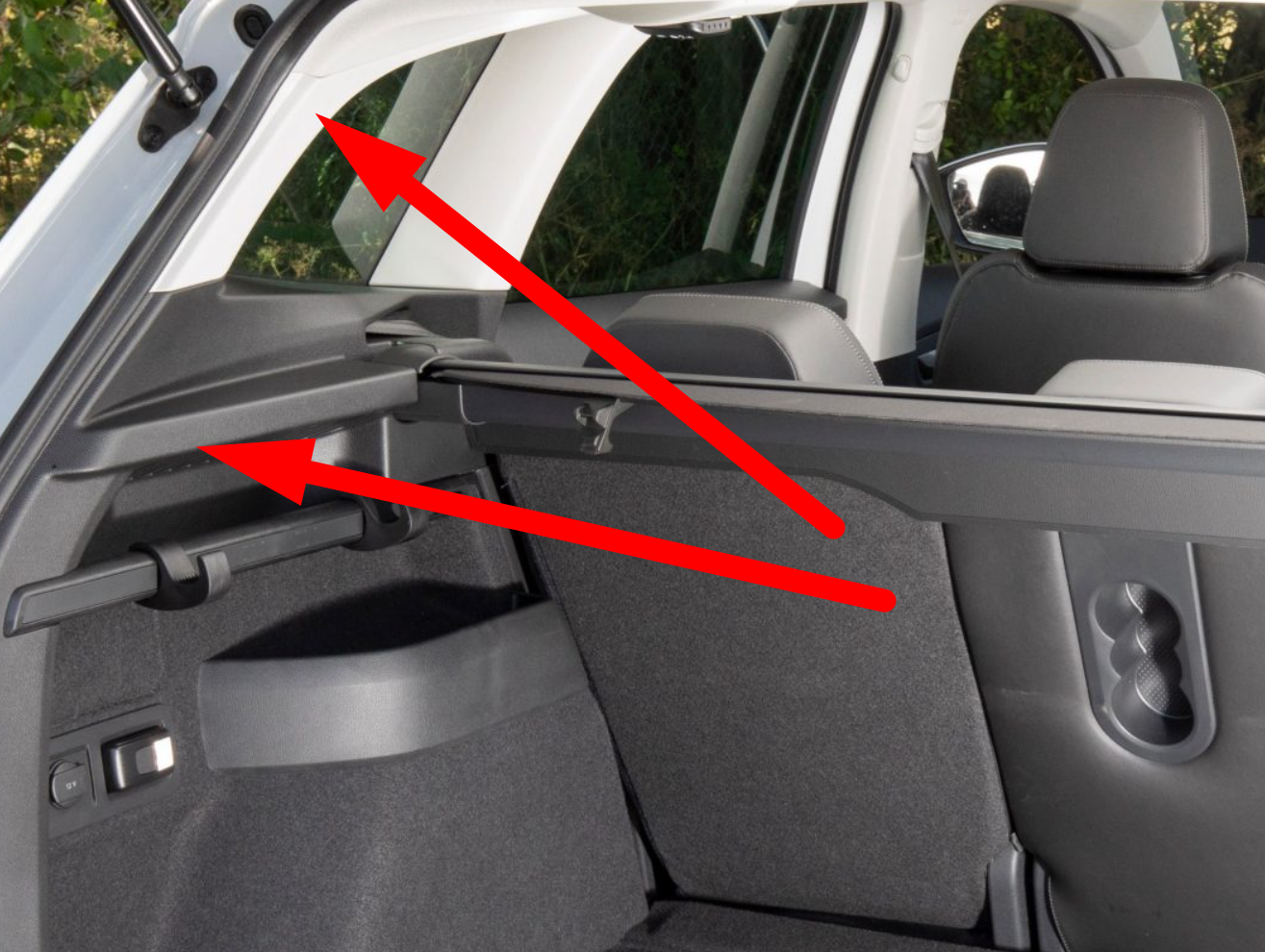
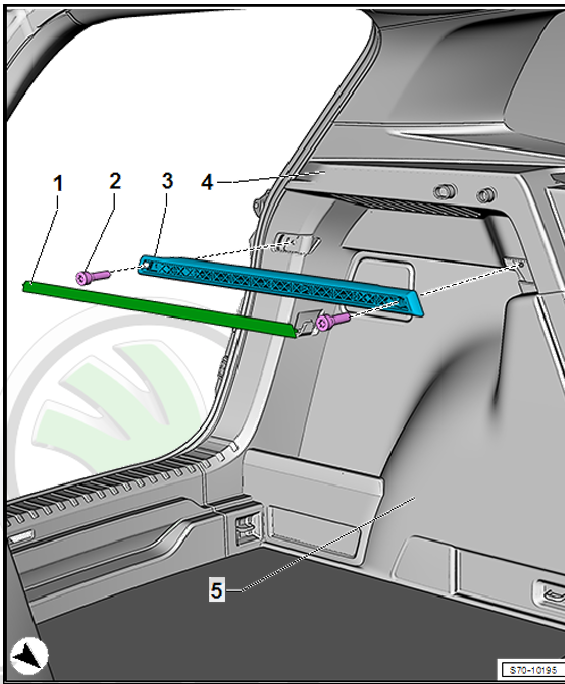
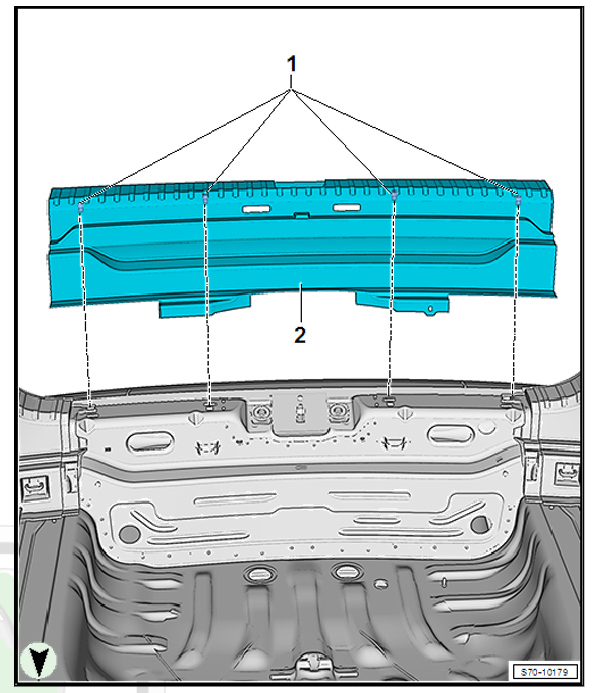
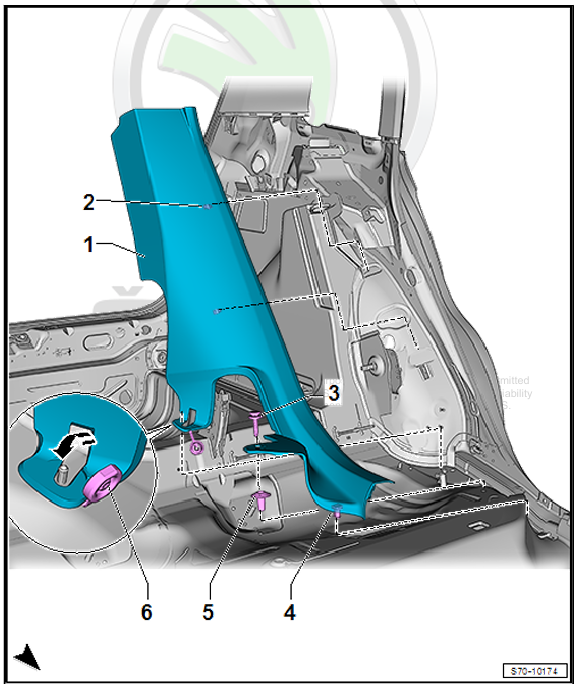
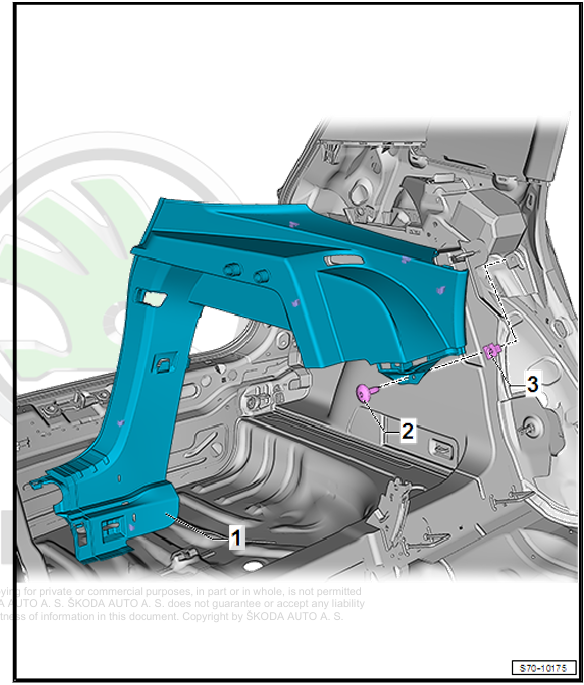
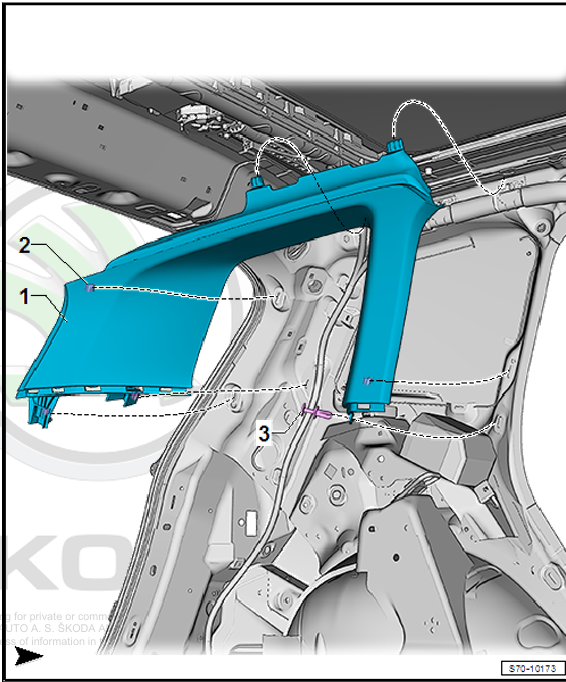
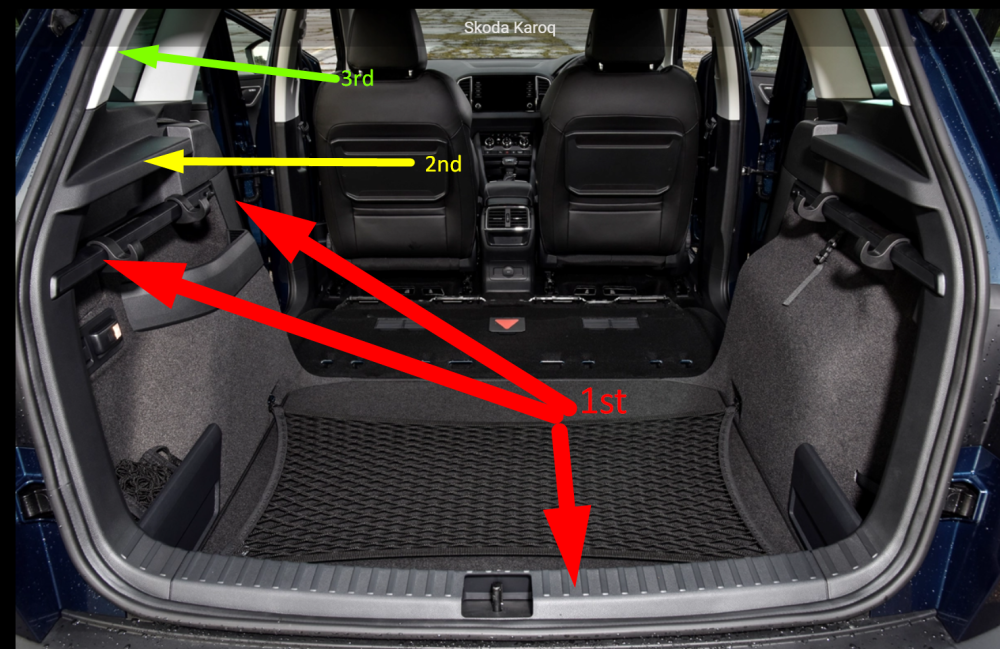
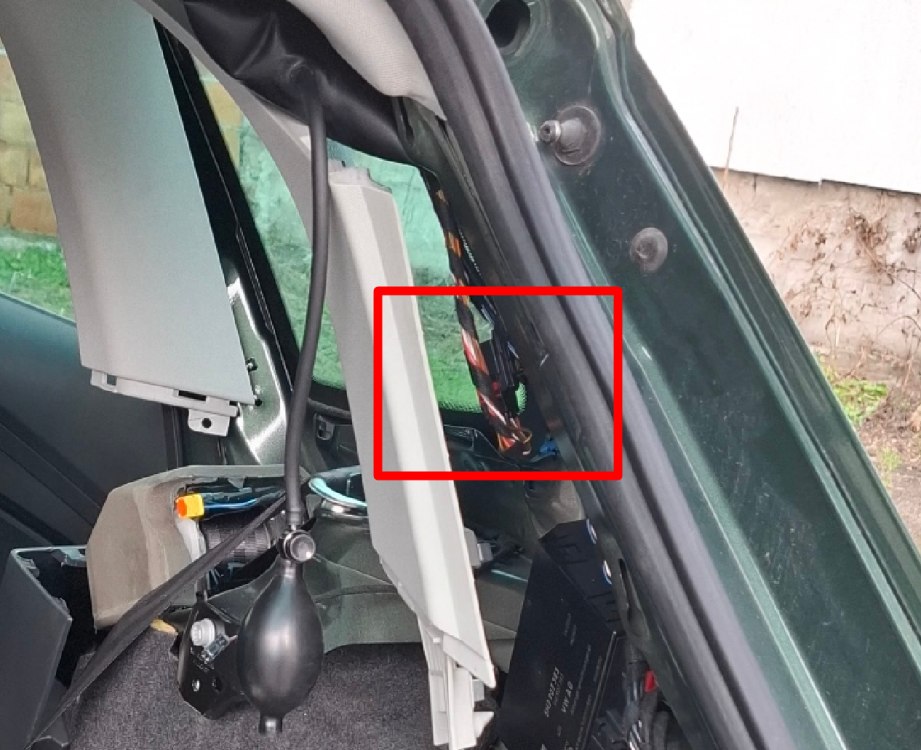
1) I have removed the back seat. For me, it's modular, so I can just unhook one seat and remove it. 2) I have removed the handle. Slide the plastic cover from one side with the help of a plastic wrench in order to avoid plastic scratches and damage. The same for the other side. 3) I have removed the lock carrier. Just pull it and it should unclip. No screws there. 4) Remove the bottom C-pillar trim panel. This one was a bit tricky. I have managed just to unhook the upper side and slide it enough to access the screws for the next part. 5) Now, all screws should be accessible to remove the luggage compartment side trim panel. After unscrewing and unhooking it, you can slide it over a seatbelt (as you probably don't want to remove that either). 6) The last part is removing the trim panel of pillar C. After unscrewing and unclippingthe lower parts, I couldn't remove it from the headline or sky, as we call it in my country, so I just used my inflatable bag to expand it enough so my hand could reach the connector. After this is done, you can access the connector, the only one there, and simply unhook it and pull out the defective strut. You can easily find out how struts are removed from the knobs (hint: just pull the wire). Connector: One picture summed up the order:
-
-
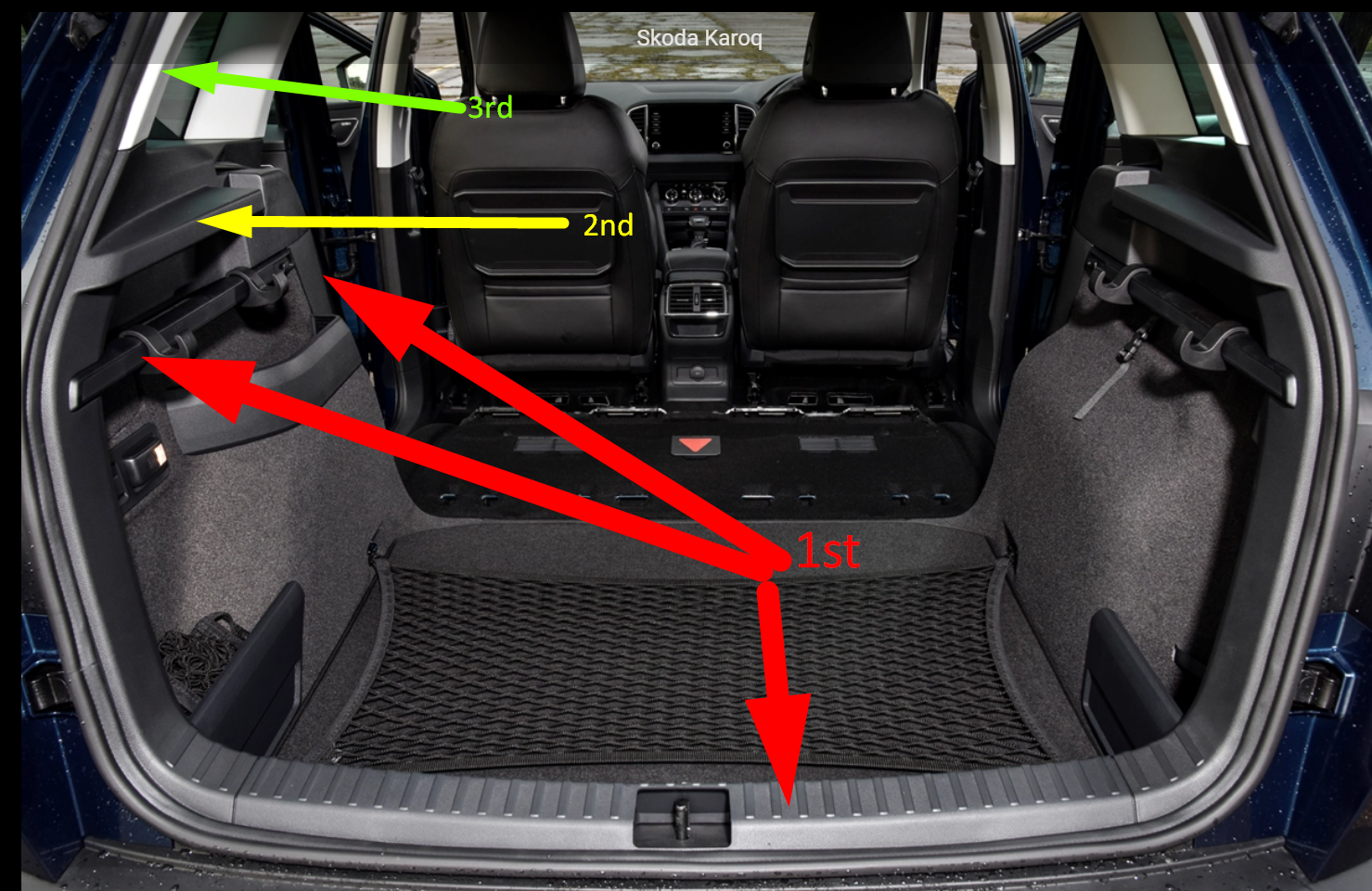
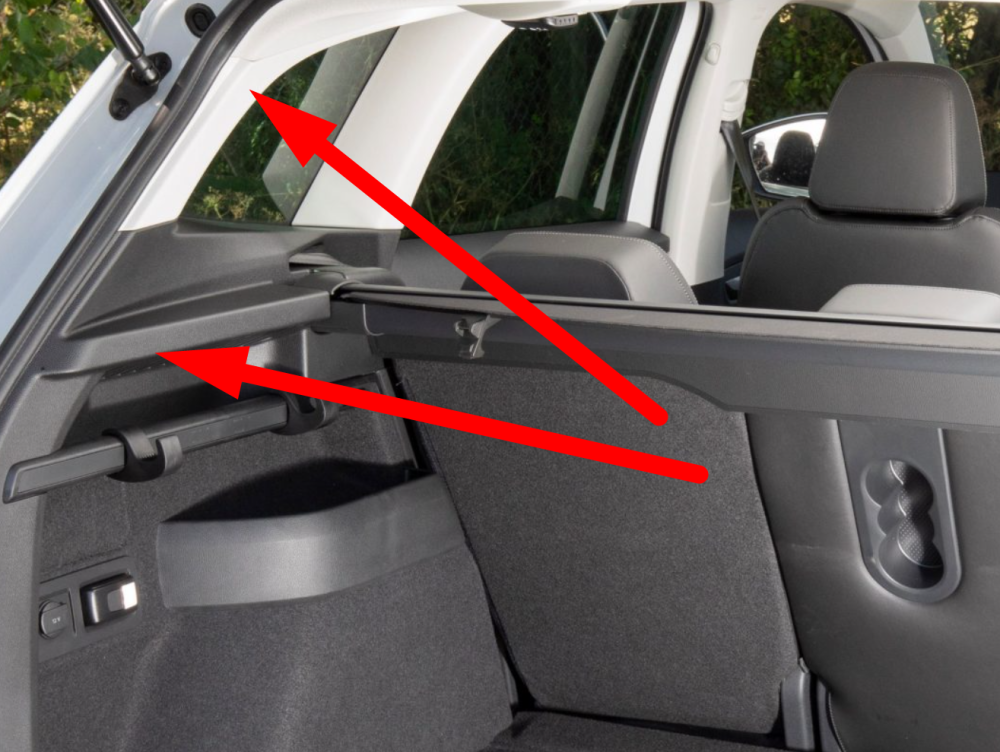
So, it happened to me as well. I tried opening the boot, which opened halfway, and that was it; it can only be opened/closed manually. Hooked it up on diagnostics, and it said "Hall sensor in motor 2 for rear hatch: Open circuit/short circuit to B+". Indicating that one of the wires broke, as it is a common issue. Now the question: Is there a way to access this wire, disconnect it, and remove the entire strut(motor), without the need to remove the entire plastic side, as it has a lot of work? Is there maybe a manual somewhere on how they do it in service? I didnt have much luck googling. Thanks. (p.s. picture is from the internet)
-
Hi @Rainesh, Just a quick reminder when you have time. I still haven't received your message.
-
Thanks again for the hint. That was my only guess about what could be wrong. I was not able to find the B version anywhere to download (not even drive2), so I thought it was wrapped around the non-indexed one. Do you know where I can find it?
-
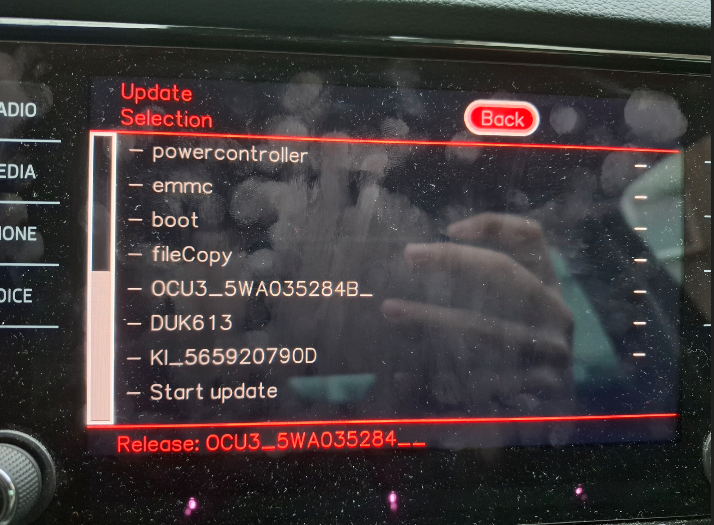
It wont let me update. It doesnt show proper in the photo but everything is grey and disabled. Any ideas?
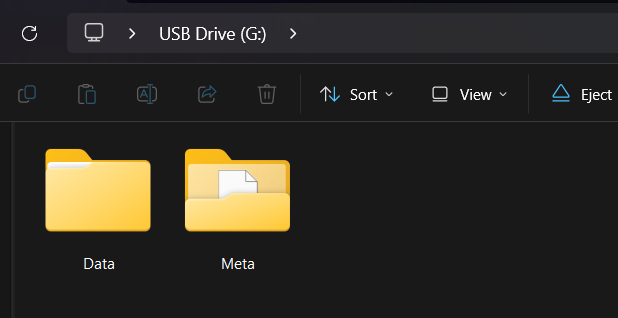
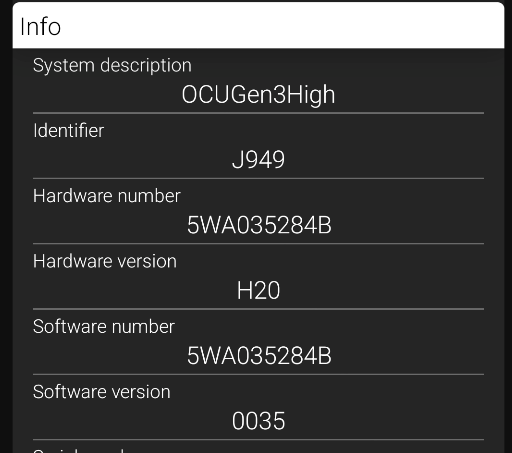
-
Thanks for the quick answer! So from 0035 -> 0143 without any issues along the way?
-
Hi, If someone manages to get their hands on 88 version for the same hardware as the post above (5WA035284B) I would appreciate it. I do not have enough posts to send a message to @Rainesh Thanks.
-
It was the day I was buying a car. It was just a yellow lamp and notification to top up. According to mechanic advice, it's never a good idea to let it reach low levels due to possible issues, hence the refining. It isn't there. I know every single setting in both dashboard and infotament, I would find it by now. Especially since I was coding in Fuel Reful Quantity.
-
-
-
-
-
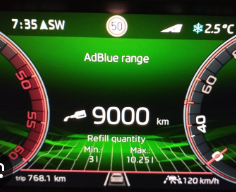
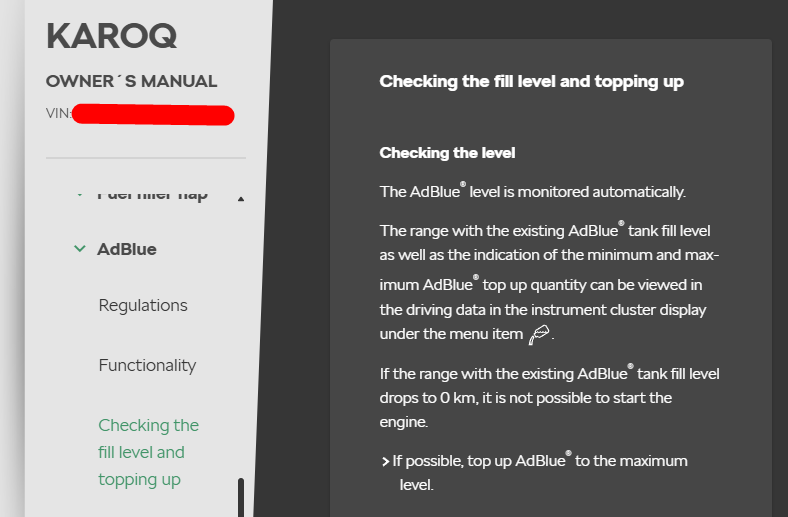
Hi everyone, I started doing some hobby coding for my friends and me. While playing with a friend's Kodiaq, I noticed something that I do not have. We have the same MIB versions, software, etc. He has adblue range in a dashboard that is missing on my side, and I would like to have it if possible. This is the functionality I am talking about: My Karoq is MY2020 (07/2020 series), and the manual states this: Is it possible to have that coded, and if so, does anyone have some instructions on where to find it? I couldn't find it anywhere in the Long Coding nor instructions anywhere on the internet.
-
Thank you everyone for the tutorials and clarifications on how to update MIB. After getting some confidence as a newbie in this I would like to double-check some information just to be sure and not to brick the system. So if anyone can support me I would be thankful. I have Karoq 2020 with moi3_eu_skmqb_p27000p. According to the release train, I should go 270->308->330. Is this the proper way, as some people suggest going to 306 first (and with that 278)? Do I need to update OCU as well? I guess I am already on the latter one since I have 270 (waiting for obd11 to arrive to read), if not, which is the lowest OCU allowed for this (I would be afraid to do this on my own). As I do not have power cables, can I turn the engine on, disable the start/stop system, and leave it running while the update is working, or is it necessary to have only the ignition on? Will updating to 330 remove my existing Care Connect package subscription? Any other further advice would be appreciated. Thanks upfront for the help.