
YashD111
Finding my way
-
Joined
-
Last visited
Everything posted by YashD111
-
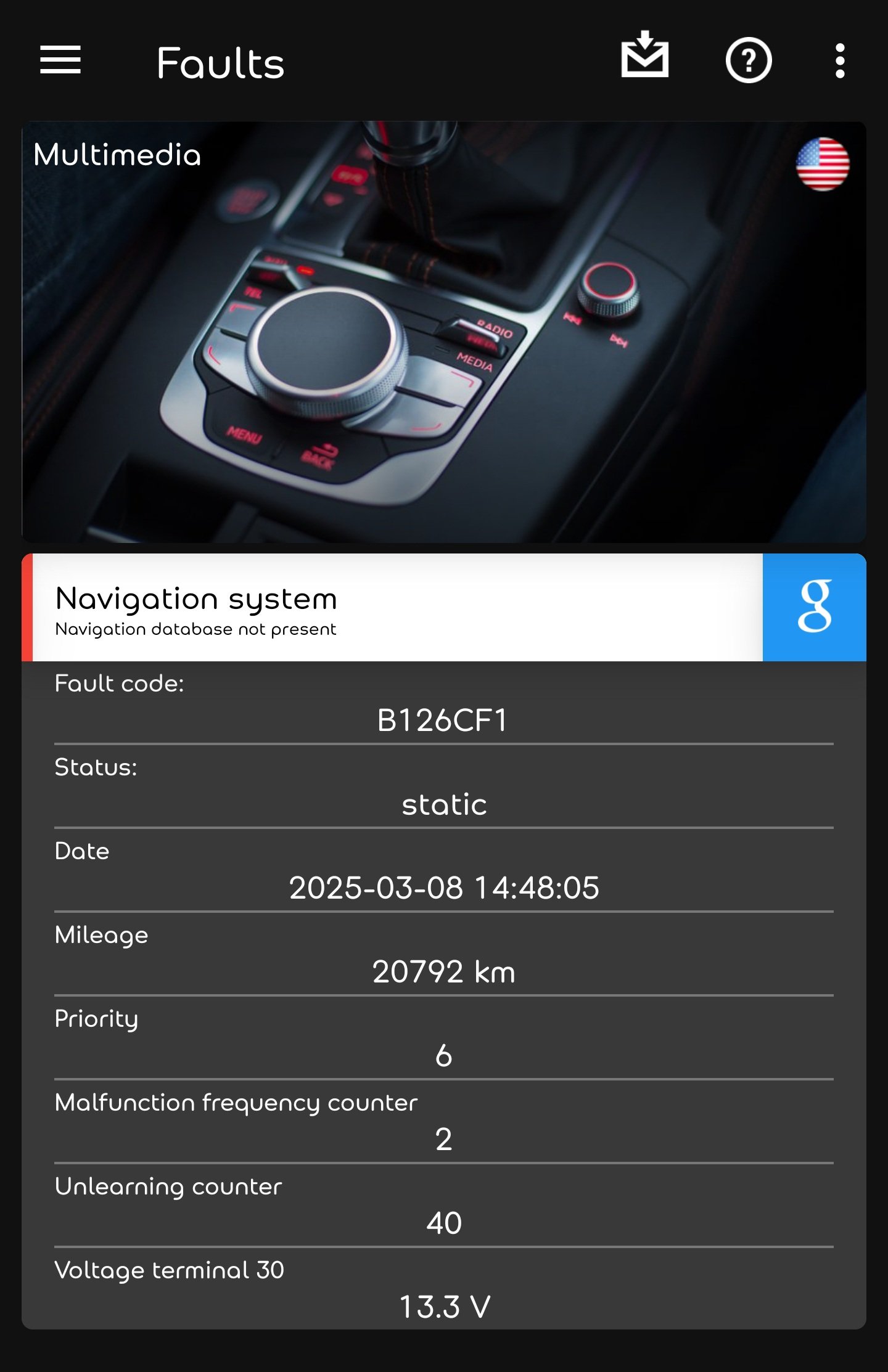
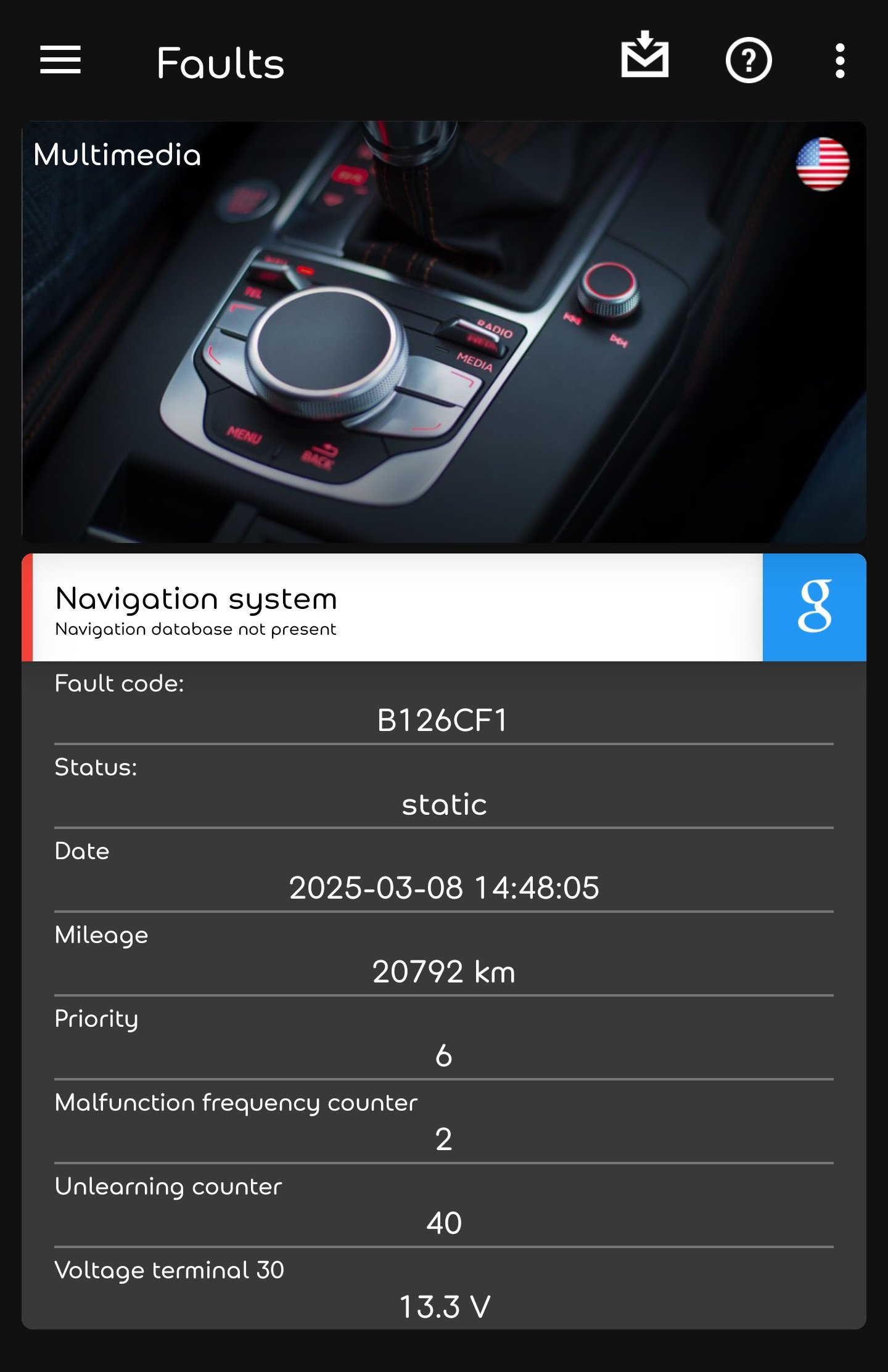
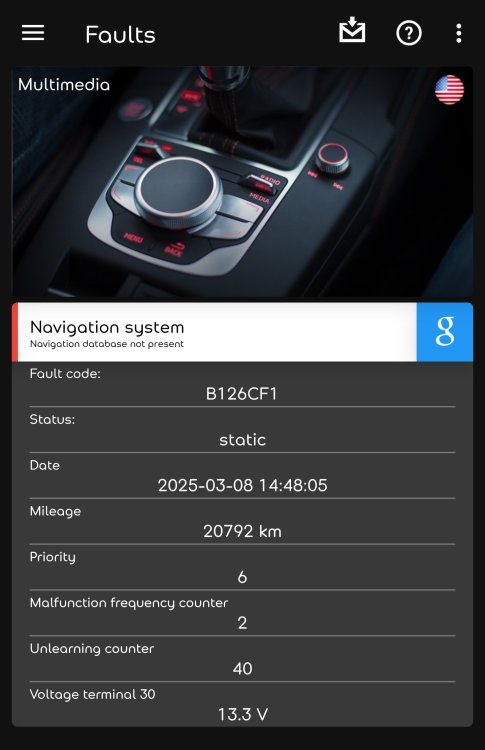
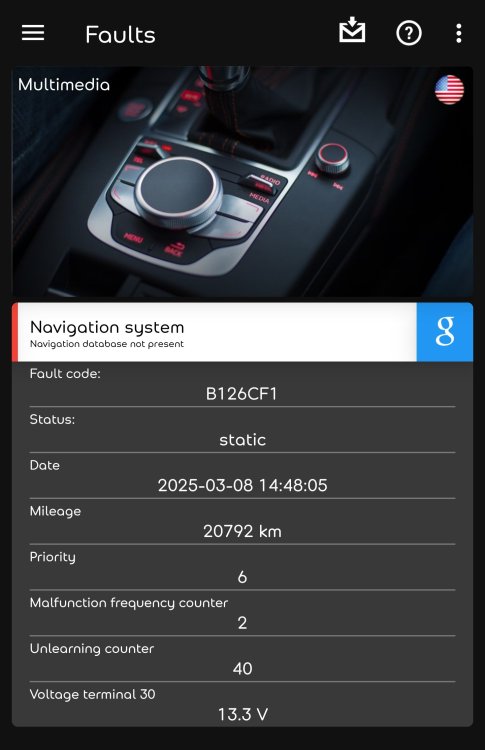
Please refer above post👆 Update: also i found that wifi or Hotspot both are anable to turn on And also i m new to this issue and didn't found anything regarding my nav database version missing. My OBDELEVEN says the same thing Update- i also found that wifi-hotspot also not working its their but cant turn it on (not greyed), so will this issue connected to the navigation database version missing issue?
-
I agreed! And also i m new to this issue and didn't found anything regarding my nav database version missing. My OBDELEVEN says the same thing Update- i also found that wifi-hotspot also not working its their but cant turn it on (not greyed), so will this issue connected to the navigation database version missing issue?
-
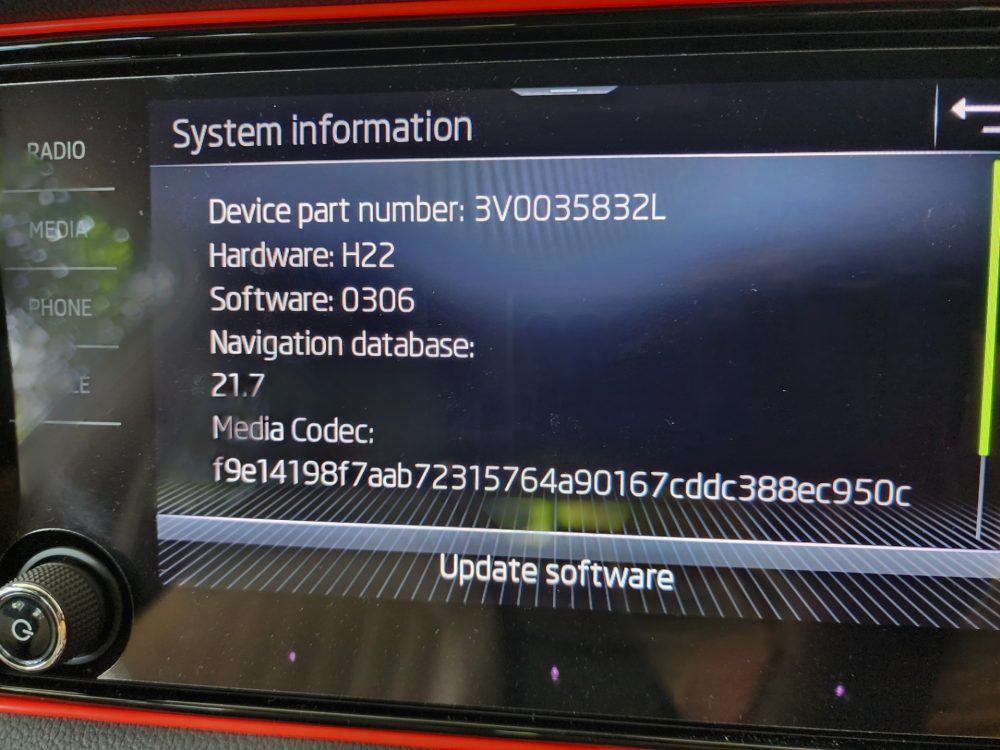
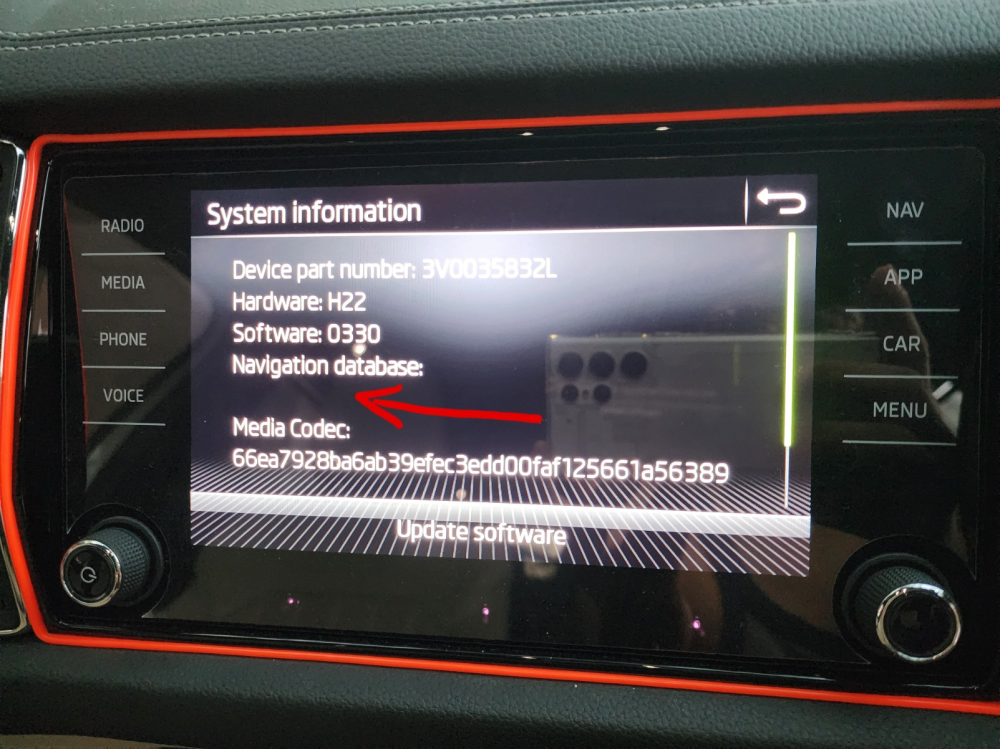
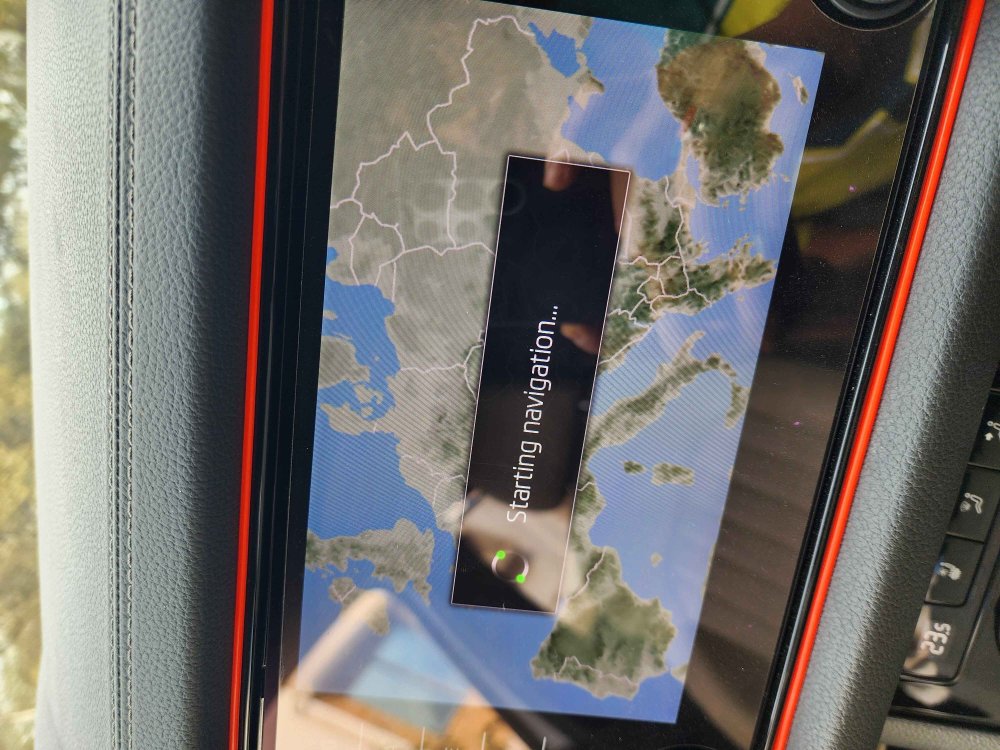
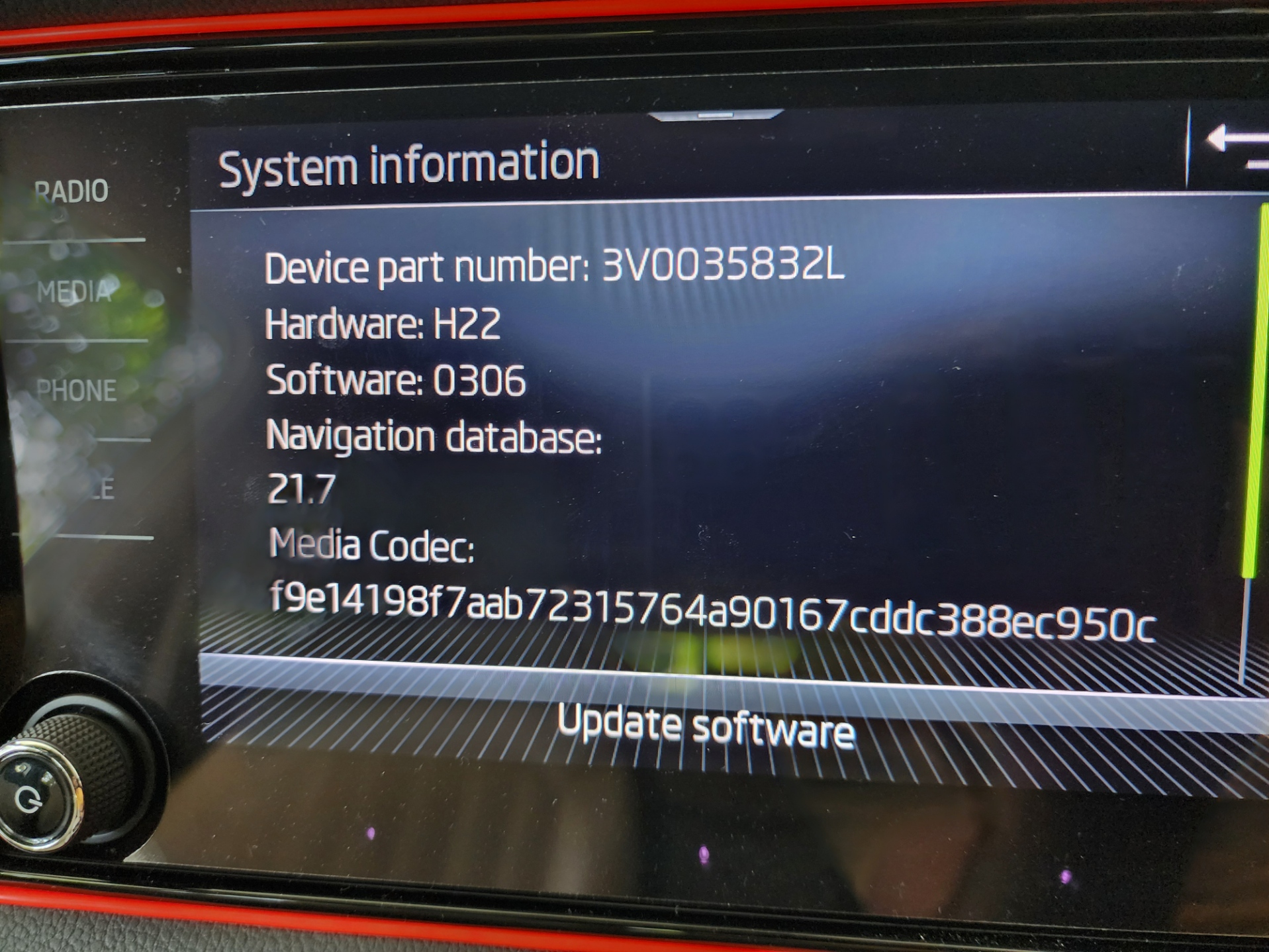
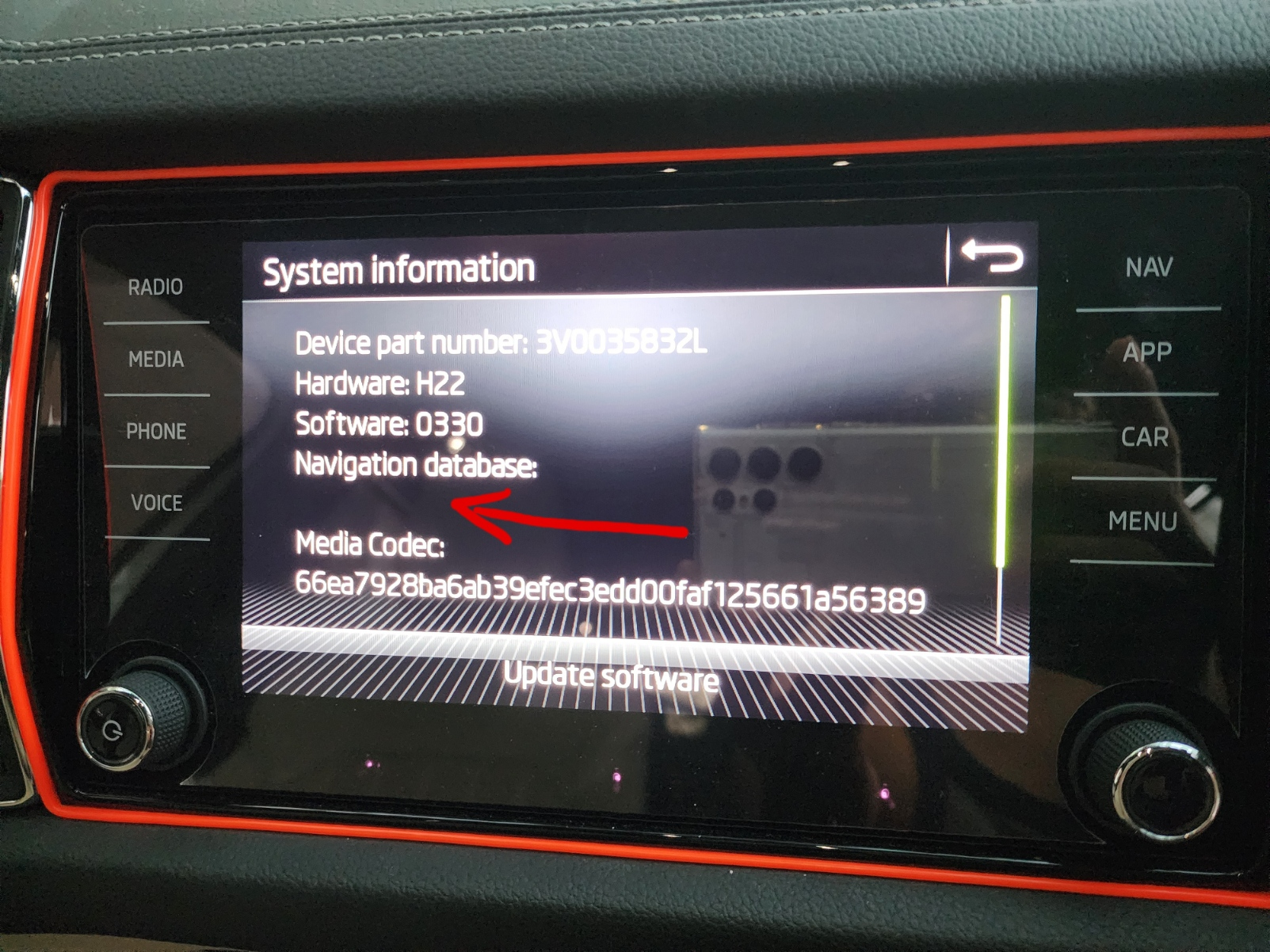
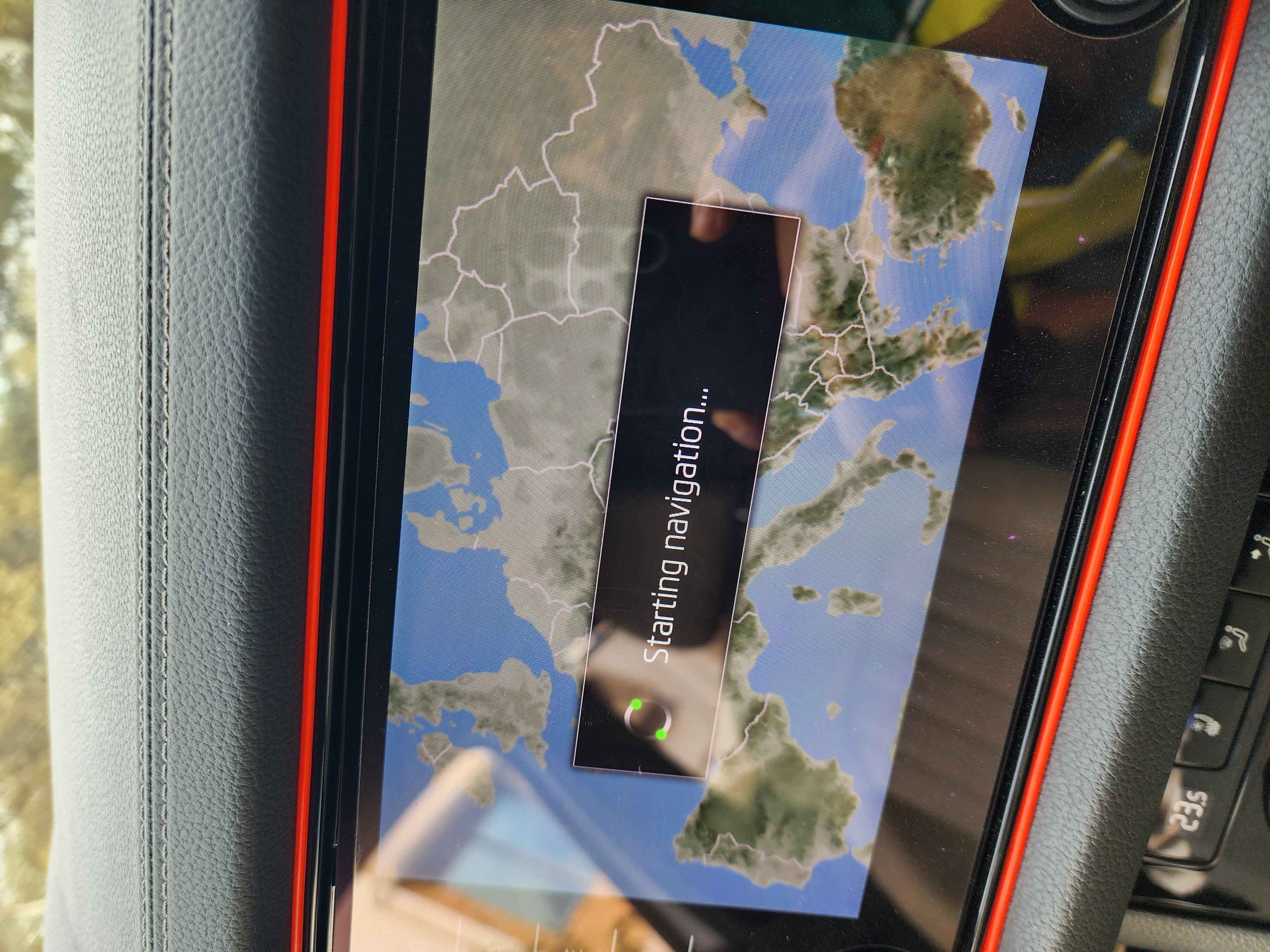
Hello my self YASH i m from India i owned facelift Kodiaq 2L TSI EA 888 Gen 3 recently i updated my Columbus MIB 3 (has NAV button) system SW from 0306 to 0324 to 0330. It was successful with the red engineering menu. My old system info is: Device part number: 3V0035832L Hardware: H22 Software: 0306 Navigation database: 21.7 Media Codec: f9e14198f7aab72315764a90167cddc388ec950c PHOTO- NEW system info is: Device part number: 3V0035832L Hardware: H22 Software: 0330 Navigation database: VOICE MENU Media Codec: 66ea7928ba6ab39efec3edd00faf125661a56389 PHOTO- As you can see in the photo the Navigation database version is missing and my NAV didn't work at all it keeps loading on starting navigation... nor working on Digital cockpit. Help! Also tried to update map (india map 8gb) from Update portal and followed the MIB3 colombus pdf for usb case but didn't work as well also contacted the dealer but no luck. need Help!