Skip to content

sportal

Finding my way
  • Joined

  • Last visited

Everything posted by sportal

  1. I have received information that this is exactly the case. So how can I activate this FeC? I want to do it myself. Thanka for your answer.
  2. What exactly can be done with this code?
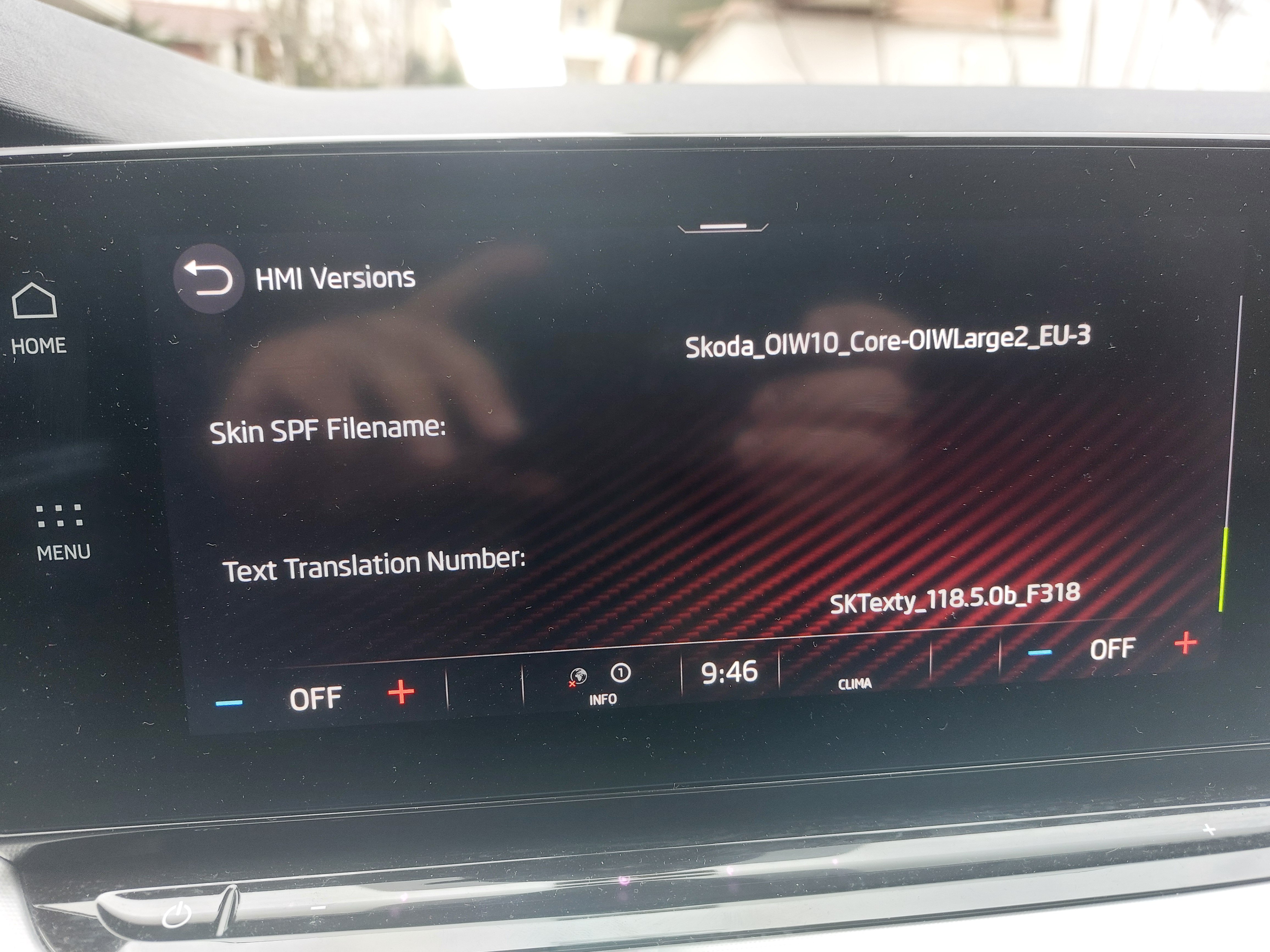
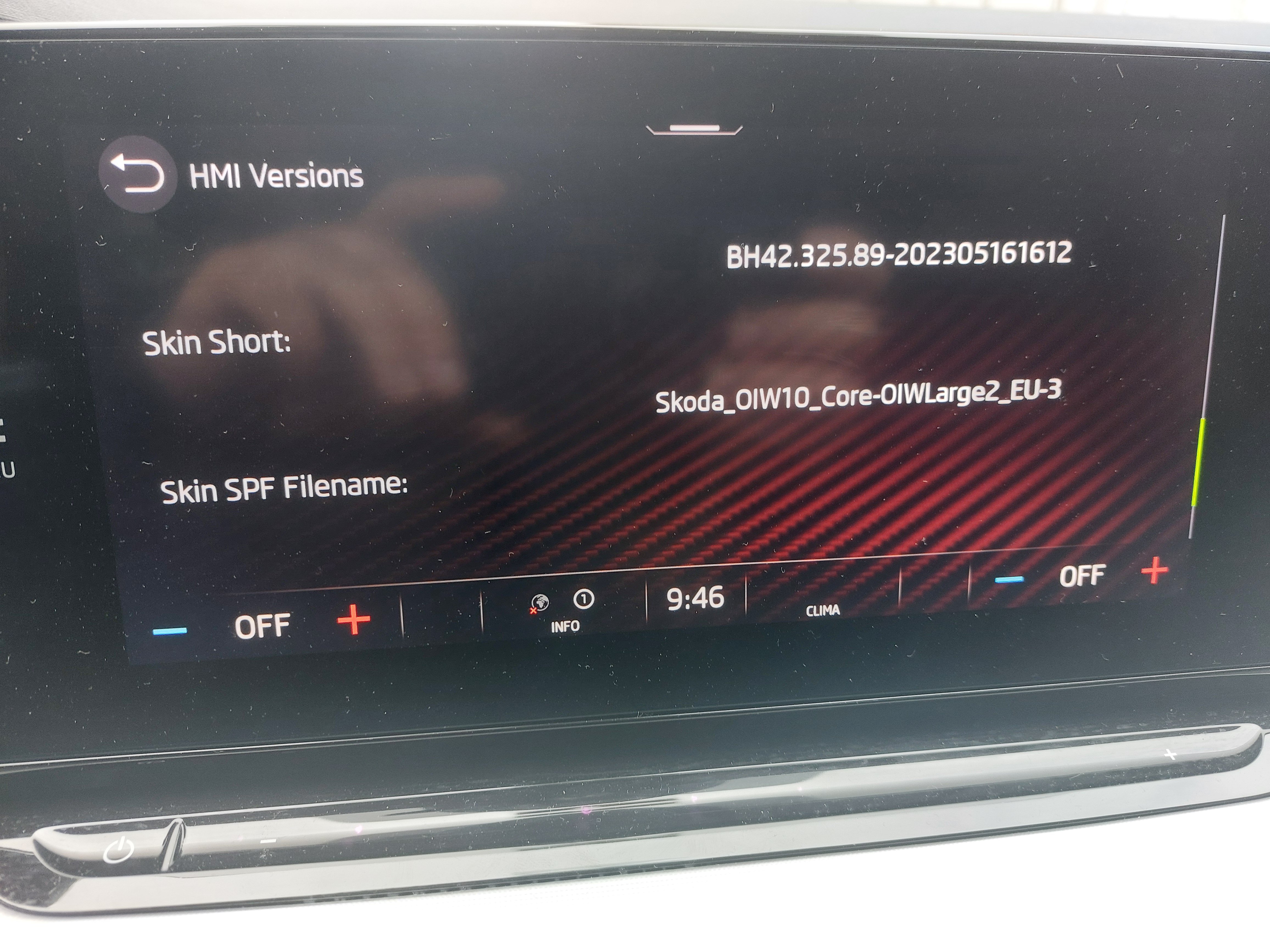
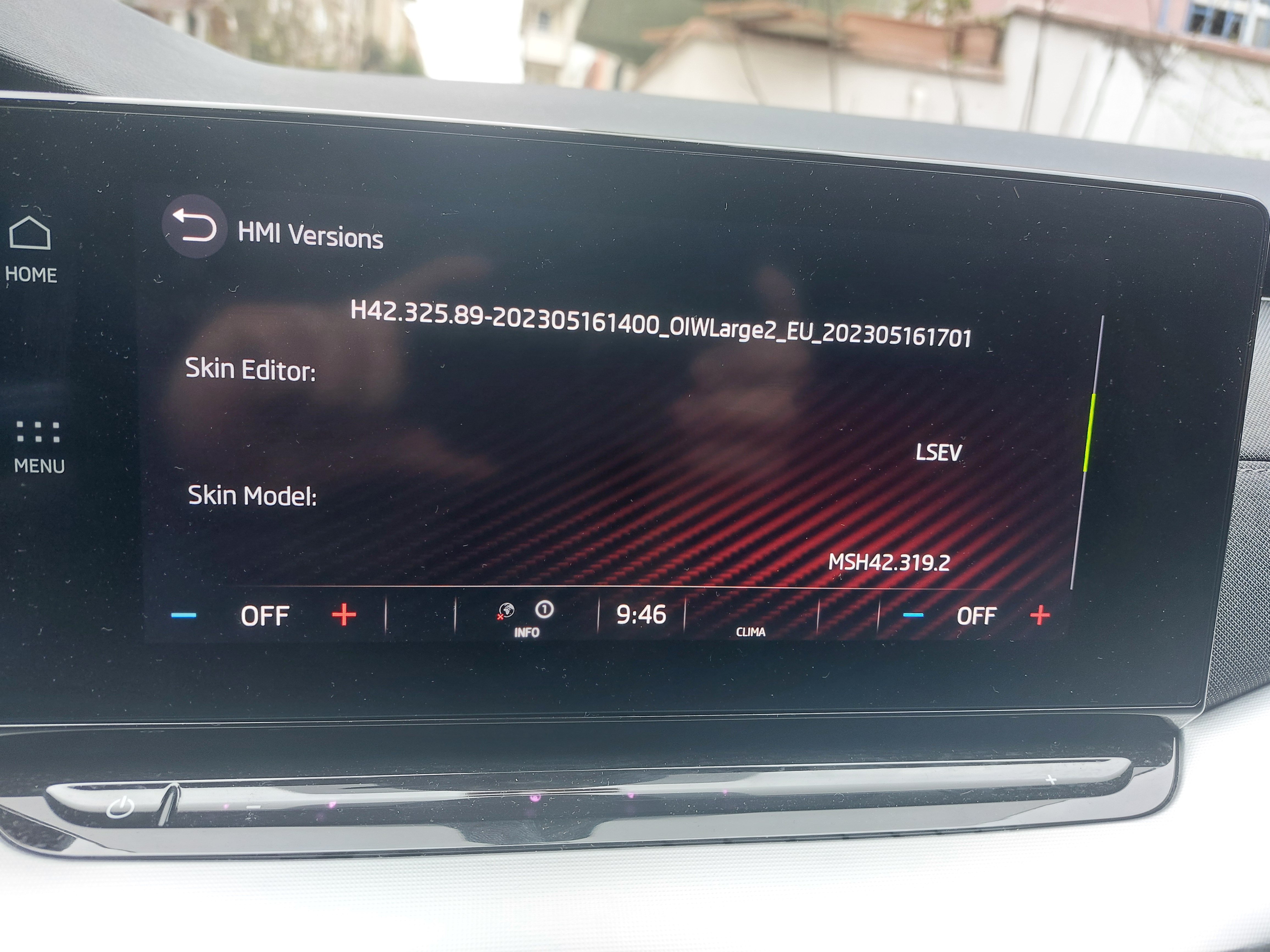
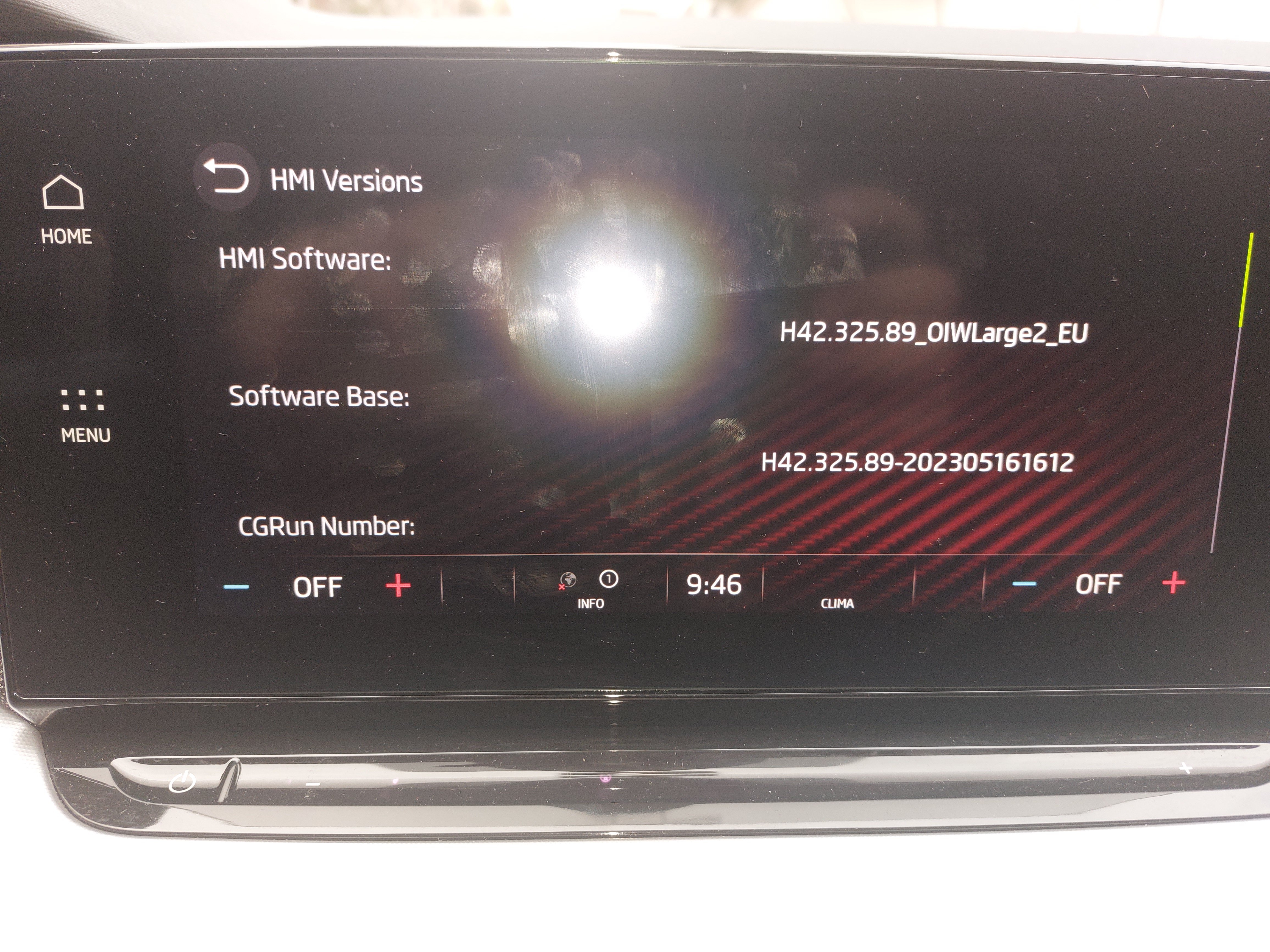
  3. Hello everyone, Since there is no navigation in my country, I downloaded the necessary file for my country from the link on the first page, extracted it from the zip, uploaded it to USB and plugged it into the vehicle as USB-C. I activated the update by holding down the menu button and the screen turned off and on again. Didn't anything change after this step? Isn't the file in the link a map? When I enter my vehicle's WIN number, Skoda Update says no content found for the WIN number. How can I get the map? Where am I making a mistake?
Important Information

Welcome to BRISKODA. Please note the following important links Terms of Use. We have a comprehensive Privacy Policy. We have placed cookies on your device to help make this website better. You can adjust your cookie settings, otherwise we'll assume you're okay to continue.

Account

Navigation

Configure browser push notifications

Chrome (Android)
  1. Tap the lock icon next to the address bar.
  2. Tap Permissions → Notifications.
  3. Adjust your preference.
Chrome (Desktop)
  1. Click the padlock icon in the address bar.
  2. Select Site settings.
  3. Find Notifications and adjust your preference.