




Italianooo
New here
-
Joined
-
Last visited
-
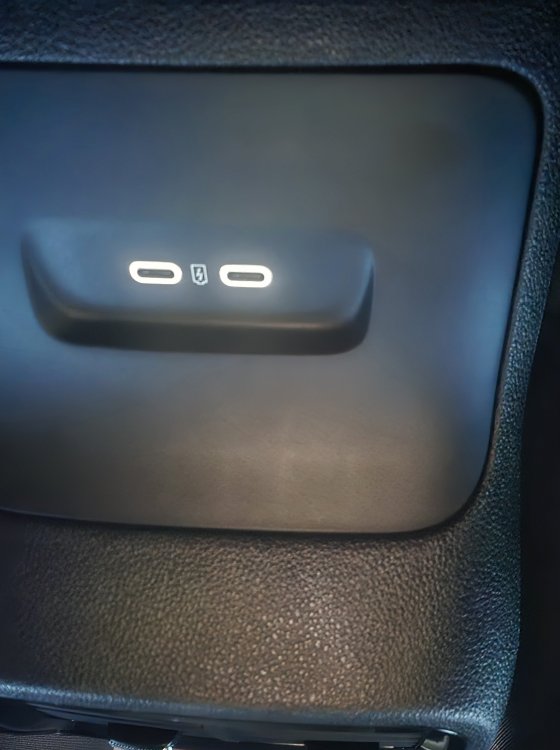
@Giannis20 Thankyou very much for your help ambient light works now! :)
-
@Giannis20 Thank you for your reply so if i understand it right in the front usb connector on pin3 i will find a blue/gray cable i need to tap in to and bring it back to my rear usb connector on pin 3 for the lights to work
-
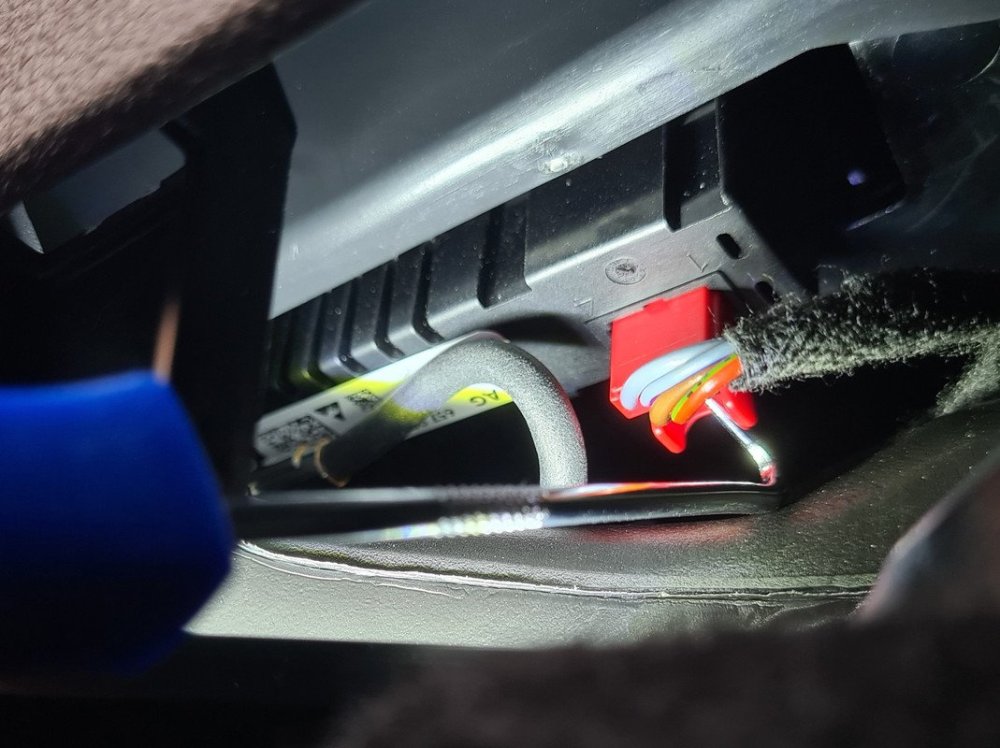
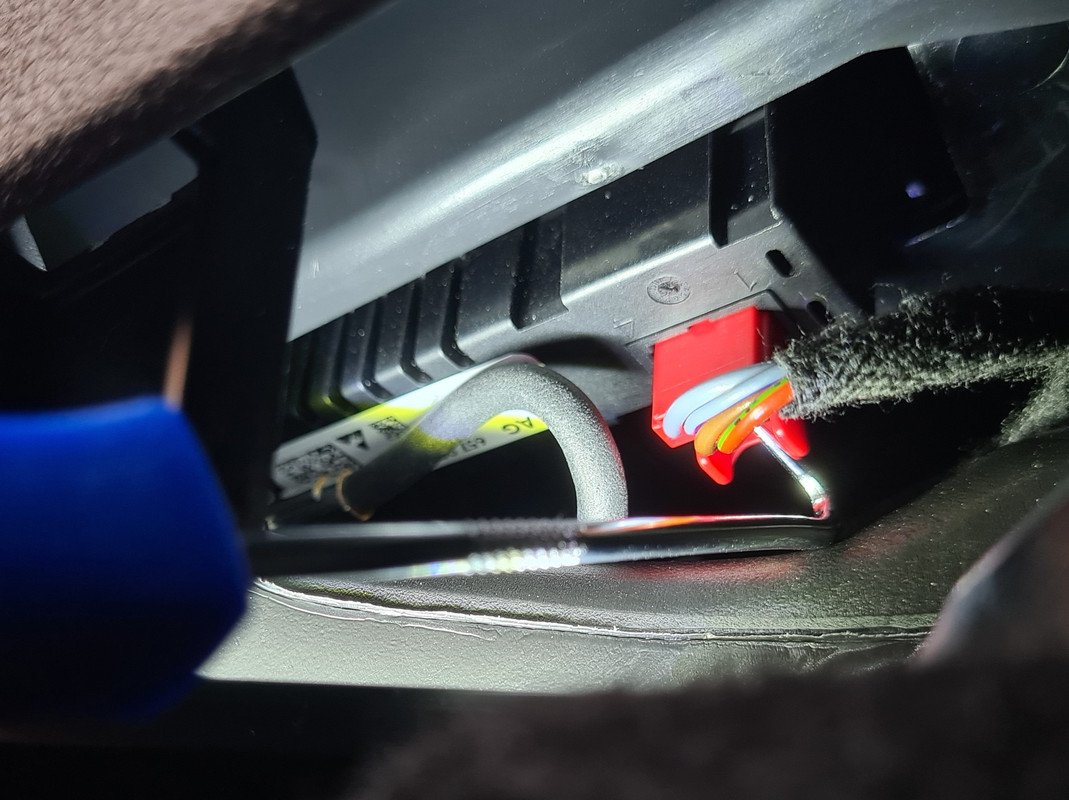
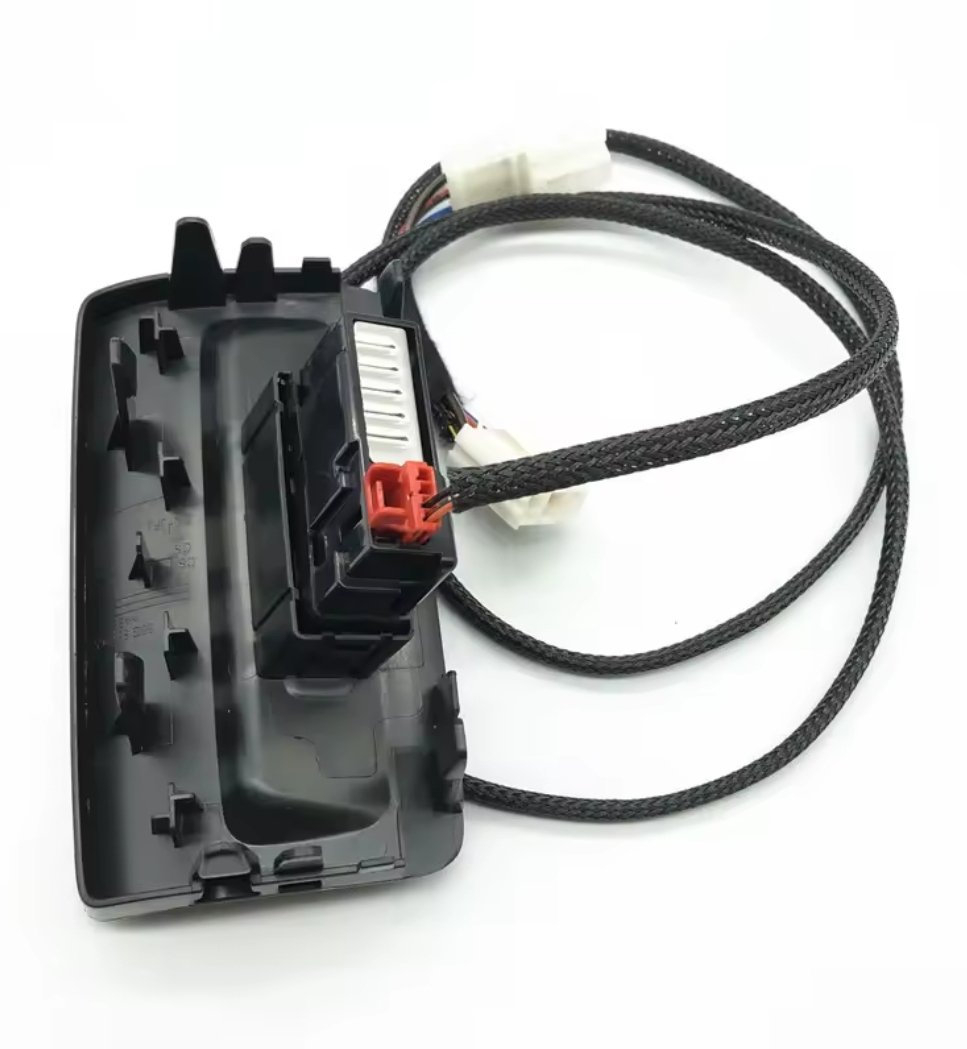
@manuelin Can you explain where i can find this light blue wire risponsable to power my LED at night time. Do you mean a light blue wire wich i can find in the front Connector from my double (front) usb c? The front usb connector has 4 wires it looks like in this picture it has 2 blue wires
-
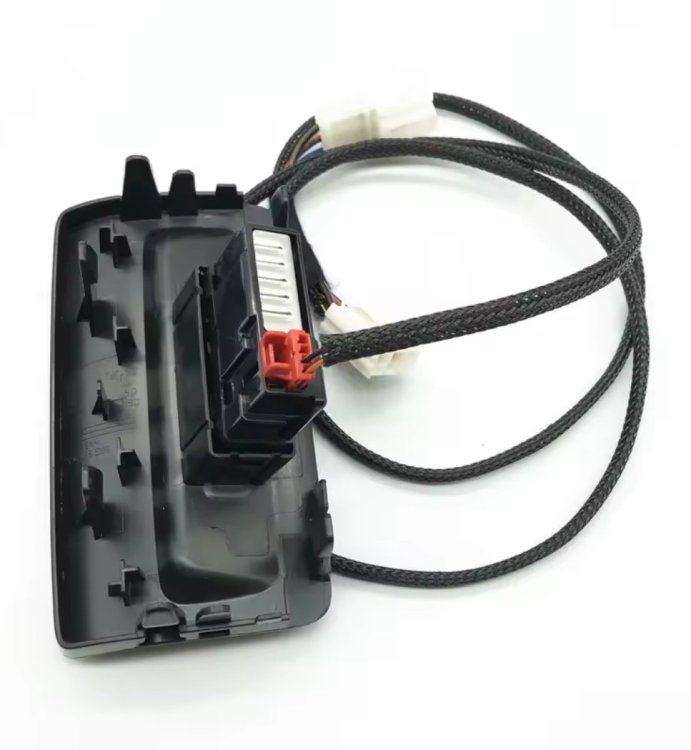
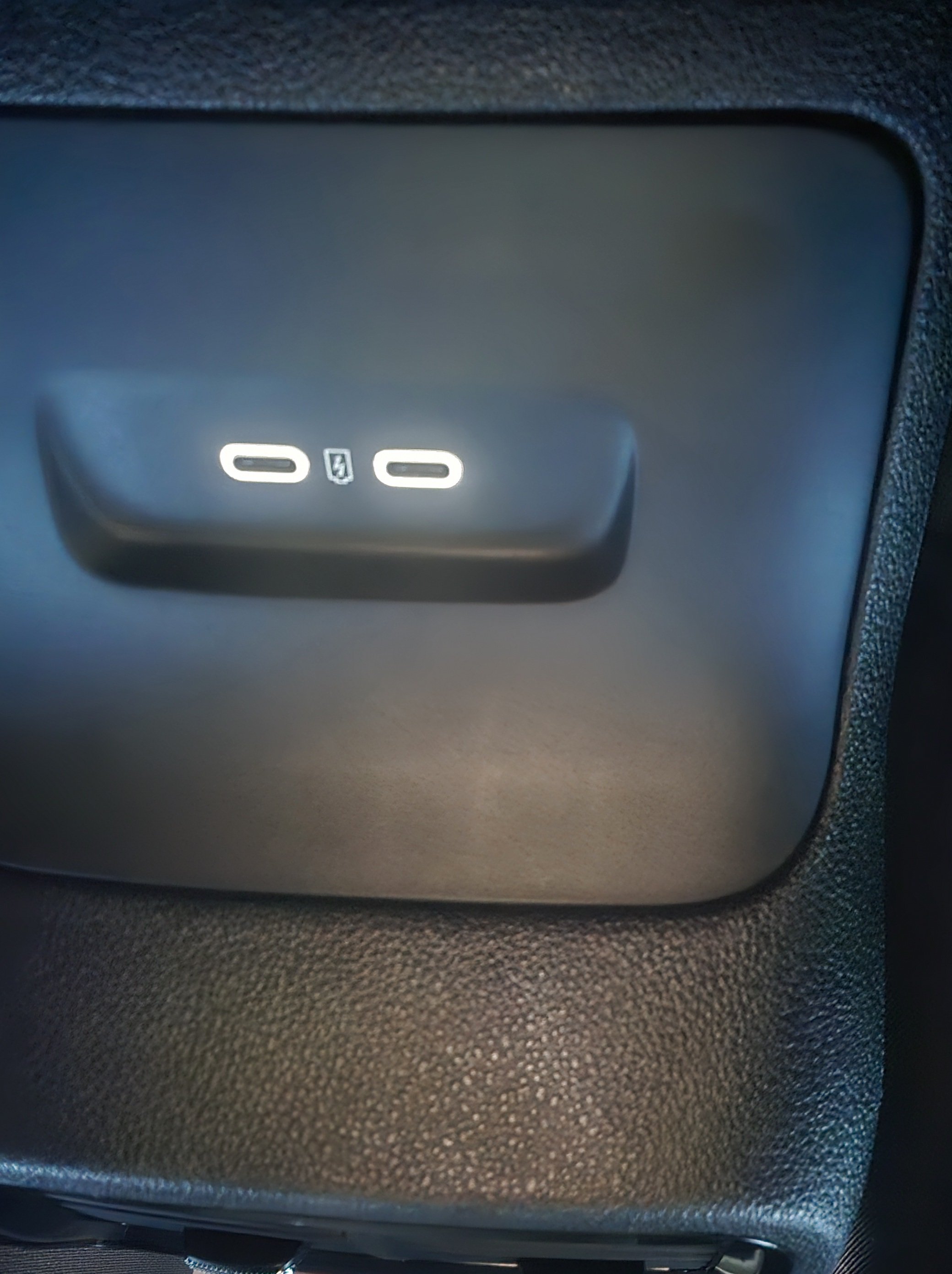
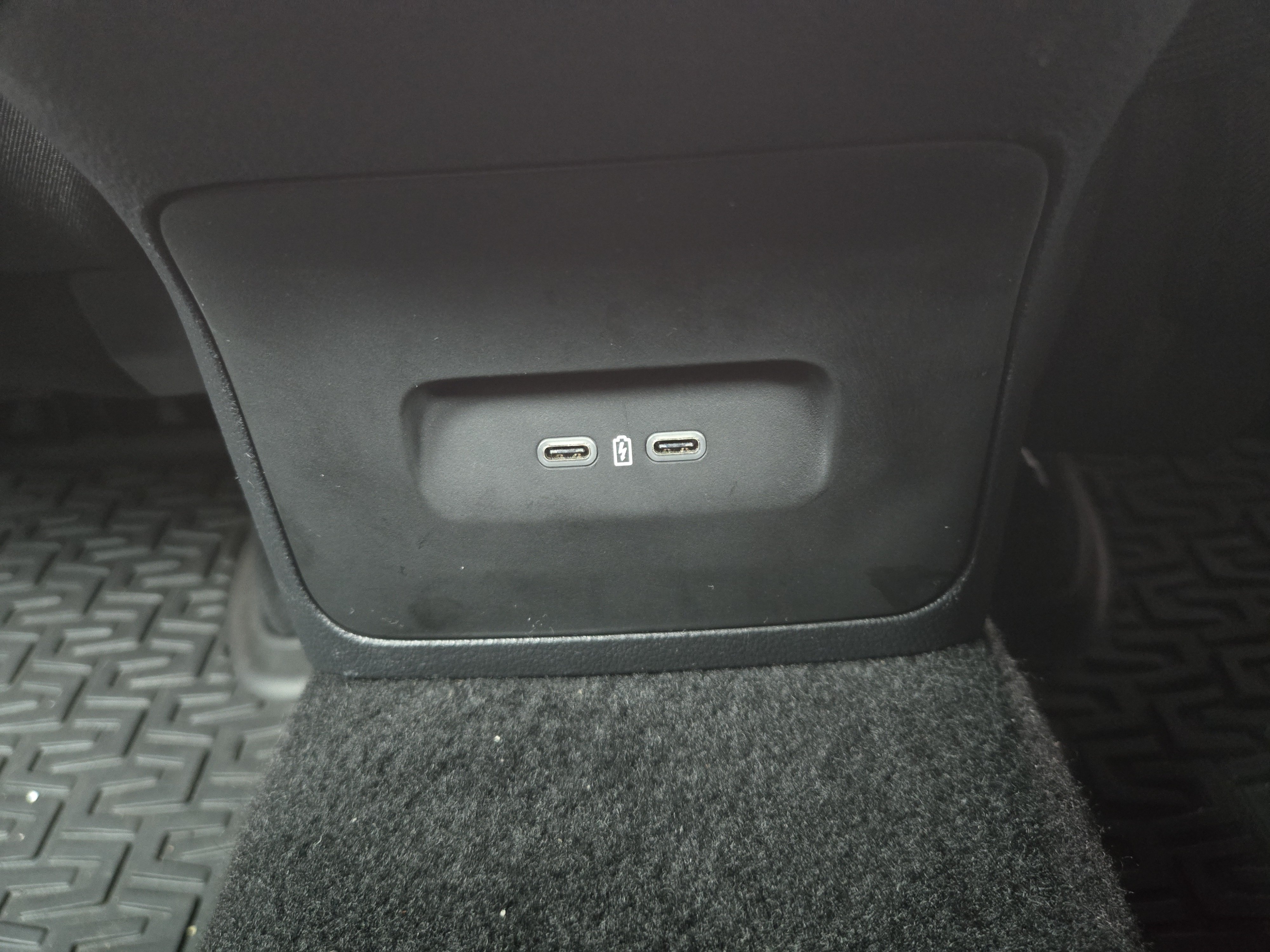
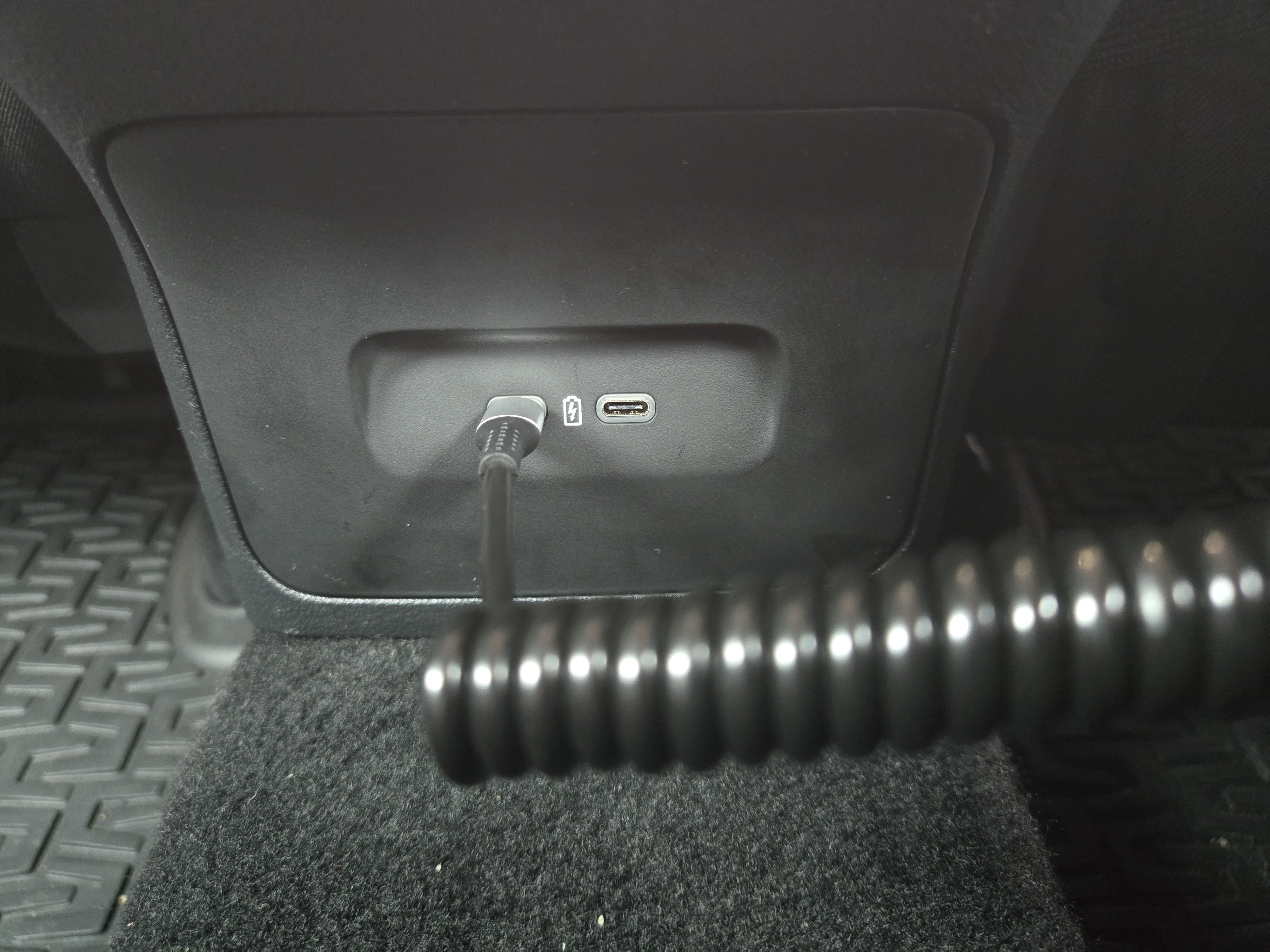
Ciao @Giannis20 I also managed to connect the double usb-c charging ports I used a different wiring loom for this project i used the power from my 12volt socket plug in my luggage compartment and pulled it to the front and it works perfectly but i dont have my LED lights working. Right now only both charging ports are working i have connected the small plug to the double charger only have 2 wires red and black wire connected i think i need a third wire maby you can you tell me what i need to make de LED work at night time.

Important Information
Welcome to BRISKODA. Please note the following important links Terms of Use. We have a comprehensive Privacy Policy. We have placed cookies on your device to help make this website better. You can adjust your cookie settings, otherwise we'll assume you're okay to continue.