746watts
New here
-
Joined
-
Last visited
-
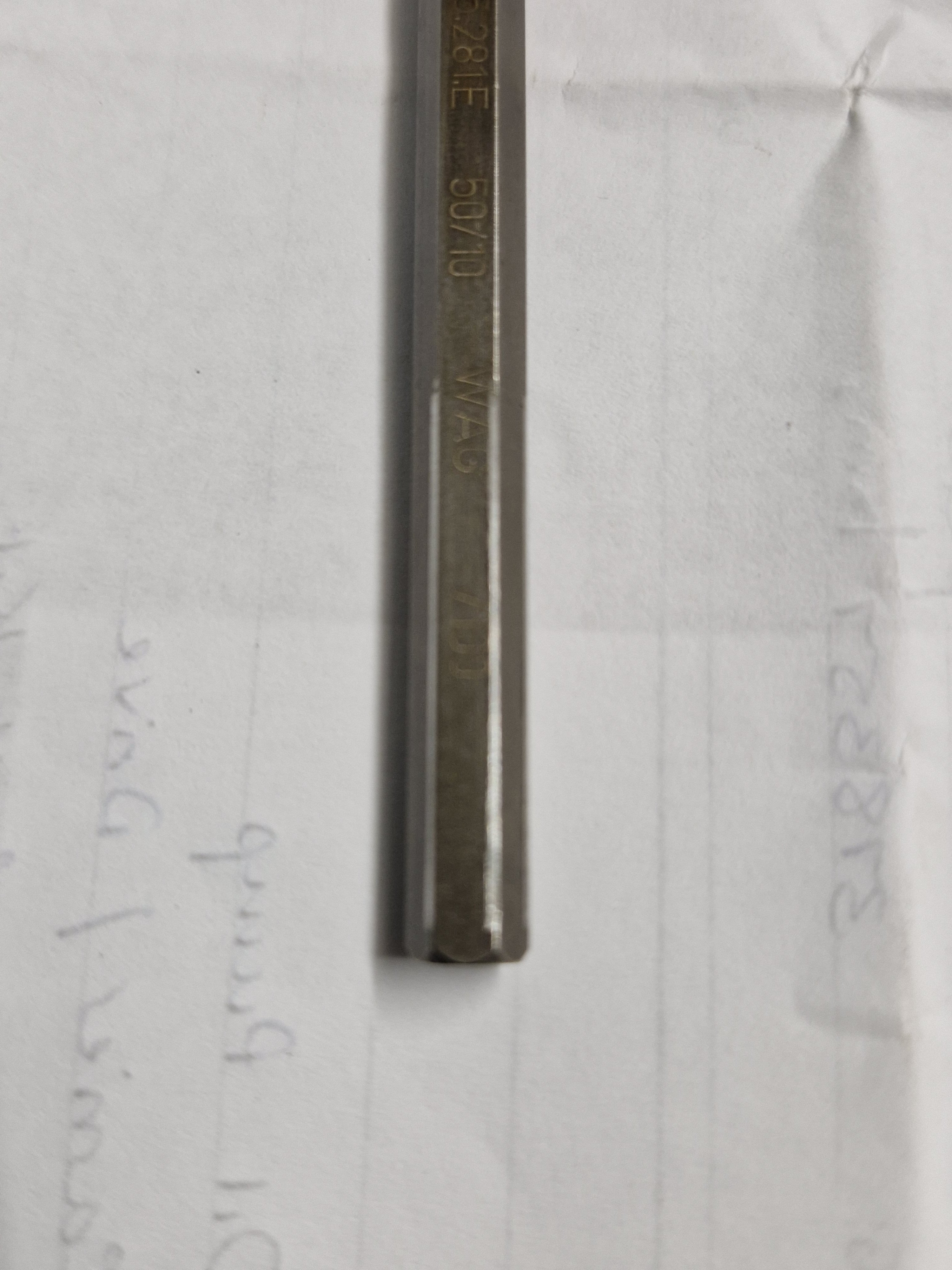
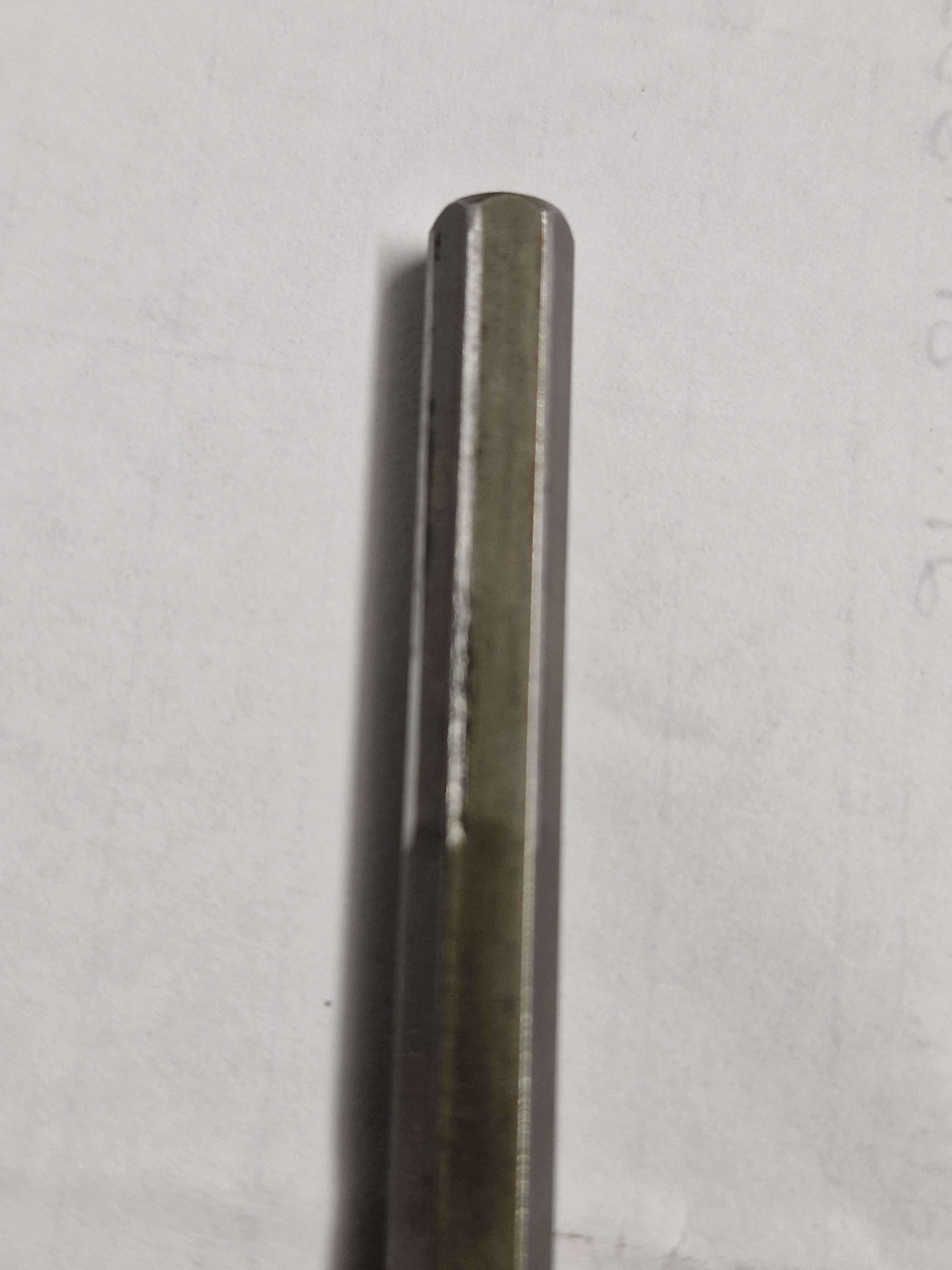
I got new timing belt kit, water pump, serp belt and also requested a new oil pump and hexkey as a precaution. 125kw engine type CFGB 2011 with 378,000kms. Oil change interval average from previous owners 11,000kms, I change it at 8,000kms. I measured the wear on the corners of the hex key, worn area is 1.3mm smaller than centre unworn section. I am delighted to have a new oil pump and hex key. My engine was running perfectly, zero issues. Changing the hex key is for another 350,000kms hopefully. If I didn't, would it round off within 100,000kms..... probably. Sharing the info with you to help fellow owners make an informed decision.
-
NGK have a good video on ewetube. For replacement, They recommend a few drops of 5w30 oil onto the top of the threads area, as the plug is slightly recessed the pool of oil will stay there. Drive the car through several heat cycles for 5 to 7 days to allow the oil to penetrate. Most important next step is to use a torque wrench at 16nm (if I remember the setting correctly), and see if the plug will loosen. Applying more than 16nm could/will snap the plug. I have 1 plug gone bad this morning (air temperature was 6C) and she started but sounded like 3 cyl running. No smoke out the tail pipe. Took about 2 minutes to warm up enough before it idled better. After work, air temperature 14C, it started perfectly and I went straight to the auto parts and bought a set of 4 bosch plugs. I've added the drops of oil to my gplugs to soak in for the next 7 days. I'll do a multimeter ohm reading then before removing the old ones. 352,000kms on my 2011 superb cf/gb model engine 174bhp.