andy_b_2708
New here
-
Joined
-
Last visited
-
Hi @pab567 , the VIN is TMBBK7NE2F0235377
-
Thanks for jumping back in on this @PetrolDave , as I nearly purchased a screen this afternoon but it seems like it may have been a waste of money!!! I’ll wait and see what @pab567 has to add, and then consider my options from there…..any idea what sort of cost I’d be in for to change the ‘brain’ and the screen??
-
Just looking to get a larger/better OEM screen if I can. I’m not worried about increased functionality as I’m more than happy using the ‘standard’ sat nav and not bothered about Apple CarPlay. The box in the glove box has got 2 SD card slots and a cd/dvd drive, but I know it all depends if a MIB1 or MIB2 / 2.5 is installed (I think??). Thanks for responding.
-
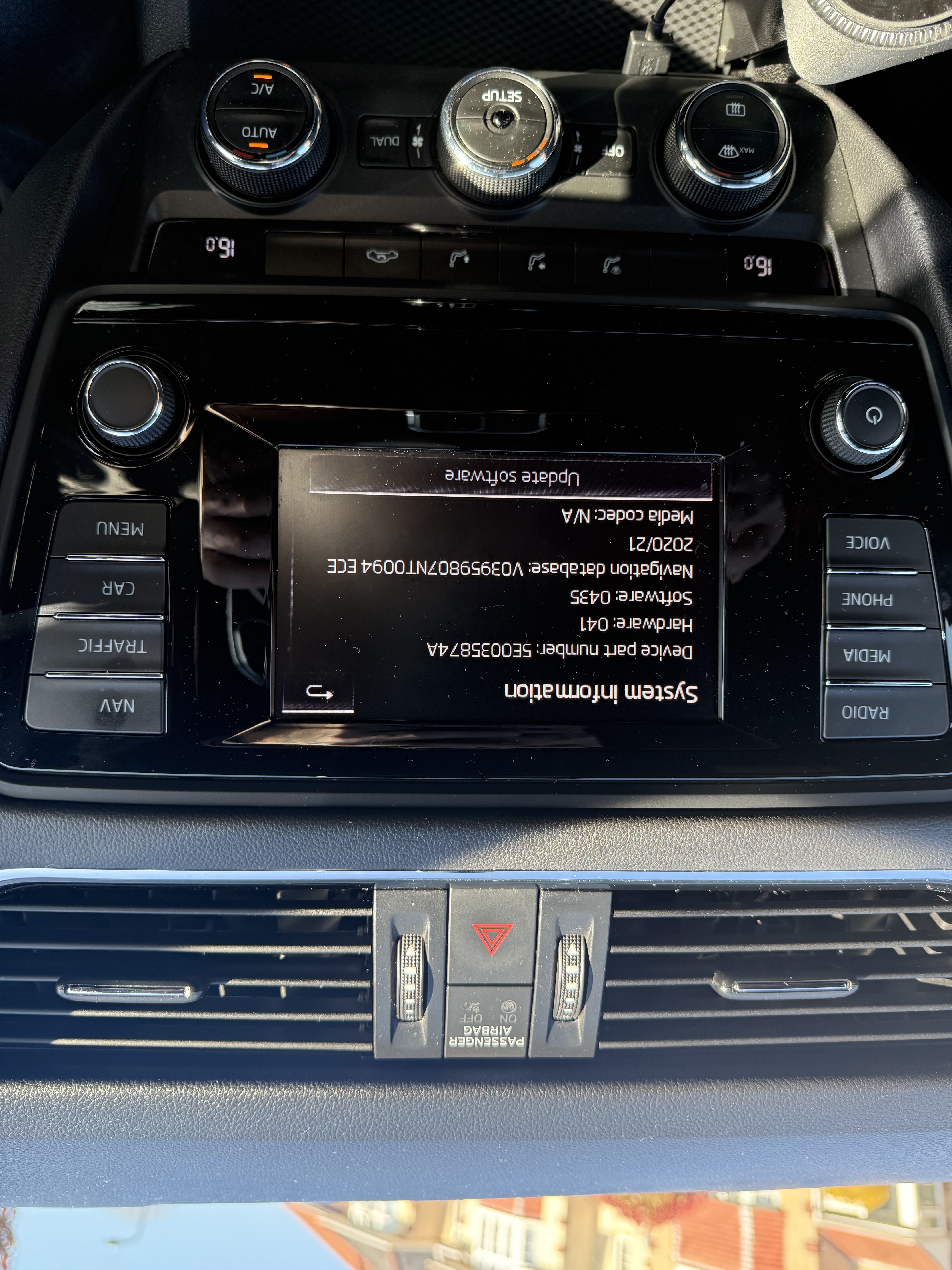
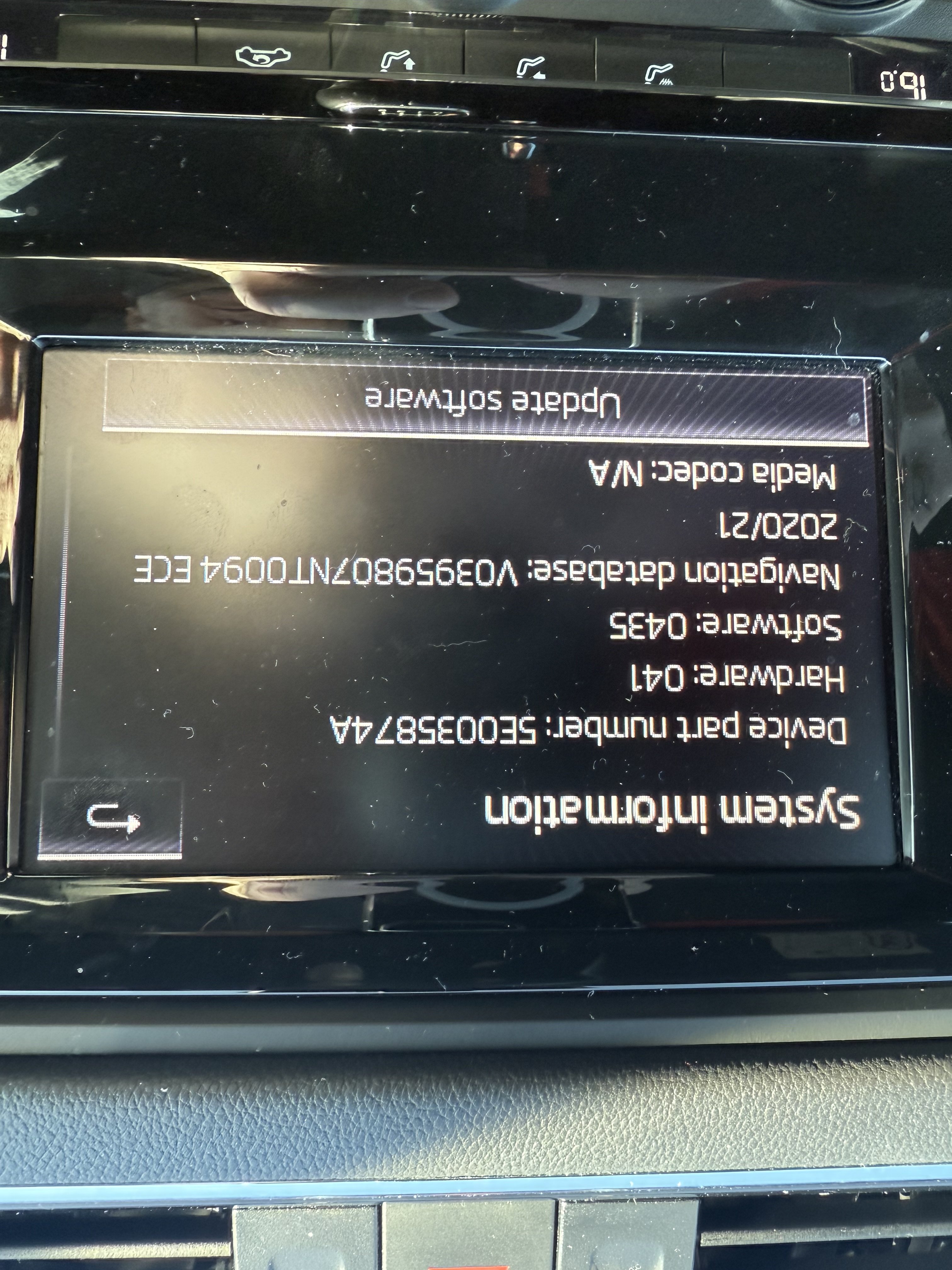
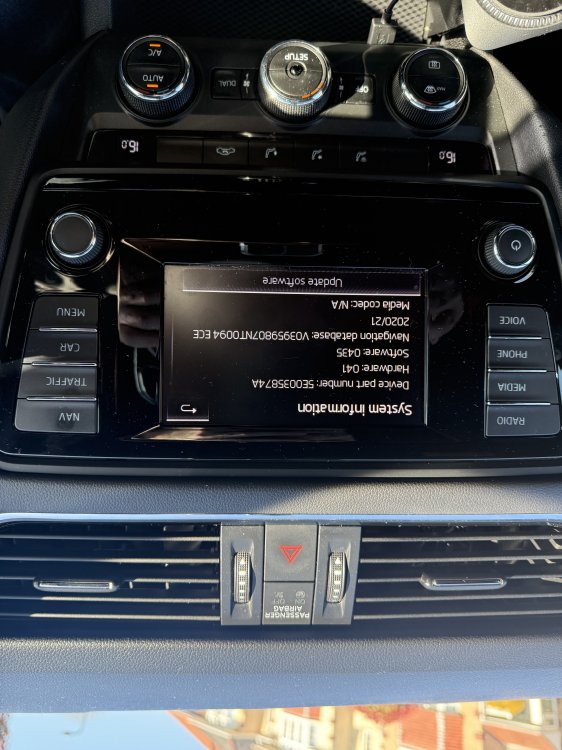
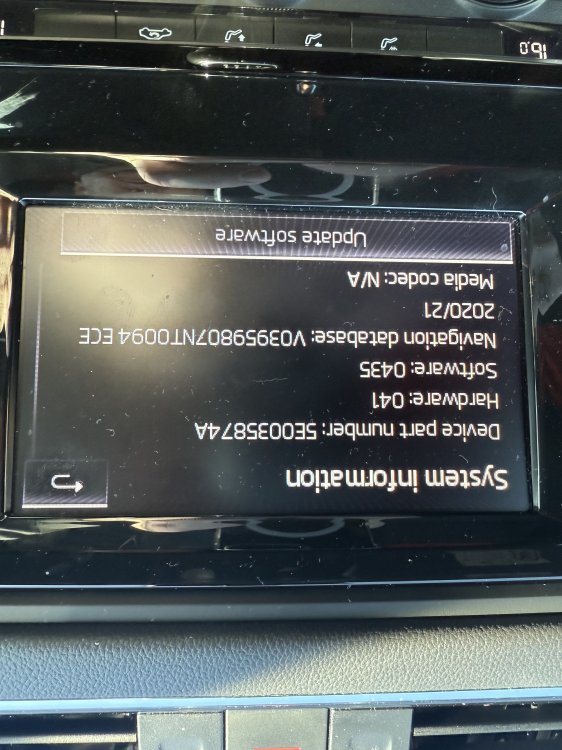
Hi all, a quick question on a subject that I am sure has been asked many, many times before. I have a 2015 Octavia 5e vRS (diesel), and am interested in upgrading the multi media screen. What, if any options are available for an OEM change to avoid moving away from the factory fit option please? I have attached images of my current screen and version number etc (don’t know why they keep saving upside down??). Many thanks in advance.
-
just wanted to say hi to all….been ‘lurking’ for a while now and love this site for information, help and advice on all things Skoda. Had my current Octavia 5e vRS (diesel) for just over a couple of years now (my 2nd Octy vRS) and absolutely love it a my daily runner. Decided it’s time to sign up, and starting asking some specific questions for advice and guidance as I’m ready to start changing/upgrading some bits 👍👍