GillyGilbert
Finding my way
-
Joined
-
Last visited
Everything posted by GillyGilbert
-
Yea, see what you mean the only location I can get it is either the left or right but not in the middle, like you said seems a bit of a backwards step, never had a Skoda before so it's all new to me.
-
Finally worked out how to assign second key fob to another driver, that's a pain lol
-
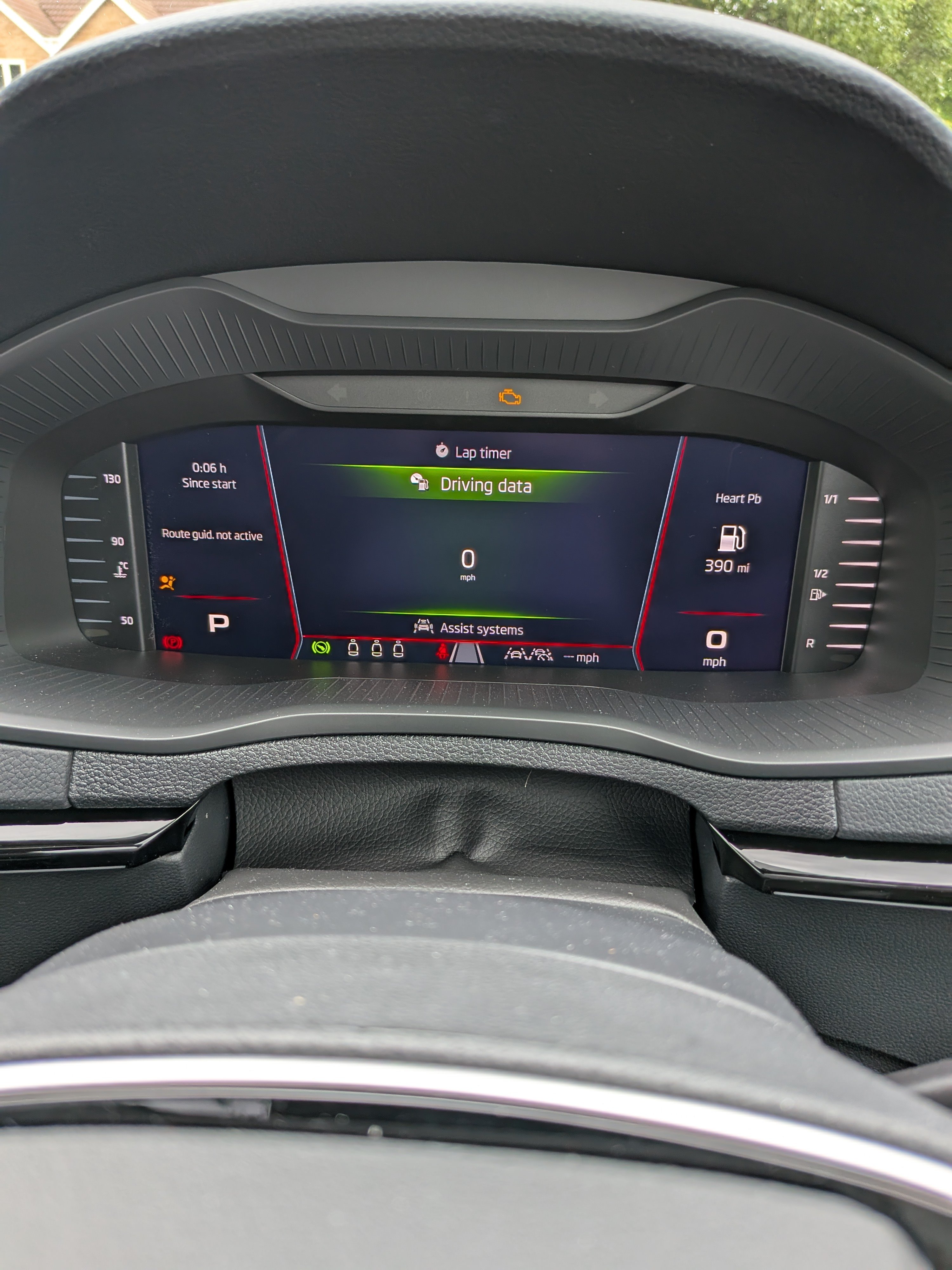
But this is the menu thing, might be talking about different things,
-
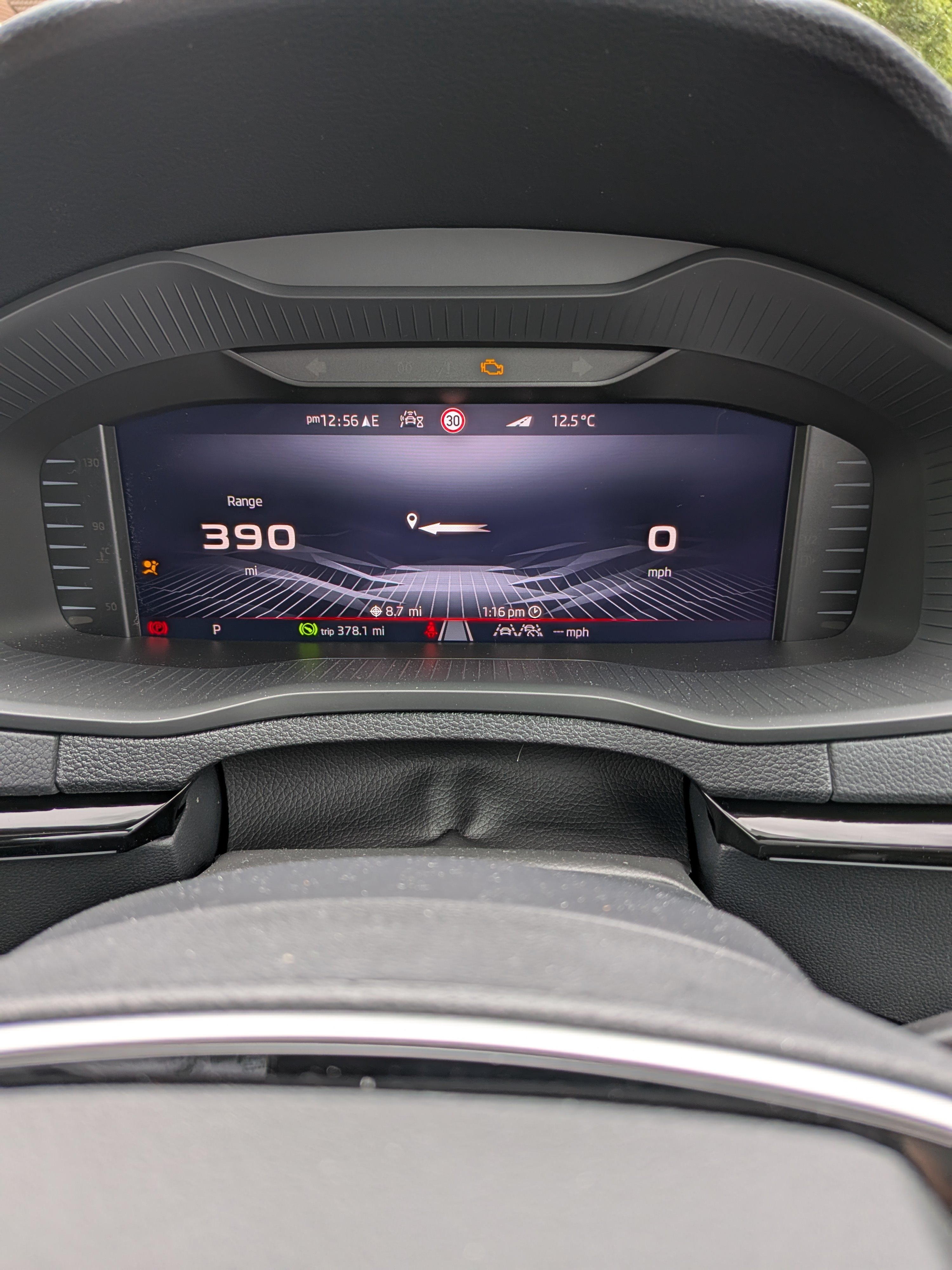
So, had a play with the dash, only time I can get the navy arrow in the center is when I select the dash with not a lot on it, not sure what you call it,
-
Mines a Sportline as well, it has all the new stupid EU regulations with the speed warning stuff you have to turn off every time, Will get some the rest of info this afternoon as can't remember.
-
I have a 2025 car and that's how I get the sub menu? Do find Skoda software not very user friendly though
-
Push the lower right button on the right side steering wheel cluster, this will bring up a menu, use the right scroll wheel up or down for what you want than push the right scroll wheel into the wheel to confirm the selection.