ALC
New here
-
Joined
-
Last visited
Everything posted by ALC
-
Perfect. Thanks for that. I’ll give it a go and see if I can get it working.
-
I still couldn’t get it working! Any chance you can send a screenshot of the folder structure on your USB drive? And did it work with partitioning your drive to a smaller one?
-
Do you have the download files for the 469? How did you get it to recognise in the car in the end? Mine just says greyed out with the USB download option.
-
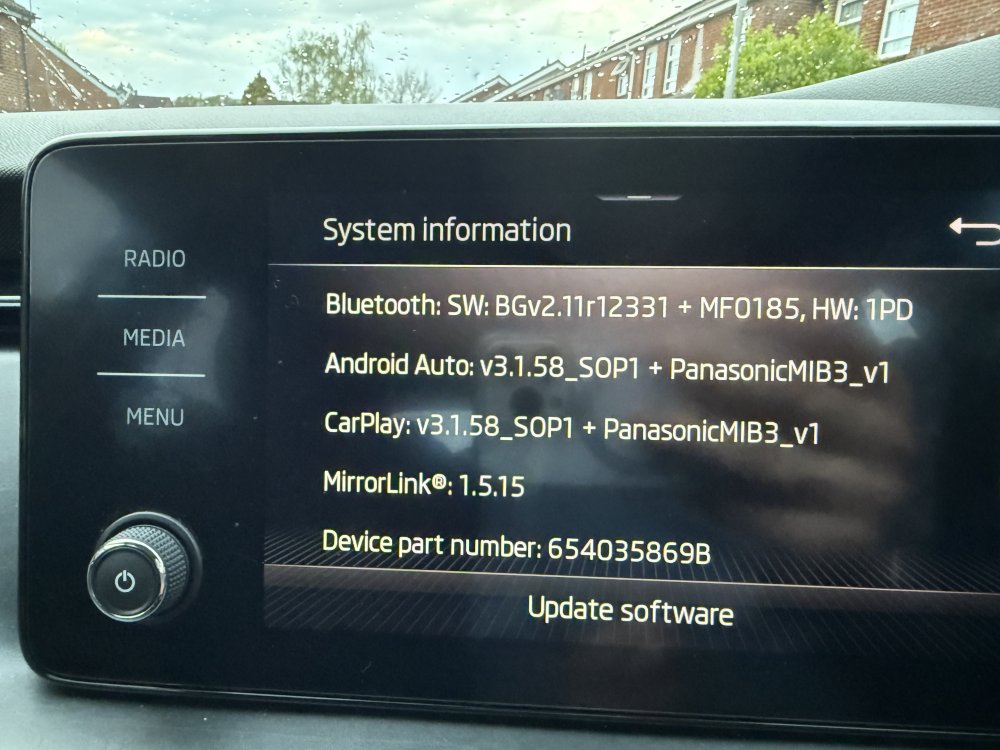
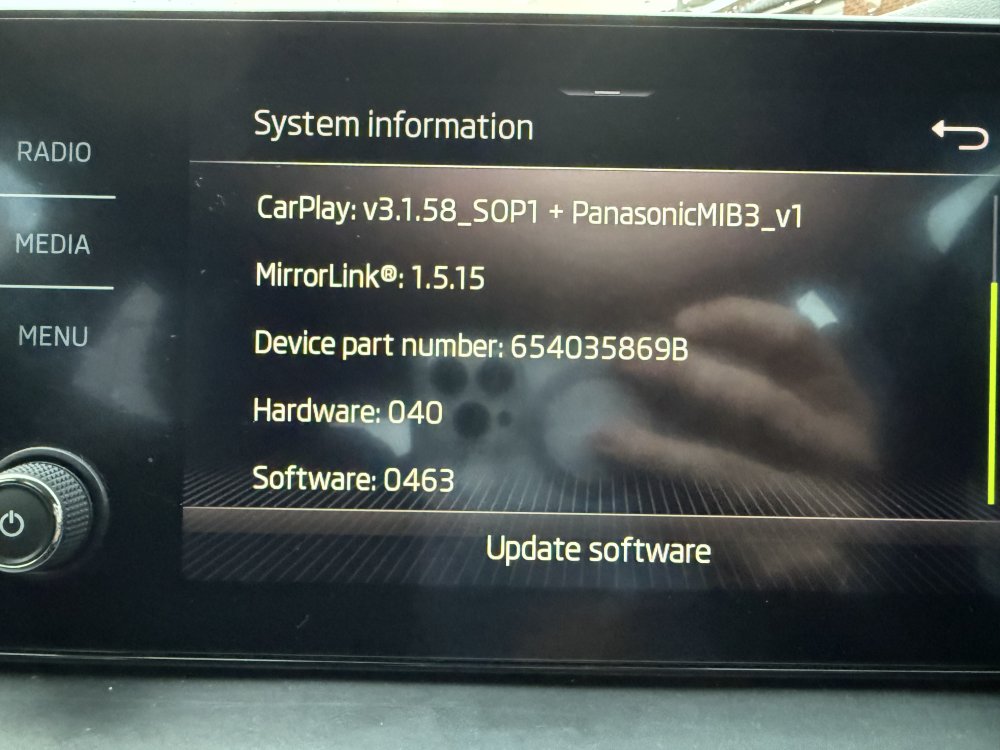
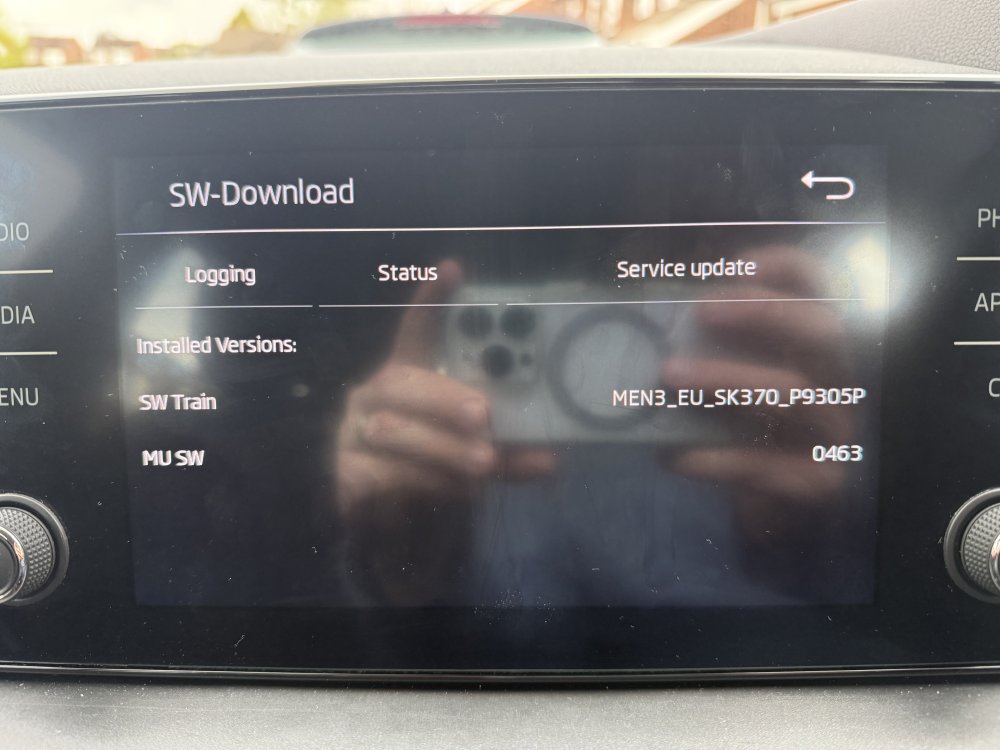
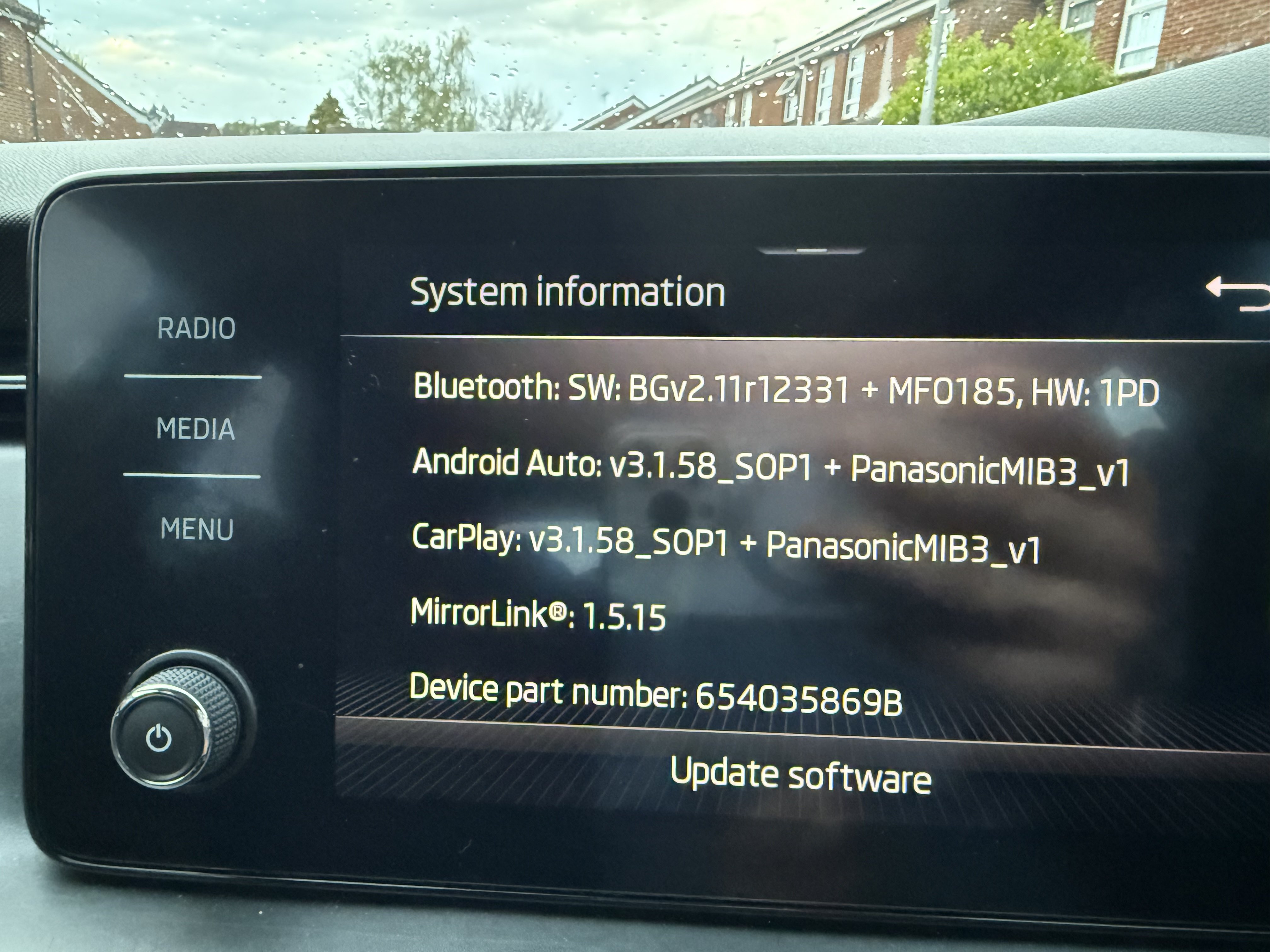
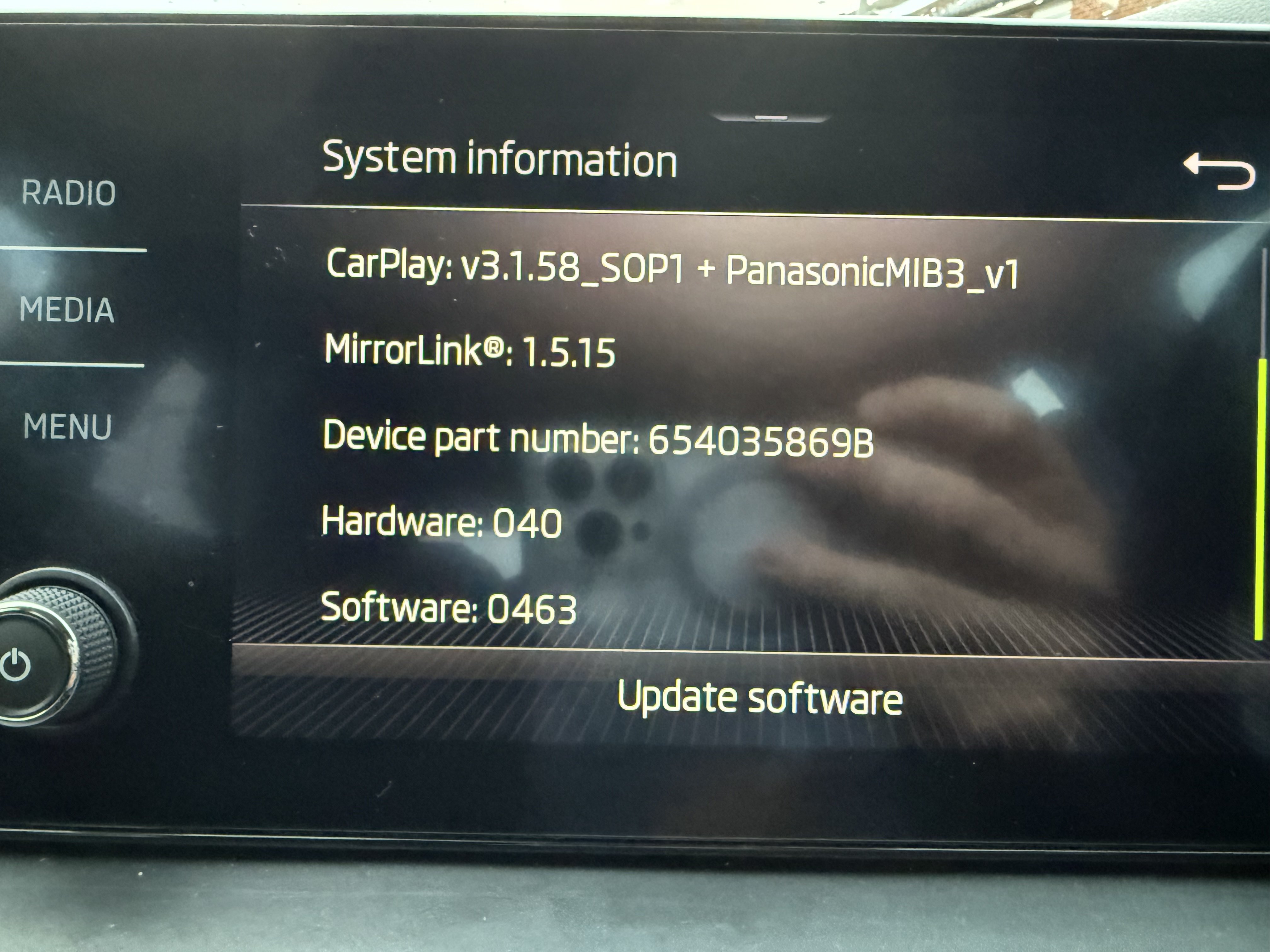
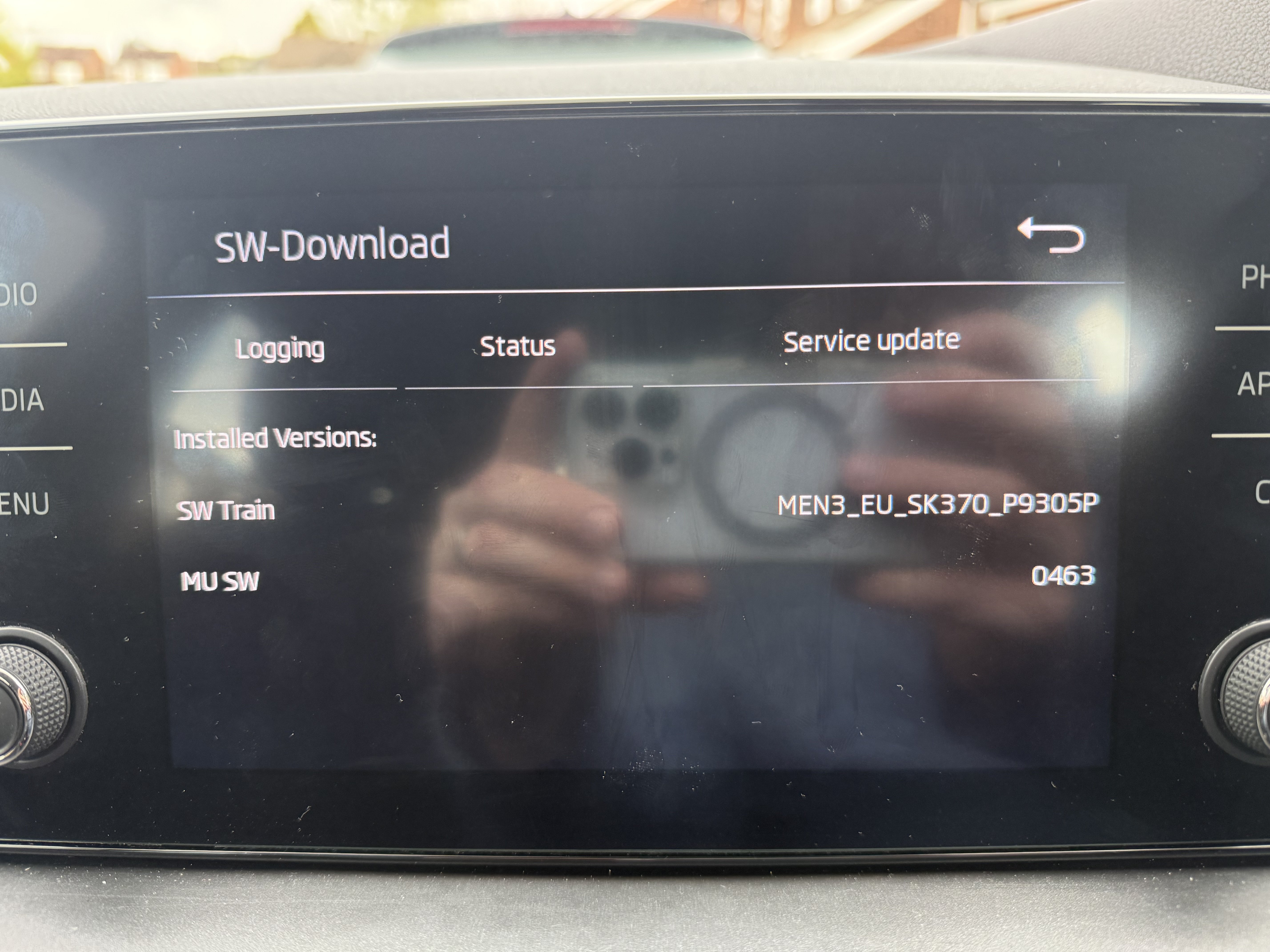
Hi, I’ve been reading through these forums and found lots of useful info but cannot seem to get the firmware to be recognised by my car. I have a Scala SE 2019 and the infotainment seems to randomly freeze and reboot multiple times during a drive. I’m on version 463 and have read I should go to 469 then 741 and 742. I’ve seen people bricking the unit going past that so I’d rather not try any higher. I found some files online but cannot get them recognised by my car on a USB formatted both Fat32 and exFAT. Does anyone have any other download or tips? I’ve seen something about a metainfo file but none of the downloads I have this file there. (Attached software versions screens from my Bolero unit)