lekamich
Finding my way
-
Joined
-
Last visited
-
Thanks @pab567 , everything works perfectly. Just Radio logo disappeared. Nothing important for me ...
-
Hi, @pab567 , Thanks again for sharing files. A lot of files on the download, i extract everything on an SD card (have to Remove glove box on the Škoda Fabia III). I put all files at / of the SD card, but device does Not recognise … Is there a spécific process for updating ? Could Be done on usb key instead SD card ? Thanks again for explanations, I’m Not an expert … Thanks !!!😊
-
Ok, thanks for explanations !!!
-
Hi again, Sorry for maybe stupid question, but when you say « Pls keep in mind that IF your unit has SW patch applied then upgrading firmware will have it killed - your unit will be locked with Component Protection and activations might be lost as well. » Could you explain a little bit more about that ? Thanks !!!
-
Thank you very much !!!
-
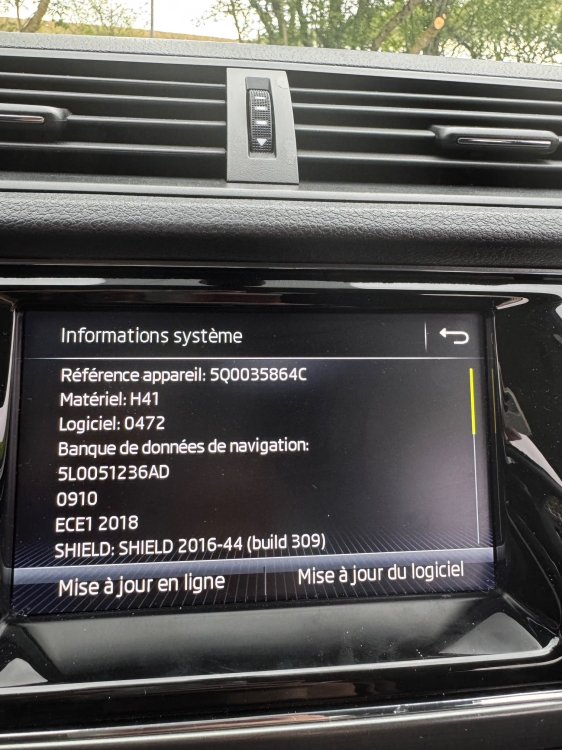
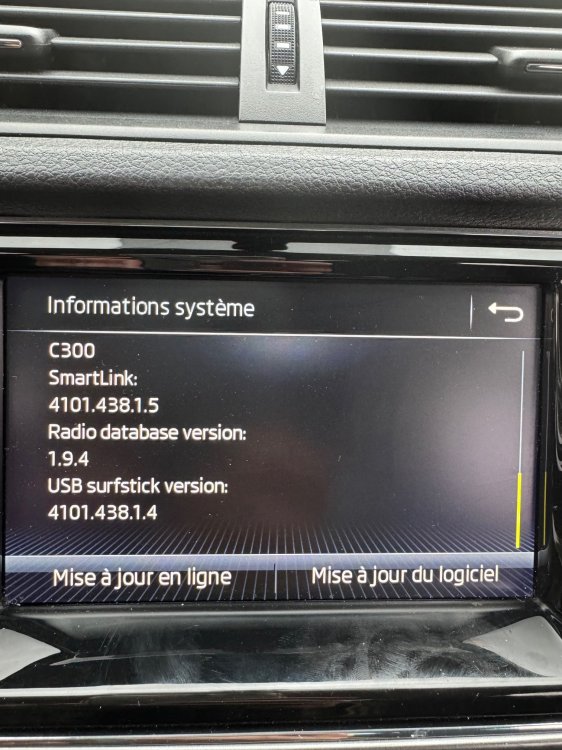
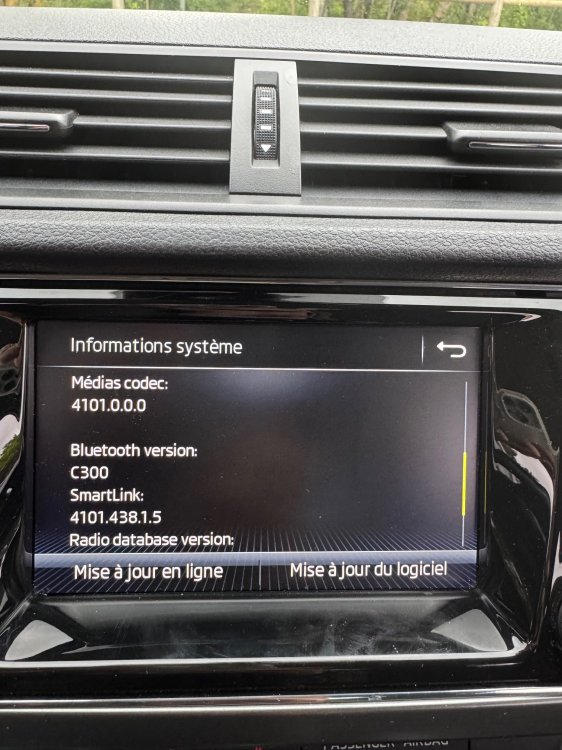
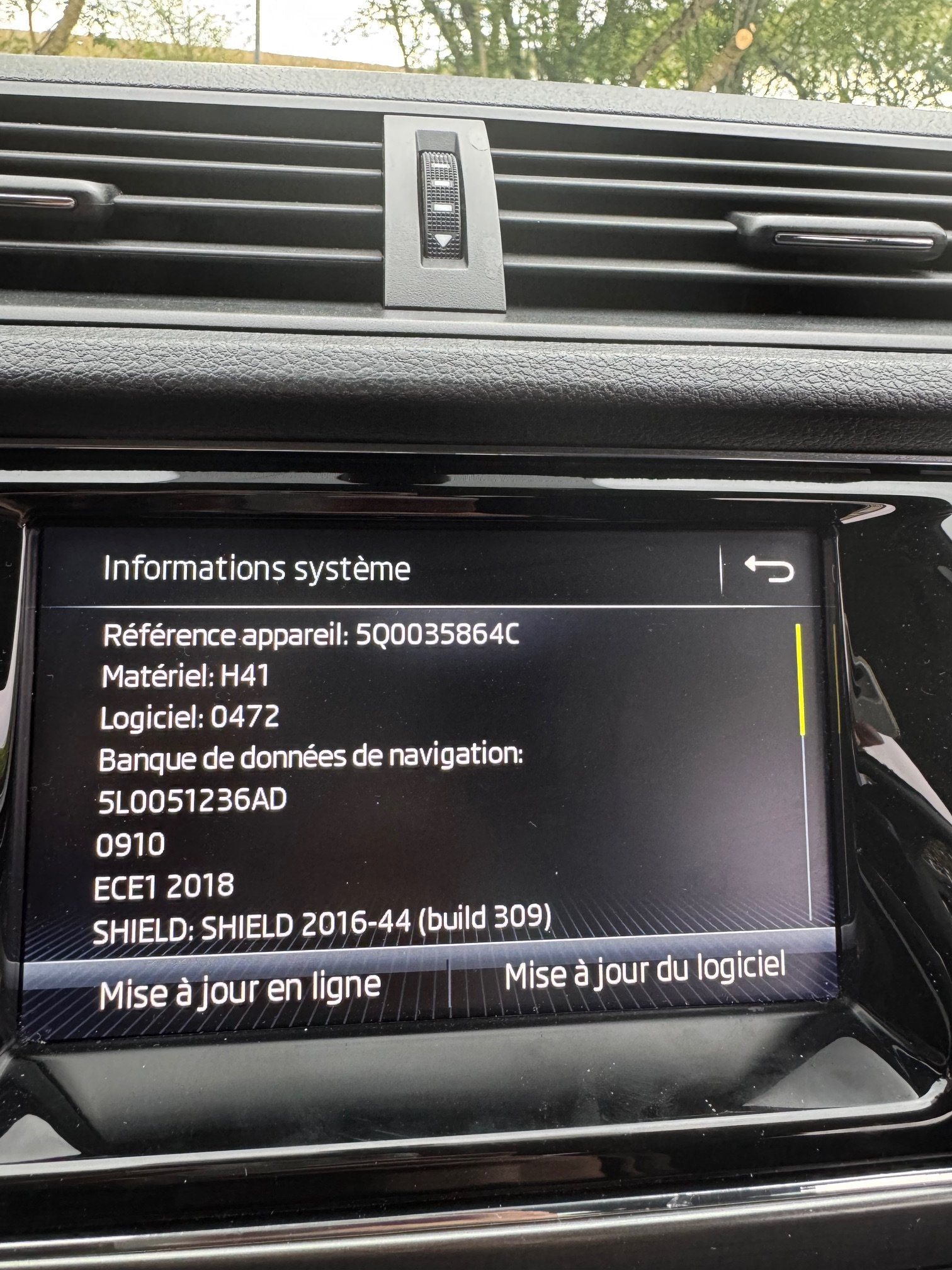
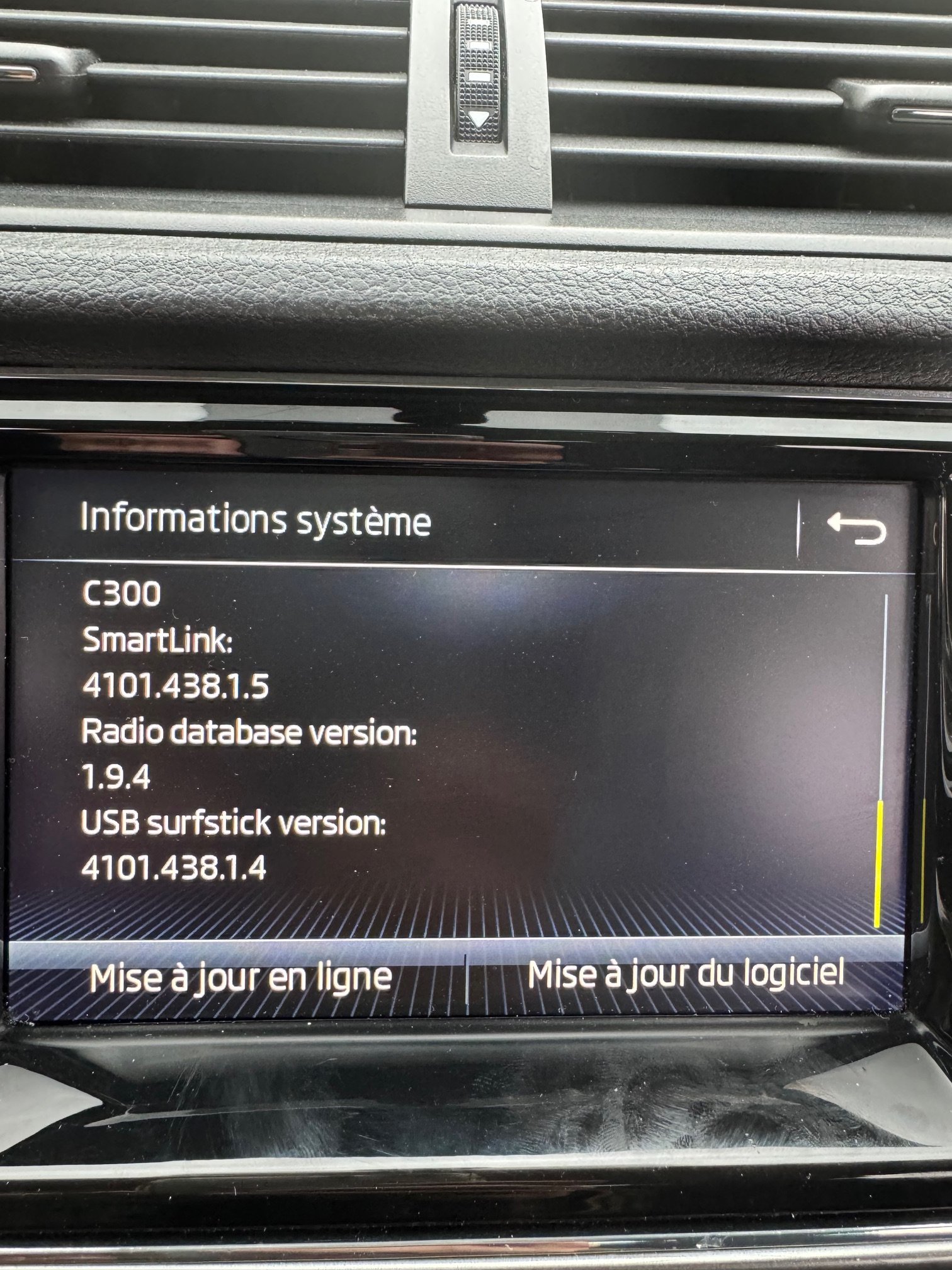
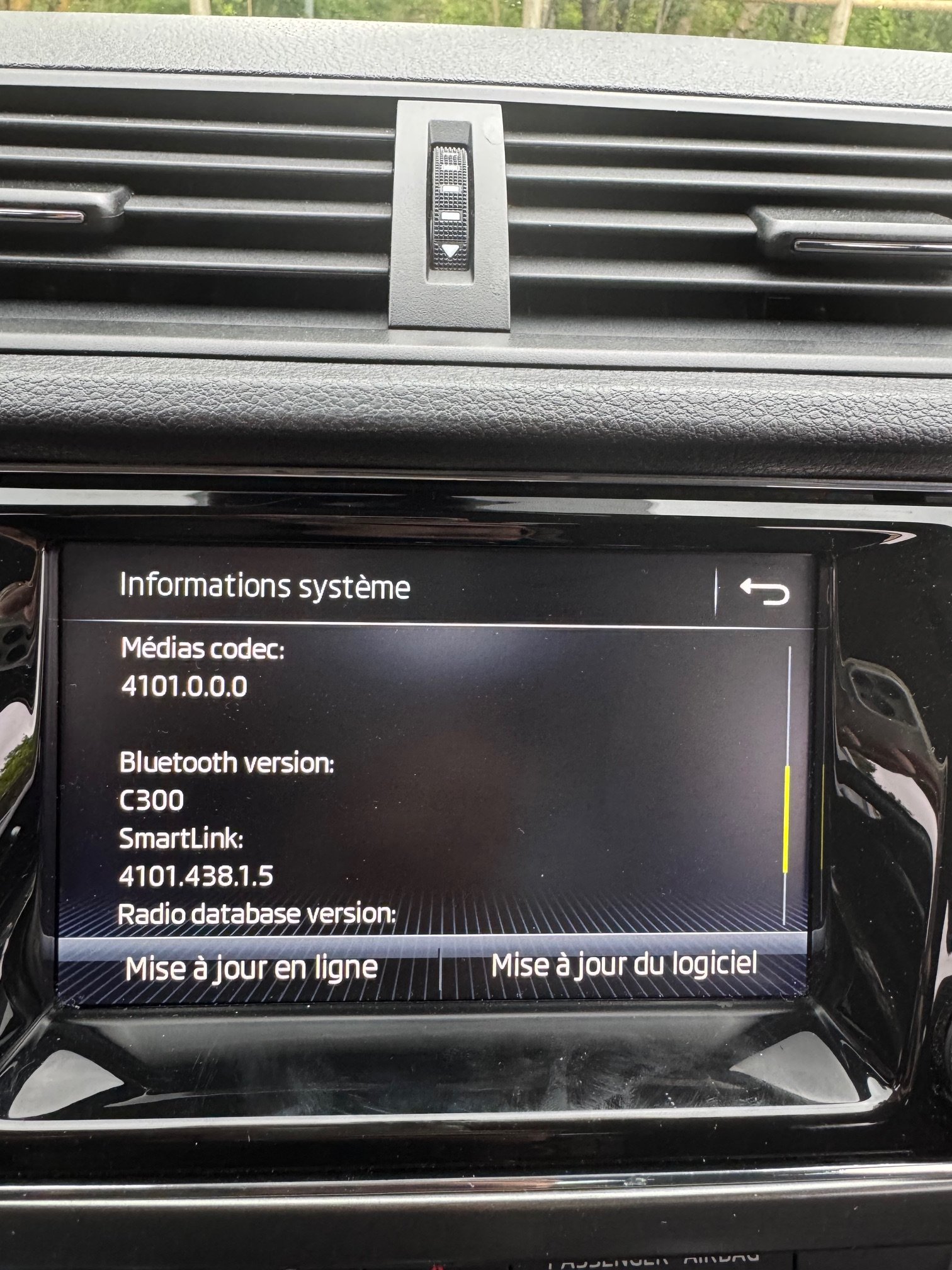
Hi, i'm new here, thanks for the sharing ! Can anyone send me link for Skoda Fabia 2018 (FR) latest update please ? Hardware 041 (ref : 5Q0035864C) And just update me a little bit please, my previous car was an old VW (2011), with just firmware update to proceed sometimes. It seems, that now, we need more than just update firmware ? Or does this update include everything (except maps) ? Any issues with this update ? Thanks for all guys ans take care