Paulina
New here
-
Joined
-
Last visited
Everything posted by Paulina
-
Hi! Propably a long shot question, but did anyone in here bought the full centre console armrest for Rapid 2013 from AliExpress and could advise which one and if that fit properly? Mine has broken hinges so the top falls off when I put it vertically. Thank You.
-
Thank you. Appreciate it.
-
Thank you! I wrote Ash tray as I thought its called like that as its burned 😅 hence I want to take it out and fit new one. I think it's too much for me so I will show that to my friend, maybe he can help. I thought I don't need to take out the whole console to take out the cup holder tray :/ Would you mind writing where can I find this pdf? I have owners manual pdf but I can't seem to see it there.
-
Hello :) My name is Paulina and I bought Skoda Rapid 2013 Tsi dsg on car auction. Now I am trying to learn about that car so I can also do some jobs on it myself like I do on my other car. I am a proud owner of my old banger Kia that I bought in 2019 (2010 car). I hope Skoda Rapid will serve me as good as my other car. Have a great day everyone.
-
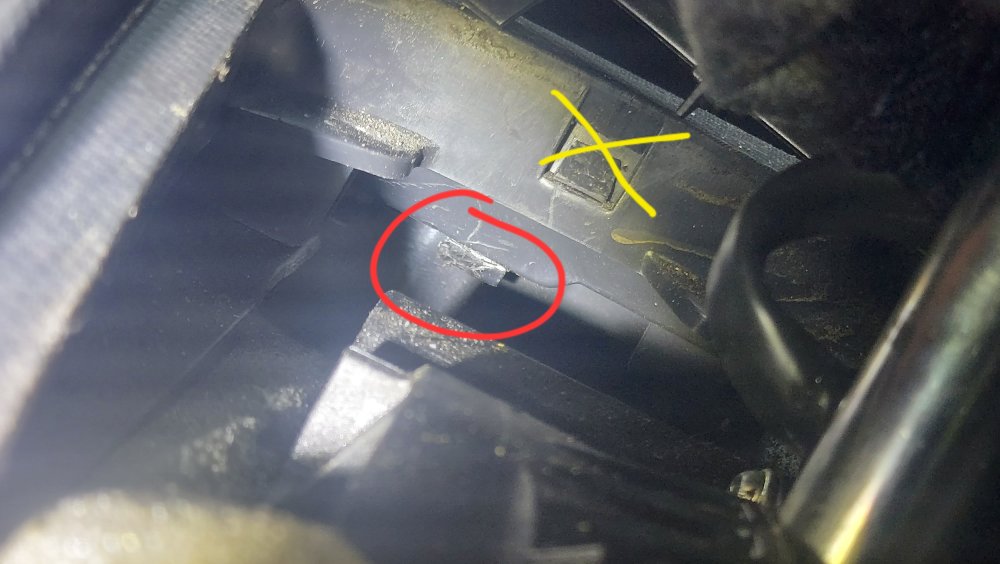
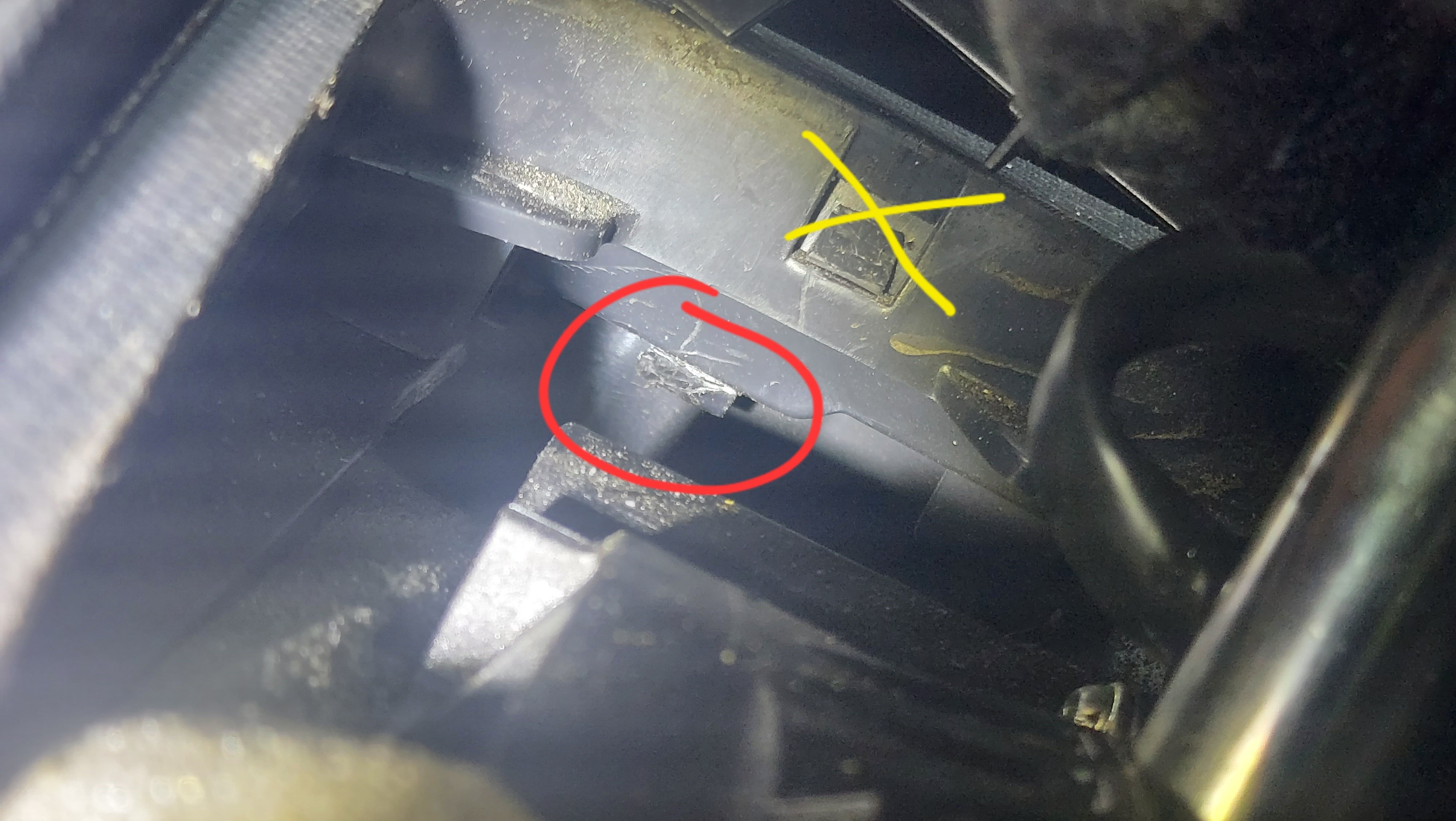
Hello everyone. I need to replace the Ash tray in Rapid 2013 DSG and I don't know how to do it. I lifted the gearstick gaiter and I saw clips (I think those are clips). I took flat screwdriver and pressed on that (circled) but it does not budge and I think maybe that is not the way of doing that 🤔 the crossed one are surely not the clips for tray because they also won't unclip and they are way higher than tray. Does anyone have a visual guide please? Btw. I searched the forum, I wrote "ash tray" "Rapid ash" "centre console" but nothing popped up. Thank you.