




Chua
New here
-
Joined
-
Last visited
-
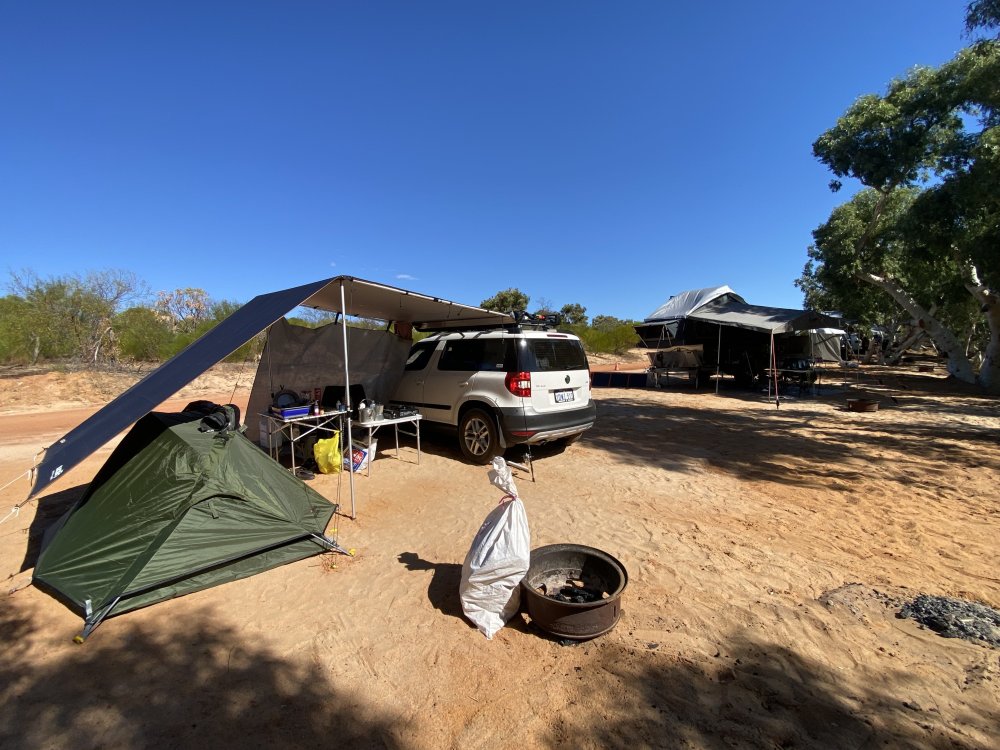
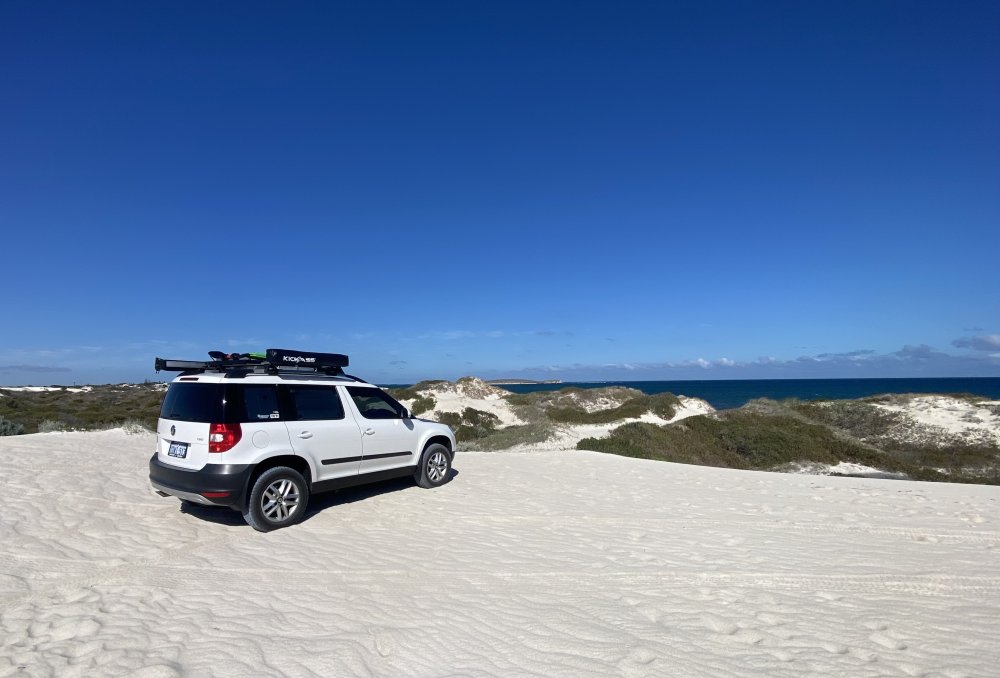
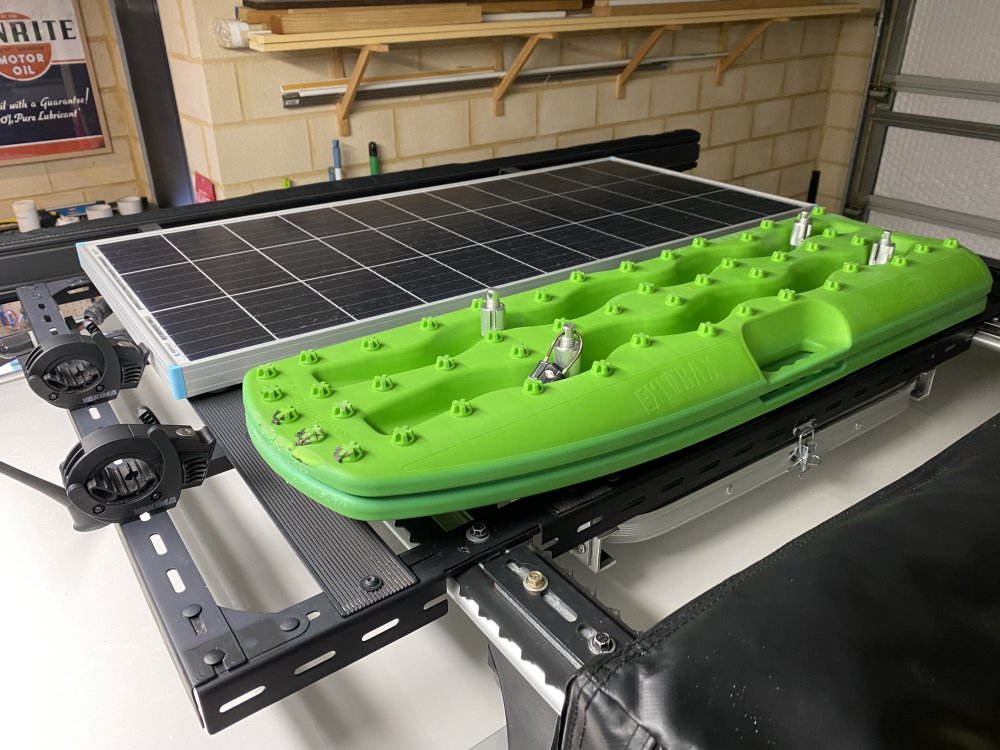
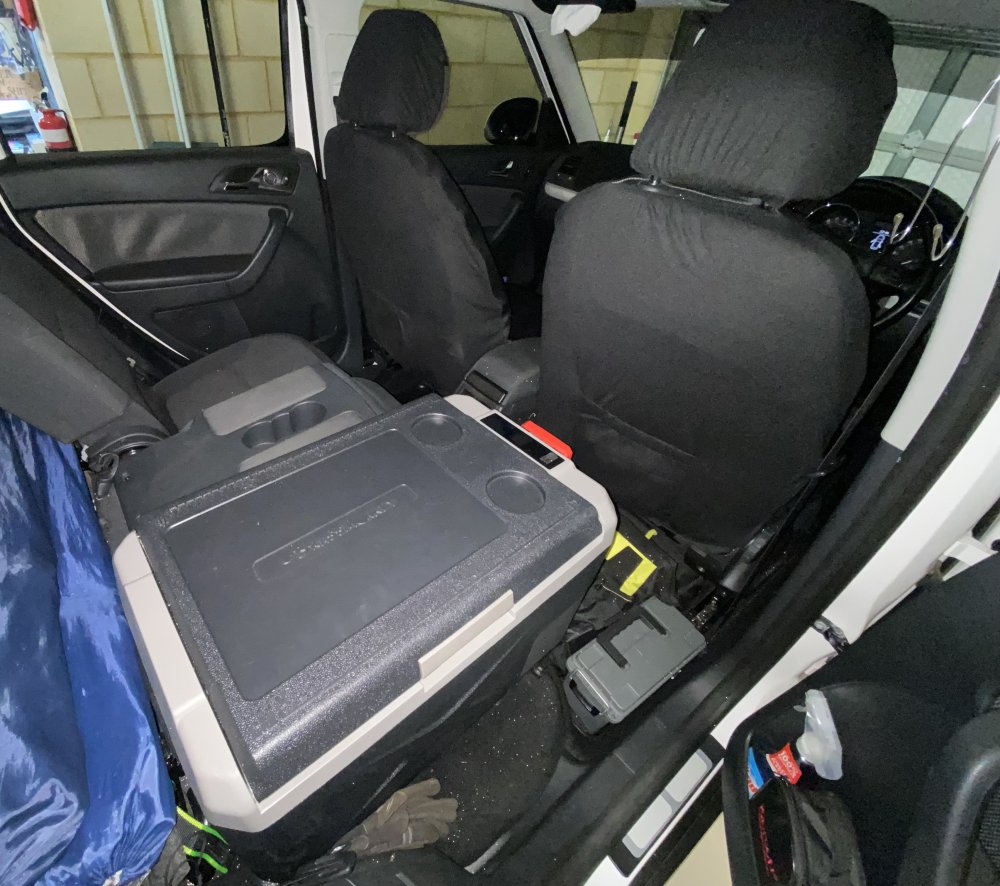
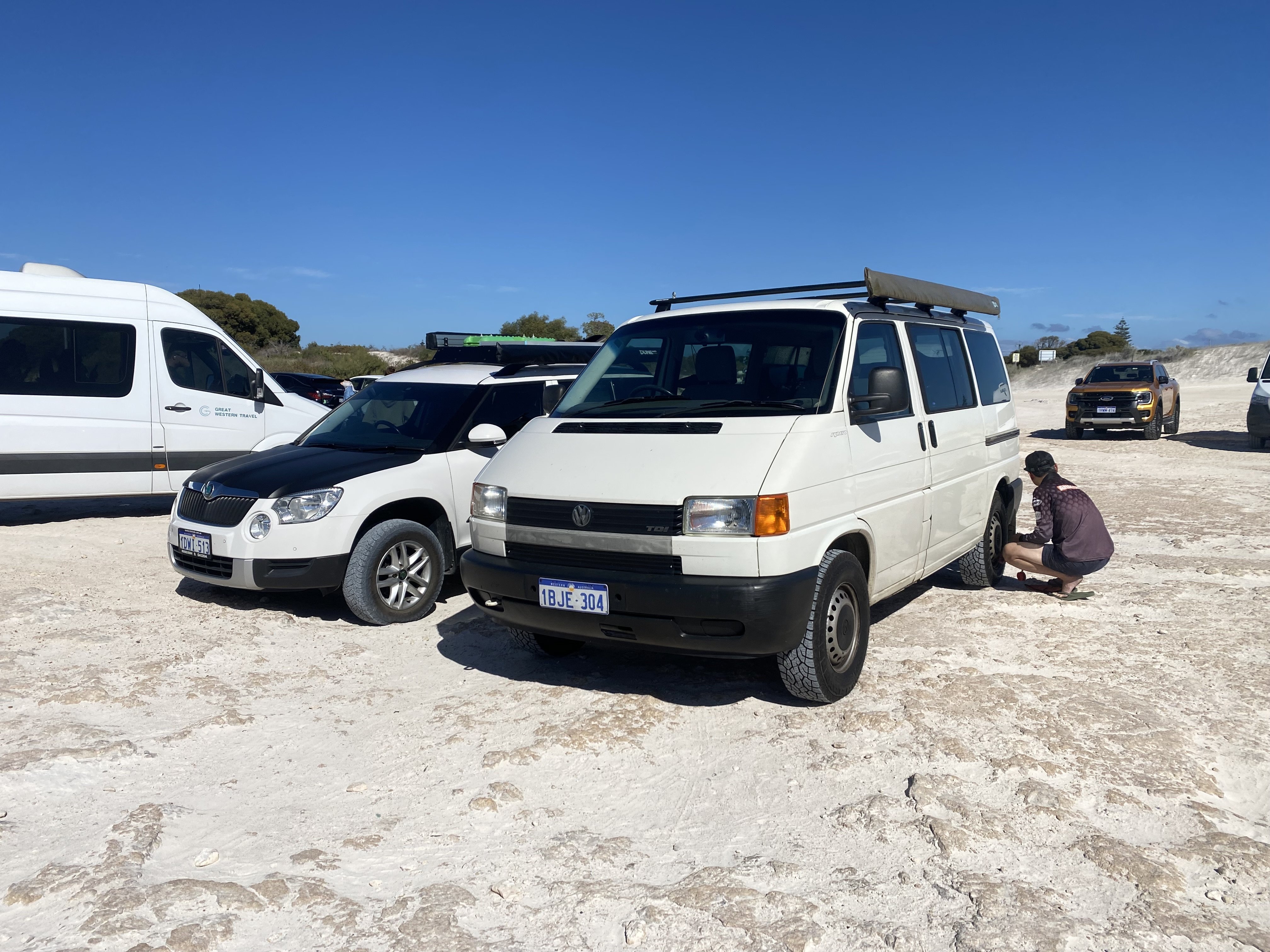
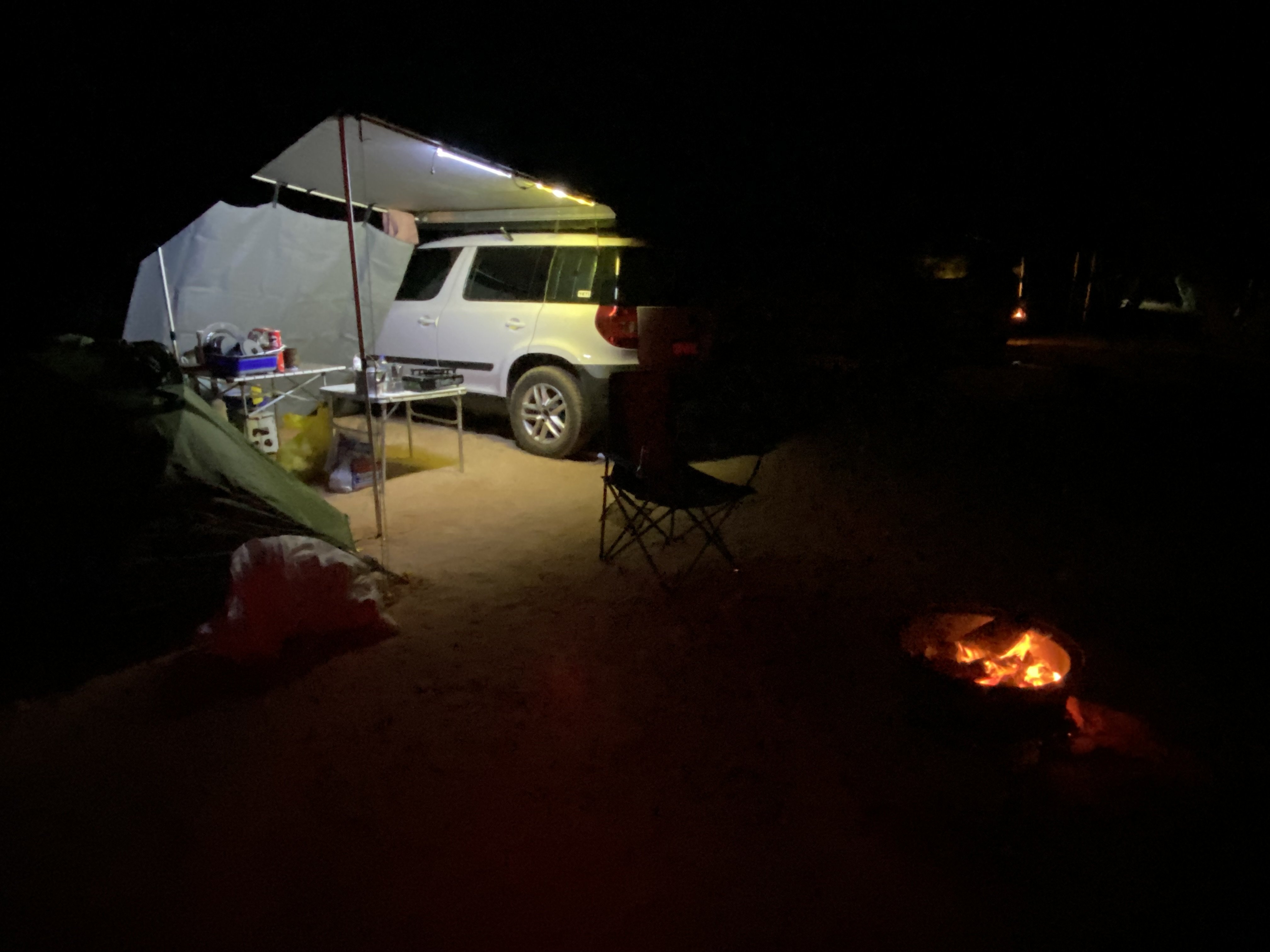
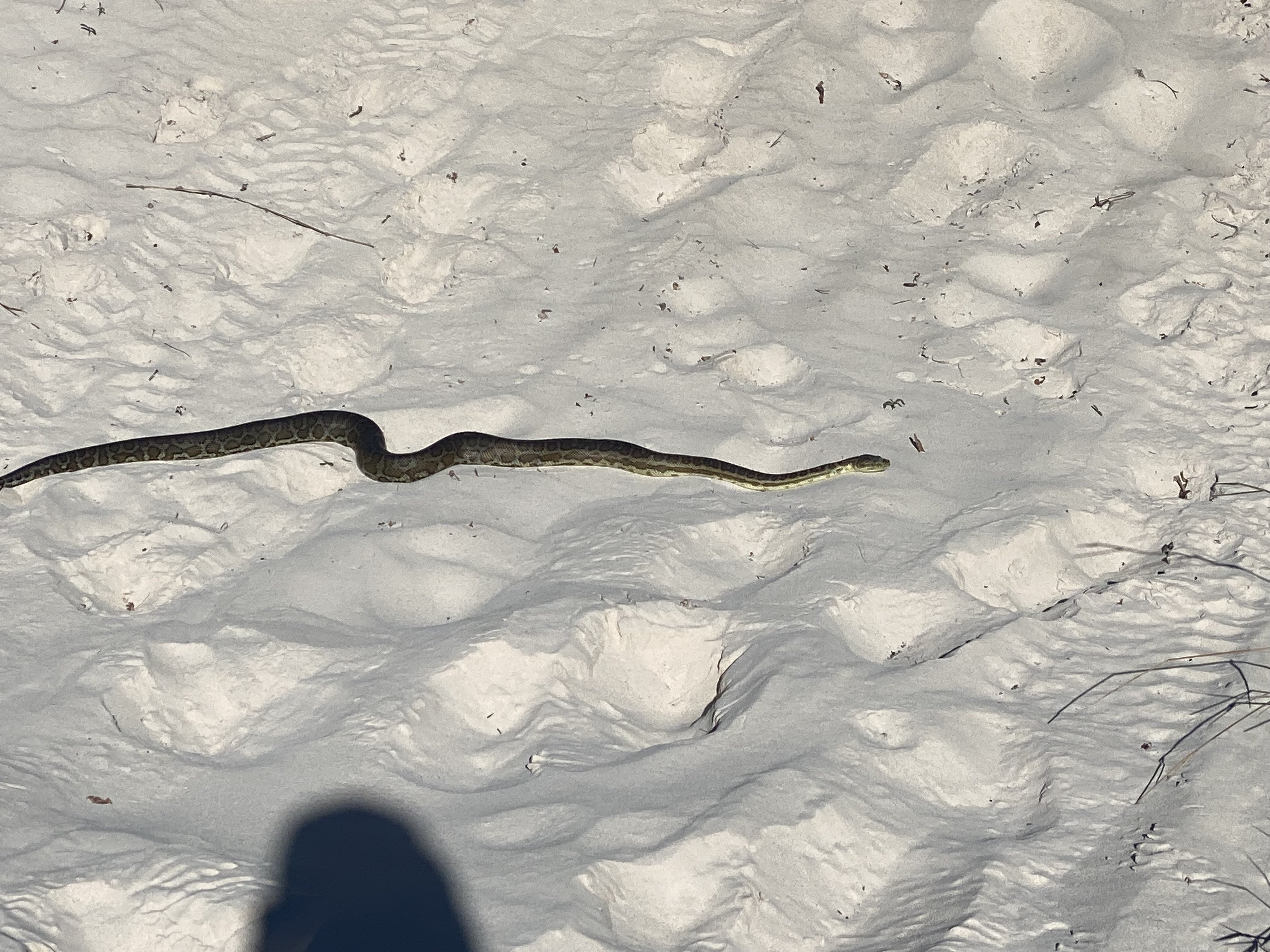
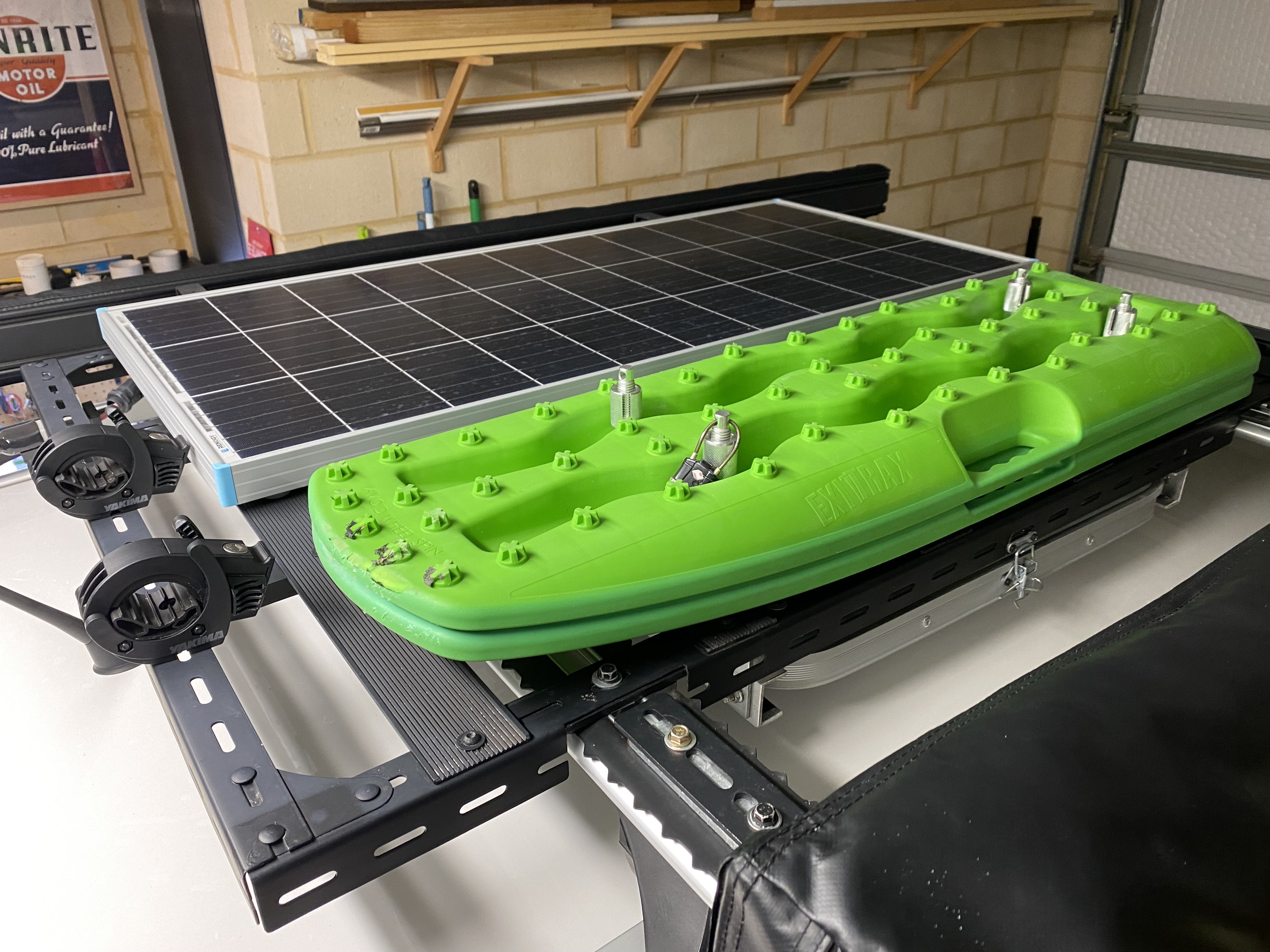
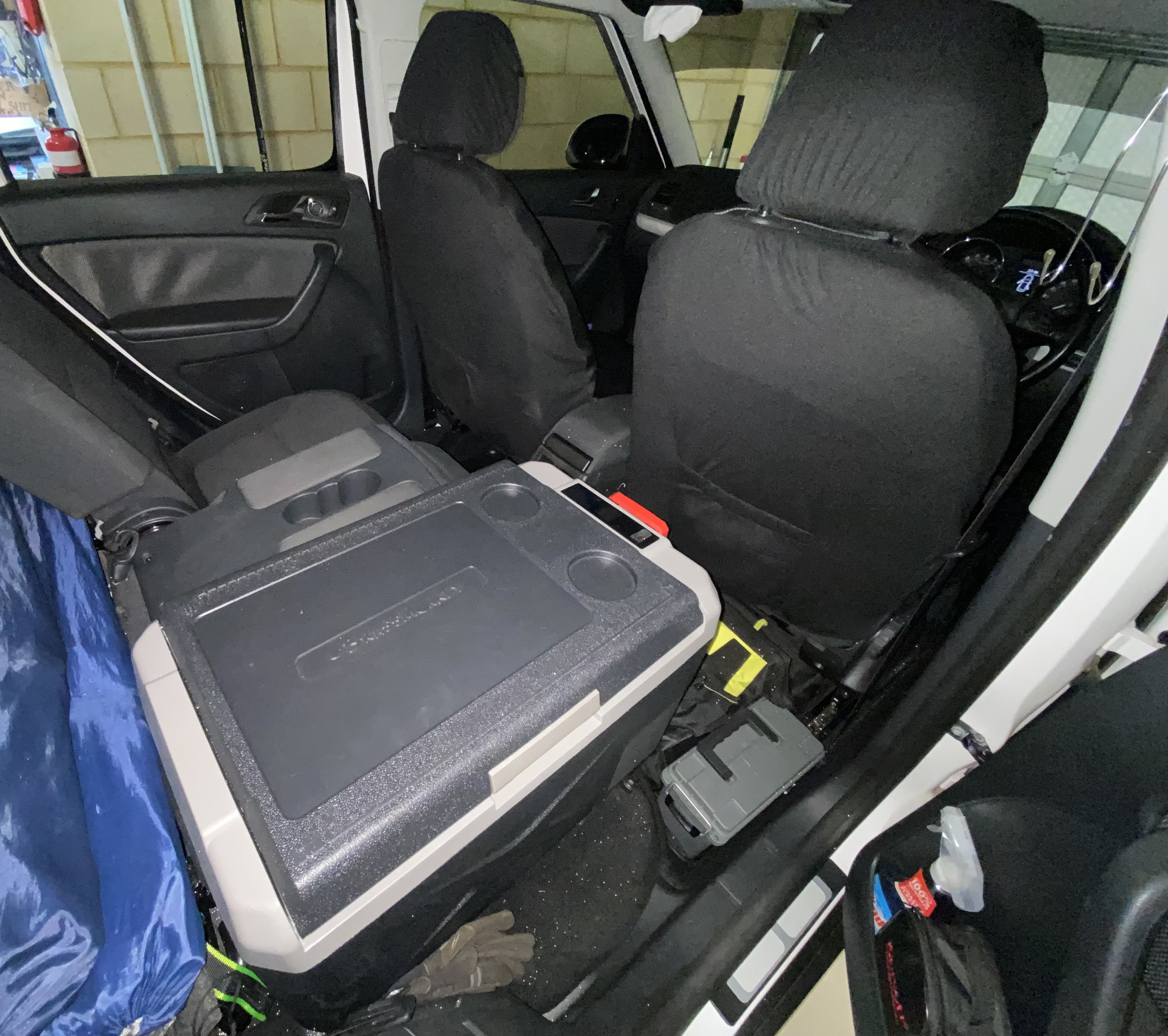
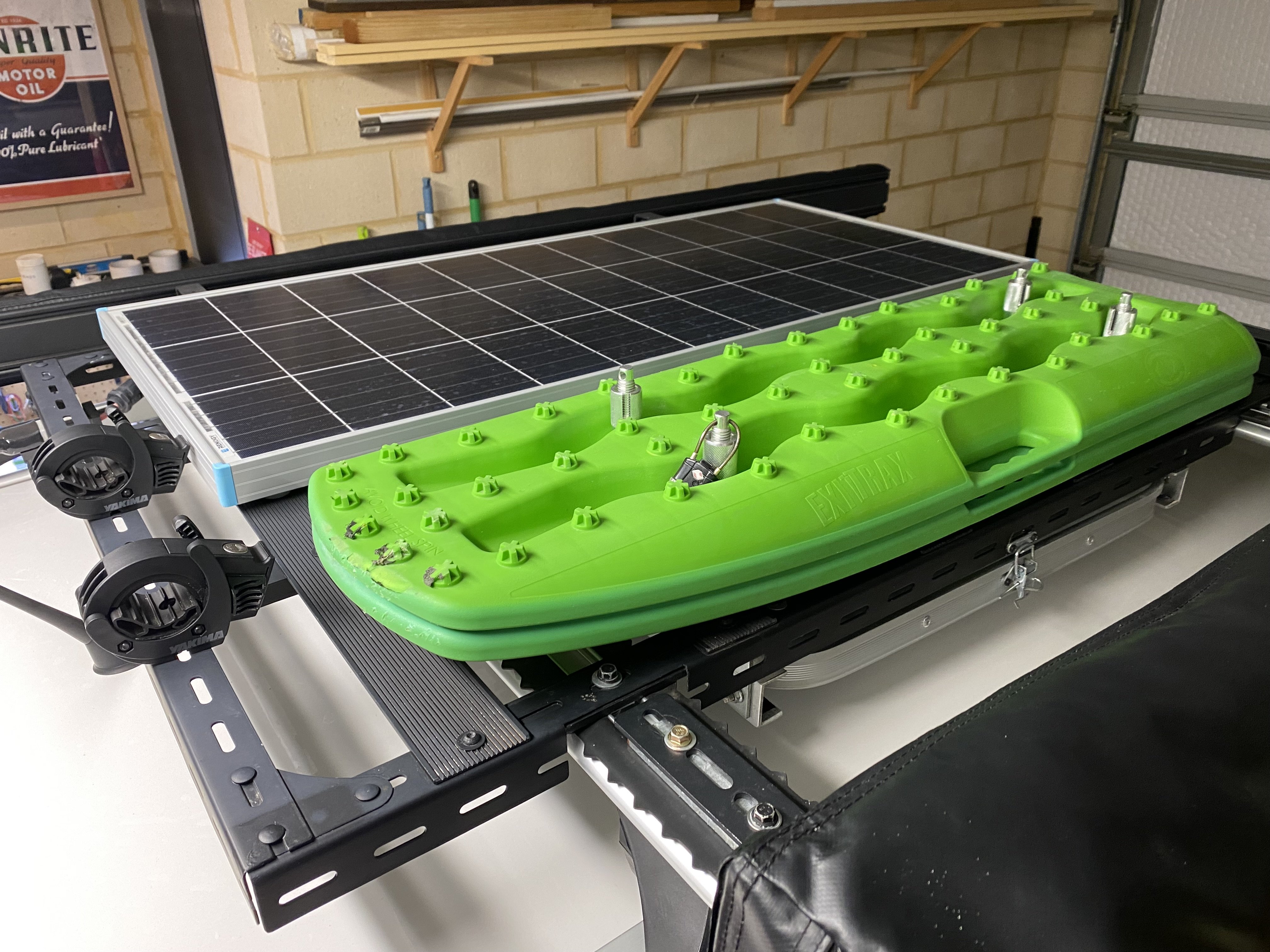
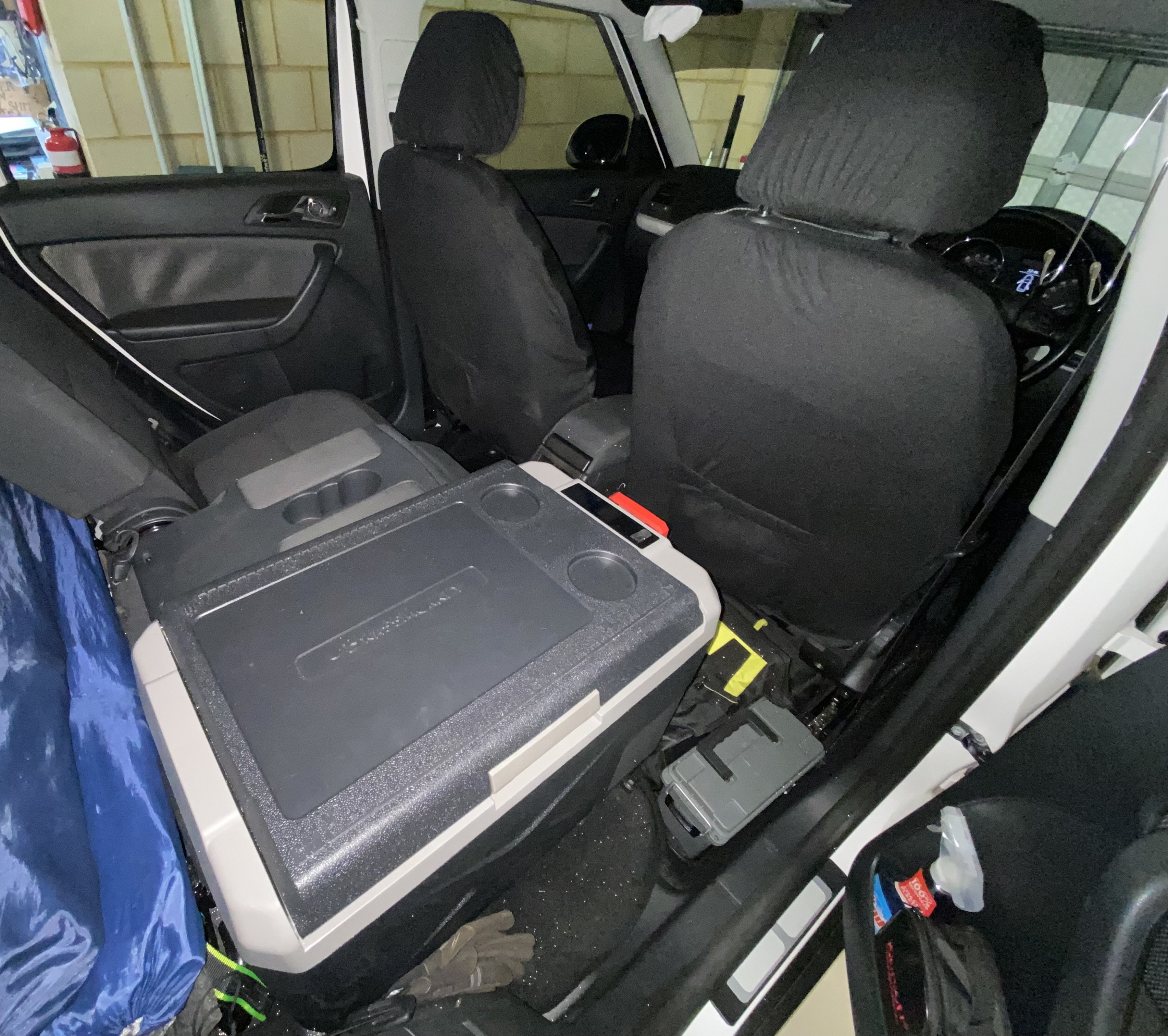
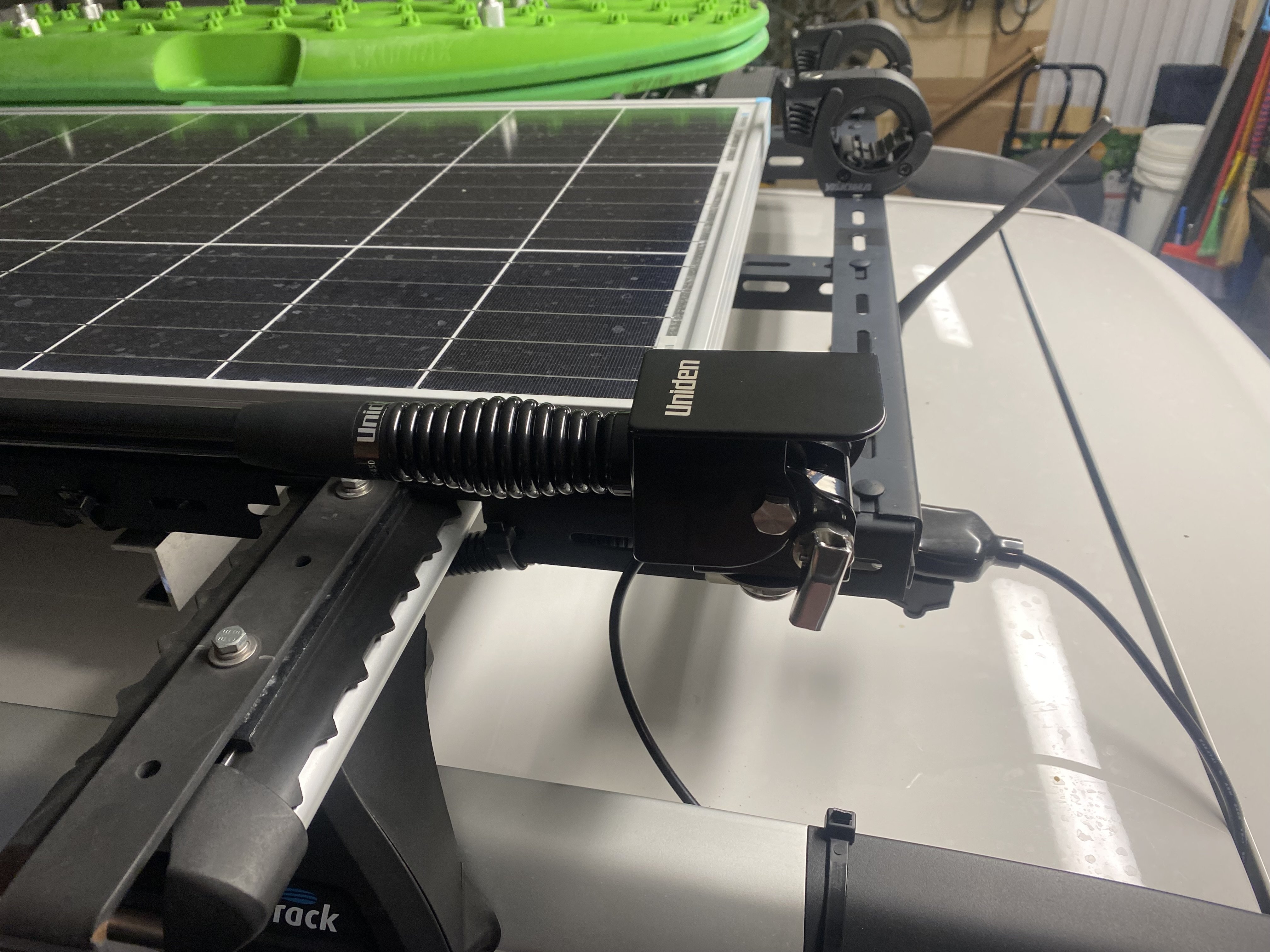
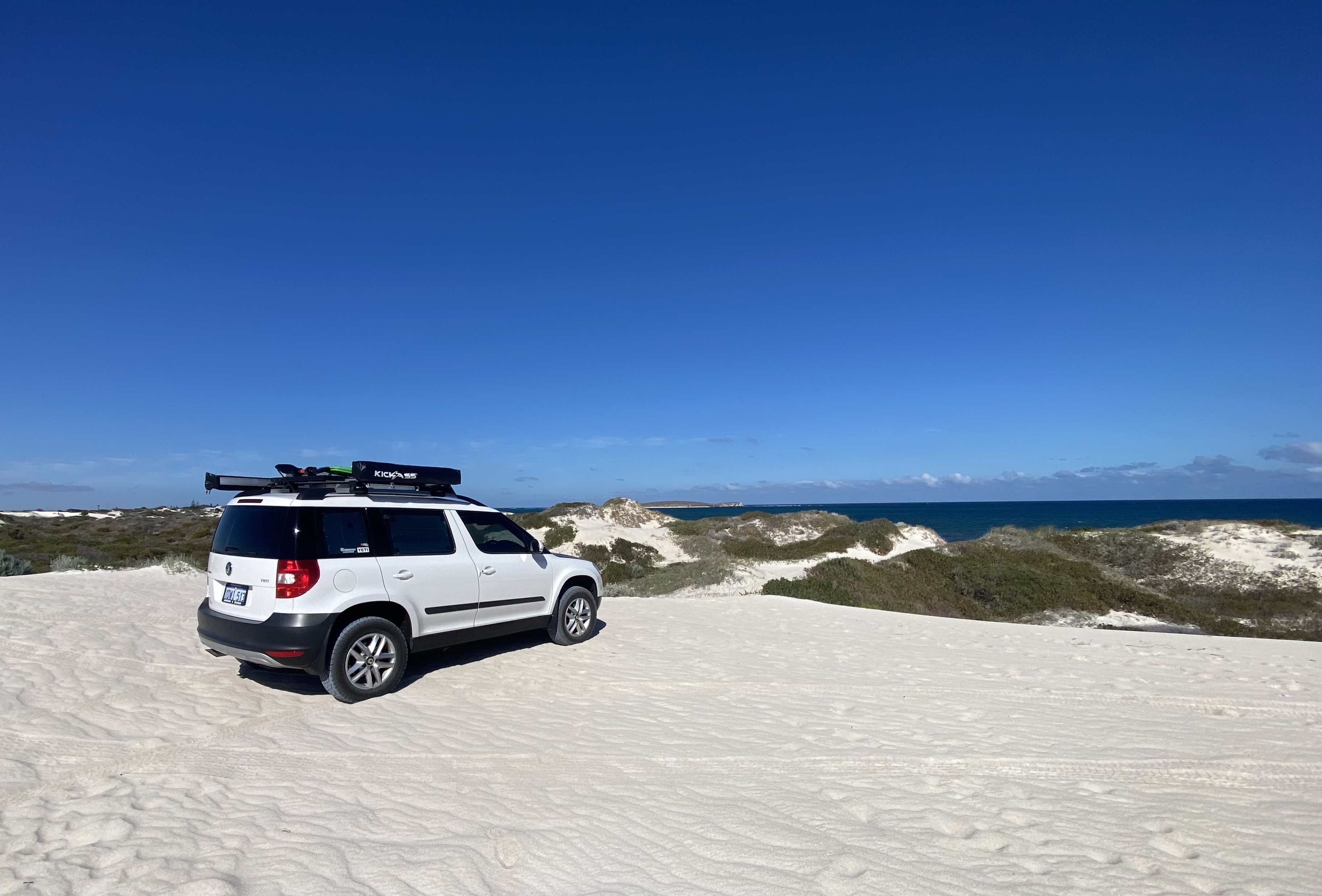
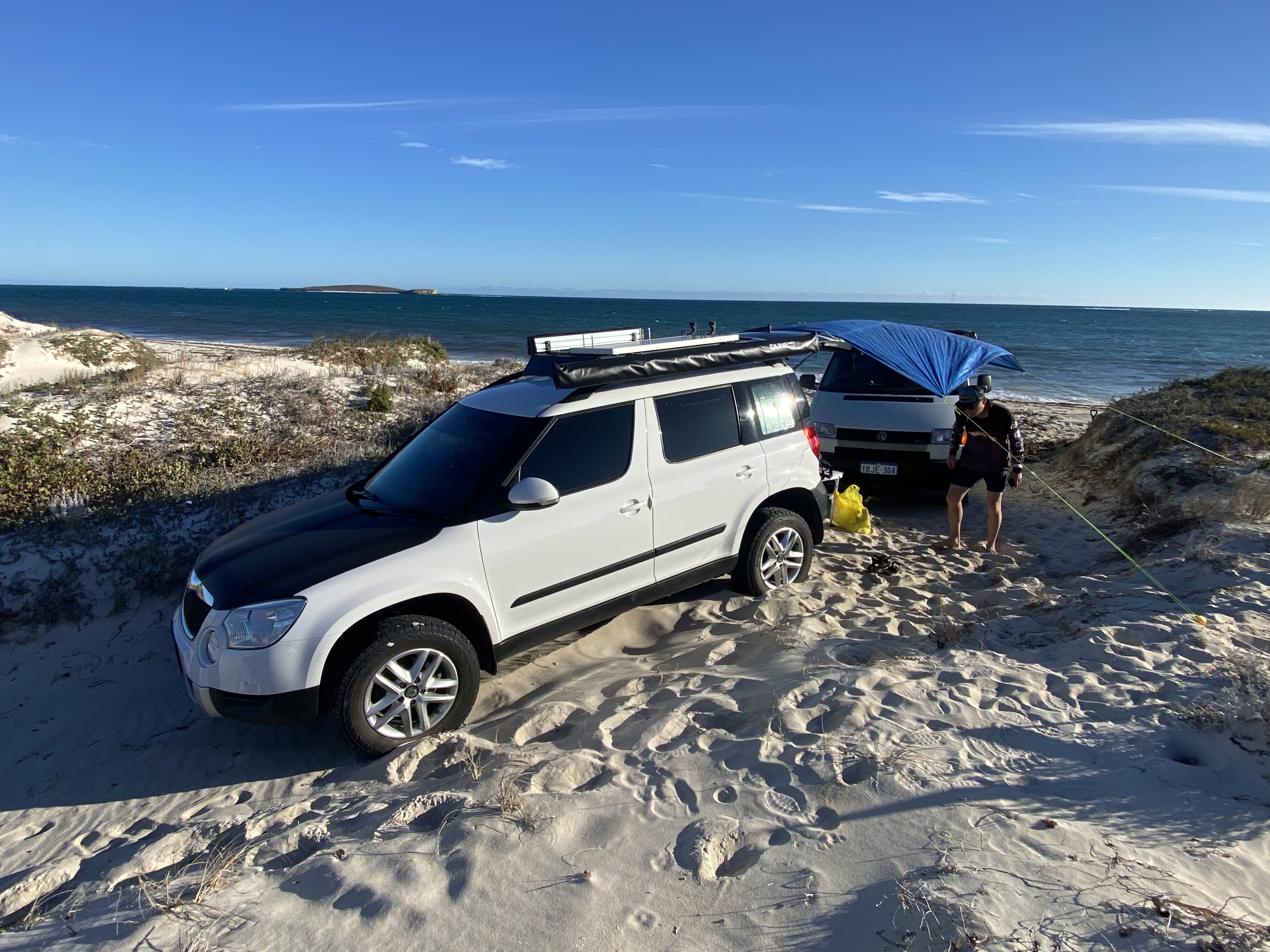
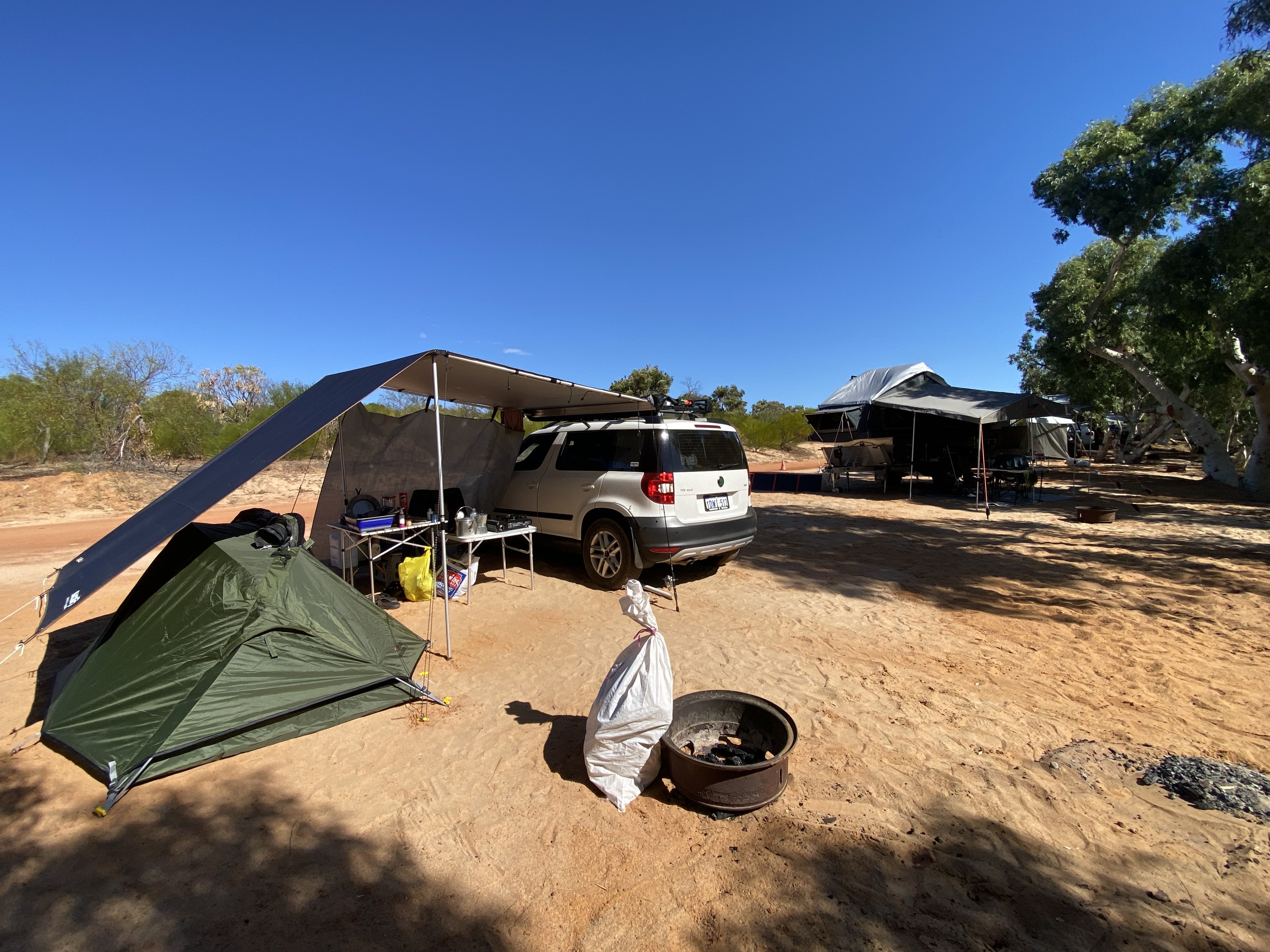
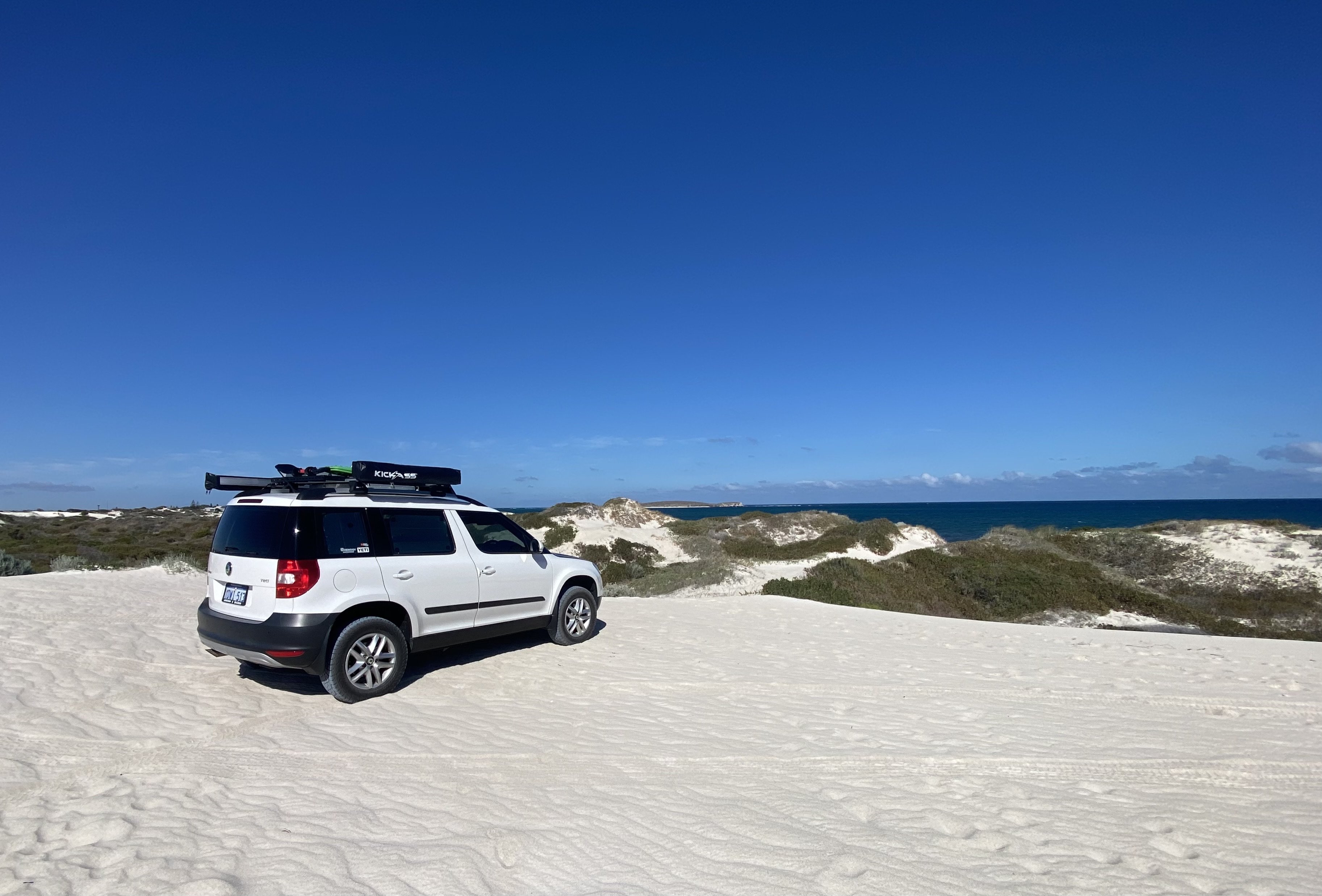
Hi Scott and Alana Just wanna let you know that I have been following your videos on the Yeti after watching what Darkside has done to theirs. I can’t seem to find many articles or videos outside yours and Darkside that has done mods to the Yeti. Looks like we might be the minority. Quick Intro - I’m from Perth in Western Australia. I have owned the Yeti since 2017 and have slowly added several accessories and mods to it over the years. I’ve used it as a daily and for my camping and fishing trips. It’s got - DIY roof rack carrying recovery tracks, 100w solar panel, side awning, shower awning, camp table and just recently, a uhf antenna Removed driver side passenger seat and mounted a 30litre fridge 30mm lift kit 16” Tiguan ET33 wheels with 215 65 Kuhmo AT52s. I recently tested the bigger tyres and lift kit in the sand dunes in Lancelin and it didn’t get bogged this time, finally! Being able to reduce tyre pressures to 15psi without worrying that the rims are going to touch the ground is a game changer. Happy to share more photos and ideas’
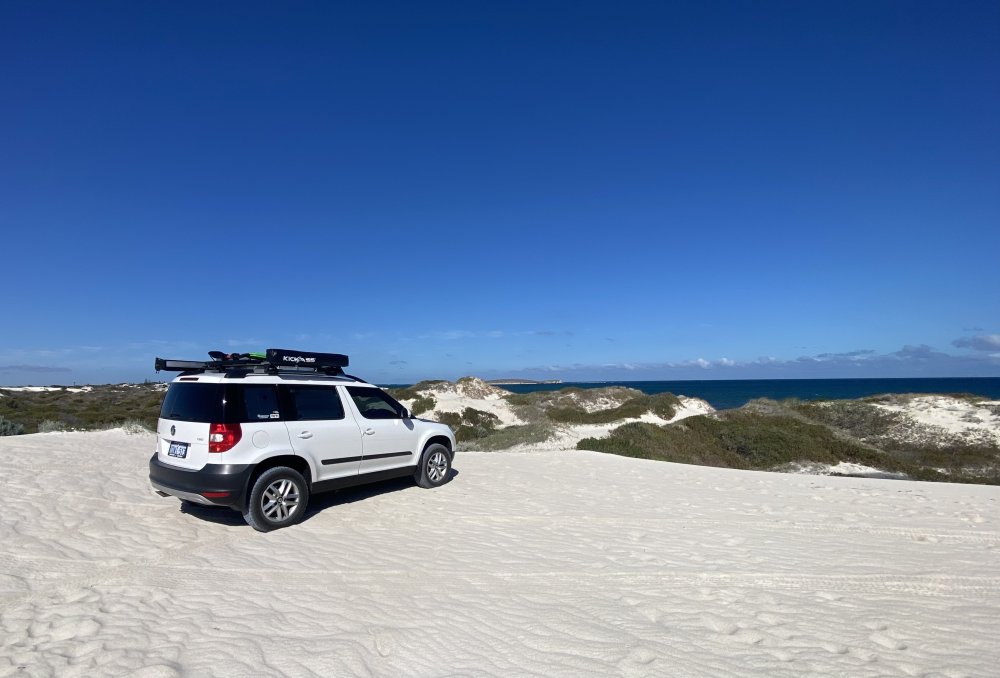 Hi Fellow Yetians. Thanks for accepting me to the forum. Ive owned the Yeti since 2017. Added a few accessories to it over the years with DIY roof rack holding my solar panel, recovery tracks, side awning and shower awning. And also removed one rear passenger seat for a fridge. Was recently inspired by Darkside video on the modded Yeti so I got some 16” Tiguan wheels with 215 65 tyres and a 30mm lift kit. Keen to learn more from others here and your adventures with the Yeti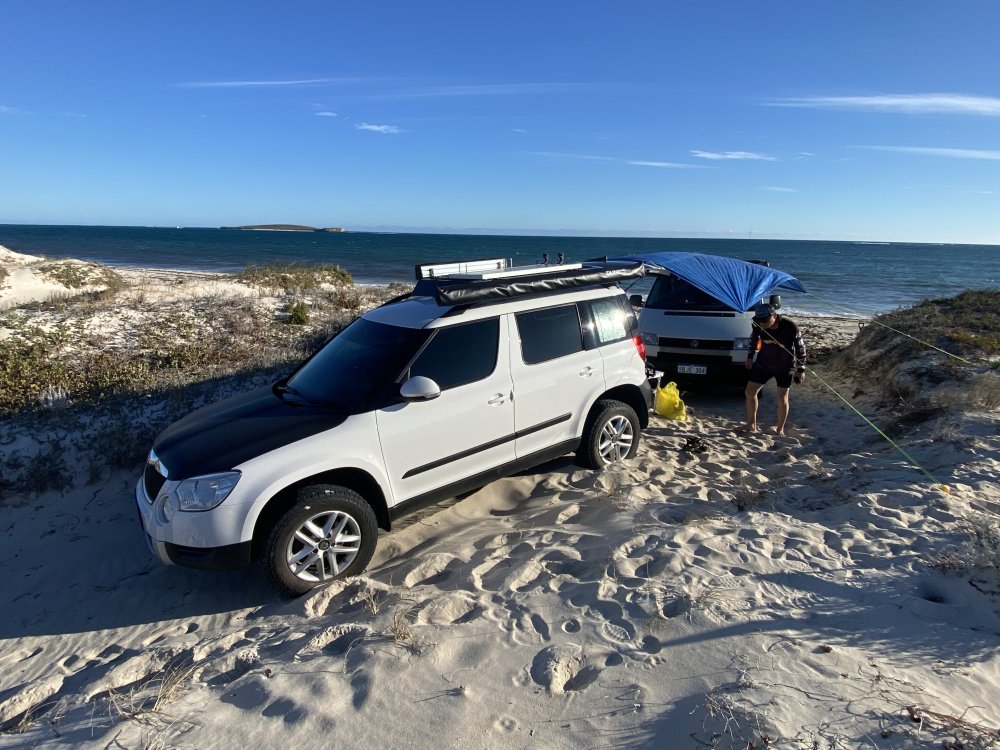


Important Information
Welcome to BRISKODA. Please note the following important links Terms of Use. We have a comprehensive Privacy Policy. We have placed cookies on your device to help make this website better. You can adjust your cookie settings, otherwise we'll assume you're okay to continue.