Carlos191Z
Finding my way
-
Joined
-
Last visited
Everything posted by Carlos191Z
-
You should be able to reset the mecatronics by following a guide on Google. It's like a soft reset, the other option is to get a hard reset done via vagcom
-
Yes I suppose so!! It's had a triple oil change to flush and then the 504.01 and mahl filter for the main change. I'll change every 7k and just use it. Remarkably rust free Even the arches
-
I'm leaning towards micro switch also, as mine isnt working, the car relocks even if the boot has been opened, wiper doesn't work but boot opens, so, in your case I'd say it's a broken wire in the loom adjoining the lid to body
-
I was surprised when I saw it advertised, she had 200+ messages and switched off messenger, I added her as a Facebook friend and could reply to a historic post - was only way, and she was away to scrap it cos people mucking around
-
Yes indeed haha, I paid £1000 for it, but owning/driving now for a few weeks I realise it's flawless.
-
15 years and over 100k miles, I've changed one on that recently and swear it could have gone another. Bearings, belt condition, all very good. 10 years and 100k is a sensible I think
-
I'm leaning towards more a crank position sensor, or quite likely immobilizer fault. Most of the time immobilizer presents as a start and instantly stop the engine symptom
-
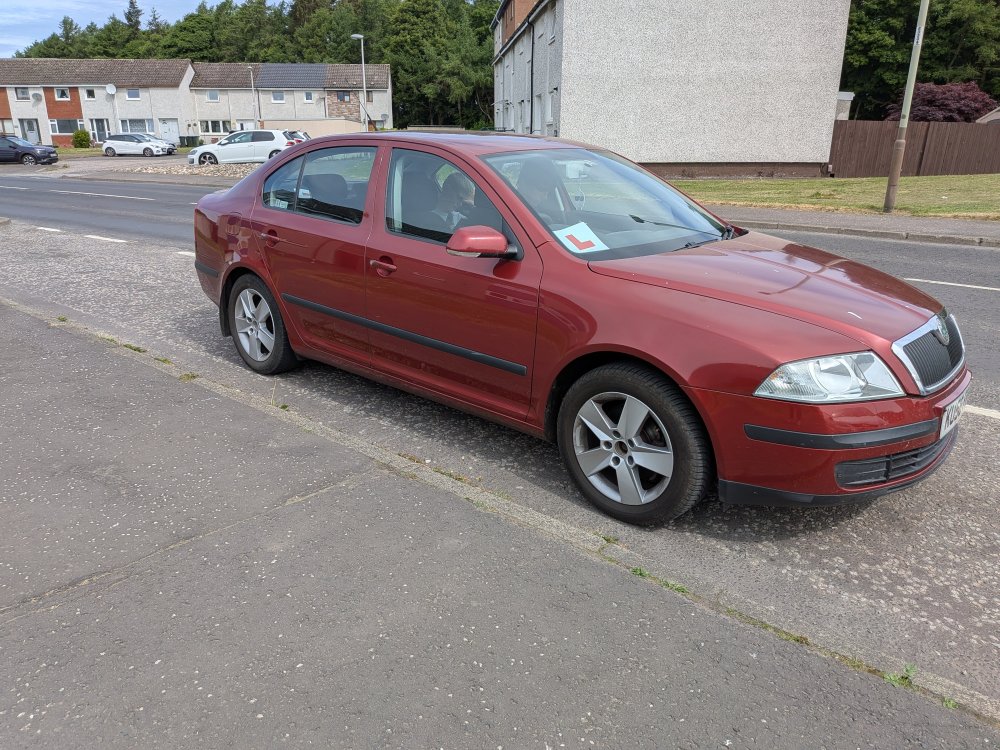
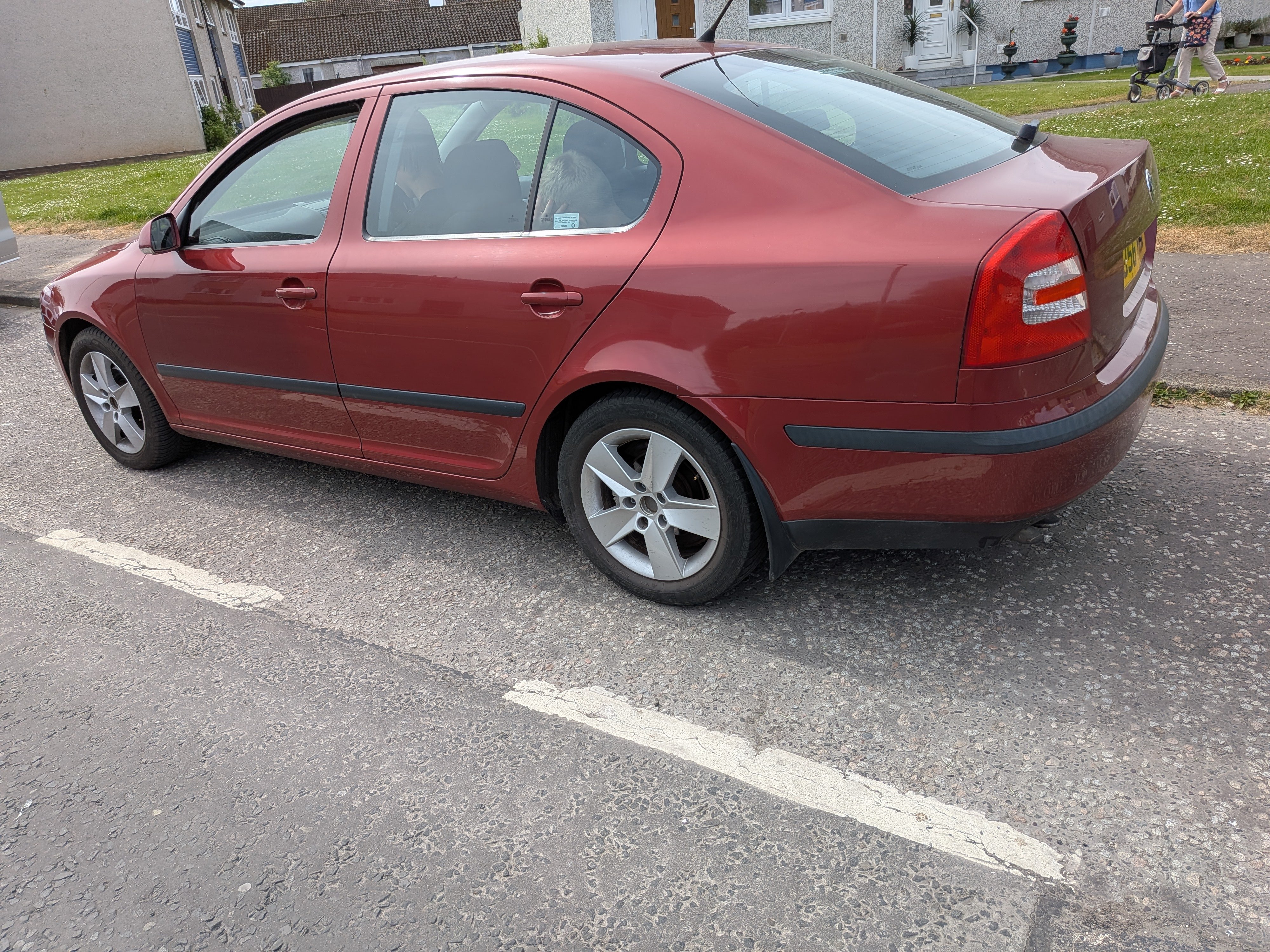
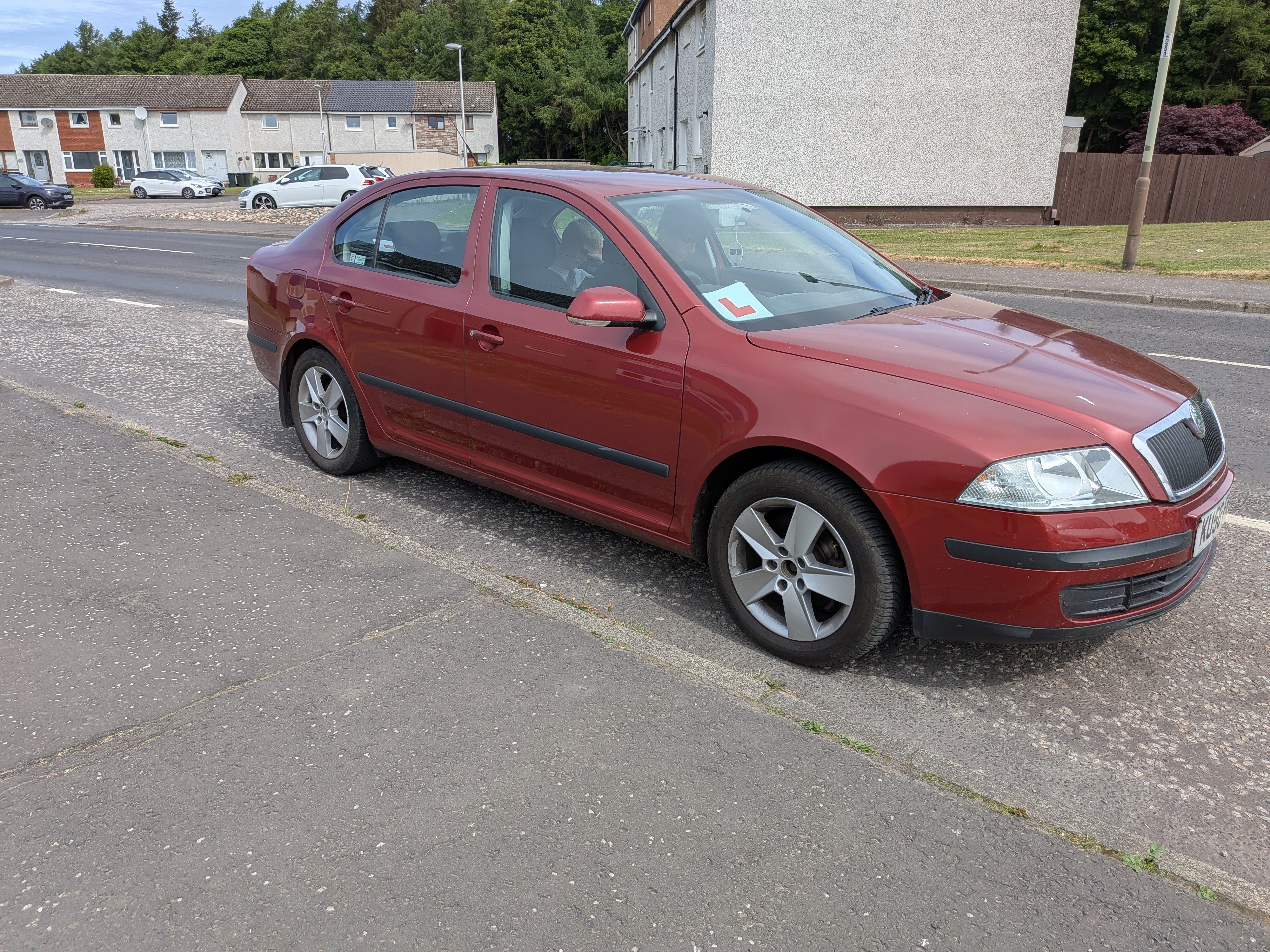
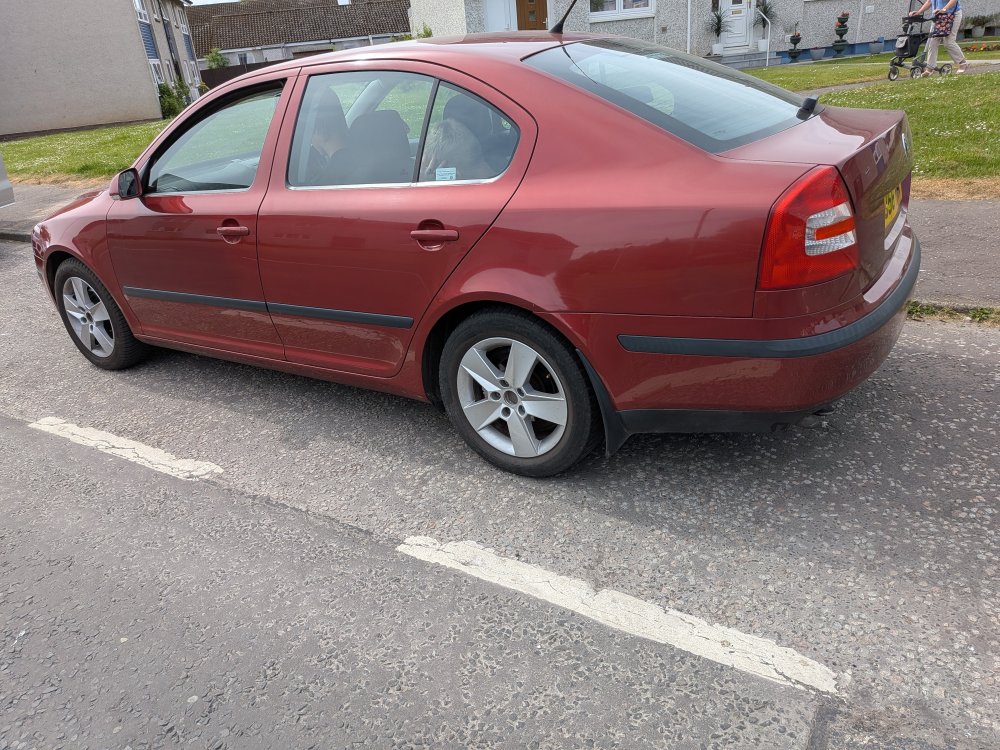
Hi everyone, Been a long long time, I'm back in an octy, and a belter at 72k miles and PD 105. Was a spare car for a mansion house and sat in a garage most of the time. Serviced every year with MOT, and clutch/fly with timing belt done just last year. I've remapped it, bringing the torque curve to peak at 2k and she is pushing 260lbs and 155bhp. EGR off and 4.2k limiter.