Omilron
New here
-
Joined
-
Last visited
-
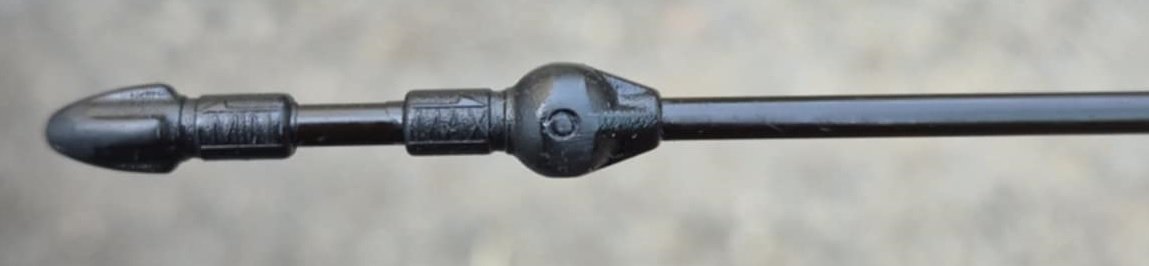
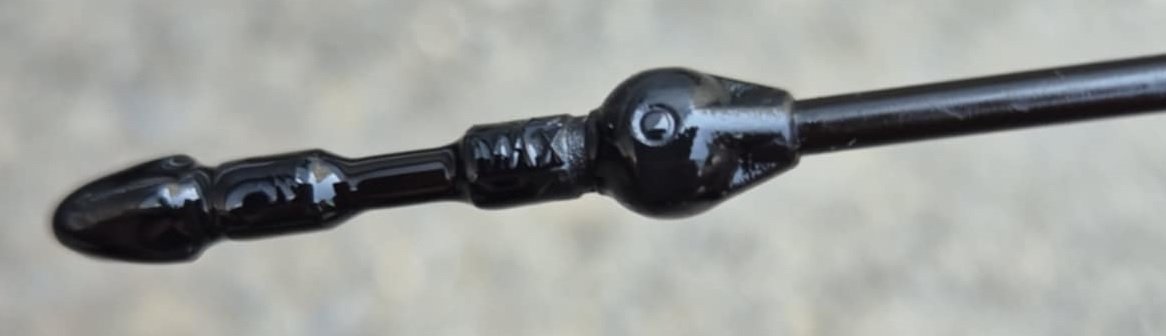
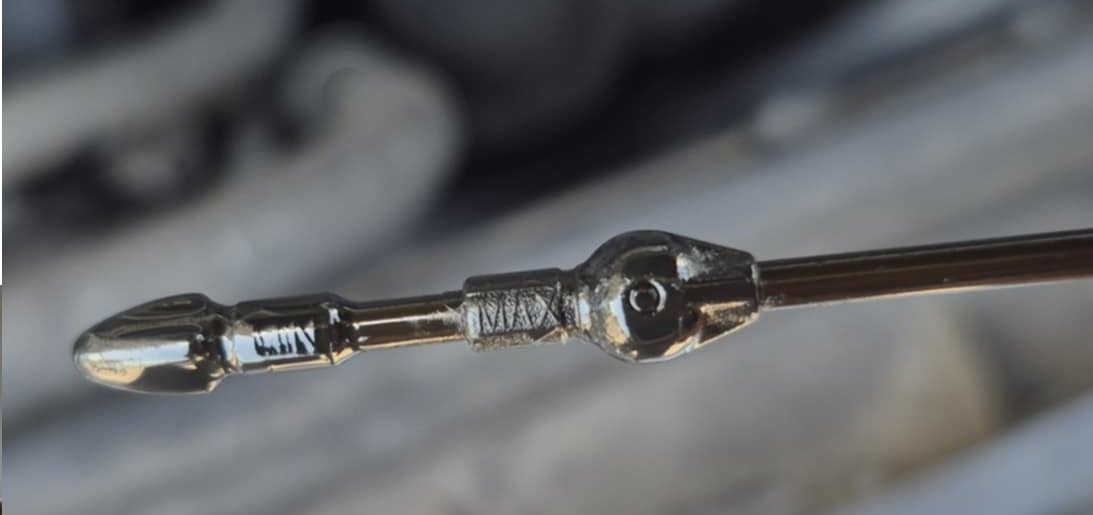
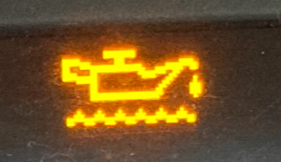
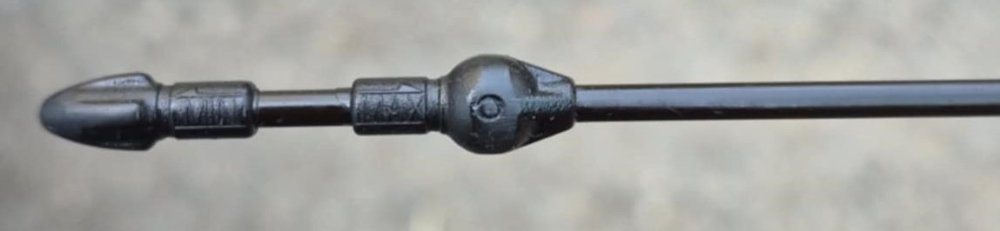
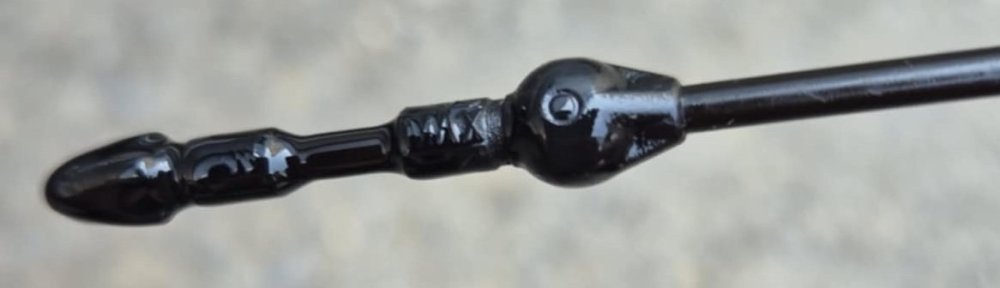
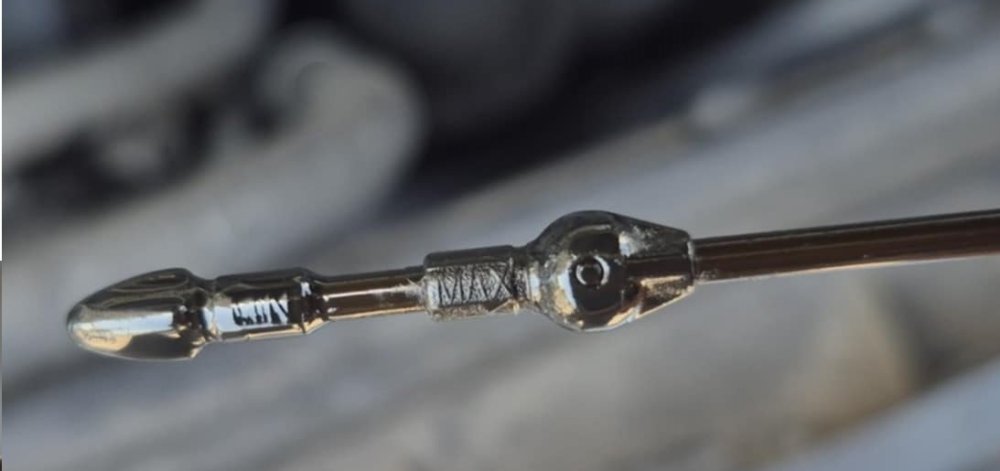
Hi guys, I bought a Skoda Octavia Mk2 2007 BKD a month ago. I serviced it at a local mechanic (changed oil, filters, coolant etc.). A week ago I decided to check the oil level on the dipstick and it was like 4-5mm above maximum (hot and cold engine check). After checking with the mechanic and what was left in the 5L oil bottle he have put 4.3L in the engine. However the BKD should fill at 3.8 correct? So we drained around 0.400L until the oil is just below the maximum. Today while driving my kid to school I got the "Check oil level warning": Stopped and checked the oil it was the same as once we drained it. I waited for the engine to cool down for an hour and this was the reading on the dipstick: Picked my kid from school got the car to 90 degrees and checked again (this is the same as after we drained a bit - near where the MAX starts): On my second trip the warning was gone so I suspect I reset it when opening the bonnet for the first check. My concern is that I have a somewhat long drive ahead of me, so should I be worried? I do have extra oil if it needs to be added. And here is a clean dipstick on which I noticed there is an arrow pointing at the X - is this where the oil is supposed to be? Thanks all for your time :) Cheers!
-
Ah yeah of course - detachable tow bar :) I have the locking wheel nut but its in the glove box. Would be nice if I make the set complete :)
-
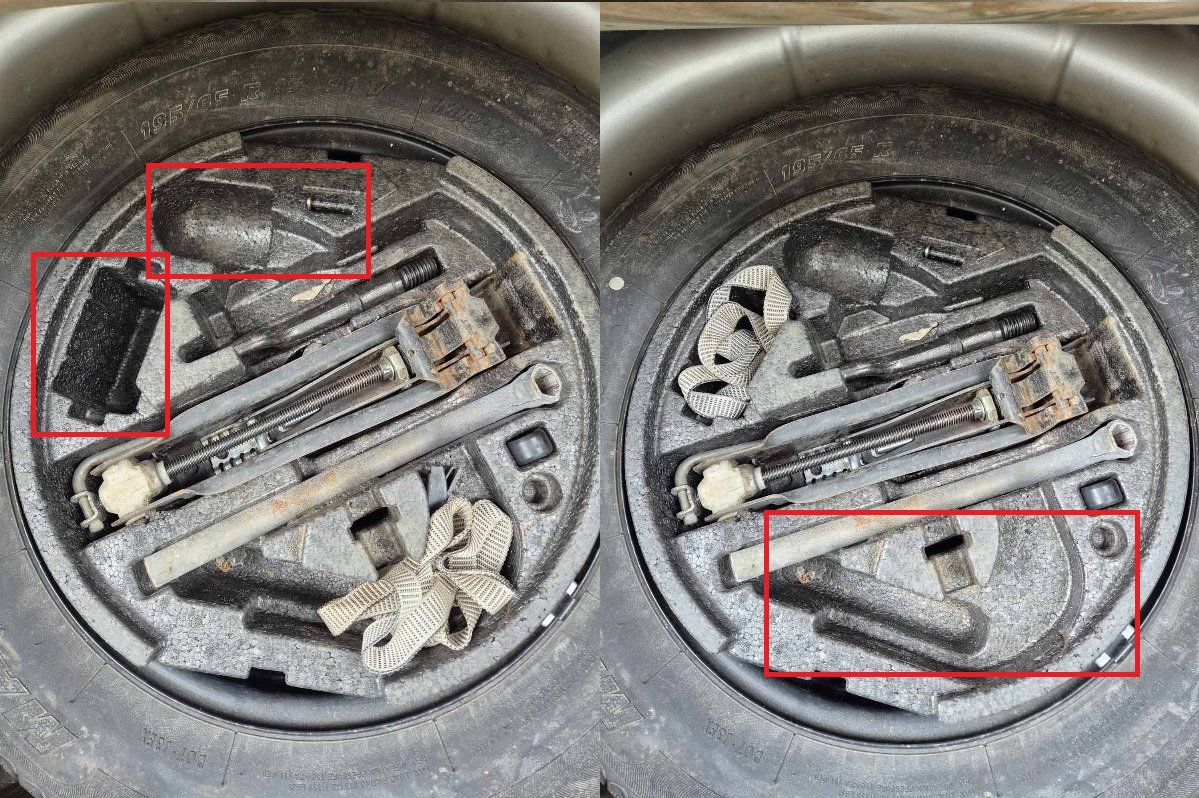
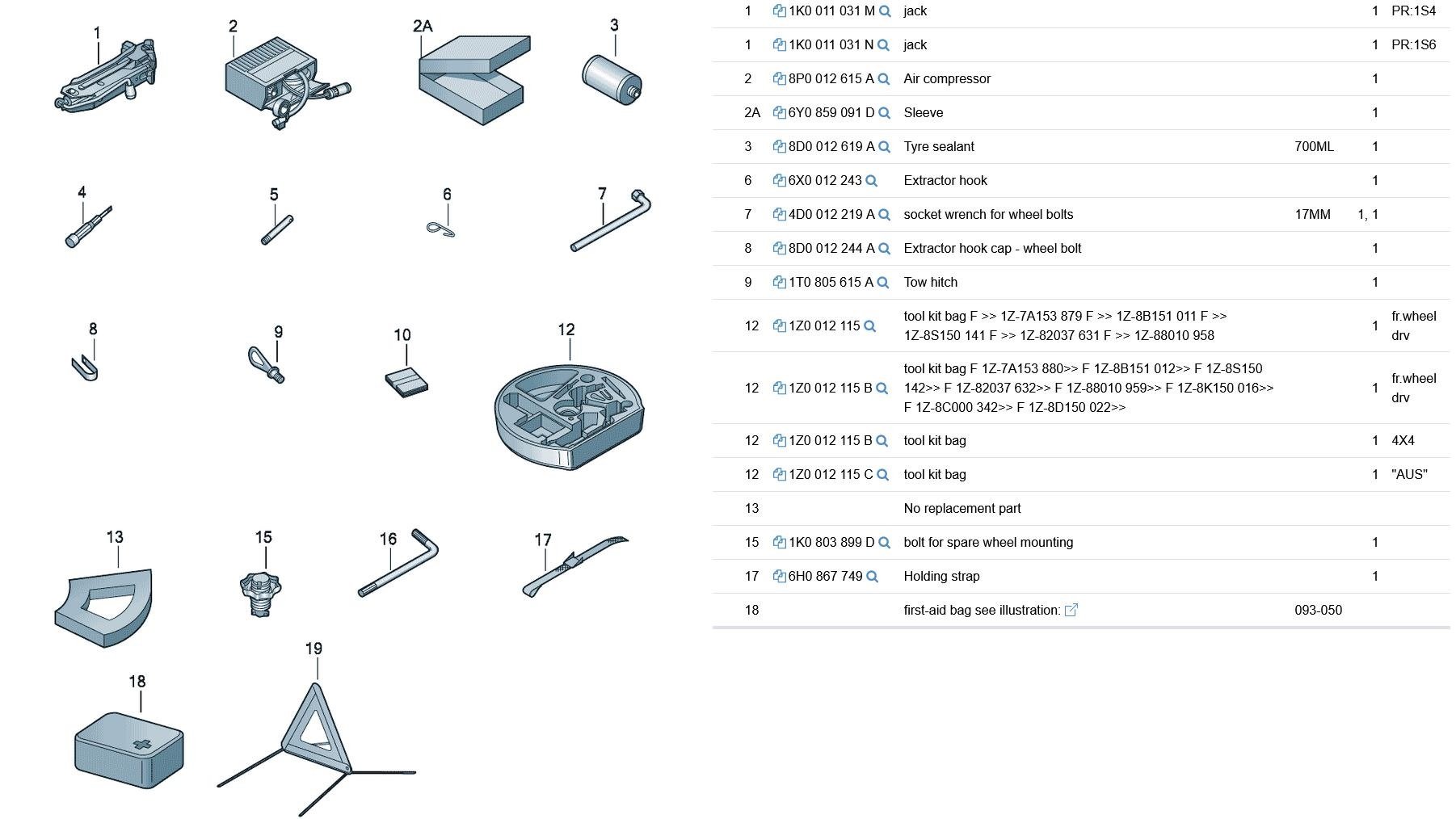
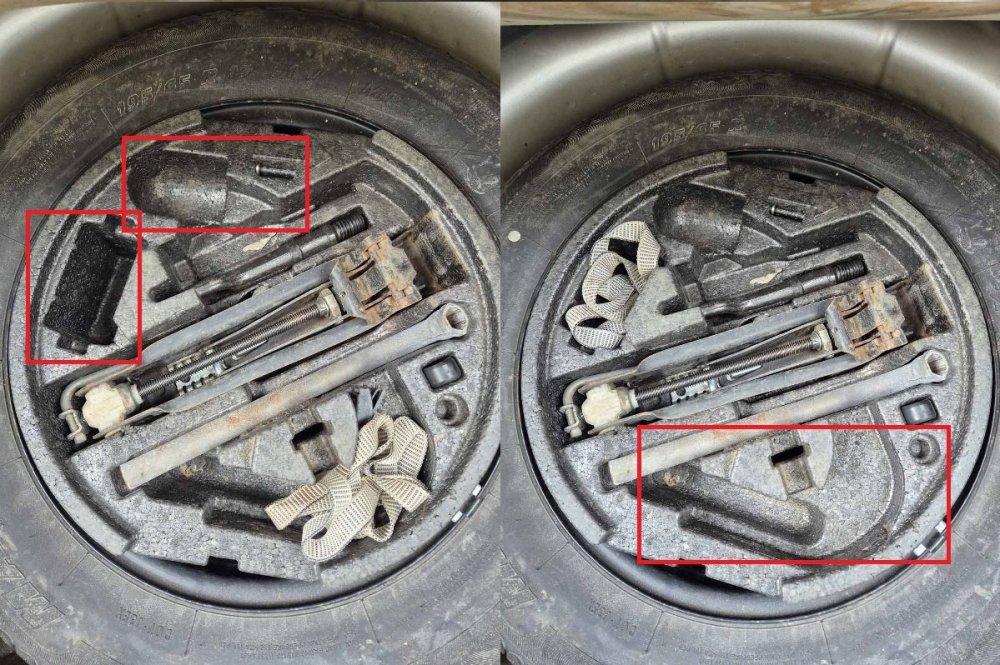
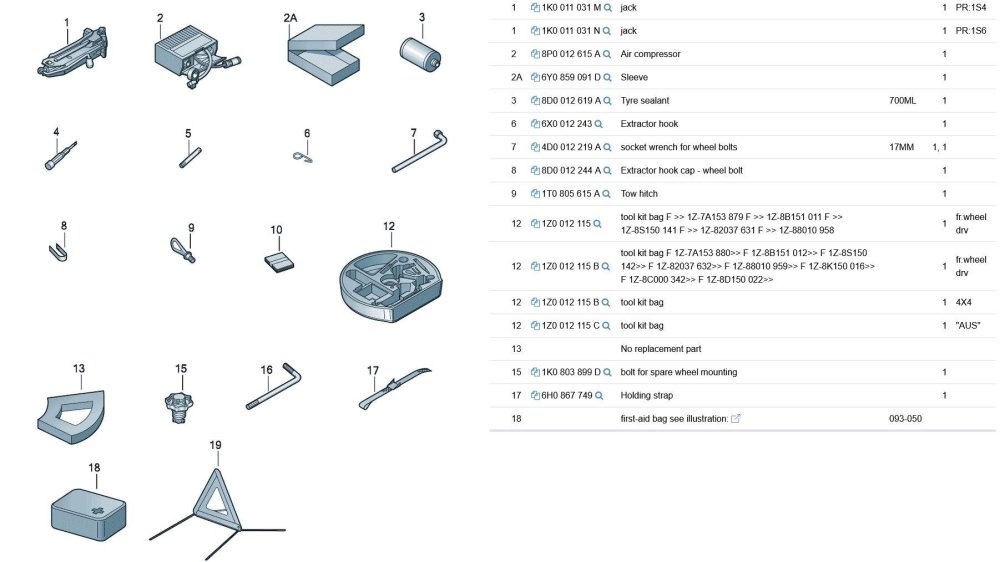
Hey guys, What tools do you have in your tool kit bag positioned in the spare wheel? I`m wondering about the compartments marked in red: I personally have: Extractor hook Extractor hook cap - wheel bolt Socket wrench for wheel bolts Tow hitch Jack Holding strap I guess you can put headlight bulbs, air compressor etc. so just curious what a full one would have looked like. Found also this but not sure they all fit in the tool kit: Cheers!
-
Hello from Bulgaria guys! I own a Skoda Octavia MK2 2007 year with a BKD engine and a KDN gearbox ;) Cheers!