gigikean
Finding my way
-
Joined
-
Last visited
Everything posted by gigikean
-
After these days i observed that the error appears random and dissapear random without to do something.
-
-
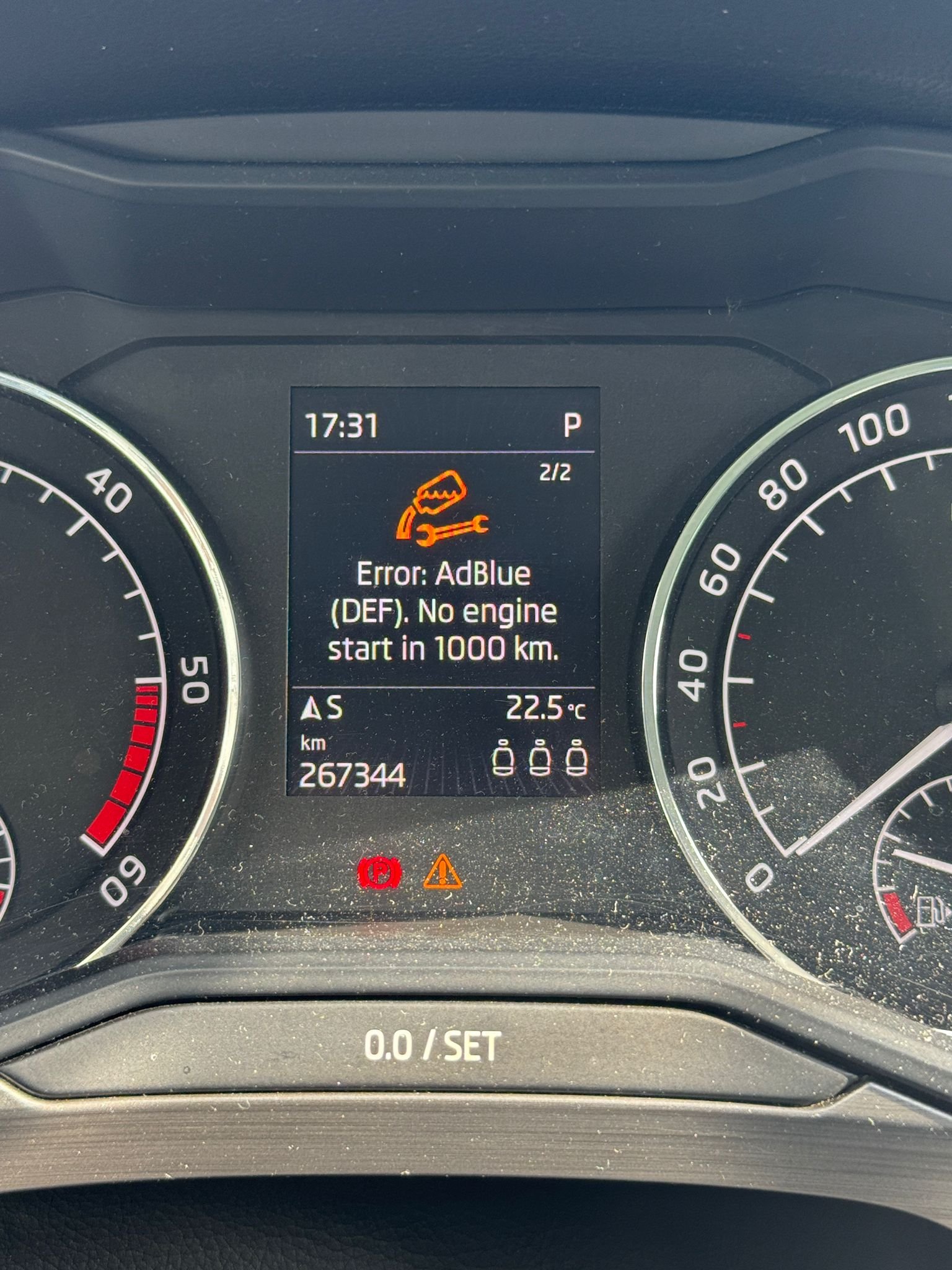
Today when error appeared the check engine did not appeared
-
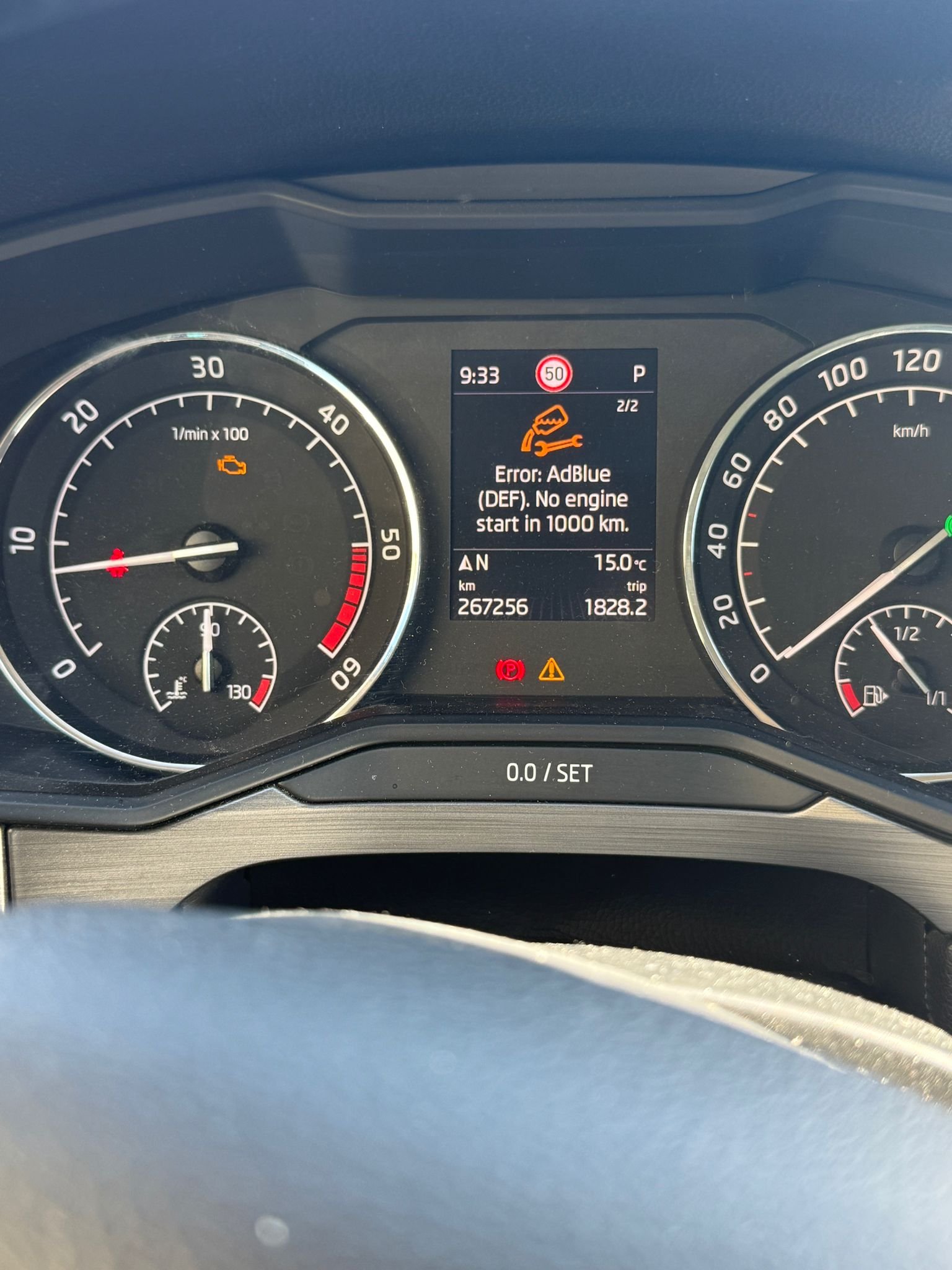
When the error is on the range shows 1000km. But normaly it is 13000 when full. Tomorrow I will refill to see if I can. I fill it until the pistol fired three times.
-
I refiled like 4-5 liters and after that it was full. Don t have obd. From yesterday till today i made 100km. Today when i arived home I parked the car and the error appeared
-
After i refiled it showed 13000km range, which is normal for my car.
-
Hello! I have a problem with my skoda superb 2016 2.0 diesel. Yesterday it appeared a new error with adblue ( adblue DEF. no engine start in 1000km). I refilled the adblue tank and drove for 20 minutes, after that it disappeared. Today it appeared again. First time when it apeared ( yesterday ) it came with the check engine light. Today when it appeared the check engine did not appeared. What should I do now? First things to do? It s the first time when I have a problem with adblue.
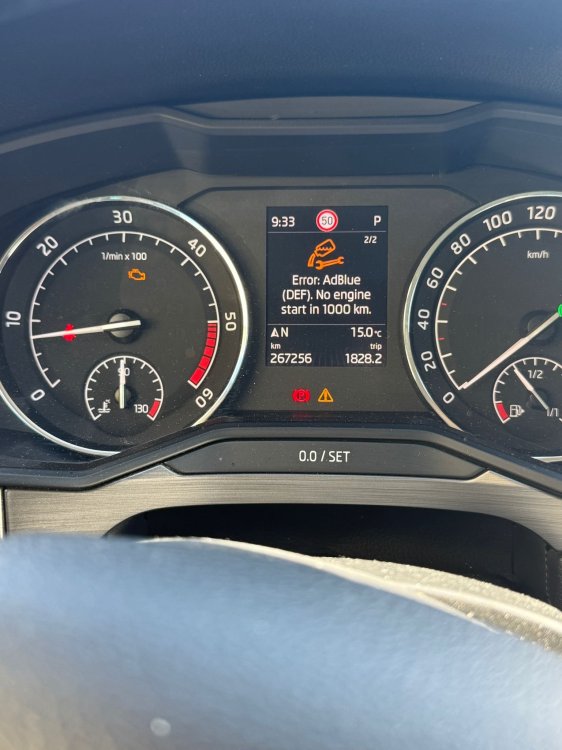
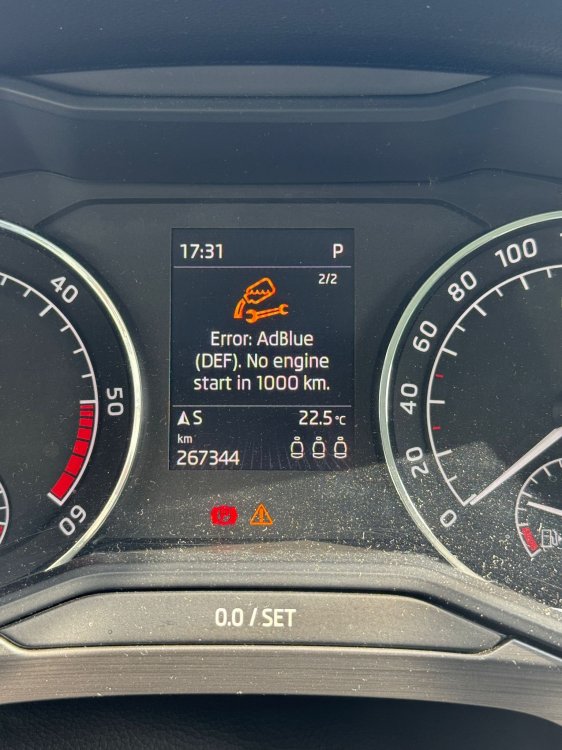
-
-
-
Thx
-
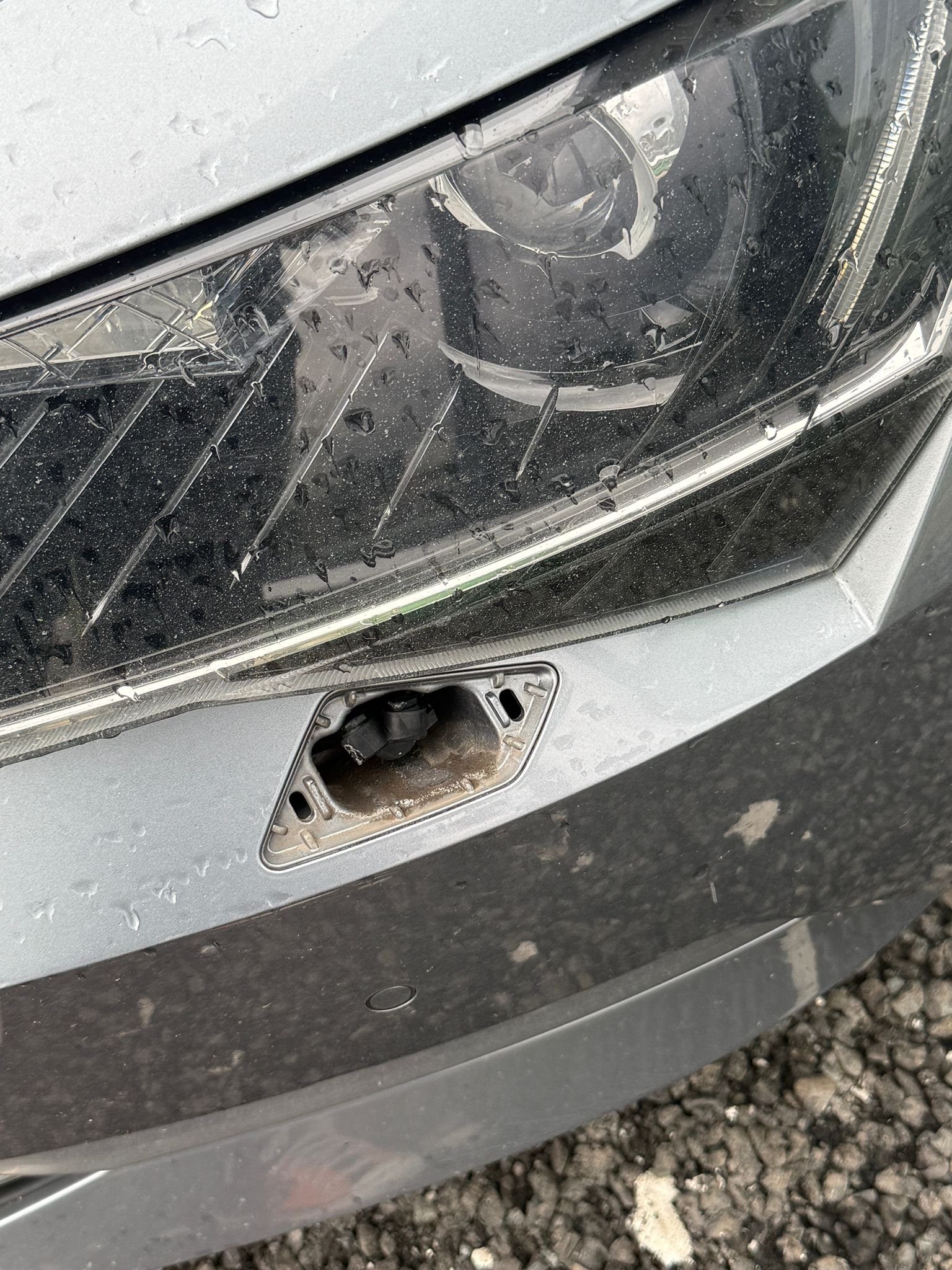
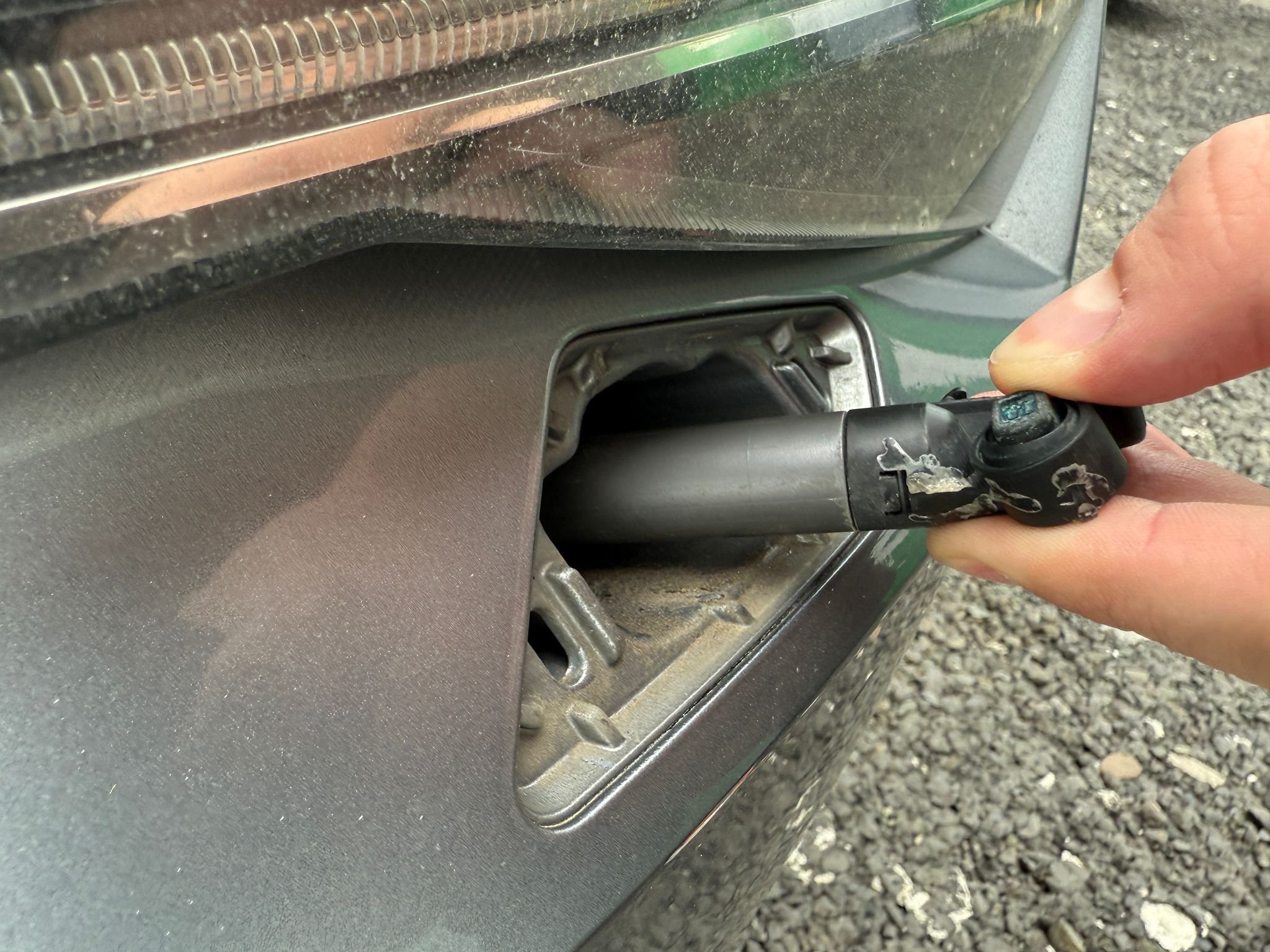
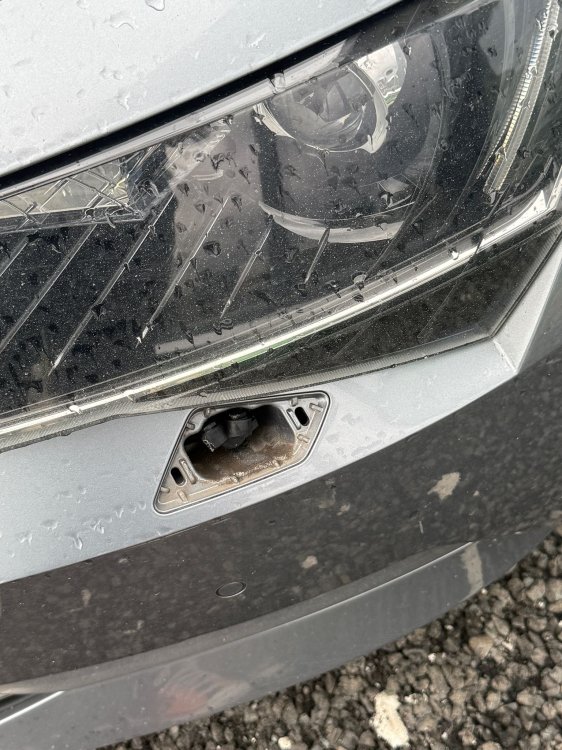
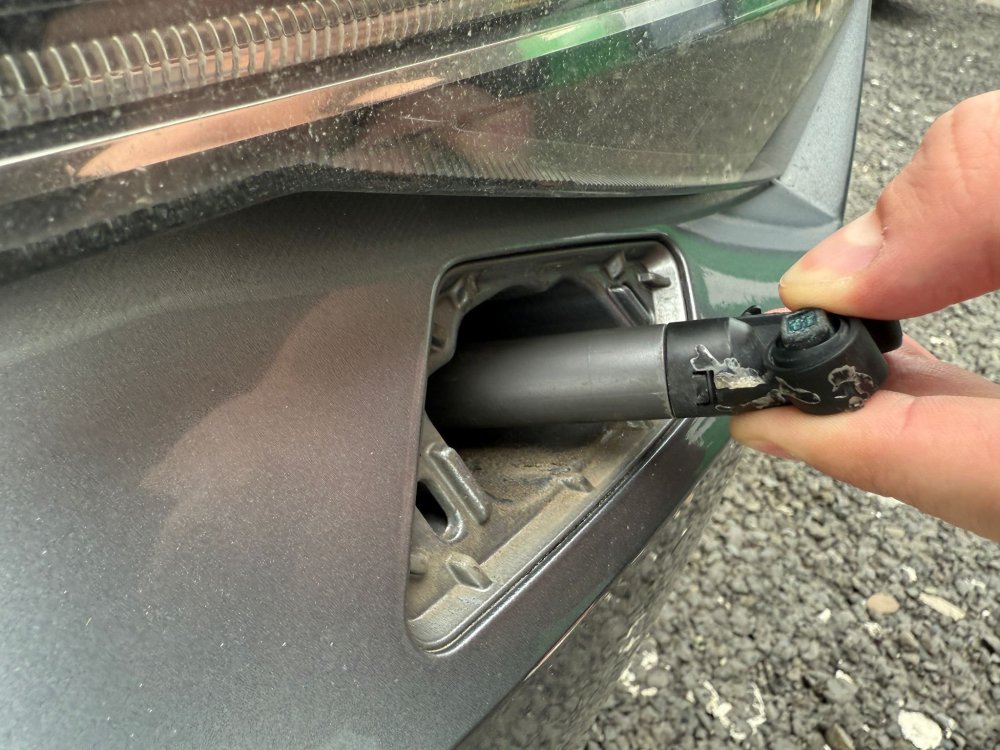
Hello! I have a skoda superb 3 and recently I found a problem. In the morning I found that my headlight washer cover is missing ( I think some one stole it :D ) . The headlight washer ( the cover and the fixing component ) need to be replaced. To do this do I need to uninstall the front bumper and headlight? or there is another way from underneath. I will post a picture with the broken headlight washer. Any advice?
-