barakda
New here
-
Joined
-
Last visited
-
-
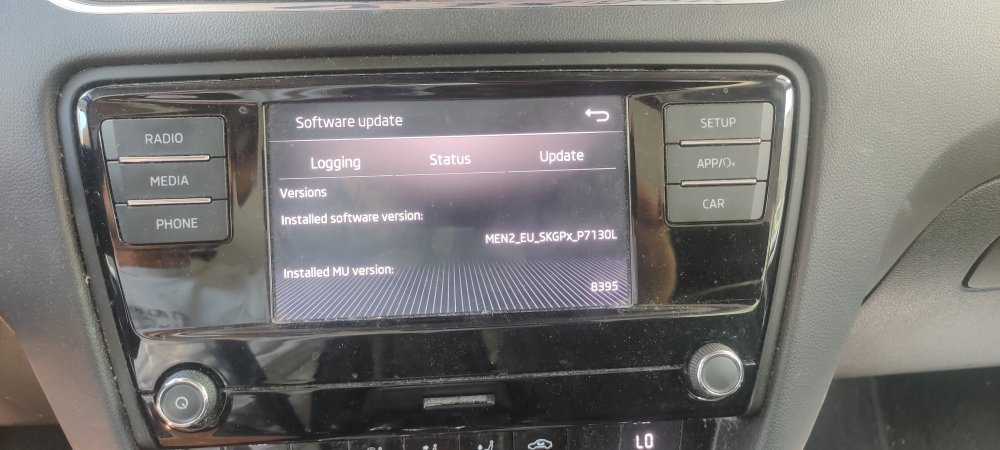
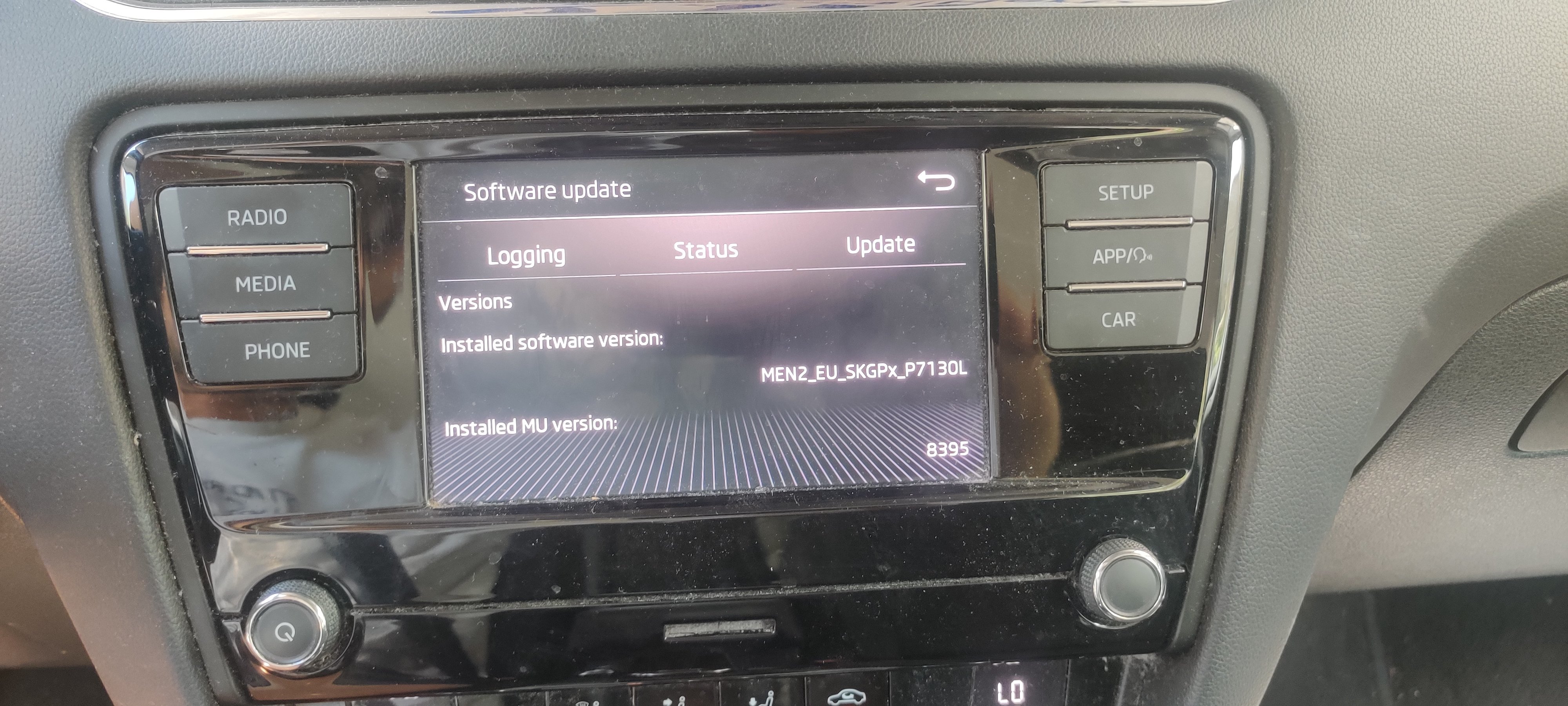
Hi everyone, I wanted to share some details about my infotainment unit and ask for your insights. I'm a software developer and currently exploring how to enable MirrorLink on my Škoda system – but I’ve hit a roadblock: it seems I need access to the green engineering menu first. 📟 My Unit Info: Version: MEN2_EU_SKGPx_P7130L MU version:8395 Menu Access: I currently have access to the Engineering Testmode (accessible through hidden menus). 💻 My Goal: I’m hoping to unlock or activate MirrorLink so I can test and use smartphone integration features more freely. From what I’ve read, enabling MirrorLink ❓My Question: Is there a way to enable: The green engineering menu The MirrorLink feature WITHOUT using OBDeleven, VCDS, or VCP? Thanks in advance,