paulcz
New here
-
Joined
-
Last visited
-
-
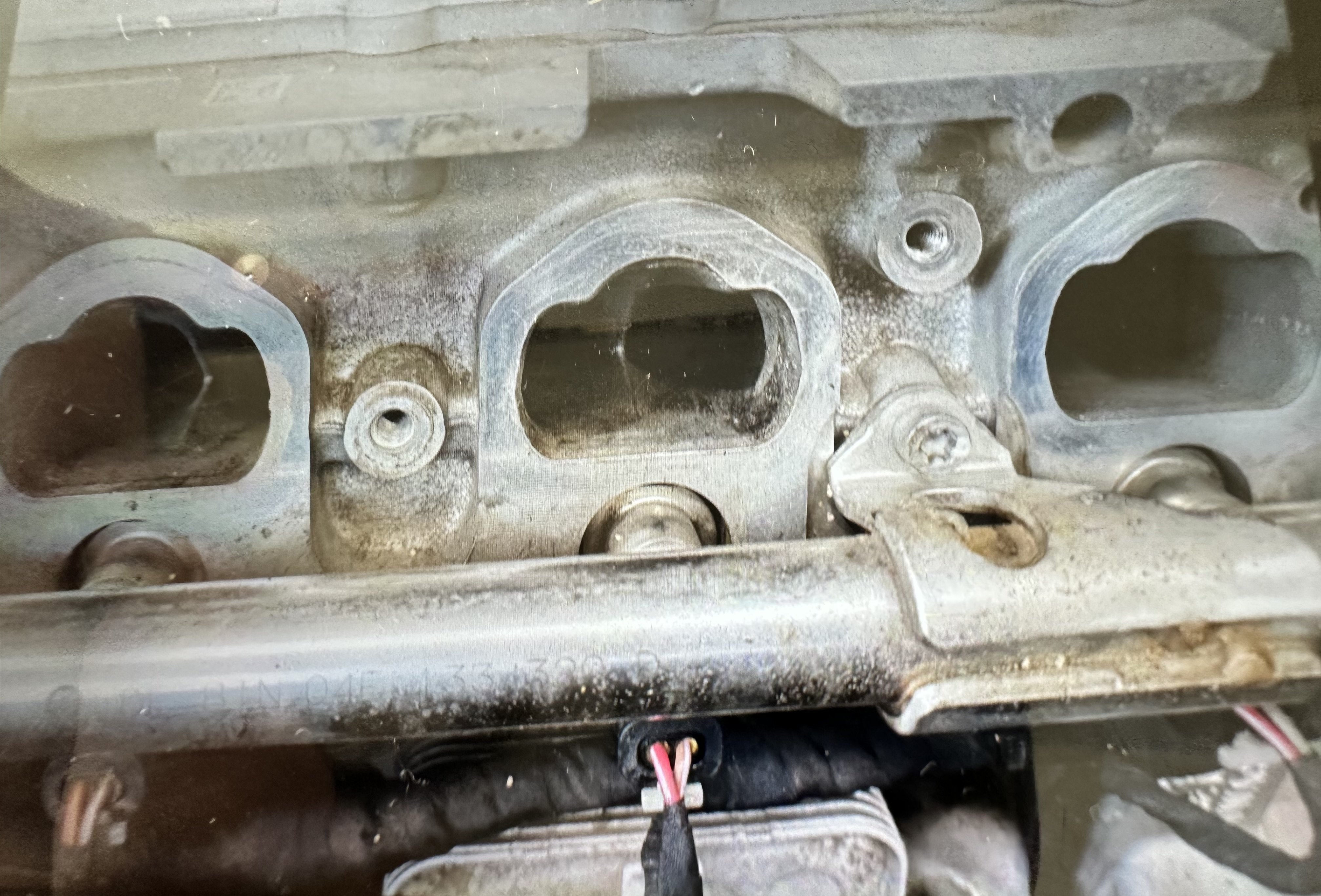
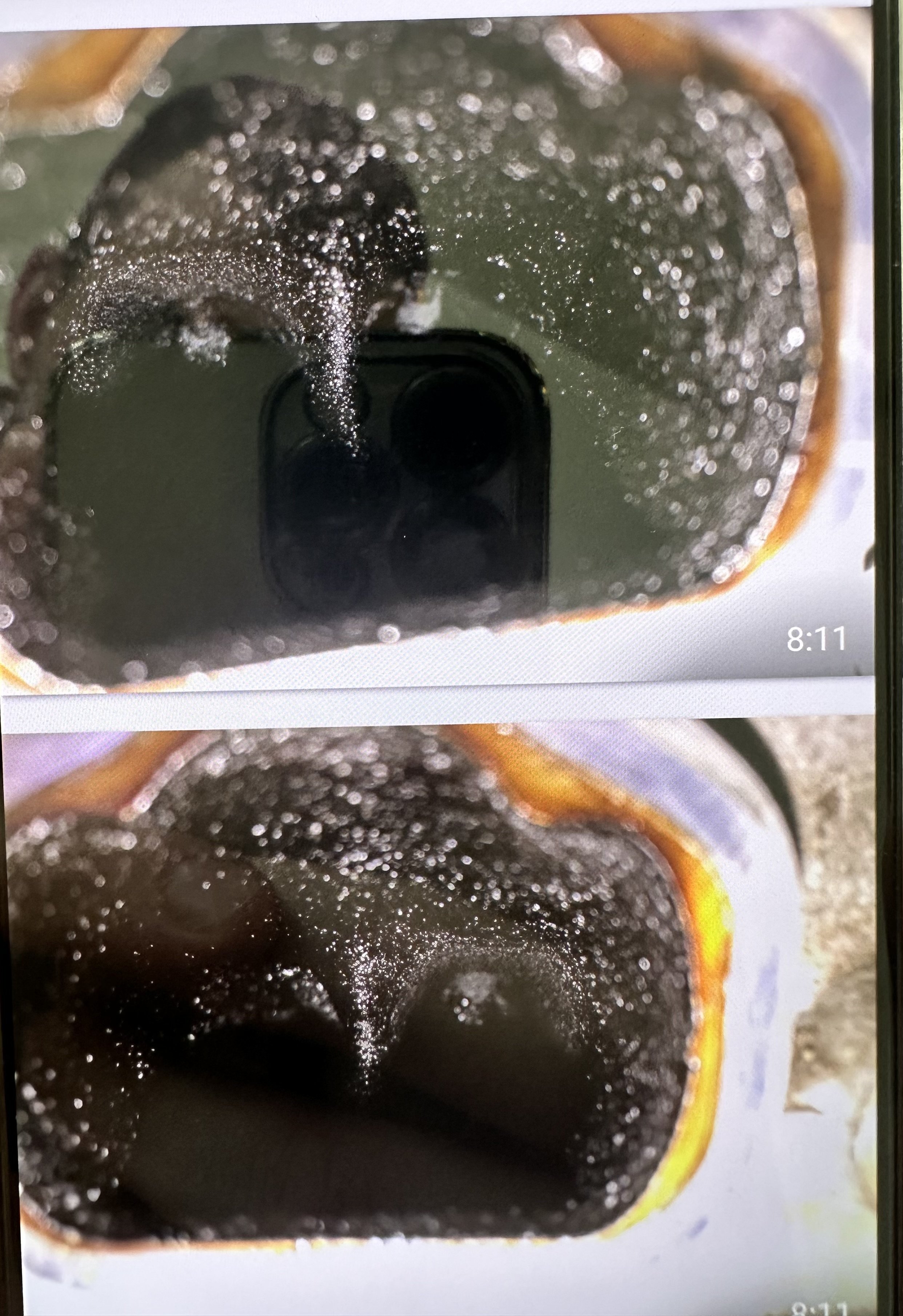
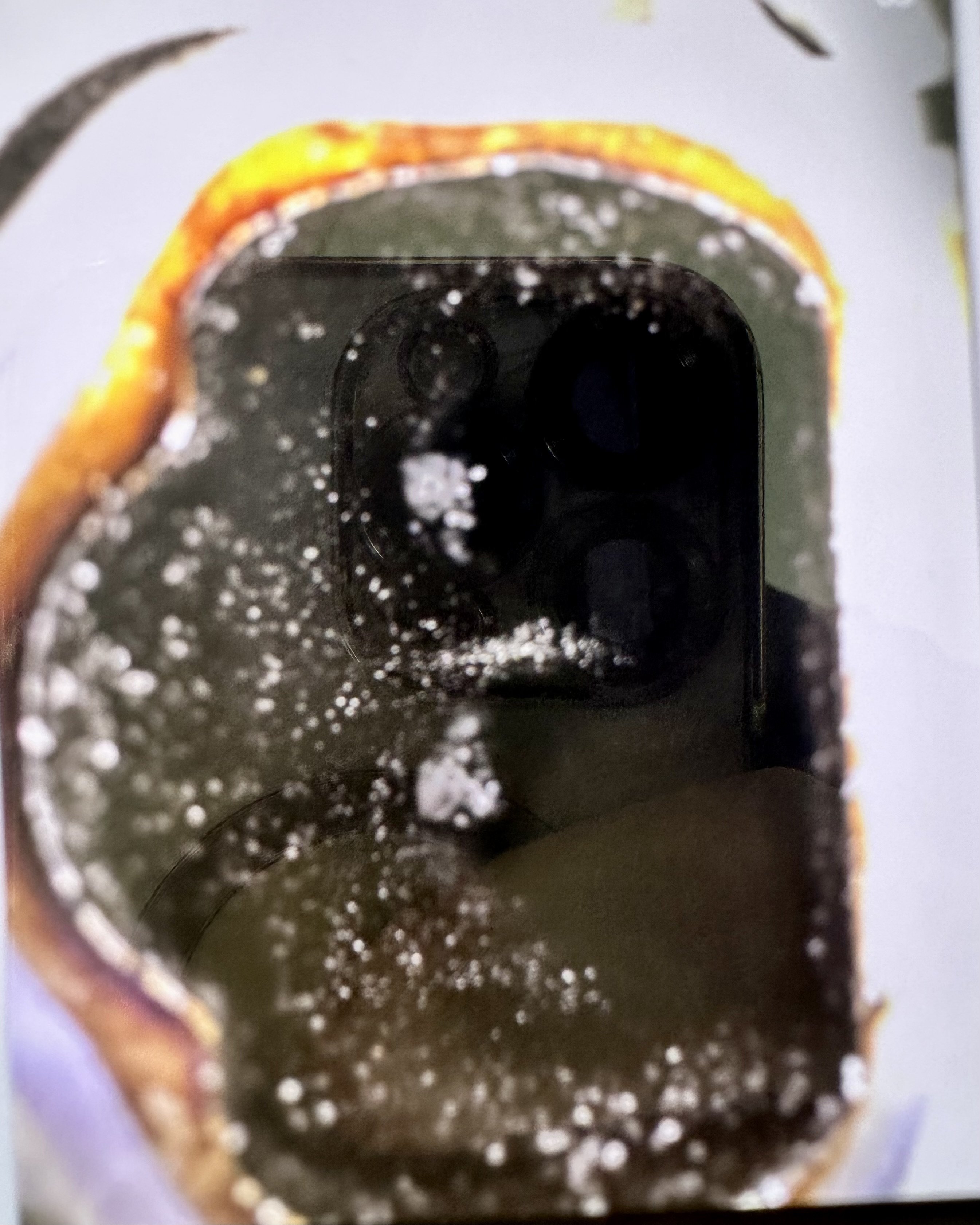
Hello, my car has almost 170 000km, I own it since brand new and this year I changed the coils and sparkplugs again (spark plugs every 40k and coils for the first time), also I had to do a new turbo because the wastegate on the turbo had too much play inside the turbo and the engine still stutters around 2000rpm 5th and 6th gear and after 5mins of idling the check engine starts flashing. The car was used for city driving for 6 years with six 4km trips every day and on weekeds longer trips 100+km. Regarding the service - oil changes every 8000km, 100 octane fuel, additives, spark plugs every 30-40k, all filters every 8000km, coolant, brake fluid, transmittion fluid every 50 000km, injector cleaning by the official skoda dealer, always the best quality parts like NGK, ATE, Sachs or OEM, start/stop turned OFF, car was only driven by me, proper heating up and cooling down and a lot.. I MEAN A LOT of hard driving, redlining on weekends to prevent the carbon buildup after the daily short trips ...atleast a bit. After some research the only solution should be the carbon cleaning process. I went to the official Skoda center and they checked the intake valves with camera... and... my god, the intake valves look like a 20y.o. 1.9tdi which was driven by my grandpa to church and back and run on vegetable oil. On wednesday (4.6.) the Skoda Service center will be doing wallnut blasting and they'll take some pictures of before and after.