garythewoo
New here
-
Joined
-
Last visited
Everything posted by garythewoo
-
Cheers Alasdair, this one is not originally from my car. I bought it because it can take 6 CDs. I did not connect the radio cable. I am not sure if that could be reason. Will try later.
-
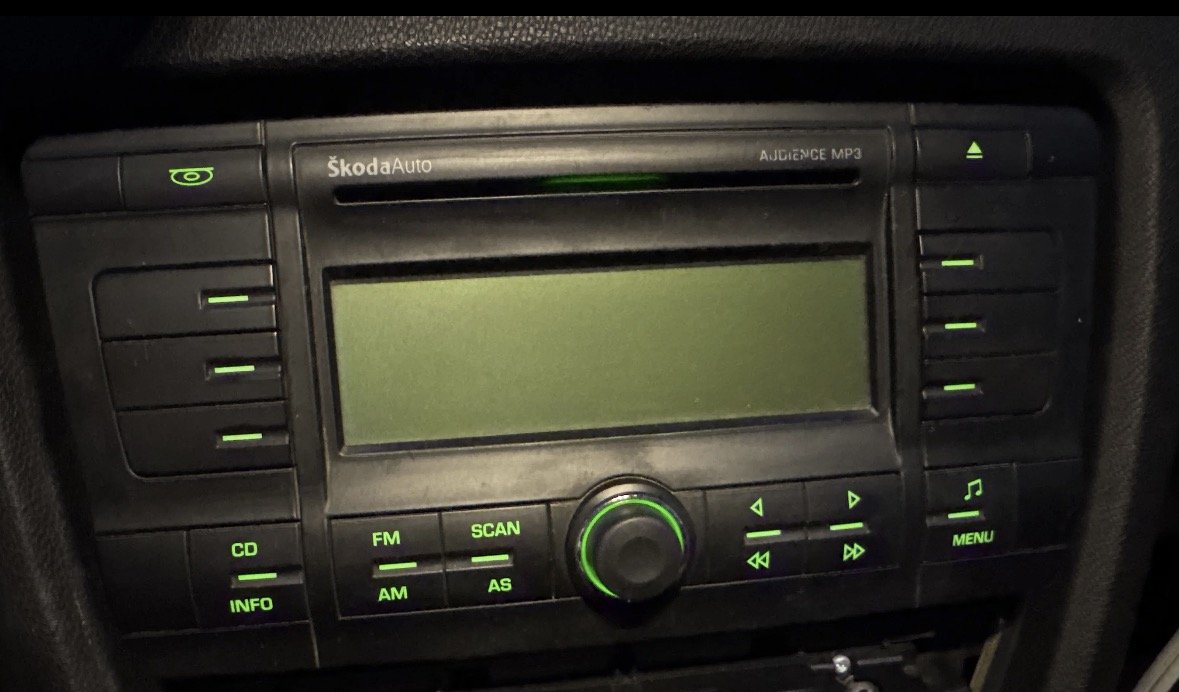
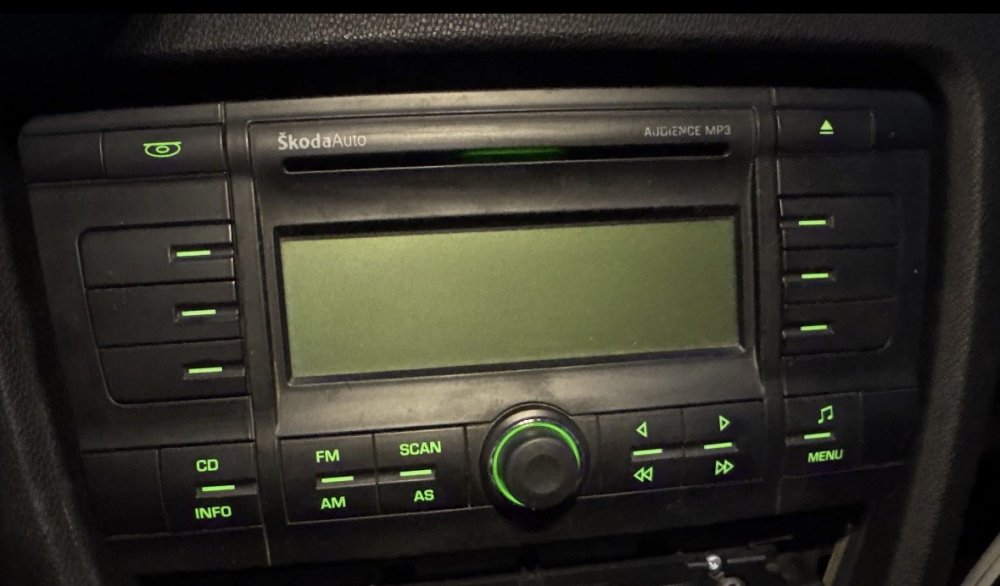
Hello, sorry for multiple threads. I have this CD player. I have the passcode but do not know what to press to confirm after inputting the numbers. Could you please help give advice? I basically tried to press all the buttons with single press or long press for 3-5 seconds. Many suggested long-pressing fast forward, I tried too. Nothing worked. Thanks 1Z/51
-
Hello. I need to upgrade my parking sensor module. I learnt it is located on the left rear wheel arch. Would you be kindly sharing the service graphics of that part if possible? Many thanks Best 1Z/51
-
Can someone please share the parts number for Octavia MK2 1Z Combi Boot Luggage Cover? The one that can retract itself by pressing down the handle area. I am not sure if the cover from other Skoda models can be interchangeable with MK2 Combi? Please kindly let me know Thanks Gary
-
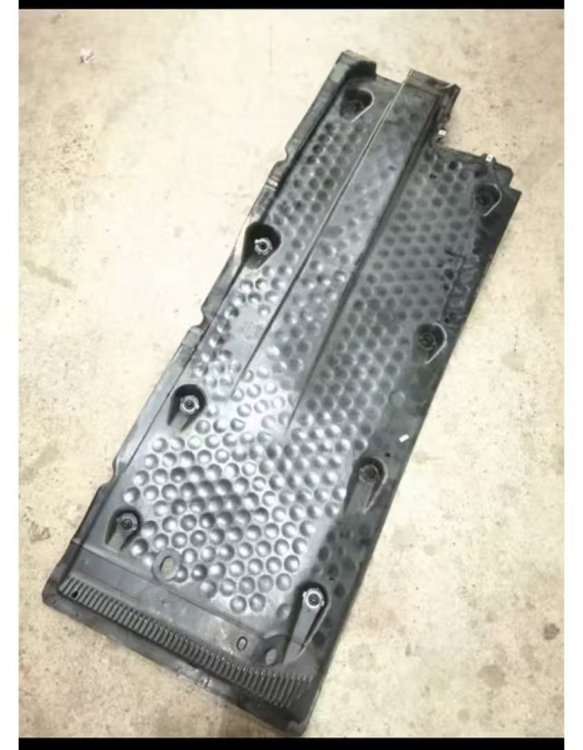
Hi, I live in China, and I have a MK2 Combi. This is one of the rarest models available in this country. So some spare parts are hard to find, especially things from back doors to the boot. I found recently my chassis cover plate has been torn. I wonder if the covers on MK2 Hatchback can be used for Combi? The image is the cover for hatchback. Thanks.