Piperbev
Finding my way
-
Joined
-
Last visited
Everything posted by Piperbev
-
Thank you everyone for your helpful advice. Pete managed to get the complete spec for me and I was able to get the right version.
-
Hi Breezy_Pete, the site won’t let me message you coz apparently I haven’t done enough yet. The VIN is **************** Now answered so hidden for security
-
Thanks brettikivi, that’s helpful. I am trying to purchase an online Haynes manual and I need to select the exact type. There are 3 possible options for a 2 litre diesel 150 DFGA but I don’t understand the differences or how to tell what I have. The options are (2016 - 2021) 2.0 150HP (DFGA) DIESEL 0BB-RGB/0BB-RYT or (2016 - 2021)2.0 150HP (DFGA) DIESEL 0DL or (2017 - 2021) 2.0 150HP (DFGA) DIESEL 0DL-RPK
-
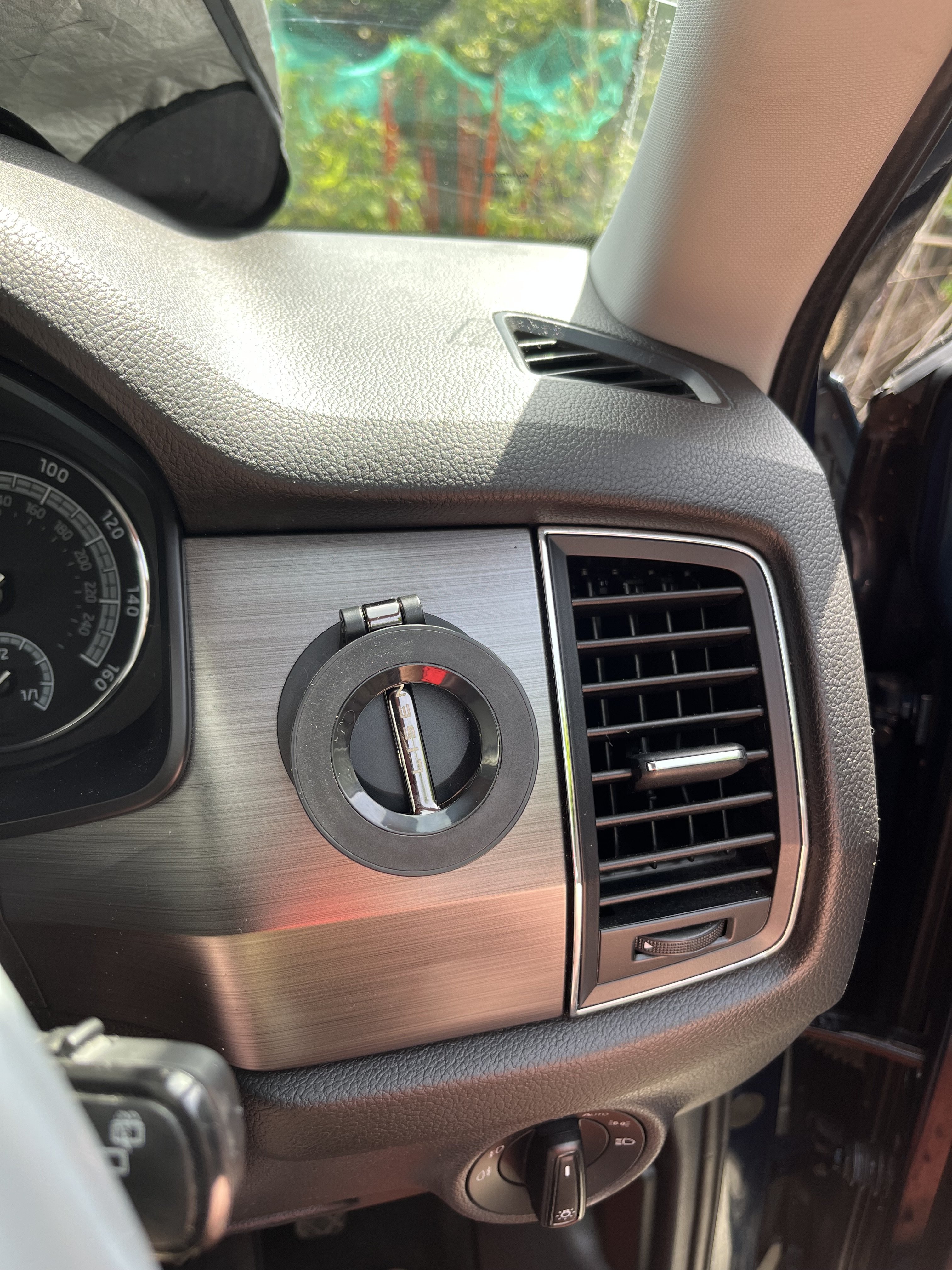
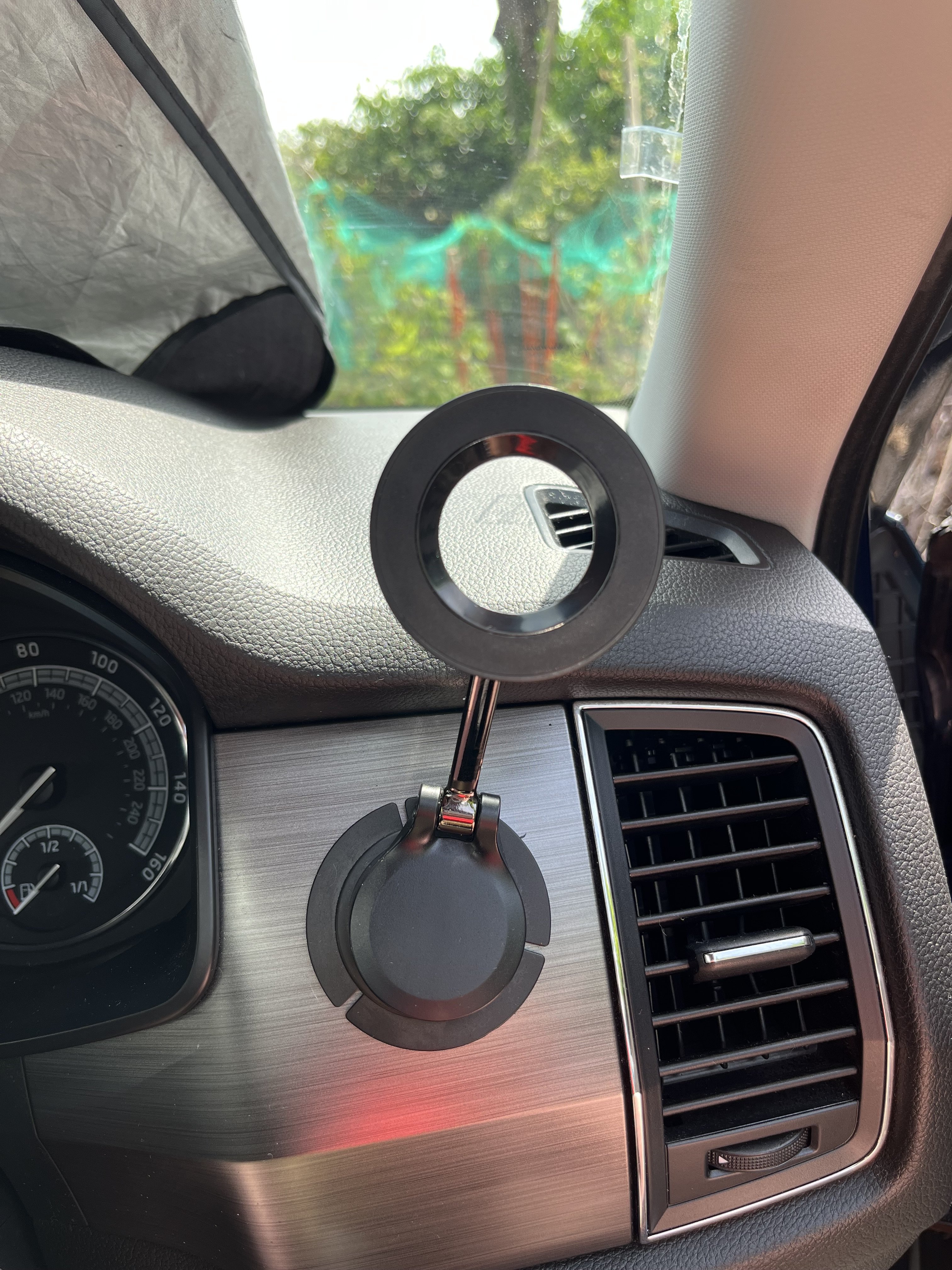
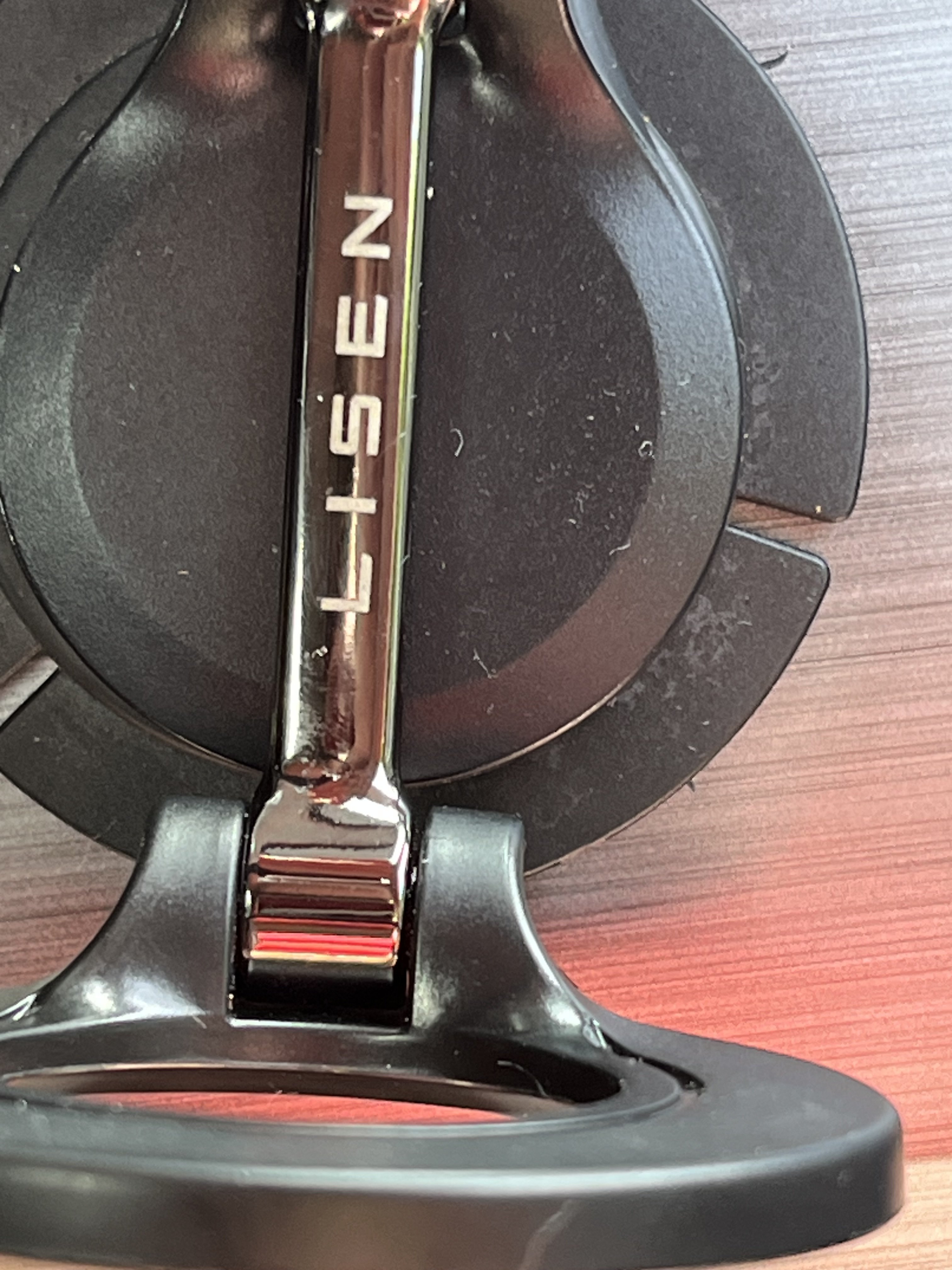
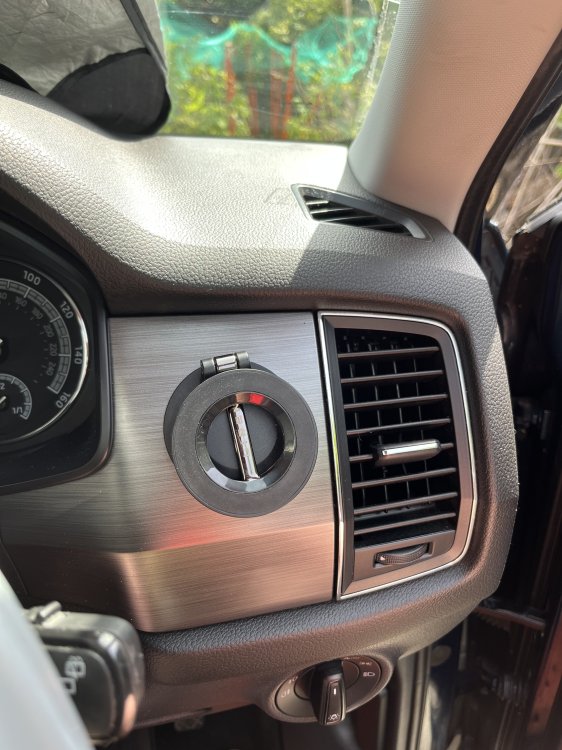
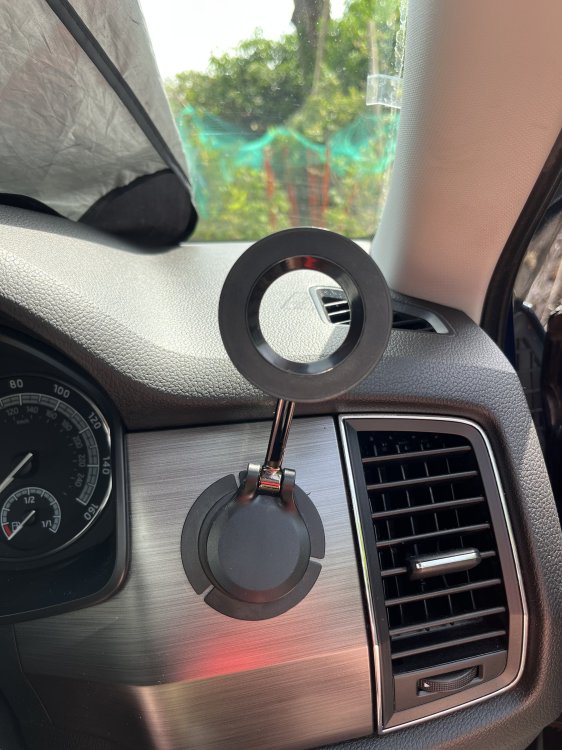
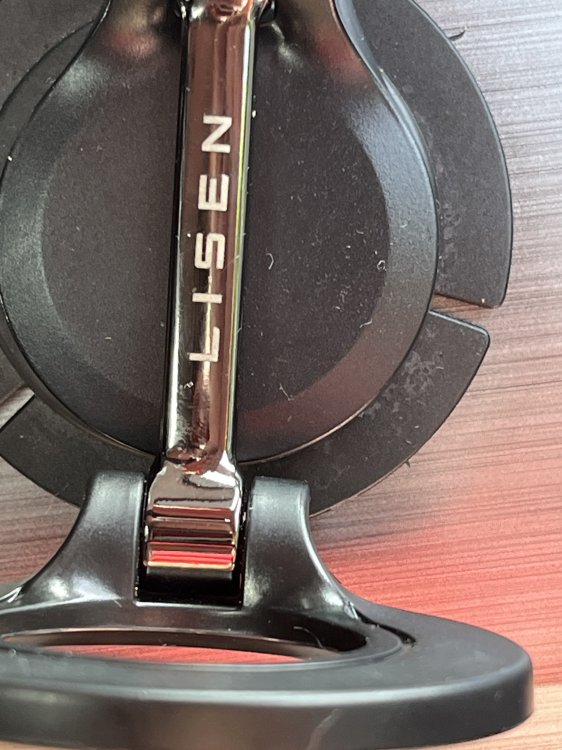
I’ve just bought a used kodiaq and it has a phone mount in that space. It’s a sort of folding stalk with a mag-mount on the end and can be used folded or extended. I took some pics for you. The name on it seems to say Lisen. Sadly it doesn’t charge the phone, just holds it but it does that pretty well.
-
Just been outside to check. There is no sticker so I will try messaging skoda. Thank you for your responses.
-
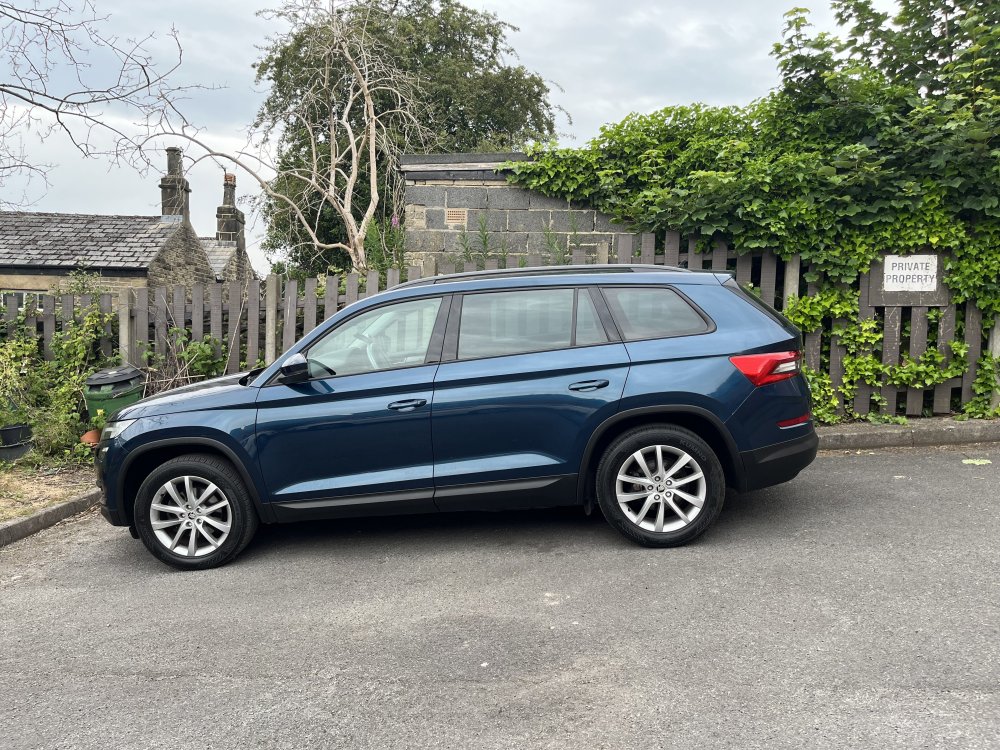
I’ve just bought a 2017 Kodiaq with 2 litre diesel engine, 4x4 and I’m trying to work out how to work everything and what it can do. The user manual covers all variants so I’m never sure what should work or which version of anything I have. I tried a VIN decoder but it didn’t tell me the details I need. I particularly need the engine variant. Can anyone tell me how to find this please?