Skip to content

AdamR04

Finding my way
  • Joined

  • Last visited

  1. Pictures would be great at some point so I can see what 18s an lowering springs look like, I'm sure your set up looks great
  2. Yeah after reading the rest of these replies and with the wonder of hindsight it really isn't a viable option and I'm sure some aftermarket 17 or maximum 18 inch wheels and lowering springs would improve the car much more without making it look stupid, thanks for all your help!
  3. That makes sense, I suppose it would be easier to go for another type then or more realistically some aftermarket wheels, thanks for clearing that up :)
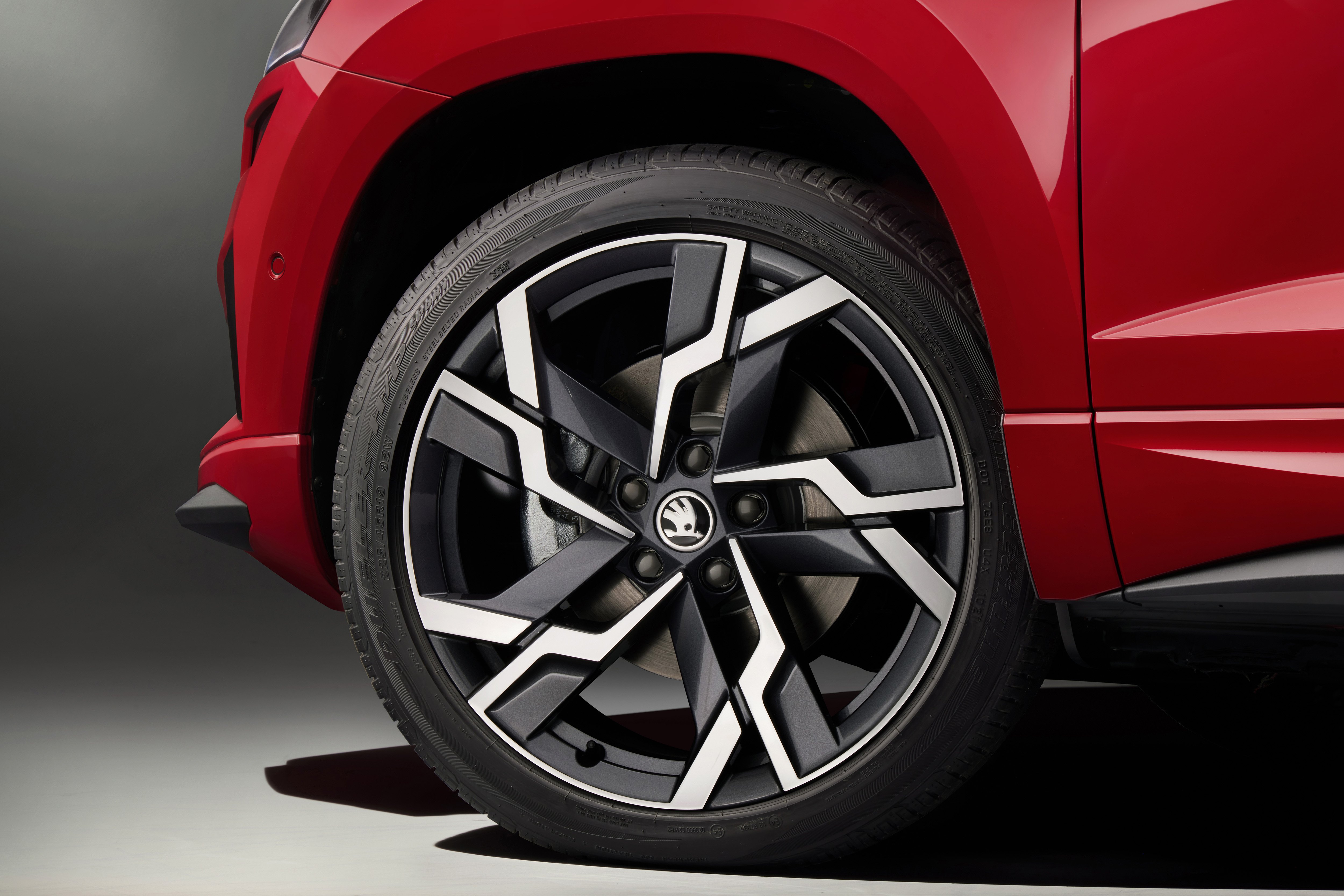
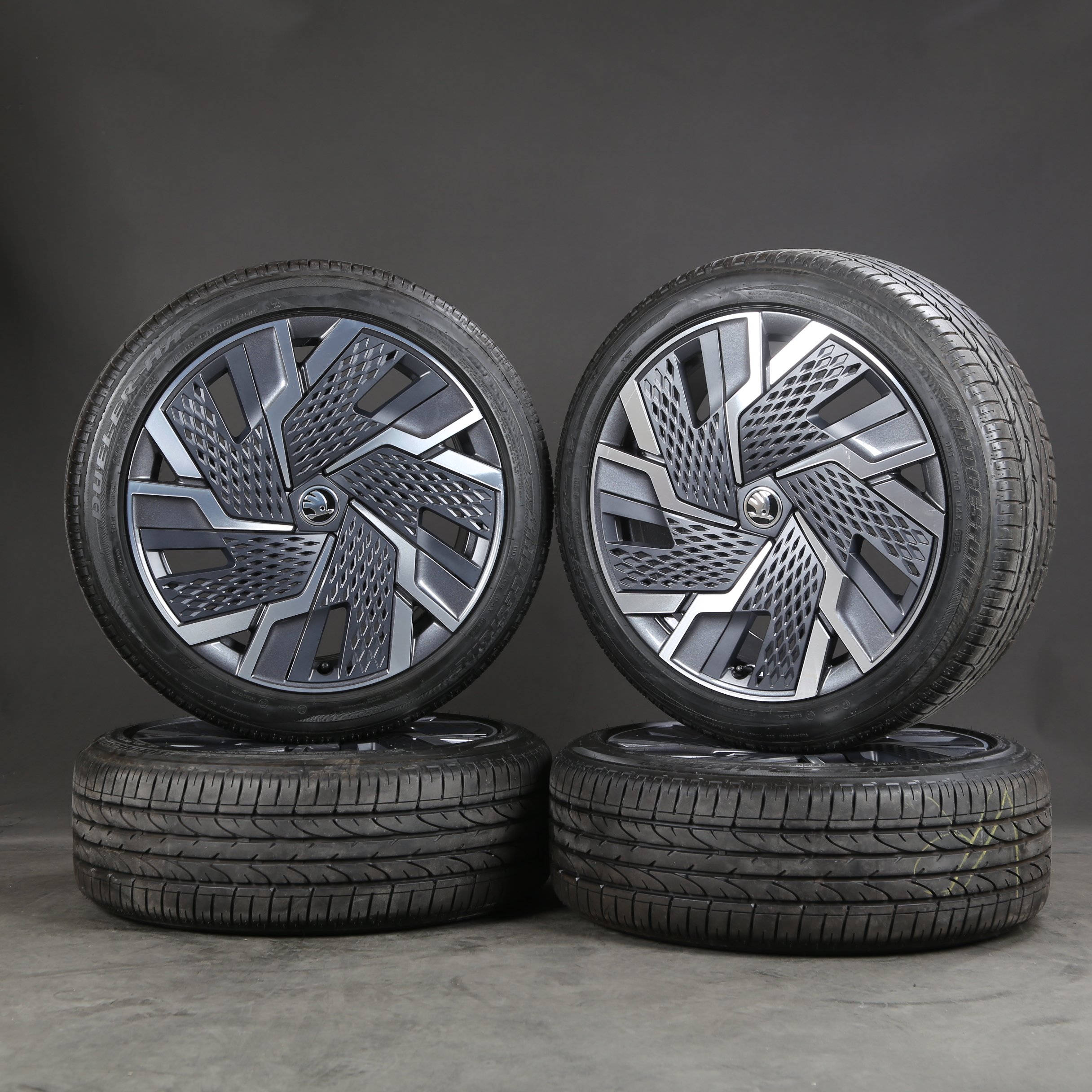
  4. I was actually thinking of more modern Skoda wheels, Namely the 19" Skoda Karow Sagitarius wheels
  5. It's alright, I'm self aware, they're Accelera PHI-R's they're a good price to quality ratio
  6. @Paws4Thot I see, so apart from the obvious inaccuracy of the Speedo and harsher ride, are there other adverse effects?
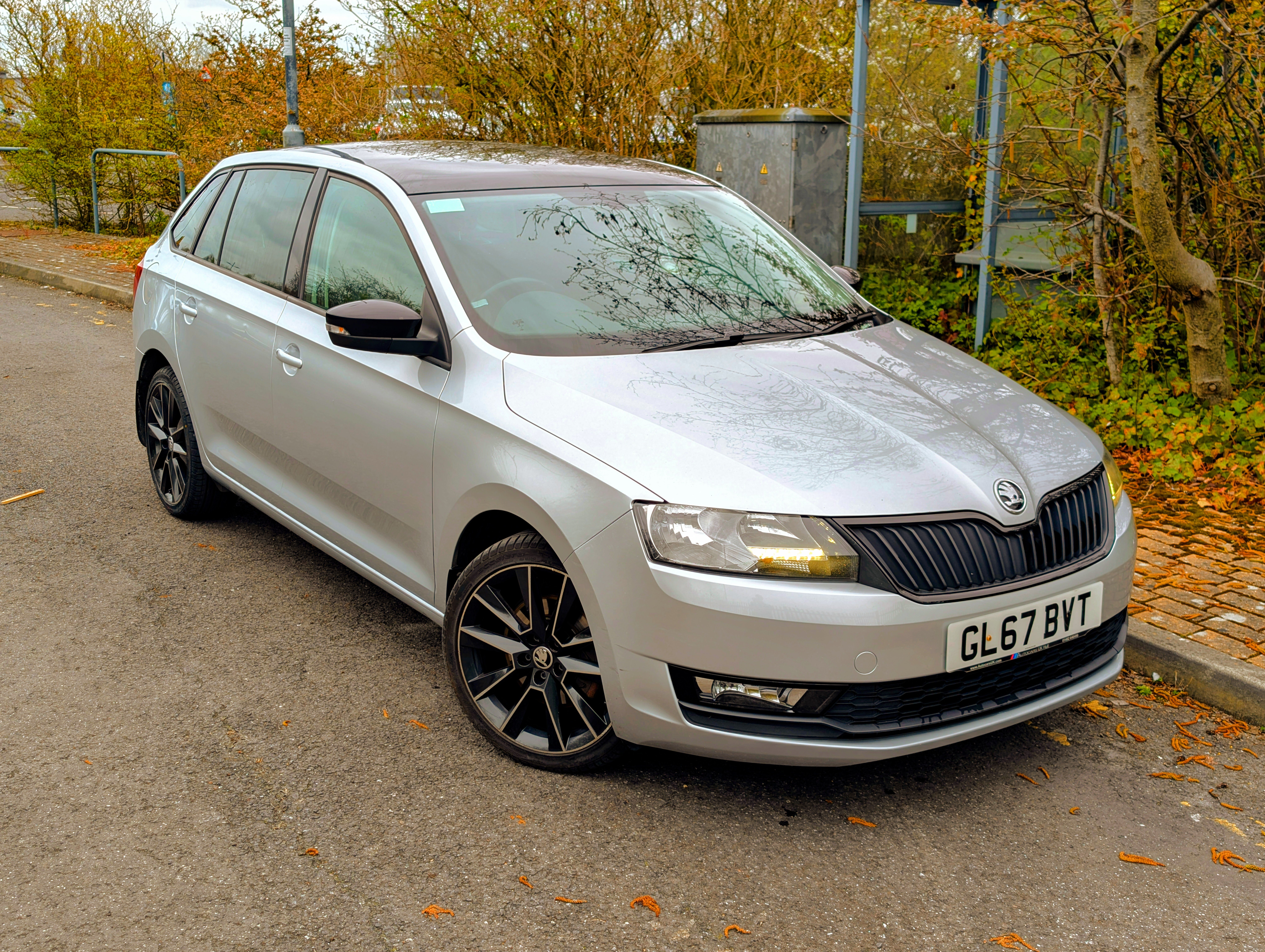
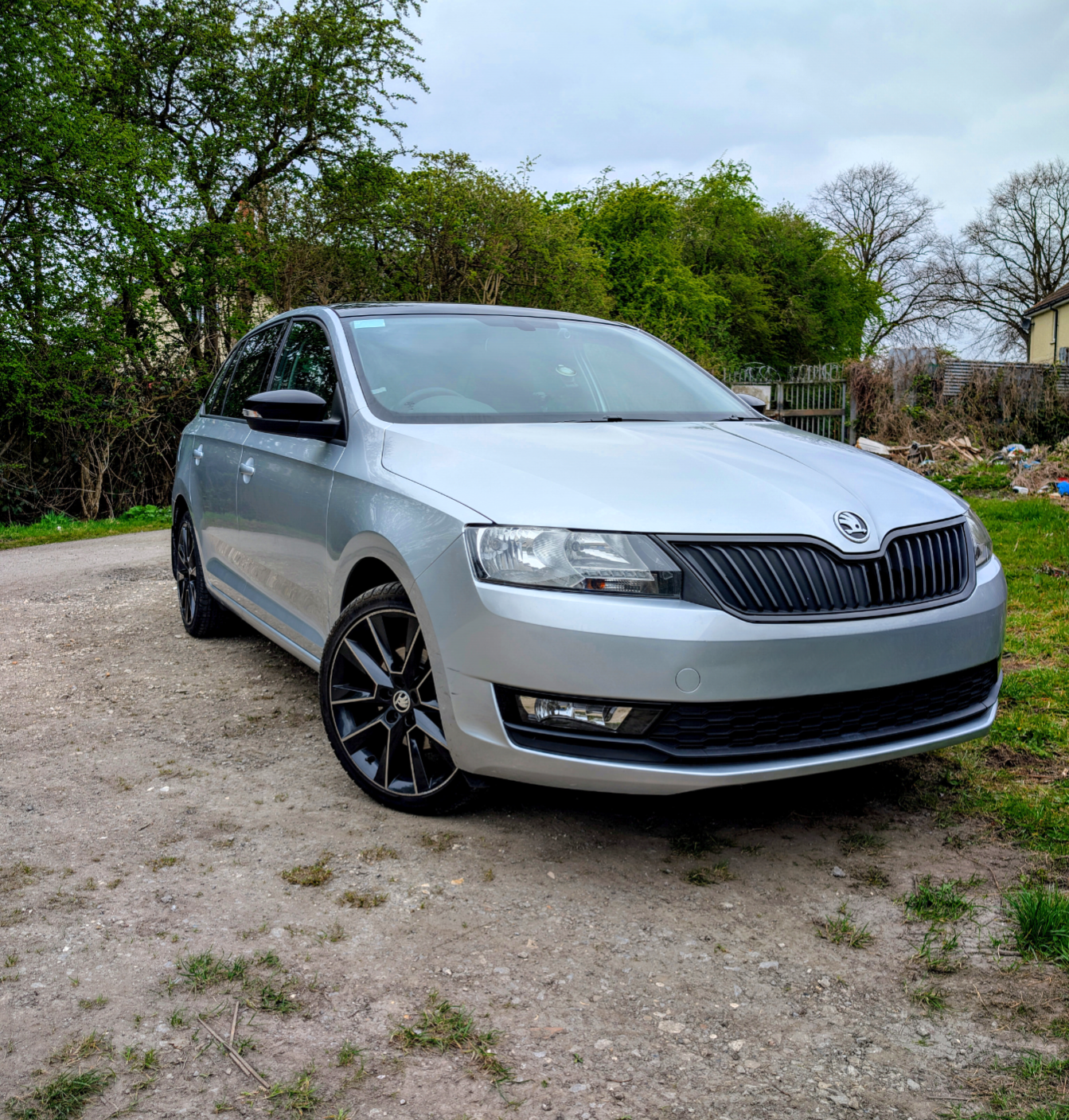
  7. Hi all, I am a new member here but I've used the search function and although there was a thread similar to my query I have different questions. I have a 2017 Spaceback and i'd like to know if going from my current wheel set up of the standard 17x7 ET46 215/40/17 to a considerably larger set up of 19x8 ET45 225/45/19 would pose a great risk of rubbing on any suspension or braking components. My car is otherwise on completely stock suspension and I've always thought even the 17 inch wheels look a bit small in the arches, but on top of the obvious interference concerns, would 19 inch wheels just be too much and look stupid? Any advice or alternatives would be appreciated. Adam.

Important Information

Welcome to BRISKODA. Please note the following important links Terms of Use. We have a comprehensive Privacy Policy. We have placed cookies on your device to help make this website better. You can adjust your cookie settings, otherwise we'll assume you're okay to continue.

Account

Navigation

Configure browser push notifications

Chrome (Android)
  1. Tap the lock icon next to the address bar.
  2. Tap Permissions → Notifications.
  3. Adjust your preference.
Chrome (Desktop)
  1. Click the padlock icon in the address bar.
  2. Select Site settings.
  3. Find Notifications and adjust your preference.