steeds
New here
-
Joined
-
Last visited
-
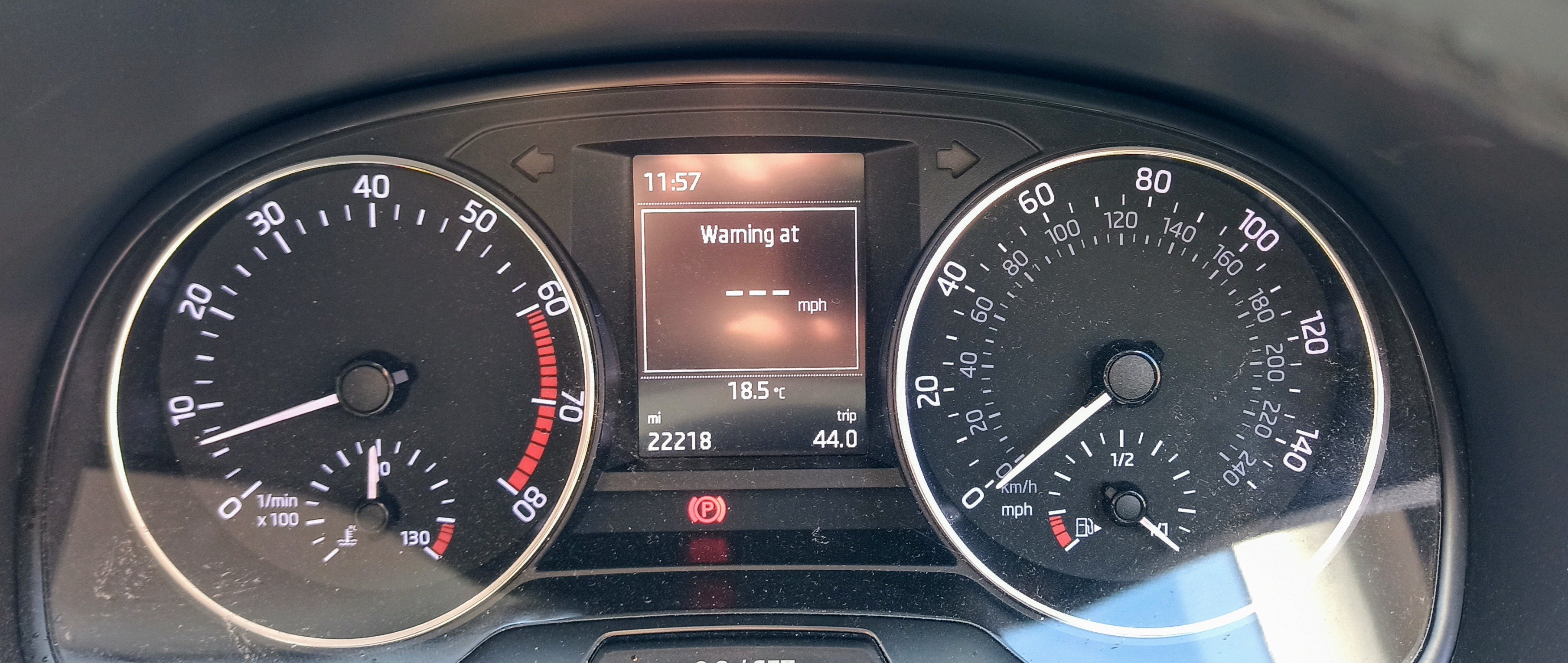
🙂 thanks to all the members who were kind enough to reply to my question. turns out that warrior193 was on the right track with his "Warning at ---- mph notification in the Maxi MFD - that is a prompt for setting a max speed warning, which is accessed via settings in the infotainment system" As I didnt get any manuals with the car, I was quite unaware that it had so many user configurable options, fortunately my son was able to download them from the Skoda site. As somebody who passed his test 60 years ago in a mk1 Vauxhall Viva, you may understand why I'm not a particular fan of all the modern goodies that come packaged with today's cars. Having said that I do like the fabia and find it very easy to drive. I've taken note of the other replies re the battery condition and will have it looked at in case it could be the cause of some of the other random error messages. thanks again to you all 👍
-